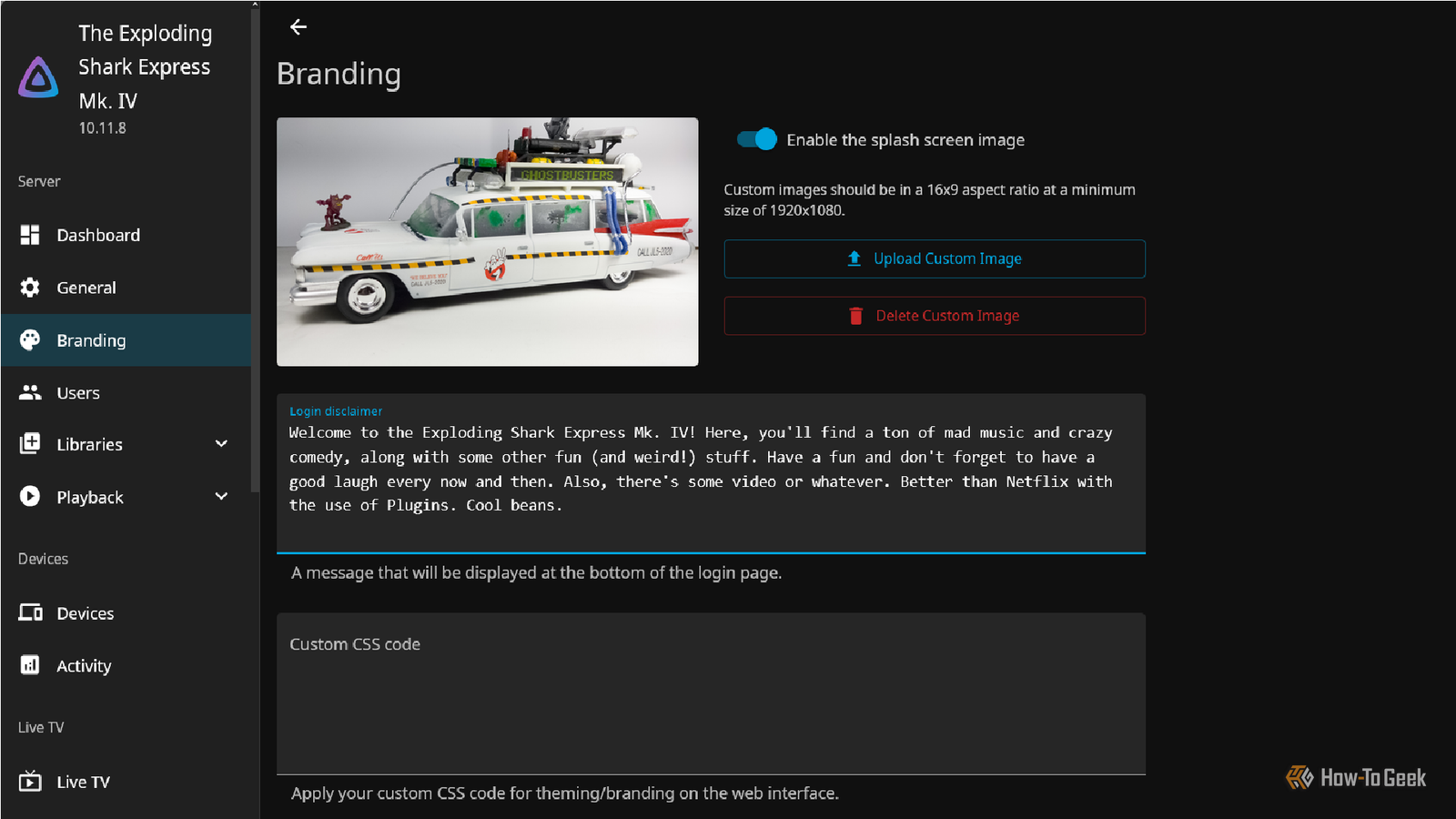
I've really gotten into self-hosting things lately and exploring different options for fun.As a hobbyist, I find it convenient to host my own stuff and fun to have more control over everything I do.I recently switched from Plex to Jellyfin for my media server, and I'm enjoying learning the ins and outs and quirks of self-hosting my own media.
I know I can just pay for a Plex or Netflix subscription, but that's not as interesting to me as working on a project like this.Though I still plan to check out Emby and a few other options down the line, I'm very much enjoying my Jellyfin server (and it is very low/no-cost, which works for my shoestring budget at the moment) when compared to streaming services like Spotify, Netflix, Disney+, and Hulu.There's one reason why: plugins! Plugins make everything smoother, better, and more efficient.
While there are a ton of fantastic ones available, I found eight that really work for me for both audio and video.So today, I thought it would be fun to share them.Related 3 Self-Hosted Services I'm Running in My Homelab and Use Every Day Plus, which ones I'm looking to try next.
Posts 6 By Jordan Gloor Playback Reporting Diagnostics for your self-hosted media I'm the kind of guy who enables "stats for nerds" on YouTube videos.I like to look at my history, habits, and patterns when it comes to music or video.So, the Playback Reporting is a useful feature for me.
It just gives you a six-column overview of everything you've played.It'll tell you how long you've listened or watched, the last known item you played, which client you used, the total number of plays, and your total time.If you want to track your listening and viewing habits, this thing will help, especially when used in conjunction with plug-ins like Trakt.
Quiz 8 Questions · Test Your KnowledgeCutting-edge Jellyfin featuresTrivia challengeThink you've kept up with Jellyfin's evolution? Put your media server knowledge to the test.StreamingFeaturesInterfaceClientsMediaBegin 01 / 8StreamingWhich SyncPlay feature, added to Jellyfin, allows multiple users to watch content simultaneously in sync?AGroupWatchBSyncPlayCPartyStreamDCoViewCorrect! SyncPlay is Jellyfin's built-in synchronized playback feature that lets multiple users watch the same content together in real time.It was introduced to bring a watch-party experience natively into the platform without needing third-party tools.Not quite — the feature is called SyncPlay.It's Jellyfin's native synchronized playback system that keeps multiple viewers in lockstep, complete with play, pause, and seek synchronization across all participants.Continue 02 / 8InterfaceWhat major overhaul did Jellyfin introduce to modernize its web interface in recent years?AA complete rewrite using React and a new design systemBA switch to a native desktop Electron appCIntegration of the Kodi interface as the default frontendDAdoption of Google's Material You design languageCorrect! Jellyfin's web client underwent significant modernization efforts including a shift toward a cleaner component-based architecture using modern JavaScript frameworks.
The goal was to improve performance, accessibility, and maintainability across all browsers.Not quite.Jellyfin has been progressively modernizing its web client through architectural improvements and a refreshed design system built around modern JavaScript tooling.It remains browser-based rather than moving to a native desktop wrapper like Electron.Continue 03 / 8ClientsWhich official Jellyfin mobile client was released to provide a native experience on Android and iOS?AJellyfin TheaterBJellyfin SwiftfinCJellyfin MobileDJellyfin RemoteCorrect! Jellyfin Mobile is the official app available for both Android and iOS, providing a native mobile experience for browsing and streaming your media library.
It has received numerous updates improving playback compatibility and UI responsiveness.Not quite.The official mobile app is simply called Jellyfin Mobile and is available on both Android and iOS.Swiftfin is actually a separate community-developed native iOS client, while Jellyfin Theater is a different desktop-focused client.Continue 04 / 8ClientsWhat is Swiftfin, the community-developed Jellyfin client?AA Windows desktop client built with WinUIBA native iOS and tvOS client written in SwiftCA Linux terminal-based client using ncursesDA Roku channel for Jellyfin streamingCorrect! Swiftfin is a natively built iOS and tvOS client for Jellyfin, written in Apple's Swift programming language.
It was created to deliver a smoother, more native Apple experience compared to the web-wrapped mobile app, with support for features like direct play and native video controls.Not quite.Swiftfin is a native iOS and tvOS application written in Swift, Apple's programming language.It offers a polished, platform-native experience for Apple device users connecting to their Jellyfin server, with better performance than a browser-wrapped approach.Continue 05 / 8MediaWhich subtitle format support was notably improved in Jellyfin to better handle complex typography and styling?ASRTBWebVTTCASS/SSADTTMLCorrect! ASS (Advanced SubStation Alpha) and SSA subtitle formats support was a major focus for improvement in Jellyfin, particularly important for anime fans who rely on complex styled subtitles with custom fonts, positioning, and animations.
Better ASS rendering meant far fewer burned-in subtitle workarounds.Not quite — the answer is ASS/SSA (Advanced SubStation Alpha).These subtitle formats are heavily used in anime fandom for their rich styling capabilities.Jellyfin improved support so these subtitles render correctly in the browser player without needing to transcode them into the video stream.Continue 06 / 8FeaturesWhat hardware acceleration method did Jellyfin add support for to improve transcoding on Intel GPUs?ANVENCBAMFCQuick Sync Video (QSV)DOpenCLCorrect! Intel's Quick Sync Video (QSV) is a hardware-accelerated video encoding and decoding technology built into Intel processors and integrated graphics.
Jellyfin expanded and refined its QSV support to allow users with Intel hardware to transcode media far more efficiently, reducing CPU load significantly.Not quite.While NVENC is NVIDIA's encoder and AMF is AMD's equivalent, Jellyfin specifically improved support for Intel's Quick Sync Video (QSV).QSV leverages Intel's integrated GPU capabilities to handle transcoding tasks, making it a popular choice for home server builders using low-power Intel hardware.Continue 07 / 8FeaturesWhat feature did Jellyfin introduce to allow users to manage and track their media progress across multiple devices?ACross-device bookmarking via external cloud syncBResume playback with synchronized watch state across devicesCA dedicated playlist export tool for Plex migrationDAutomatic media file renaming based on watch historyCorrect! Jellyfin stores playback progress server-side, meaning your watch state — including where you left off — syncs automatically across all your devices and clients.
This lets you start a movie on your TV and seamlessly resume it on your phone without losing your place.Not quite.Jellyfin handles this through server-side playback state syncing, which means your resume points and watch history are stored on the server itself.Any client — whether mobile, TV, or browser — can pick up exactly where you left off without needing a third-party cloud service.Continue 08 / 8MediaWhich major plugin capability was formalized in Jellyfin to allow community developers to extend server functionality?AA Lua scripting engine for custom automationBA standardized plugin API and official plugin catalogCDirect integration with Docker container orchestrationDA WebAssembly sandbox for third-party extensionsCorrect! Jellyfin formalized its plugin ecosystem by providing a standardized plugin API alongside an official plugin catalog that users can browse and install directly from the server dashboard.
This made it much easier for community developers to build and distribute extensions for metadata providers, authentication systems, and more.Not quite.Jellyfin established a proper plugin framework complete with a standardized API and an official in-app catalog for discovering and installing plugins.This opened the door for community contributions like custom metadata scrapers, last.fm scrobbling, and alternative authentication providers.See My Score Challenge CompleteYour Score/ 8Thanks for playing!Try Again Subtitle Extract An easy way to improve closed captioning I'm a little hard of hearing sometimes.
It's just one of the many side effects of being a performing musician and radio guy for so long.I have a tendency to switch on subtitles in everything I watch.Subtitle Extract simplifies this by grabbing embedded subtitles right away.
This makes subtitles appear faster when watching the show without a slight delay.Small, but extremely effective.TMDB Better than IMDB The Movie Database, or TMDB, is exactly what it says on the tin: a user-contributed database for movies.
It contains metadata and other relevant movie information.It reminds me of what IMDB was known for before being acquired by Amazon: a genuinely useful resource.TMDB is not related to the Internet Movie Database or Amazon.
The service is its own thing.and mostly user-controlled.This plug-in helps optimize metadata for your own content and is worth adding to a server.
Trakt Tracking your watch history with ease Trakt is another one of those plugins that has a shocking amount of usefulness in an unassuming package.The Trakt service itself is independent from Jellyfin, but if you have an account on that site, you can keep track of what you watch, which episodes you've seen, and a whole host of useful features for the inner TV nerd in all of us.Setting up Trakt.Tv is pretty simple, and once you've done that, you can link your account to your Jellyfin server using the plug-in.
What I like specifically about it is that I can skip any unwatched imports from Trakt.TV sets show that I want to watch, synchronize my collection, and scrobble to Trakt.tv itself.There's a good amount of integration here that is very useful for tracking my shows.I'm terrible about remembering what I watched and planning what to watch next, so I find it incredibly helpful when I'm in a TV-watching mood.
Related New to Jellyfin? Here's How to Set Up a Custom Theme Make your media server look a little more interesting.Posts By Tim Brookes Transcode Killer A useful tool for preventing transcoding issues Transcoding, which is just a digital-to-digital conversion that lets your server play all your files, can be a bit tricky at times.Let's say you have some older shows or music that's encoded in a lower resolution or is lossless.
Transcode Killer, according to its own GitHub page, is used for "transcoding videos when the source resolution exceeds set limits." It actively kills a session if the media tries to apply transcoding beyond preset limits.That means native playback is basically ensured, and things don't mess up, freeze, or become overloaded.You have to go into your settings, set your resolution limits, and Transcode Killer does the rest.
The main reason to use it is to avoid overloading your system, especially if you're like me and you're experimenting with running your server on a single CPU instead of a NAS.It's simple enough to just go into your settings and make the resolution adjustment.I went with 1920 x 1080 on mine.
MusicBrainz Get your metadata fix for your music Ok, I know this isn't for video, but I wanted to add it anyway.There are two plugins I absolutely love for music: MusicBrainz and Discogs.But MusicBrainz is the best.
What it does is grab the metadata for an album (even obscure ones, like Stefan Grossman's an album I'm not sure why I own).It grabs metadata from the albums from MusicBrainz, itself a massive database built by and for music listeners over the past few decades.It's an invaluable resource.
MusicBrainz's founder, Robert Kaye, sadly passed recently.So in tribute to him, I made absolutely sure I use the MusicBrainz plugin and database whenever possible.It's probably one of the most important music-related databases, and you can choose to replace the artist name with the value on the server in settings if you wish.
That said, there is an active community working to improve the plug-in or create alternatives to it that are worth exploring in the future.Related I replaced Spotify Premium with Jellyfin, and this app sealed the deal Feishin let me bid farewell to Spotify Premium and embrace a new era of music streaming.Posts 6 By Jordan Gloor I like Jellyfin as an alternative to paid streaming services...for now Although I don't watch much of anything (I'm way more of an audio guy), these plugins have significantly reduced the hassle that comes with streaming services.
I would have mentioned Intro Skipper, but I actually enjoy TV theme intros, sometimes more than the shows themselves.Subscribe for practical self-hosting tips and plugin picks Dive deeper by subscribing to the newsletter for focused coverage on self-hosting and related DIY server topics: curated plugin recommendations, metadata and captioning tips, and practical setup guidance to help you improve your Jellyfin and music server Get Updates By subscribing, you agree to receive newsletter and marketing emails, and accept our Terms of Use and Privacy Policy.You can unsubscribe anytime.
With these plug-ins, I can easily track my usage, closed captioning is simple, and metadata just works.I love it.For music, it's even better, although after checking out some reader comments on my last Jellyfin piece, I may give Plex another shot for my radio show archive and use it in conjunction with Jellyfin.
I just like it.As much fun as I'm having with Jellyfin, I'll be giving Emby a shot next, just to see how it compares.Until then, it's off to more adventures in self-hosting and managing my collection.
Jellyfin OS Windows, Linux, macOS, Android, iOS, Fire TV, Roku OS, WebOS, Xbox, Price Free Get started for free Expand Collapse
Read More