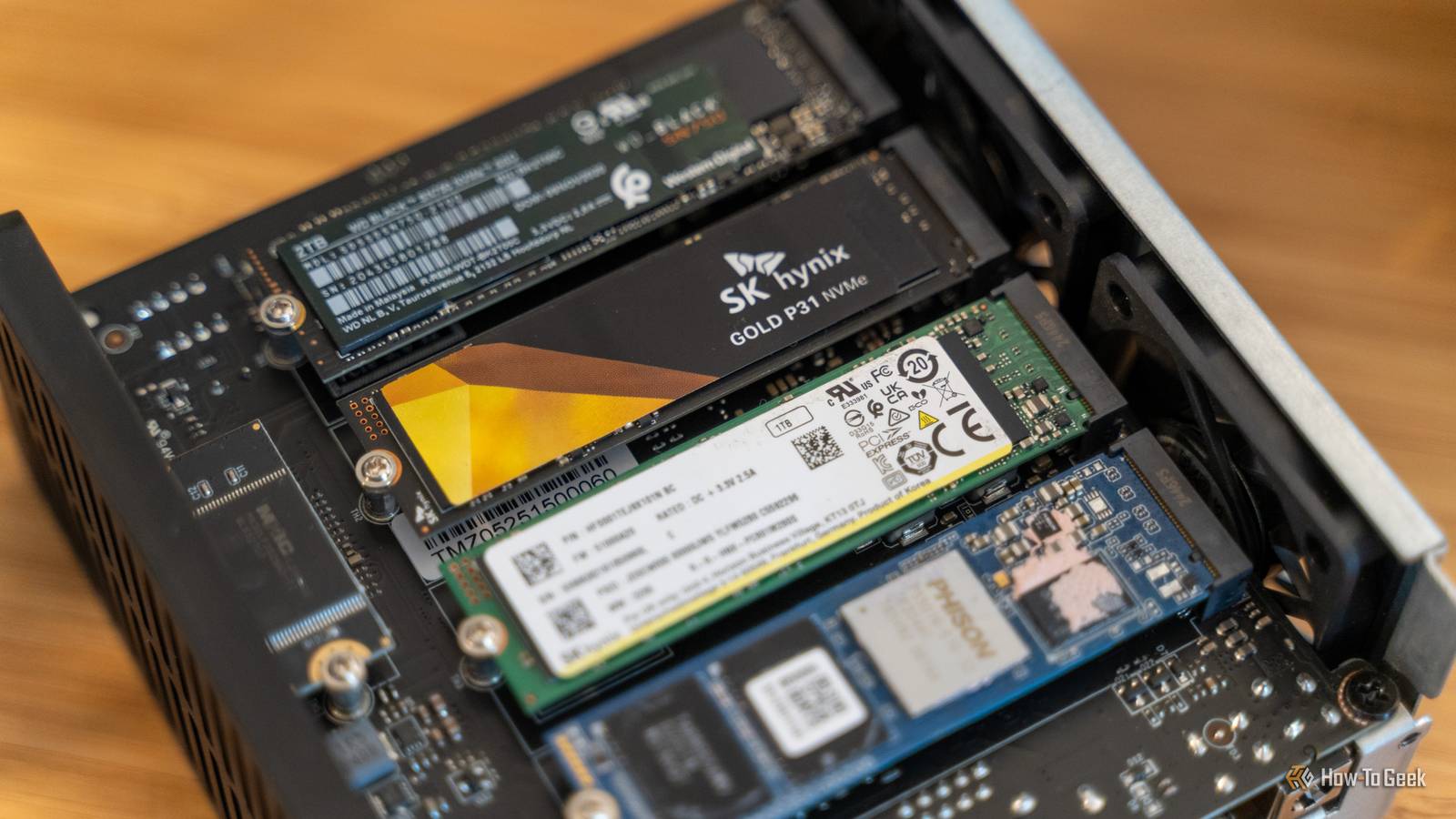
I'm here to bring you news.You probably didn't know, but not only do SSDs have firmware, they actually get updated every so often.Updating comes with both pros and cons, so really, should you? Do SSDs really have firmware? To the casual observer, an SSD appears to be a purely hardware component, a static block of storage that simply holds data until it is needed.
However, every SSD, just like pretty much every piece of hardware these days, is actually a complex embedded system that relies heavily on firmware to function.Firmware is a specific class of low-level software that provides the necessary control, monitoring, and data manipulation instructions for the device's hardware.In the context of an SSD, the firmware acts as the operating system for the drive itself, residing on a non-volatile memory chip within the drive or the NAND flash itself.
It is the essential bridge that allows your computer's main operating system, such as Windows or macOS, to communicate with the physical storage medium.The primary role of this firmware is to manage the SSD controller, which is effectively the brain of the drive.Unlike old mechanical hard drives where data was written physically to a specific sector on a magnetic platter, SSDs must manage data distribution across billions of microscopic NAND flash cells.
The firmware dictates exactly how and where data is written through complex algorithms.It handles critical background tasks that the user never sees, such as wear leveling, which ensures that all memory cells are used evenly to prevent premature failure of specific sectors.Furthermore, the firmware is responsible for garbage collection, a process that clears out stale data blocks so that new data can be written efficiently, and Error Correction Code (ECC), which detects and fixes data corruption on the fly.
Without this highly specialized software running the show, the controller would not know how to organize data, and the high-speed flash memory would be rendered useless.Why should I update it? The primary motivation for updating SSD firmware is identical to the reason one updates a computer's operating system or a smartphone: to fix bugs and improve stability.Because modern SSDs rely on millions of lines of complex code to manage data, it is almost inevitable that the initial firmware shipped from the factory contains oversight or inefficiencies.
Manufacturers continue to test and refine this code long after the product has hit the shelves.A firmware update is the delivery mechanism for these critical fixes.In the past, severe bugs have been discovered that caused drives to crash after a certain number of operating hours, or that led to significant speed degradation over time.
Updating the firmware is often the only way to resolve these potentially catastrophic failures before they result in data loss or system instability.Beyond critical bug fixes, performance optimization is a compelling reason to keep firmware current.Manufacturers frequently discover better methods for handling background processes like garbage collection or TRIM commands.
By refining these algorithms, a firmware update can result in faster read and write speeds, reduced latency, and a snappier overall computing experience.For example, an update might optimize how the drive handles high-queue-depth workloads, making the drive more responsive during heavy multitasking.Compatibility is another significant factor.
As operating systems evolve and new hardware standards emerge, older firmware may struggle to communicate effectively with new motherboards or storage drivers.An update ensures that the SSD remains compliant with the latest NVMe protocols or SATA standards, preventing recognition errors or boot failures.Additionally, for drives that offer hardware-based encryption, firmware updates are essential for patching security vulnerabilities that could potentially allow unauthorized access to the data.
By ignoring updates, you might be leaving your hardware running on unoptimized code that is prone to errors and security gaps.Why shouldn't I? Despite the clear benefits of keeping hardware up to date, the adage "if it isn't broken, don't fix it" holds weight.The most substantial argument against updating is the inherent risk involved in the process itself.
Unlike a simple software patch that can be uninstalled if it goes wrong, a firmware update alters the fundamental instructions on the hardware.If this process is interrupted—perhaps by a power outage, a system crash, or an accidental cable disconnection—the drive can be "bricked." A bricked SSD is essentially rendered inert, unable to boot or communicate with the computer, often resulting in the total loss of access to the data stored on it.Yikes.
For someone with a perfectly functioning drive and no critical bugs listed in the update notes, the risk of catastrophic failure during the update process may outweigh the marginal performance gains.Furthermore, the update process for SSDs is not always user-friendly.While some major manufacturers provide slick Windows-based GUI tools, others still require users to create bootable USB drives, modify BIOS settings (such as switching from RAID to AHCI mode temporarily), or use complex command-line interfaces.
How-To Geek Report: Subscribe and never miss what matters Unlock your tech-savvy potential and master the digital world with How-To Geek.Subscribe By subscribing, you agree to receive newsletter and marketing emails, and accept our Terms of Use and Privacy Policy.You can unsubscribe anytime.
This complexity increases the likelihood of user error, which can lead to data loss.There is also the possibility of "regression," where new firmware introduces new bugs that were not present in the previous version.It is not unheard of for a manufacturer to release an update that fixes one issue but inadvertently causes compatibility problems with specific chipsets or reduces write endurance.
Finally, data safety.While most modern updaters are non-destructive, meaning they keep your data intact, manufacturers universally recommend backing up all data before attempting an update.For those who might lack a robust backup strategy or the time to perform a full backup, the gamble is simply not worth taking.
If the drive is stable, performs well, and is not exhibiting any known issues, avoiding the update eliminates the possibility of turning a working computer into a non-functional one.So just leave it at that.If you're feeling riskier or you can do it without much risk, by all means, go ahead.
Read More