Along with choice and sustainability, privacy is one of the three central pillars of the Open Home Foundation, the non-profit behind the free and open source Home Assistant software.The core of this pillar is the ability to control your devices locally without having to share data with cloud services.If you want to set up an offline smart home, it can be quicker and cheaper than you might think.
Related 5 ways to use a Raspberry Pi with Home Assistant (aside from running your server) It's time to repurpose your old Home Assistant server.Posts 2 By Adam Davidson The cheapest offline setup starts with a good hub A used PC is a solid budget option You can't use Home Assistant without having something to run the software on.There are plenty of options, from a virtual machine running on your laptop to a dedicated device such as the Home Assistant Green.
In the past, a Raspberry Pi was a common suggestion as a cheap device for running Home Assistant.However, as prices have risen with the increasing cost of RAM, it's no longer the cheapest option.A better bet is to look for a used small form factor (SFF) PC, such as a Dell OptiPlex.
You can often find these workhorses on sites such as Facebook Marketplace or eBay for reasonable prices.You may only need to spend somewhere in the region of $50-$60 for a model with 4GB or 8GB of RAM and an i3 or i5 processor, which is plenty to run a modest local smart home.In comparison, an 8GB Raspberry Pi 5 will set you back about $125, and while the power draw may be lower, it's not by an enormous amount.
You can spend a little more for models that include more RAM, more powerful processors, and fast SSDs.These can help to future-proof your setup if you're planning on adding more intensive features further down the line.Home Assistant Green Dimensions (exterior) 4.41"L x 4.41"W x 1.26"H Weight 12 Ounces Home Assistant Green is a pre-built hub directly from the Home Assistant team.
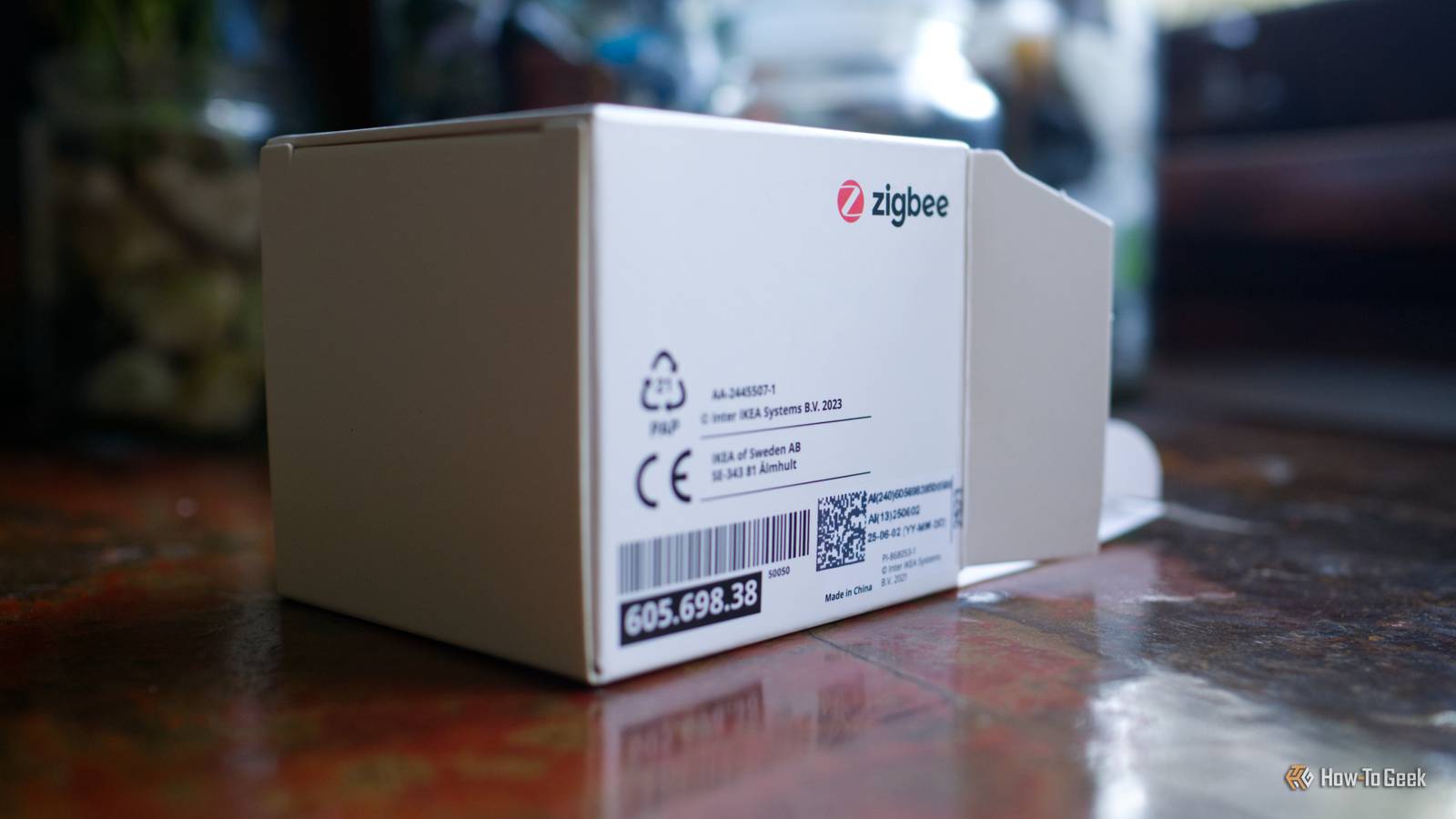
It's a plug-and-play solution that comes with everything you need to set up Home Assistant in your home without needing to install the software yourself. $159 at Amazon Expand Collapse Zigbee is the cheapest way to keep things local No cloud required Currently, the cheapest way to set up a fully local smart home with Home Assistant is to use Zigbee devices.Some Wi-Fi smart home devices can work locally, but many of them will share information with third-party servers.Z-Wave is another good local option, but these devices tend to be a little more expensive.
Matter is the newest kid on the block, and while Matter devices can give you local control, currently, some Matter devices can't match the features that the more mature Zigbee ecosystem can.For example, setting up direct binding with Zigbee devices is currently easier across different brands than it is with Matter, so you can keep using your smart home even if your Home Assistant server goes down.The beauty of Zigbee is that there is a vast array of Zigbee smart home devices and sensors available, many of which can be found for very reasonable prices.
If you're kitting out your smart home from scratch, you shouldn't need to break the bank if you opt for Zigbee devices.You also don't need to worry about installing all the various vendor apps and setting up cloud accounts.You can pair Zigbee devices directly to Home Assistant without any accounts required, so your smart home can be up and running as quickly as possible.
You'll need a network adapter Most computers don't speak Zigbee The one thing that you'll need to use your Zigbee devices is a Zigbee coordinator.Most computers don't include Zigbee adapters by default, and without one, Home Assistant won't be able to talk to the Zigbee devices in your home.This doesn't need to set you back a huge amount, however.
For example, you can buy a Sonoff ZBDongle-E for around $20.If you want to support Home Assistant, the Home Assistant Connect ZBT-2 sells for around $50, with the majority of profits going to the Open Home Foundation.Once you've hooked up a Zigbee coordinator to your Home Assistant server, you can use integrations such as ZHA or Zigbee2MQTT to connect your Zigbee devices to Home Assistant.
You can then control them and communicate with them completely locally over your local Zigbee network without any data having to leave your home.Keep things simple Avoid cloud-based third-party services If your Home Assistant setup only includes the core software, a Zigbee integration, and your Zigbee devices, then you can be pretty confident that everything is working completely locally and offline.No data should need to leave your home network for your smart home to run.
Subscribe to the newsletter for privacy-first smart homes Get privacy-first smart-home guidance by subscribing to the newsletter — practical tips on building local, open-source setups, hardware choices, and keeping data off the cloud, plus broader coverage of related topics.Get Updates By subscribing, you agree to receive newsletter and marketing emails, and accept our Terms of Use and Privacy Policy.You can unsubscribe anytime.
The more integrations and apps you add to Home Assistant, however, the blurrier the lines can become.It's tempting to do things such as adding the OpenAI integration to allow you to use natural language voice commands to control your home, but doing so requires those commands to be processed on third-party servers.The more complex your smart home setup becomes, the more likely that some cloud-based features will slip through the cracks.
If you want your smart home to be fully offline, the simpler you can keep it, the better.You may also be able to find alternative ways to reproduce features from cloud-based services.For example, instead of using Spotify to play music in your smart home, you could play your own local music files using Music Assistant instead.
You'll then still be able to play music even if the internet is down.A good smart home doesn't have to rely on the cloud Cloud-based smart home services offer convenience at the expense of privacy.You don't need to use cloud devices to have a good smart home, however.
You can build a fully local smart home reasonably easily without having to break the bank.
Read More