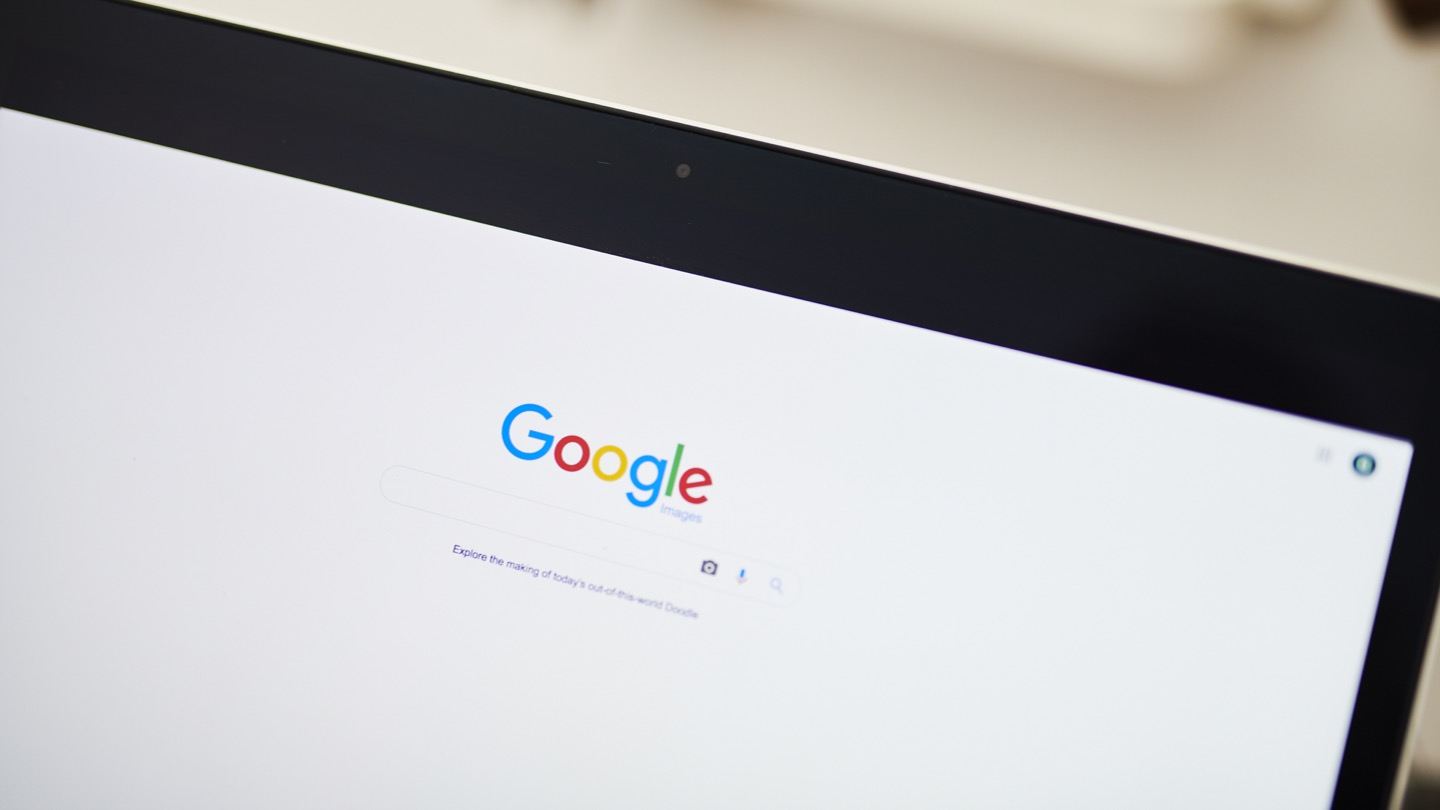
Jump to What data does Google have on me? How to check what data Google has about you How does Google get information? How to limit what Google collects What you can do next What information does Google know about me? A detailed report on Google data collection found that Google could be collecting information about you continuously.Even if you only use Gmail or Google Chrome, as opposed to the entire suite of Google Workspace services, Google is still able to gather much more info about you than you’d expect.Many users believe that clearing their caches, deleting cookies and eliminating browsing history can provide some control over their privacy.
However, Google is collecting information that goes beyond Google Maps, Google searches, Chrome browser use and YouTube views.The report found that background data collection is now double the amount compared to data collection of active users engaging with Google and YouTube services.In addition, an Android device installed with a Chrome browser sends the device’s location data to Google 340 times in 24 hours.
It’s far more than the amount of data collected from an iOS device, but it makes sense when you consider that Google owns Android.What data does Google have on me? Google collects data by using your online activity from any web-enabled device (cellphone, tablet, smart watch, etc.) and cookie-tracking technology, in which small files, or cookies, are stored by your web browser to track and analyze your movements around the web.Select each tab to see how Google collects data in different ways: How to check what data Google has about you If you’re concerned about the amount of information Google has about you, there’s no need to panic.
You can manage or delete much of this data through your privacy settings in just a few simple steps.Check out what Google knows about you already by logging in to your account profile.You can also access account settings from Gmail, by selecting your profile picture in the upper-right corner, then “Manage your Google Account” On the left-hand side, click on the Personal info section of the main menu to see basic info like your name, date of birth and email addresses on file In the Data & Personalization section under the Activity controls, you’ll find all data stored for your profile categorized by the Google services you frequent Click on any section to view more details on what’s already been recorded How does Google get information from you? Google services, direct input (from yourself) and third-party sites are the three primary pathways Google uses to collect your personal info.
Find examples of Google’s data collection methods by expanding the sections.Google services Google Chrome (web browser) Gmail Google Maps Google Workspace* Google Gemini (AI assistant) Google Home products** Google-owned apps (e.g., YouTube, Fitbit, Waze, etc.) Direct input Search queries (what you Google) General web browsing (clicking links, videos, etc.) Voice searches (e.g.,“Hey Siri”; “Hey Google”) Clicking on ads Reviewing or rating businesses/products online Setting up online account profiles Third-party sites & apps*** Retailers or e-commerce sites that use Google Ads or Analytics services Blogs, news or nonprofit sites that use Google or Analytics Delivery or ride-sharing apps that integrate Google Maps or Waze *Includes Google Drive, Google Docs, Google Sheets, Google Slides, Google Meet, Google Chat, Google Calendar, Google Forms, Google Sites and Google Keep.**Includes smart speakers, Nest thermostat & doorbell, etc.***Google doesn’t publicly disclose a list of all their third-party partners.How does Google use the information it gathers? By gathering data from website cookies and your IP address, along with GPS and Wi-Fi info, your digital presence is quantified and analyzed to create personalized and targeted ads or modify services. Though it might sound a little unsettling at first glance, a lot of info is used to improve your online world.
For example, these insights can: Help your bank protect you from fraud by flagging unusual login locations or shopping activity Allow for two-factor authentication to keep your accounts secure Let companies see which website features people actually use or spot and fix bugs faster Does incognito mode work? Browsing the web in incognito mode hides browsing history.Your activity won’t show if someone goes into your Chrome browser to view your history.However, everything you’re doing may still be visible to your internet service provider or the company’s pages you’re surfing.
They can still collect data on what you’re doing, even if you’re in incognito mode.How to limit what Google collects It’s safe to say that Google can extract a good bit of information from the services you frequent.Luckily, there are ways to opt out of sharing so much with the tech giant if you know where to look.
Edit your privacy settings According to Google, all data collected is only to help make their services more useful to you.But if you’re willing to take a hit in quality for the sake of privacy, you can update your settings and delete stored data by accessing Google settings in your browser: Disable any collection settings via the Data Personalization menu Stop data collection altogether by disabling Web & App Activity across all Google services Pause tracking on certain platforms like YouTube or stop specific forms of data from being used to inform ads (your location history, for instance) by adjusting those options from your Google account settings (and/or within the settings of the specific app) Other ways to upgrade your online security Update your internet plan to include security features, like AT&T ActiveArmor Use web browsers that don’t track or collect data like Brave or DuckDuckGo Set up additional parental controls through your internet service provider or Wi-Fi router settings What you can do next If you’re a Google user, there’s a good chance some of your personal data has been collected, but the good news is, you’re in control.First, check your Google account settings to determine exactly what Google has collected, then adjust your privacy preferences and consider other online security measures like VPNs. For more information on protecting yourself online, check out these other online safety resources: Online safety guide: Protect yourself from cybercrimes How to keep kids safe online: State-by-state children internet protection laws Parental controls on cellphones: Worry-free guide to your kids’ first cellphone What to read next Read more Featured How to actually get reliable internet while traveling (even off-grid) Camryn Smith — 4 min read Featured Learn how to manage your internet browser history Robin Layton — 4 min read Featured Internet and TV bundles are the most popular, survey shows Camryn Smith — 4 min read Latest Tuesday, August 11, 2026 What does Google know about you? Here’s what you need to know Lisa Iscrupe — 5 min read Tuesday, August 11, 2026 Can your internet survive every season? Here’s how to keep your Wi-Fi weatherproof year-round Camryn Smith — 5 min read Tuesday, August 11, 2026 How to get internet without electricity in 2026 Camryn Smith — 6 min read
Read More