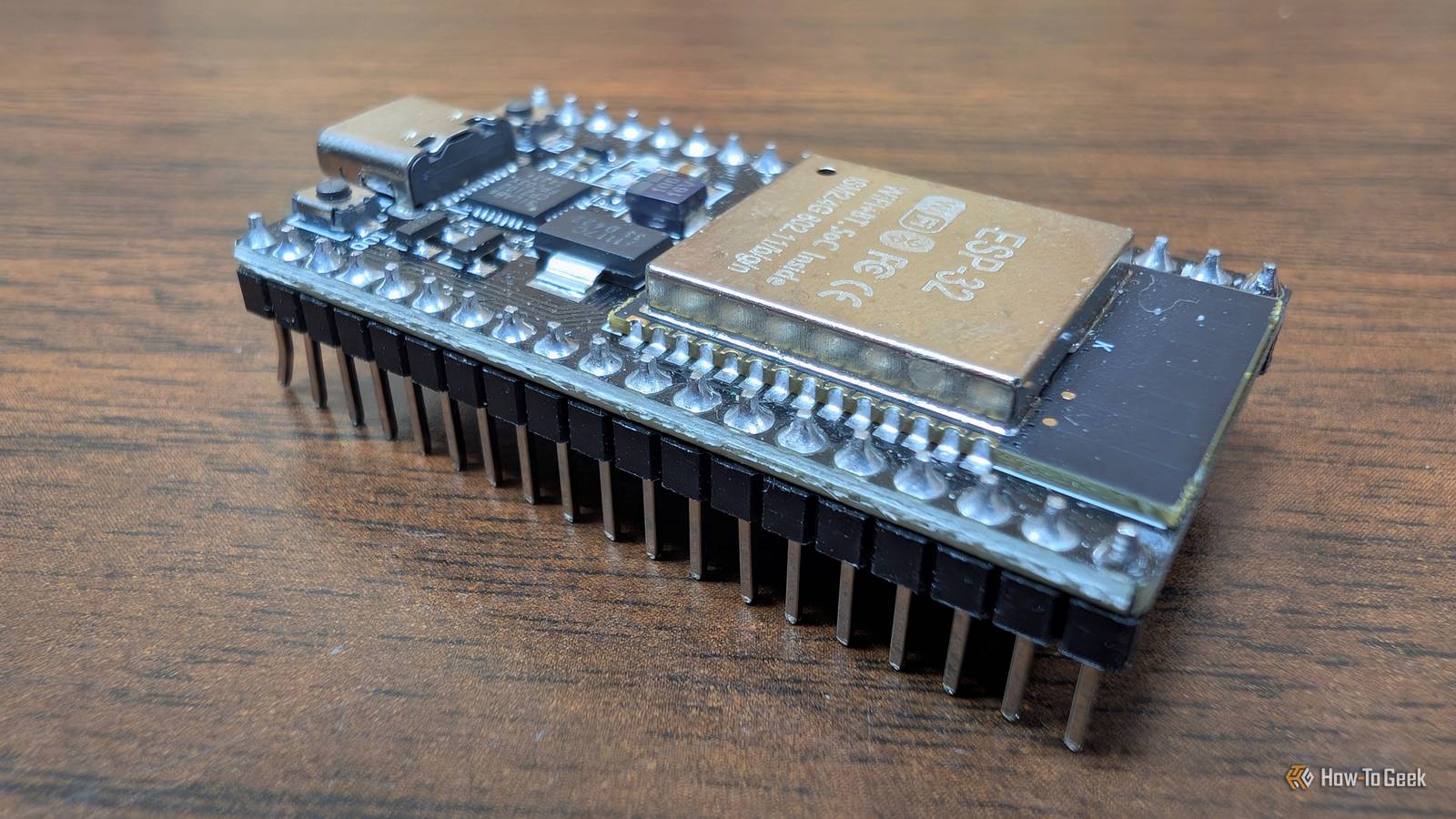
When I first purchased an ESP32, I started with the hardest tools and only discovered the easier tools later.That led to a lot of unnecessary frustration, since most problems you'll encounter while working on ESP32 boards already have solutions.They're just not in one tidy place.
I almost gave up on ESP32 completely.Thankfully, I found these 5 tools.ESPHome YAML becomes firmware automatically Close ESPHome is a YAML-to-firmware tool.
Rather than write C++ or other microcontroller code, you just write out which board you're using, what pins and sensors you want, and ESPHome handles the rest.YAML files are a bit like writing pseudocode and having someone else write the tedious firmware.ESPHome has hundreds (maybe more) of components and integrates with Home Assistant's API seamlessly.
It is a fantastic option for anyone working on an ESP32 project, but it really shines if you're building a smart home sensor or device that will integrate with Home Assistant.The only limitation I've encountered with ESPHome is the simplicity.Sometimes you need a complex function that a YAML file just can't express.
In those situations, you can include small bits of inline C++ code.ESPHome now has a dedicated desktop app that I'd recommend.Alternatively, you can run the ESPHome Docker container or the Home Assistant ESPHome app.
Once you have ESPHome set up, all you need to do is paste in starter YAML for your board, and flash once over USB.After that, everything can be done wirelessly.esptool The command-line flasher from Espressif esptool is the Python utility used for reading, erasing, and writing flash memory.
You can also use it to get chip information, like chip type, flash memory size, and MAC addresses.I don't use esptool all the time, but it is helpful when a web installer breaks and it isn't clear what has gone amiss.There are a few commands I find myself using frequently.
Foremost among them is erase-flash when I inevitably break something.flash-id write-flash read-flash Read-flash is handy when you need to back up existing firmware from a board you overwrite it with your own.The only slight downside is that esptool is a command-line tool that can be pretty dense, but it is worth having around when more user-friendly tools fail.
Tasmota Pre-built firmware with a web UI instead of code If you don't like code or even YAML files, try Tasmota, a pre-compiled binary that lets you configure your ESP32 board with a user-interface.It has a healthy number of templates to make getting started easier.It also allows scripting, which gives you the ability to add specific logic to a project without compiling (or recompiling) the entire thing first.
You can flash it via a web installer, then apply a template from the repo.WLED If you want to work with LEDs, get WLED WLED is purpose-built firmware to make working with addressable LEDs easier.It has more than 100 effects and palettes.
You can control it from a web UI, a mobile app, over MQTT, and some professional lighting software.Switching to WLED from manual LED code will usually save you time, since there is probably already a present that does what you want.You don't need to work through the code and math by hand; it is basically click and go.
Related 5 ESP32-powered WLED lighting projects to make this weekend (Aug 7 - 9) Brighten up your weekend.Posts By Tim Brookes If you're going to use WLED, make sure you use compatible LED strips or controllers.The WLED website has a handy reference table you should check before making a purchase.
pioarduino Power tools for complex custom projects When the user-friendly tools won't do and you need something more sophisticated, I'd recommend pioarduino (a PlatformIO fork).pioarduino is a VS Code extension that allows you to manage libraries and tools on a per-project basis.Because each project specifies the libraries and tools, you can be confident it'll build the same way on any PC.
I wouldn't recommend this tool for your day-to-day projects unless you need it.Stick to the easier tools for most things, and only use the more complex tools once you're writing or vibe-coding your own custom firmware.ESP32 is better with the right tools ESP32 projects can seem daunting.
The lengthy discussions of firmware, flashing, and different interfaces you see online don't help.The right tools make all the difference in the world.When I first started out, I used the hardest tools first, which was a critical mistake.
Tasmota, WLED, and ESPHome make getting started easier, and I'd recommend that anyone curious about ESP32 projects try those first.You can do a million things with ESPHome and a YAML file without ever needing to write a single line of code.If you want a first project, try building a small sensor that connects via Wi-Fi on a $5 board using ESPHome.
You can have it running in 30 minutes, and the next one will only take 10.
Read More