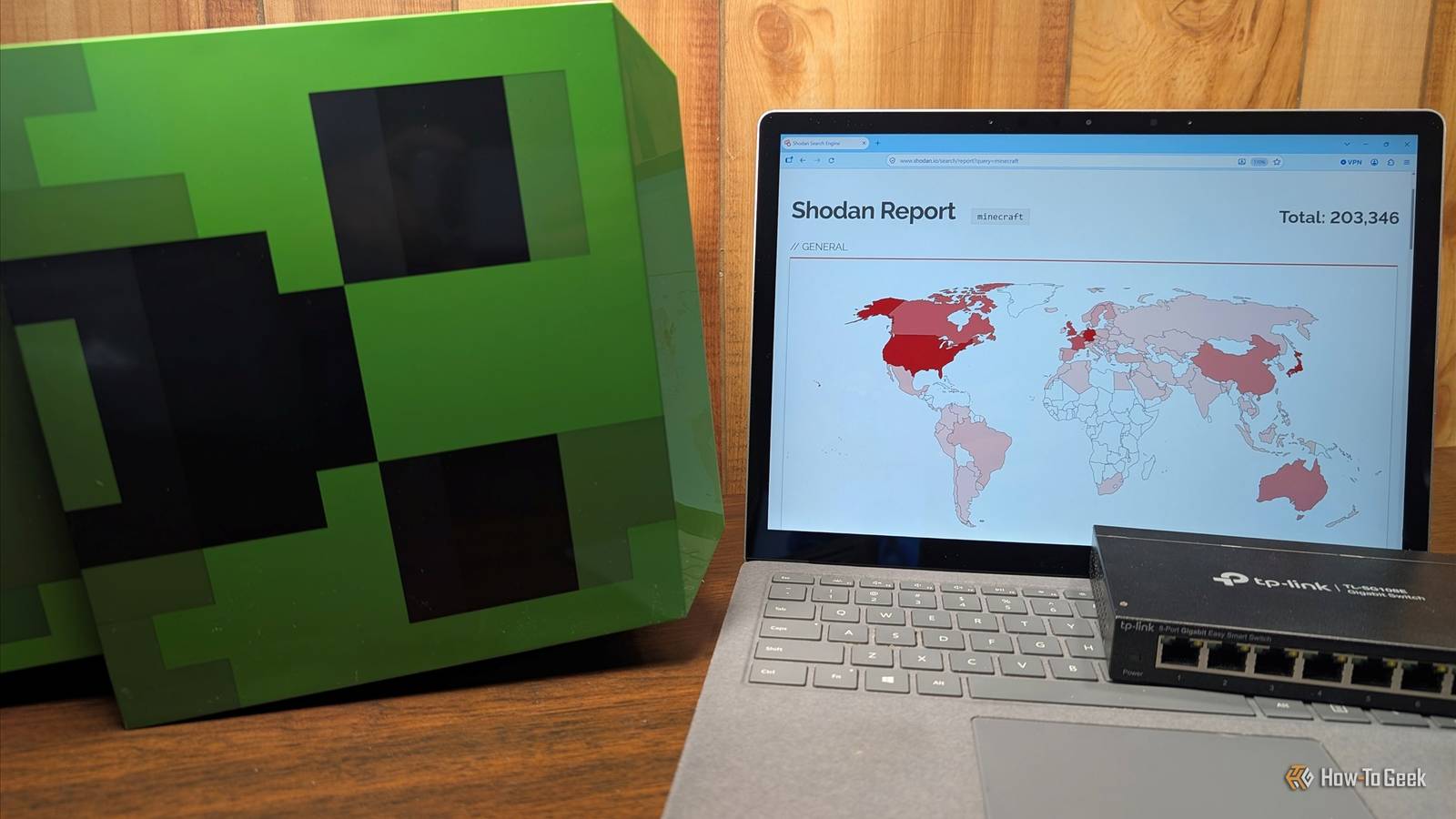
I recently forwarded TCP port 25565 on my home router, so a few friends could join a Minecraft Java server.I didn't think much of it until my home IP address appeared on Shodan with the server's specific details listed.Opening a port isn't automatically dangerous, but you have to realize that doing so makes that service visible to the entire world, not just the friends you sent the IP to.
If you're going to host something at home, you need to understand how these services are discovered and how to protect yourself.The "hacker search engine" found my port in about an hour Shodan constantly scans the internet and indexes everything Close Shodan works a bit like a search engine, except it indexes internet-connected devices rather than websites.It records open ports, service banners (if any), software versions, and location data for each device it logs.
In my case, Shodan happened to spot the Minecraft server port in less than two hours.Shodan says their site covers the entire internet about once a week; to have found my server so quickly is basically luck, but it also means it However, what it reveals is quite interesting.A Minecraft server is particularly "chatty." The server list ping returns the game version, the Message of the Day (MOTD), player counts, and sometimes even the names of online players.
Shodan is just one service, and a benign one at that.Plenty of other apps and sites are specifically malevolent, and deliberately look for open ports because it indicates a potential target.Check what the internet can see about your IP You should look up your own public IP on Shodan’s host page to see what is currently visible.
Shodan’s free InternetDB lookup lists open ports and known vulnerabilities for an IP, though it only refreshes weekly.If you want real-time alerts when new ports appear, you can use Shodan Monitor, though that requires a paid membership.You should also check your router for UPnP, as UPnP allows apps and consoles to open ports without your knowledge.
An open port is a real risk An open port exposes whatever software is running When you open a port, you're deliberately exposing your server and a specific program to the Internet so that people from the outside can connect.Unfortunately, that also means that program can now be attacked.Software flaws are a huge security concern.
For example, in 2021, the Log4Shell vulnerability gave attackers the ability to execute code on unpatched Minecraft servers just by sending a chat message.That specific bug required someone to actually be connected to a Minecraft server, but that isn't always the case—-sometimes the attack only requires the service to be exposed.Because you run everything on a PC inside your LAN, a compromise isn't just a compromised Minecraft world—they could conceivably use it as a springboard into your LAN to attack devices on your network.
Whether you're running a Minecraft server or some other Internet-facing service, there are a few things you can do to minimize your exposure.Getting your server on the internet Lock down the server itself as much as possible Regardless of what service you're hosting, you should lock it down as much as possible to minimize attack avenues.If the service you're hosting has the ability to use an allowlist system—where only people specifically added can connect—that is generally safer than the opposite setup.
You should also run Fail2ban, which automatically blocks any IP that repeatedly fails to log in, to protect yourself from brute-force attacks.There are a few other changes that are worth making: Disable password-based SSH logins and switch to SSH keys.Disable root login over SSH.
Run the server as an unprivileged user or in a container rather than as root (or admin).Skip port forwarding entirely If you want to further reduce your risk, you could skip port forwarding entirely.By using a VPN like Tailscale, WireGuard, or Zero tier, your friends can connect to your private services without exposing each service to the web.
Scanners like Shodan show nothing, because there is nothing to find.Related I tried Cloudflare Tunnel, Tailscale, and WireGuard for remote access—this self-hosted hybrid won me over The obvious answer worked fine but the less obvious one was much harder to give up! Posts 5 By Umair Khurshid This is my preferred method for connecting to my home lab in general because it is reliable and significantly easier than managing a reverse proxy.Alternatively, you can use tunnel services like playit.gg.
These provide a public address without requiring you to open router ports, which hides your home IP.Updates, updates, updates Anything you expose to the internet should be updated regularly to fix vulnerabilities as they're discovered.In a world increasingly dominated by AI threats, it is more important than ever.
Assume every open port will be found Shodan found my server in less than an hour because that is what it is designed to do.It could have taken an hour, a day, or a week, but it was pretty much guaranteed to happen.You should assume the same is true of any port you open.
So long as you take the appropriate precautions, you can manage the risk.If you self-host anything, you should look up your own IP on Shodan to see what is visible to the wider internet.
Read More