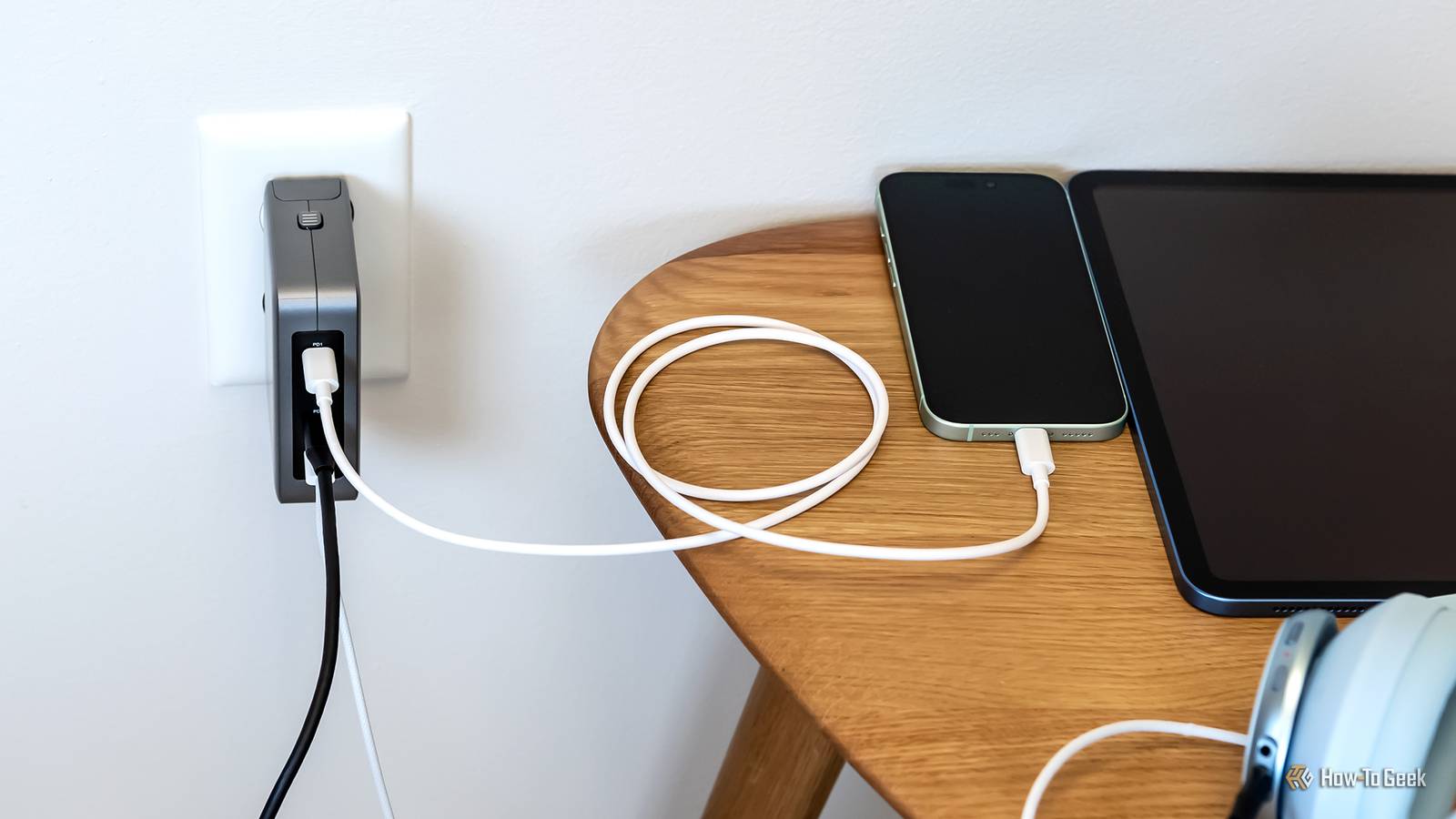
Except for a few stragglers that are still getting updates, the world of smartphones has effectively transitioned to USB-C.This is a good thing, don't get me wrong! But it does highlight an issue with the USB-C connector itself and how it's implemented.Every time you plug a new USB-C cable into your phone, you don't actually know how well it will work.
Why? Isn't it all the same? Sadly, I have the privilege of pulling back the curtain for you.Charging standards are all over the place Can't we all just get along? Close There is a standard set of power specifications for USB itself.Any USB connection must support those at a minimum for that version of USB.
This means that you'll always get some amount of power from a USB cable and port if you plug in your phone.Unfortunately, the amount you get might not be enough to prevent the phone from draining its battery, or it will charge so slowly that you'll be there all week.The closest thing we have to a core universal standard for USB-C is USB PD (Power Delivery), which offers usable wattages and can negotiate how much power to send to your phone by asking the phone what it can handle and then settling on the best the charger can provide.
But phone makers like to use charging speed as a selling point, and if everyone just used USB-PD, then there would be nothing to differentiate one phone from the next.So you get "super" fast-charging standards all over the place, which only work if you have a very specific charger and cable to use with that phone.The problem is that while these phones usually still support USB PD, some manufacturers don't support the fastest level of PD they could.
Choosing to focus on the proprietary charging standard of their choice instead.So, while your phone charges at blazing speeds using the charger you have at home, the average generic USB-C charger will be much slower.USB data speeds range from ancient to cutting-edge USB is HOW old?! Close The phone you see above is the 2025 iPhone Air.
As you can see, this slick modern phone, filled with cutting-edge technology, almost indistinguishable from magic, is equipped with a USB-C port.Surely, this port has to be packed with all the bells and whistles USB-C can accommodate? Not like us poor Android plebeians who might get a cut-rate experience, the Apple faithful would never accept.Nope, that's just a USB 2.0 port, with a maximum theoretical data transfer speed of 480Mbps.
At least it supports decent charging rates, but even some premium phones cut corners on the rest.Presumably, Apple expects most people will never transfer data over a cable.Which means if you take high-quality video footage or photos, you're going to be using Airdrop or Wi-Fi to get the job done.
It's not just the niche Air model either; the non-Pro iPhone 16 and 17 were also saddled with USB 2.0.Even laptops can't escape this, since the MacBook Neo, which uses an iPhone board, has two USB-C ports next to each other, where one is plain USB 2.0.This just underscored that a USB-C port just doesn't mean anything by itself, even from a "premium" brand like Apple.
MacBook Neo (A18 Pro) Storage 256GB, 512GB Ports 1x USB 3, 1x USB 2, 3.5mm Headphone Jack The MacBook Neo with the A18 Pro chip is Apple's most affordable laptop yet, with all-day battery life and buttery-smooth performance in a thin and light profile.Operating System macOS Colors Silver, Blush, Citrus, Indigo Display type IPS Brand Apple CPU A18 Pro RAM 8GB LPDDR5 Battery Up to 16 hours, 36.5Wh Display (Size, Resolution) 13-inch 2408-by-1506 Camera 1080p Speakers Dual speakers Network Wi-Fi 6E (802.11ax) Dimensions 0.50 x 11.71 x 8.12 inches Weight 2.7 pounds Price $599 Model MacBook Neo Power 20W USB-C charger Card Reader N/A $690 at Amazon Expand Collapse On the Android side, things are also inconsistent, since there are so many budget levels and different priorities.You can't assume anything about a phone's USB specifications without diving into the spec sheets.
Display support is surprisingly inconsistent Common, but not guaranteed If I plug my Samsung Galaxy S25 Ultra or M2 iPad Pro into a monitor or TV using a USB-C to HDMI or DisplayPort adapter, I get to enjoy proper external monitor support.Thanks to features like Samsung DeX and iPadOS' extended display support, this practically turns the device into a desktop PC.However, only USB connectors (and compatible cables) that offer DisplayPort Alt Mode offer this functionality.
So if you expect your phone to output video over USB-C, and it doesn't, either the cable doesn't support it, or the phone itself lacks the physical hardware to do it.Thunderbolt and USB4 blur the lines even further Who can even tell what goes where anymore? Thunderbolt 3 transitioned from a proprietary connector to USB-C, and Thunderbolt USB-C ports are completely compatible with USB, though you need a Thunderbolt-specific cable to use a Thunderbolt device in Thunderbolt mode.With so much cross-compatibility, the difference starts to blur for practical purposes, and USB4 didn't make this better, since it is largely based on Thunderbolt technology.
USB4 also offers features combining PCI Express, DisplayPort, power delivery, and high-speed data into a single cable.But a USB4 label on a device does not mean it has all of these things.To a much greater extent than Thunderbolt 3,4, and 5, USB4 allows manufacturers to pick and choose what features to support within the standard.
Features like PCIe tunneling, multiple external displays, docking compatibility, and minimum guaranteed bandwidth vary depending on certification and implementation.So if a future phone you buy says it has a USB4 port, and you plug it into a USB4 device, it might still not work as you expect, because the manufacturers on either side of that cable (and the ones who made the cable!) still have broad flexibility while still staying inside USB certification.
Read More