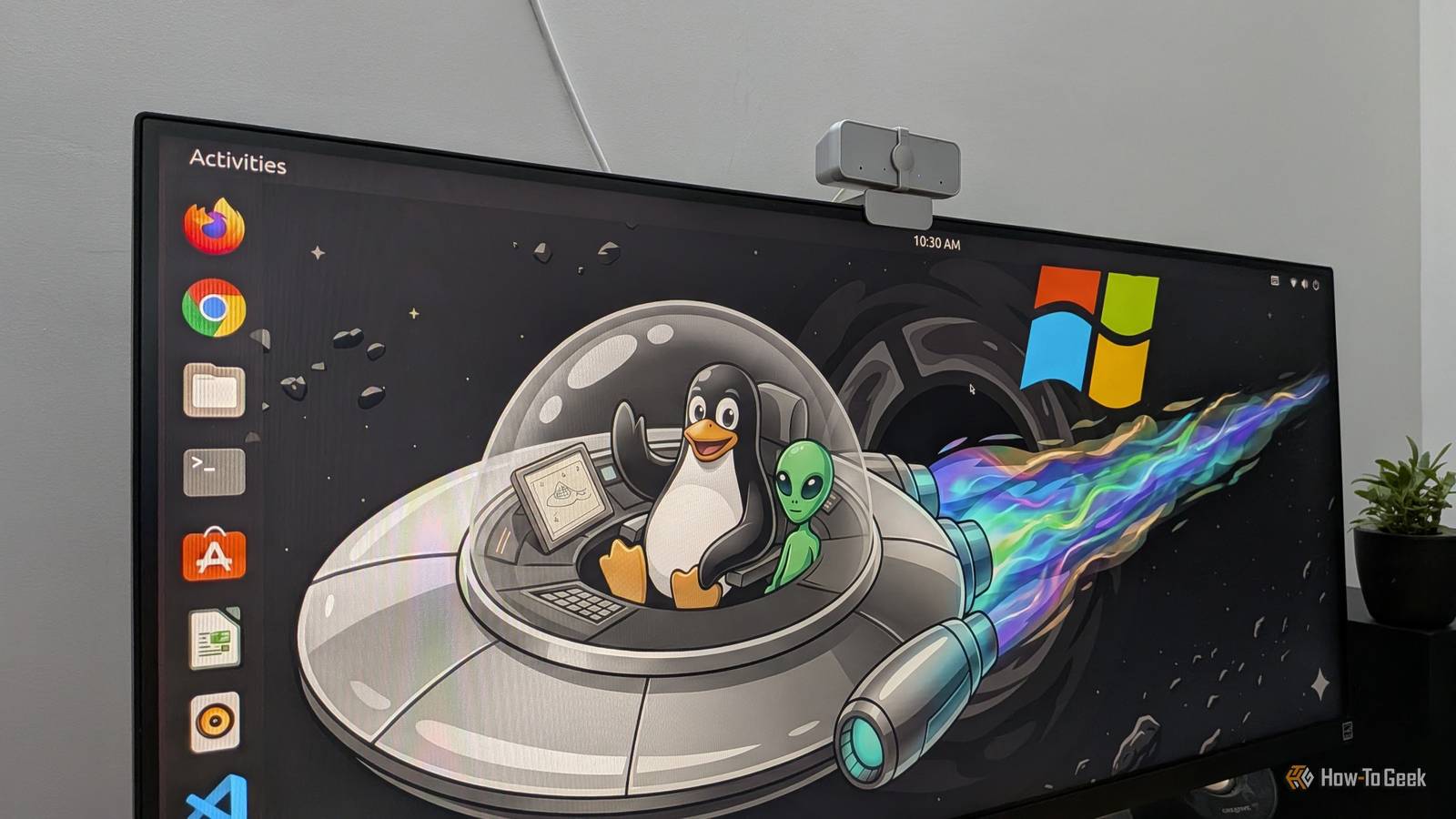
Linux users love to talk about how much faster their systems are compared to Windows, and you might wonder what kind of performance boosts they're actually talking about.I decided to do a few of my own tests to get some answers.I have a Windows-Linux dual-boot configuration on my main desktop PC.
While I prefer using the Linux desktop, I wanted to see if I was just imagining the speed gains I'd convinced myself I was getting by most days leaving Windows 11 out of the question.First, some caveats Real-world performance is what really matters I'll preface with this fact: if you look at more rigorous benchmarks of Windows 11 against Linux distros, like Phoronix's recent comparison of Ubuntu and Windows 11 on a high-end desktop, the Linux distro typically out-performs Windows 11.However, benchmarks are benchmarks.
What matters to me is what the experience is like running everyday applications on my PC.Another preface: this is far form a scientific test.For full transparency, I'll make my unique dual-boot setup more clear.
I just installed CachyOS over the weekend, and I loaded it with some basic software I install on every Linux setup.I reinstalled Windows 11 less recently, but since I don't use it much, there are only a few basic apps installed there too.So neither has been bloated with software or tweaked beyond recognition.
Still, I have some caveats that show how my Windows 11 configuration will potentially skew the results: Windows is using a faster drive: In my configuration, I have Windows 11 on an NVMe drive, and since the tower I'm using has only has one NVMe slot, Linux is on a SATA SSD with much lower read/write speeds.According to online benchmark databases, it's about half the write speed and about a fifth the read speed, giving Windows a hardware advantage.I disabled Copilot: Because I don't trust it, and to make things more comparable with AI assistant-free Linux, I went out of my way to disable Copilot functionality in Windows 11.
This doubtless frees up some resources for Windows, since LLM services like that aren't featherweights.That said, my Linux configuration isn't without its own complicating advantages: CachyOS has an optimized Linux kernel: I'm using CachyOS' optimized (stable) kernel, giving it an advantage over other distributions.A distro like Ubuntu running vanilla kernel might not get quite the same performance boost.
I'm using a lightweight desktop environment: On CachyOS, I'm primarily using Xfce, under an X11 session.This is one of the least power-hungry DEs you can use, which means Linux is at a bit of an advantage.With what I think are the important caveats about my testing out of the way, let's get a stopwatch and test some speeds.
Related 5 Reasons Xfce Is My Favorite Linux Desktop Somtimes, a simple desktop is better.Posts 24 By David Delony Boot-up time The classic OS speed test Close I'd heard people claim that Linux boots faster than Windows.In my testing, to get from the bootloader (which is necessary for dual-boot setups) to the login screen, Windows took a full 19 seconds.
This is with Fast Startup enabled.CachyOS I clocked at 20 seconds to the login.That means they took virtually the same time, with CachyOS just a tiny bit behind.
Boot time can be affected by several aspects of your PC.However, given that CachyOS has to contend with the inferior SSD it's installed on, I'd consider this a feather in Linux's hat.Sorry, Redmond.
Idle RAM Who's hogging all my memory? After booting up, the first thing I checked was what kind of memory usage was happening when I didn't do anything.In truth, this doesn't tell me much; good operating systems will put extra RAM to use by caching data you're likely to access.Still, it's interesting to see what's going on in the background.
When leaving my desktop to idle, and without any special applications running in the background, the RAM usage stayed steady at 6GB out of 12GB.That's half my memory being consumed while I do nothing.On CachyOS with Xfce, Btop++ showed me idling at a far more meager 1.5GB using the same RAM sticks.
If you factor in data caching, it adds up to a total of 3.5GB of RAM, still significantly below Windows.For kicks, I tried switching to the experimental, less energy-conscious COSMIC desktop environment.It added only half a gig of RAM consumption at idle.
Again, idle RAM usage isn't a great metric for an operating system's speed and efficiency.Unused RAM is wasted RAM.Still, it's helpful to understand what's happening and how much memory an operating system needs to make the experience snappy for you.
Time to start Chrome Linux shaves a few seconds off every day Next, I decided to see how long it took to accomplish a common task: open the world's most popular web browser, Google Chrome.Presumably, the data caching that uses RAM during downtime will help here.On Windows 11, it took 3.16 seconds to launch Chrome and open Google's home page.
Not bad.On CachyOS, the process took just 1.88 seconds.That's nearly half the time.
Notably, I'm running Chrome as packaged via the AUR.If you're using a different version of Chrome, especially the Flatpak, the launch time may take longer.Time to launch Steam Gaming without patience Using my stopwatch, I clocked the Steam gaming platform's startup time at 32.94 seconds.
This was after allowing it to fully update and restart.On CachyOS, an up-to-date Steam took a clean 22.87 seconds to launch.Clearly, Linux is the winner here.
Notably, I was launching the version of Steam from Arch Linux's multilib repository.Again, your mileage may vary, especially if you have a containerized version of Steam like the Flatpak or Snap editions.Is Linux really faster than Windows? Yes, but there are some variables to keep in mind Close In my dual-boot configuration, Linux (specifically CachyOS) operates either on par with or faster than Windows 11 in everyday use.
This is true in spite of Linux using an SSD with inferior read/write speeds, plus Windows being stripped of bloatware like Microsoft Copilot.While the results of my nonscientific comparison indicate Linux is technically faster, it doesn't matter if your actual experience isn't affected.In practice, I don't notice much of a difference between Windows and Linux on this desktop.
This is especially true after I disable several Windows 11 settings.However, where I've seen a bigger difference is in older hardware.My 2011 Toshiba laptop, for example, was unusable when I "upgraded" it to Windows 10.
When I replaced it with Linux, it was still slow, but it was at least usable.On that laptop, I did a lot to optimize KDE Plasma for speed, further improving the experience.If your hardware is aging, I expect you'll see a much bigger jump in performance in a switch from Windows to Linux.
Speed isn't everything, but its benefits are undeniable There's a lot more to experiment with on Linux and see how it compares.I didn't even touch on gaming performance, for example.Gaming on Linux has come a long way, and I've heard anecdotal reports that some games actually run under Valve's Proton compatibility layer for Linux than they run natively on Windows itself.
Confirming that will take some more testing.
Read More