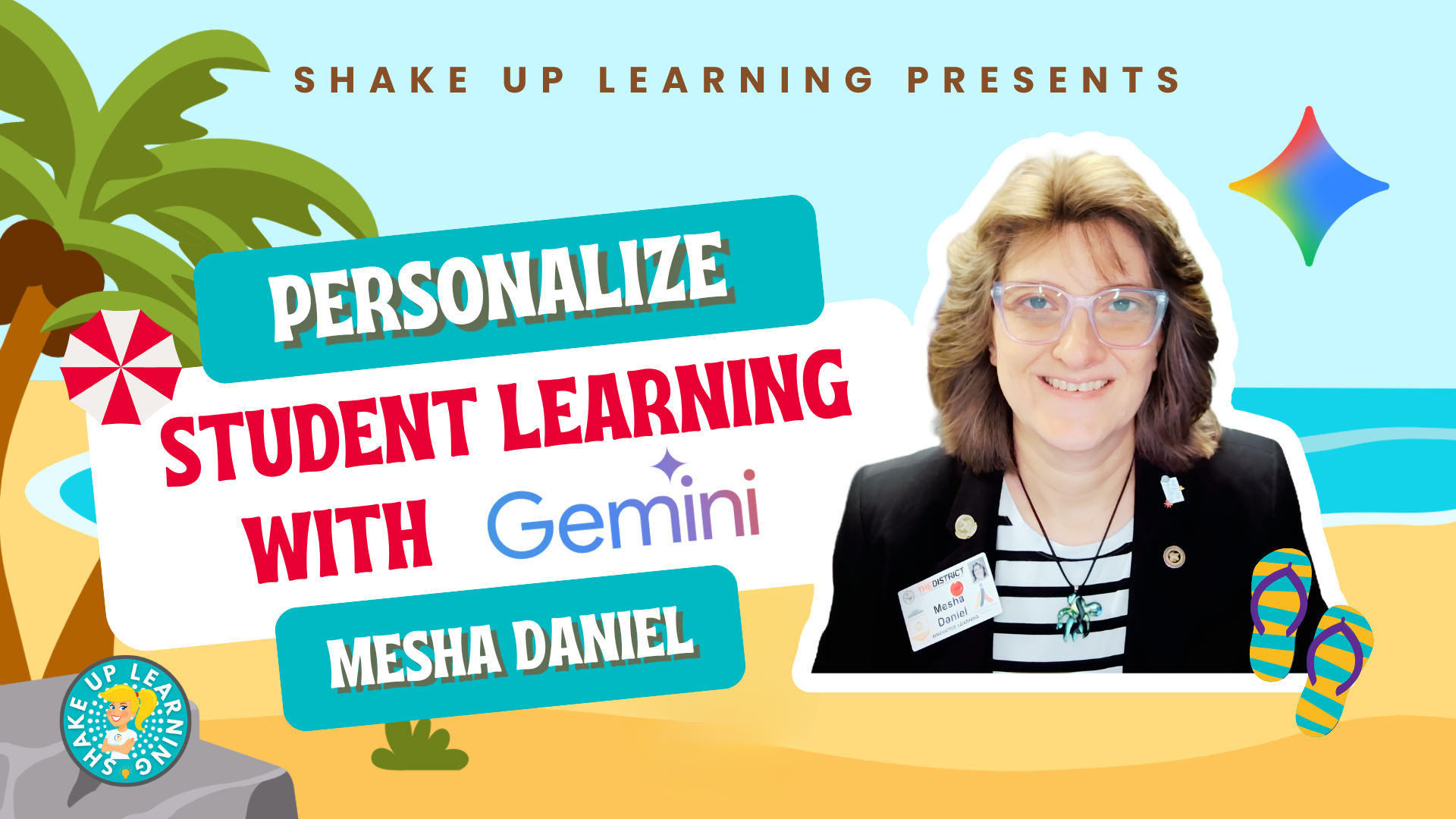
If you’ve been using Gemini mostly as a question-and-answer tool, this session will completely change how you think about it.Mesha Daniel, Google Certified Trainer and innovative learning specialist from El Paso, walks through a full lesson-building workflow that starts with a single prompt and ends with a narrated, bilingual video and a personalized choice board inside Google Classroom.Along the way, she shows you how to generate teaching strategies, turn them into a slideshow with Gemini Canvas, export that slideshow into Google Vids to add an AI voiceover and background music, translate the whole thing into Spanish for your bilingual learners and families, and drop a choice board directly into Google Classroom without ever leaving the Google ecosystem.
The whole workflow takes minutes, and by the end of this session you’ll have a clear picture of just how much Gemini can handle when you know how to use it.Personalize Student Learning with Gemini Description: Google Gemini can do a lot more than answer questions, and in this session, Mesha Daniel, innovative learning specialist and Google Certified Trainer from El Paso, Texas, shows you exactly how to use it to personalize learning for your students from start to finish.Starting with a single prompt, she walks through building a complete lesson experience: generating teaching strategies, creating a slideshow in Gemini Canvas, exporting it to Google Slides, converting it into a narrated video with background music in Google Vids, translating that video into Spanish for bilingual learners, and finishing with a choice board built directly inside Google Classroom.
You’ll see how to: Set up Gemini for classroom use, including connecting your Google Drive and choosing the right thinking mode Use Gemini Canvas to generate a complete slideshow presentation from a single prompt and export it to Google Slides Convert a Google Slides presentation into a narrated video with AI voiceover and background music using Google Vids Translate your video into Spanish (or any language) for English language learners and bilingual families Build a personalized choice board for students using Gemini inside Google Classroom Register for the FREE Summer Learning Series Join us for the entire series–all summer long! The Summer Learning Series is a free, asynchronous online learning event designed specifically for K-12 teachers, instructional coaches, and education leaders.Think of this as a slow-burn mini-conference with new presentations dropped every week all summer long! This series consists of expert-led presentations designed to equip K-12 teachers with a treasure trove of practical ideas, innovative teaching tools, and actionable lesson plans.️ REGISTER HERE and check out the full schedule! Get Credit for this Session with ALL ACCESS Each Summer Learning Series session is available as a full online course inside the ALL ACCESS Membership.
Members can watch ad-free, access bonus resources, and earn a certificate of completion for every session.It’s flexible, self-paced PD—on your terms! Join ALL ACCESS and start earning credit today! About Mesha Daniel Website X: @MeshaDaniel YouTube Mesha Daniel is a wife, a mother, a dreamer, a MineCrafter, a movie maker, and lover of all things that are considered “techie”.She has been an educator for over 34 years, spending 21 years working with the magic that is 1st grade, and 13 as a district technology leader.
Shake Up Learning 2025.Unauthorized use and/or duplication of this material without express and written permission from this blog’s author and/or owner is strictly prohibited.Excerpts and links may be used, provided that full and clear credit is given to Kasey Bell and Shake Up Learning with appropriate and specific direction to the original content on ShakeUpLearning.com.
See: Copyright Policy.
Read More