A sentiment long repeated in the computing space is that you should have a separate SSD for your OS and important apps, and a second drive for, well, everything else.But many people don't stop to think about why, and what the exact role of that secondary drive should even be.I personally call them "quarantine drives." They exist to keep your main drive cleaner and more predictable, and I strongly believe that everyone should have one, be it on the PC or outside of it.
But there's a second meaning to that name, which I'll discuss below, too.A quarantine drive solves the mess your main SSD shouldn't have to deal with And yes, it's an important distinction A lot of storage advice boils down to putting Windows (or another OS) on one drive and everything else on another.Fair enough, but "everything else" is doing too much work in that particular sentiment.
Your second drive shouldn't serve as a dumpster for all sorts of random overflow storage; it should be the perfect companion to your main drive, and the place where bulky, messy, disposable files land first.Hence the term "quarantine drive." Downloads, archives, installers, transfer folders, game folders and mods, photos, and all kinds of temporary junk have no place clogging up the SSD that's already busy juggling your OS, apps, and the things that actually matter to you.Windows itself treats temporary files, downloads, and large unused files as prime cleanup targets, which tells you a lot about where this kind of clutter belongs in the first place.
(Hint: Not on your main SSD.) There's also a practical reason for doing this.You may have heard that filling your SSD all the way up to full is a common, and yet costly, mistake.SSDs heavily rely on background housekeeping, like garbage collection and wear leveling, and having extra space gives the controller more room to work smoothly under heavier write loads.
Of course, your SSD won't instantly die on you if you do this now and then.But as a rule, it's best to keep your nicest SSD extra safe and let a secondary drive handle all the junk.Circling back to "quarantine," I do mean it in the security sense, too.
At least to a point.A spare drive makes for a smart holding area for files you're not fully comfortable with yet, like random utilities, sketchy old mods, or third-party drivers (although please, don't use those if you can avoid it).That does not make the drive a sandbox, and it will not stop malware if you execute something malicious, but it does give you a separate place to keep suspicious files.
WD_BLACK SN850X Storage capacity 2TB Hardware Interface PCIe Gen4x4 $200 at Amazon $165 at B&H Photo Video $200 at Best Buy Expand Collapse What actually belongs on your quarantine drive These files don't deserve a place on your C: drive So, what should actually go on this brand new quarantine drive? The easiest rule is this: If the file is big, temporary, replaceable, or still waiting to prove its value, it belongs on that secondary drive.Common examples of this include browser downloads, archives, extracted folders, ISOs, installers, driver and firmware packages, and random utilities.And yes, even when coming from a trustworthy source, most of those files don't need to take up space on your main drive.
A lot of them don't rely on fast storage speeds, and even if they do, they're only running for a short time, so you don't need heavy sustained writes.It also makes sense to send high-churn folders there.Think torrent downloads, mod folders for gamers, emulators, video captures, screenshots, exported media, and even OS backups.
These are the types of files that show up in huge bursts, only to be left sitting around for weeks after.How to set one up without wasting time Get all your ducks in a row and your files in order Start with a drive that you already have for this, ideally.SSDs are awfully expensive right now, all thanks to an ongoing DRAM shortage, so avoid going shopping unless you have to.
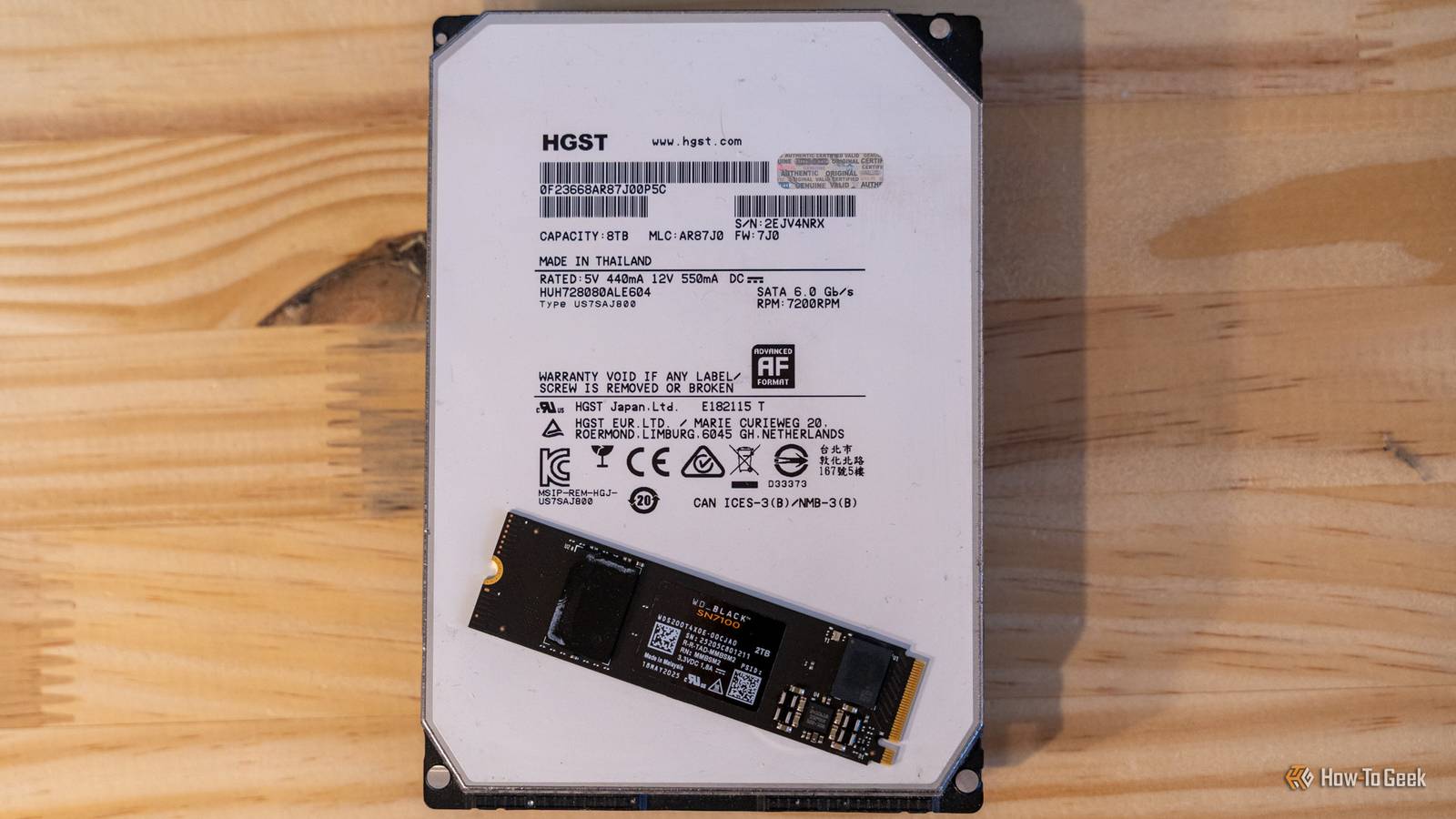
For this project, you can even use an old SATA SSD or a cheap external SSD.An HDD will do in a pinch, as this can be one of the ways to repurpose an old HDD, but spinning rust is far from optimal for any storage except cold storage these days.Create a few folders on your new drive according to what you're using it for, such as Downloads, Archives, or Backups.
In Windows, the two quickest wins are changing your browser's default download location (done on a browser level, but also via Windows Settings > System > Storage > Change where new content is saved).Next, transfer the folders that generate the most clutter to the secondary drive.Just don't try to mess with core system folders.
It's true that there are certain files in Windows that can be deleted or moved to reclaim space, but without knowing which ones to target, it's too easy to make a mistake.Sometimes a bit of tidying is all you need Your SSDs will thank you Once you have a quarantine drive in place, the real benefit isn't raw speed.It's not like your whole PC will suddenly speed up (unless your SSD was being throttled by a lack of free storage space, that is).
The real benefit is control.It becomes easier to sort, clear out, delete, and maintain your files without them quietly piling up on the drive that needs to stay busy whenever you're using your PC.Make the most of what you already own A quarantine drive is one of those upgrades that barely feels like an upgrade until you have lived with it for a while.
It gives an older SSD, an external drive, or even a spare hard drive a clear purpose, while your main SSD gets to focus on the files, apps, and workloads that actually deserve premium storage.In a market where fast storage is expensive, that is a much smarter move than buying more high-end capacity just to fill it with clutter.Samsung 9100 PRO 7 Storage capacity 1TB, 2TB, 4TB, 8TB Hardware Interface M.2 NVMe If you're looking for that main drive to pair with a cheaper, slower SSD, Samsung's 9100 Pro just might be it.
This is one of the fastest SSDs out there currently, and as all SSDs are expensive, you might as well splurge on a high-end model.$420 at Amazon $420 at Best Buy Expand Collapse
Read More