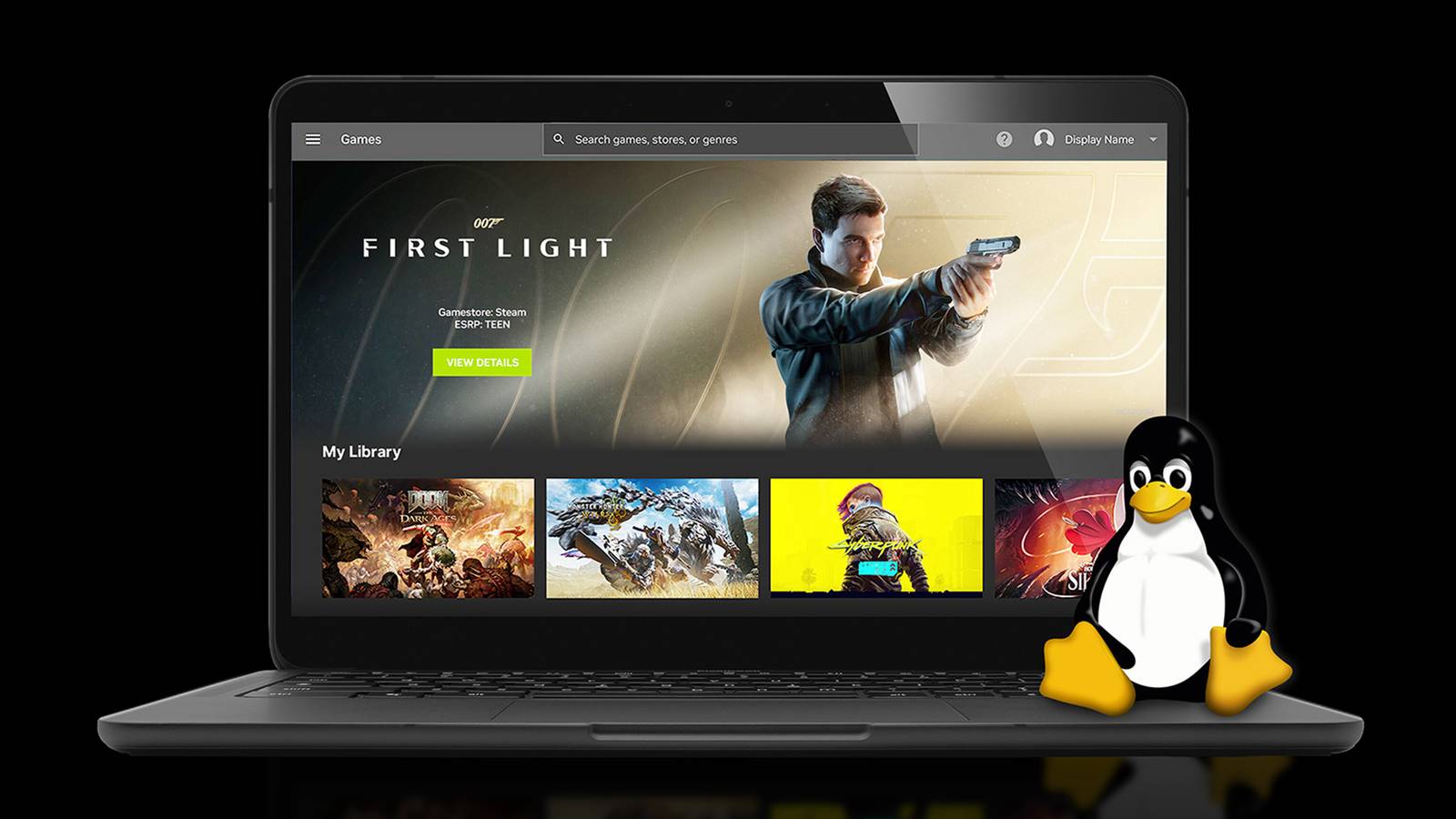
You now have an easier time playing games on your Linux PC without turning to code translation or emulators.Nvidia's native GeForce Now app for Linux has officially left beta, giving the open-source OS a major, refined cloud streaming option beyond the web browser.The finished version focuses on "performance, stability, and polish," Nvidia says.
There's also a new Flatpack repository to simplify installation and updates.GeForce Now on Linux officially requires Ubuntu 24.04 LTS or later as well as a dual-core 2GHz processor, 4GB of RAM, and a GPU capable of Vulkan-based H.264 or H.265 video decoding.You'll need at least a 15Mbps internet connection, with more bandwidth (plus one of the Premium plans) necessary for higher resolutions and frame rates.
GeForce Now is free with ads and a 1080p resolution.Premium's Performance Tier at $10 per month removes the ads, provides gaming at up to 1440p with ray tracing and HDR, and 100 hours of play time (up to six hours at a time).Spend $20 per month for Ultimate to get streaming from a GeForce RTX 5080 GPU with gameplay up to 5K resolution, a 360FPS maximum frame rate, and eight-hour sessions.
While you can use Valve's Proton and similar methods to run Windows games on Linux, Nvidia pitches its service as the simpler option.You don't have to worry about performance drops, compatibility issues, or hardware changes.While you'll have to pay to get the best experience, you also won't find yourself running out of storage.
GeForce Now gets better beyond Linux Reduced latency and improved performance are available for everyone The polished Linux release comes alongside upgrades to GeForce Now itself.Nvidia says it has "optimized" DLSS frame generation for the cloud to reduce lag, particularly when playing at 1440p resolution or above as well as at frame rates at or above 60FPS.Games should feel more like you're playing them locally.
Related NVIDIA's GeForce NOW Turned My Chromebook Into a Gaming Laptop I had no idea my Chromebook would be such a great on-the-go gaming machine.Posts 1 By Patrick Campanale If you're using the Performance plan, you'll see further tuning to boost frame rates in certain "CPU-intensive" titles, according to Nvidia.If a game normally chokes in certain situations, it's worth revisiting in case there's a smoother experience.
All these tweaks apply regardless of platform, whether it's Linux, ChromeOS, Mac, or Windows.Your Chromebook should be a better gaming machine without any changes on your part.So long as game streaming makes financial sense, this could be the way to avoid shopping for a Windows system just to keep up with your friends.
Read More