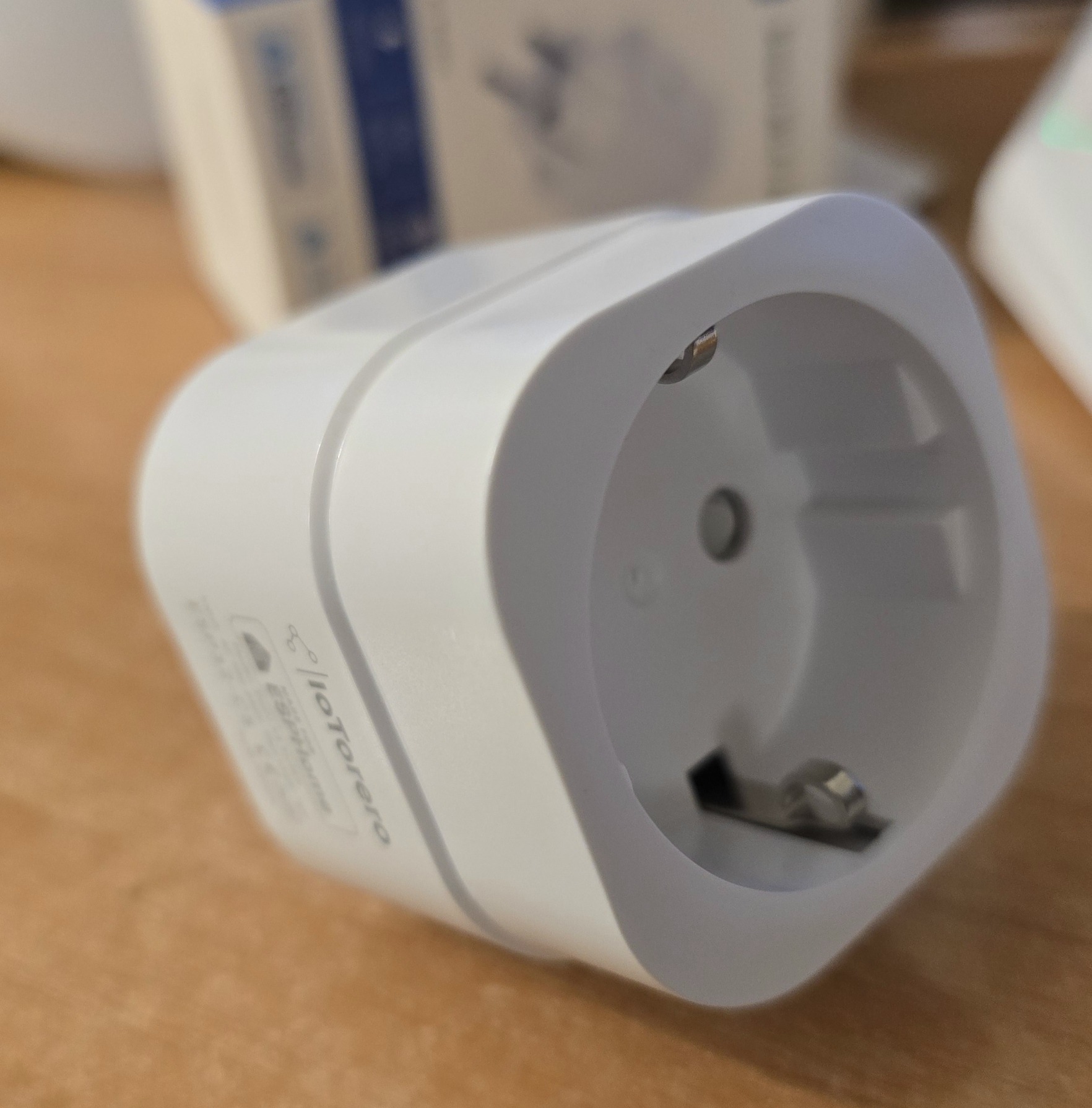
The latest device I have from Athom is the IoTorero PG01 V5 EU16A.This 16 amp smart plug uses ESPHome and is ideal for Home Assistant.It distinguishes itself in that it comes pre-fitted with ESPHome but maybe more importantly – it will handle either 2.4Ghz Wi-Fi or 5GHz Wi-Fi (not something you see a lot of out there) which means I guess it must be using the new ESP32C5 or similar.
Anyway, it’s meant for 50 to 60hz mains, maximum 16 amps, 100 to 250 volts.You can use by app control (by which I guess they mean your Home Assistant app on your phone, it has overload protection, it is flame retardant and supposedly safe and reliable.It has energy monitoring and power consumption measurement.
It can be paired by Bluetooth or paired by Wi-Fi.The manual says to power on the device, use your computer or phone to search for its Wi-Fi WiFi access point, find Athom_xxxand wait to connect.Wait several seconds until the configuration page pops up or visit 192.168.4.1 manually in a web browser.
You can then choose which Wi-Fi SSID you want to use.Then go to Home Assistant and it will show new devices discovered.Press config to add it successfully.
Ok, opened the box, took out the plug, plugged it into the mains, went to my phone, looked to see if there’s any new Wi-Fi SSIDs on my phone.I’ve got my normal Wi-Fi access points.Are there any new ones? Not yet there aren’t.
Ah yes, Athom Smart Plug V5 and then some numbers and letters after that.I will connect to that.“Checking the quality of your internet connection”.
Connect.Now, if I go to that SSID in WiFi settings, hit the cog and manage its router, it comes up with the plug and it’s going to ask me for an SSID and a password.I’m going to enter my office SSID and it says connecting.
So presumably it’s hooked up.Yes, all hooked up.All I do now is go to Home Assistant – look at the “devices and services” section in settings – and there it is – a new device – I agree to add that and am given the option to rename it – I do that as I have two of them… Done.
Look for the device in Devices in Home Assistant settings – there it is..Ah – they even added a standard ESPHome webUI.As this device is sitting at 192.168.1.67 on my system I can simply go there in a browser and..
And because this is in ESPHome you can choose to override the single WiFi if you like and put in an ESPHome WiFi “network” – as I’ve done in many of my ESPHome projects as I have several SSIDs around the home.I like it already!!
Read More