Spotify is constantly adding new features, but many of its useful updates fly under the radar.Over the past few months, the streaming giant has introduced a handful of improvements that make managing your library and streaming experience much easier.These new updates make Spotify easier to use whether you're a casual listener, a podcast fanatic, or, like me, someone who streams on Spotify every day.
Here are five Spotify features that are worth trying right now.Queue edit Make every listening session personal Spotify's queue is a handy way to control your playback, but it's only been available for Premium users so far.Now, Spotify has rolled out this convenient feature for all Free users globally as well.
Queue edit allows listeners to use in-playlist bulk actions to edit and reorganize multiple tracks, books, or podcast episodes at the same time.And for Premium users, there's one more feature in store: Spotify has brought back the ability to select and manage multiple songs in your play queue at once.To edit your queue on your Spotify mobile app, go to the song you're playing, then click the queue (stack) icon in the bottom corner.
Then, tap Edit and move up or remove tracks as you like.You can also tap Clear to build your queue from scratch.Click out of the menu to go back to the Now Playing screen. Reliable offline listening Download without hassle Spotify Premium users already enjoy a host of benefits, a notable one being offline listening.
Now, Spotify makes iOS Spotify users' offline library more reliable with the rollout of background downloads.This means that your downloads will continue even if you do not have the Spotify app open on your iPhone, with notifications for download progress.This can be especially useful for large playlist downloads or in instances when you want to make your entire library available offline.
Background downloads for offline listening are rolling out for iOS users globally, although Spotify has not indicated that this feature will be available for Android users any time soon.Fitness with Spotify Move better with curated playlists This is different from your regular feature update, but this new, curated experience on Spotify is something that I've loved since its release in late April.Fitness with Spotify is a new hub for fitness enthusiasts, where all Free and Premium users can access a string of curated playlists, as well as content from established wellness creators.
Spotify has also partnered with Peloton, so Premium users in specific markets will also gain access to a growing catalog of more than 1,400 ad-free, on-demand video classes as part of their subscription.Fitness with Spotify can be easily accessed from your phone, desktop, or TV.Open the Spotify app, then search for Fitness in the Search tab.
Click on the Fitness genre, where you can find Spotify's dedicated fitness playlists, guided sessions, and Peloton classes for eligible users. Beats Fit Pro Beats Fit Pro offers high-performance, true wireless earbuds with secure-fit wingtips, active noise canceling, and spatial audio.Designed for workouts and all-day wear, they deliver rich sound quality, seamless Apple integration, and long battery life for an elevated listening experience.Expand Collapse Playlist folders Organize your library better This is one of my favorite features on Spotify desktop, and it's finally available for the mobile app.
Playlist folders allow you to further organize your playlists.You can customize folders to sort playlists by categories like genres, moods, languages, activity, etc.This feature is also rolling out for all users globally.
I like to use folders to sort all my podcasts (by genre) and favorite playlists (by language and activity).To create a playlist folder on your Spotify mobile app, go to your library, then tap the + (plus) sign in the upper right corner.Then, tap Folder, name it, and tap Create.
From here, tap the + (plus) icon again, and select Playlist (you can also add another folder inside a folder for more organization).You can create a new playlist to add to this new folder.If you want to add an existing playlist to a folder, go to that playlist, tap the three dots under the playlist title, and then tap Move to folder and select the folder of your choice.
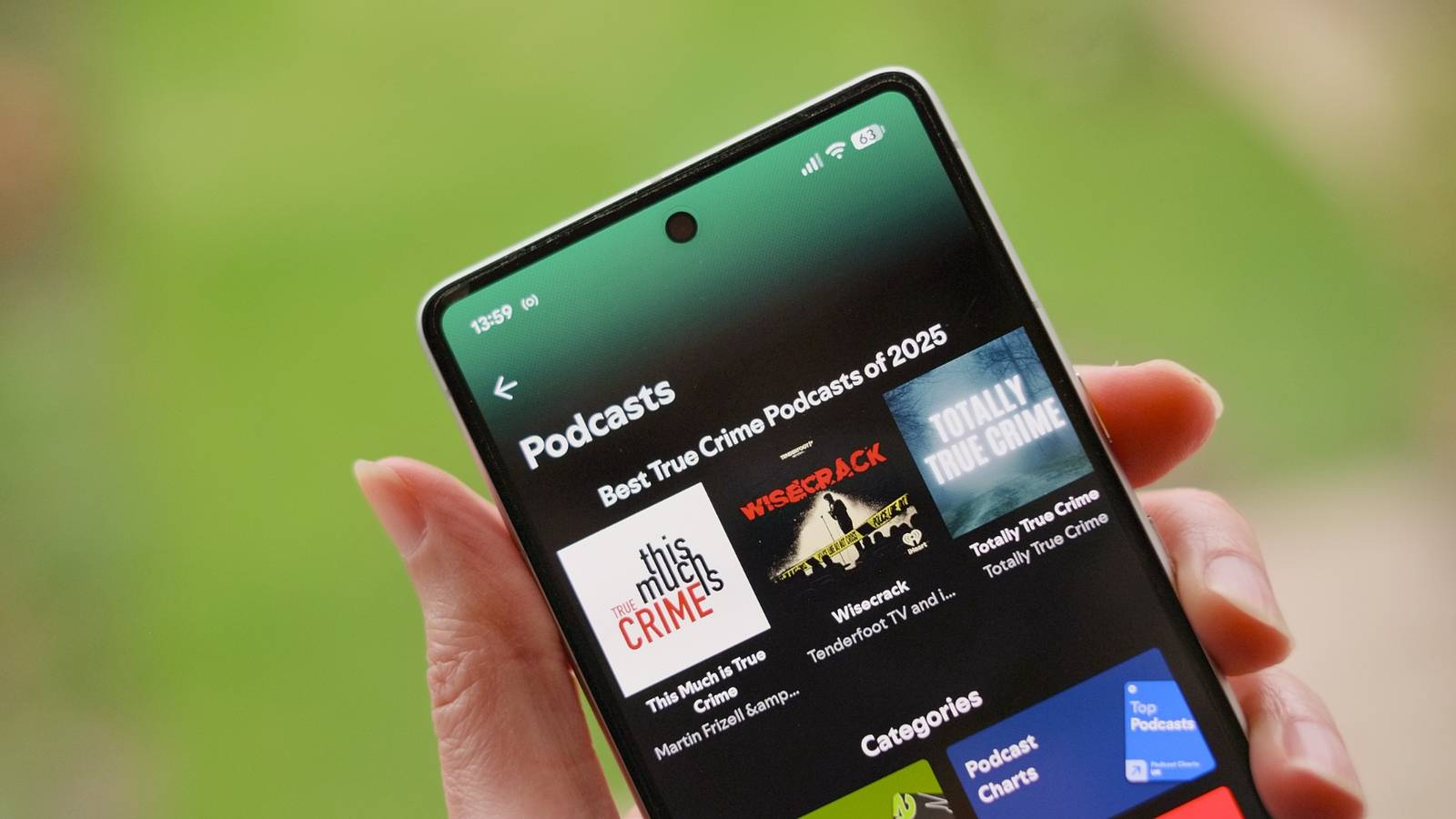
You can find all folders in your library, synced across your devices.Podcast clips Save your favorite moments Spotify is not letting regular podcast users go empty-handed, because recently, the audio streaming app has silently added an amazing feature that can be a game-changer for podcast shareability.Podcast Clips is a new feature that will allow listeners to capture, revisit, and share specific clips from their favorite podcasts.
Essentially, you will be able to cut and save specific parts of a podcast episode; these clips get instantly saved to your Spotify Library (and can be added separately to a podcast playlist, if you want), as well as shared with others.To use this new feature, play any podcast clip of your choice.Then, tap the scissor icon in the Now Playing view.
You can trim specific parts of the podcast in a neat editing view, then hit Save to add it to your library (in a new playlist or in Your Clips).To share a clip, go to the clip in your library, tap the Share button and choose a format (full episode, chapter, timestamp, or clip), then send it directly to someone via Spotify Messages or a third-party app.Clips for podcasts are starting to roll out globally to Free and Premium users on mobile.
This is a nice follow-up to Spotify Podcasts' Chapters, launched early this year, which makes podcast navigation smoother.Related Apple Podcasts vs.Spotify: Which Is Better? Choose what's best for you.
Posts 3 By T.M.Amrita Spotify is always coming out with exciting new features that you may be able to get the best out of (depending on your subscription plan and region), so keep an eye out by exploring your app and features regularly.Spotify Subscription with ads No ads on any paid plan Price Starting at $12.99/month, or $6.99/month for students Spotify is a pioneer in music streaming.
It features a vast library, impressive bitrate, curated and custom playlists, as well as offline streaming.Spotify is available for free and for a monthly or annual fee.See Available Plans Expand Collapse
Read More