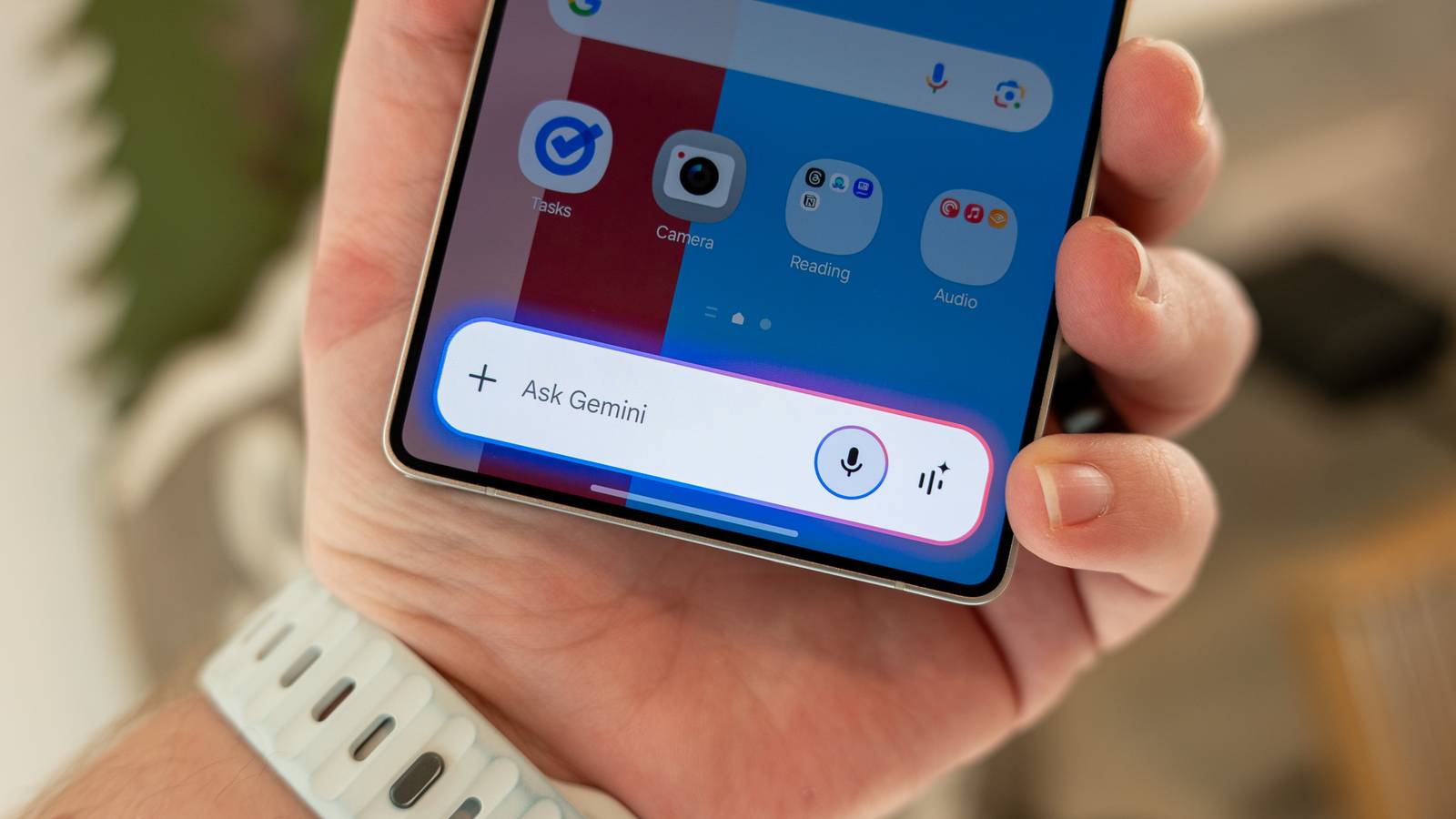
It is no secret that Google is trying to incorporate Gemini into all of its products and services—if an app doesn’t have it yet, it's safe to say it will.However, the company recently turned the tables on this.Instead of incorporating the AI assistant into apps, it's putting the apps into Gemini.
This new feature is called Connect Apps, and it allows Gemini to access your apps without leaving the interface.At first, I was skeptical, but after using it across various apps, I deleted those individual apps in favor of just using Gemini.What are Connected Apps? Control your apps from one place Connected Apps is a feature in Gemini that allows the artificial intelligence to interact with other apps right from within its own app.
So instead of going to the individual app, like Gmail, for example, you can do the actions you would there in Gemini.As of now, the list of apps is short, but there are sure to be more coming in the future.The apps that are supported right now are Google Workspace — so Gmail, Google Docs, Drive, Calendar, Keep, and Tasks — Google Home, YouTube Music, and third-party apps like Canva and Instacart.
Even though those are the more widely supported apps, there may be others depending on the device you’re using.For example, Gemini can also tap into Samsung Calendar, Notes, and Reminders, plus Messages, Phone and Utilities.Close To see the full list of apps it can access on your device, open the app, tap the three lines in the upper left, then tap the gear icon in the bottom right.
From there, tap on Connect Apps, and in there, you will see all the compatible apps.Using Connected Apps for my usual tasks Being more productive with one app What I love the most about Connected Apps is that I can do everything in one place.This means I do not need to hop around from app to app to get things done; I can do it right within the Gemini app.
For example, I can converse with Gemini and ask it to create a note for me that contains a shopping list consisting of various groceries I give it.It will connect to the Google Keep app from inside the chat and create a note in there.Then, in the same chat, I can ask it to send an email to my friend about plans I had for our weekend together.
It will draft the email, show it to me, and I can make corrections right from within the pop-up window.If everything looks good, I can then send it on its way without leaving Gemini.Then, if I want to pull them back up, I can just ask Gemini to pull up the email that was just sent, or—if I want to see my inbox—to show it to me.
From there, it will show me my most recent emails in my inbox, and I can see the basic information about what they said and who sent the email.I have also loved using Google Calendar integration in Gemini to put events on my calendar while also being able to organize what is already there.I just use natural language to tell the assistant about an upcoming event, and it will fill in all the required fields from what I said.
Then, if I want to see more of my calendar, I can ask it to show me a specific time period, and it will pull up the events for that period.From there, I can tap on them to show more information and even ask Gemini to make edits, like changing the time or moving it to another date.I will not lie, it does take some adjusting since you need to ask to see everything, and it is not right in your face.
But once you get the hang of it—which I did pretty easily—you can find it very useful.No longer am I seeing a full week or month with event after event.I can now just see what I want and add what I need with the help of Gemini in its app.
Connected Apps can also work via voice, meaning if I need a task to be done in another app than the one I have open, I can just pull up Gemini and ask it to complete it.From there, Gemini will access the app and confirm when it’s done without having to open the native app.This has been super helpful when I need a note jotted down in Google Keep or a reminder set in Google Tasks while in a different app that has nothing to do with the commands.
So I’ve deleted my apps I no longer needed each individual app Since Gemini can now tap into these apps locally without having to go into them, I have decided to delete them from my device.While this might seem bold, I do not regret doing it.You do not need those apps for them to work in the Gemini app since they’re connected via their account, not the app itself.
I deleted the Google Calendar app, and I was still able to get all the information from it through Gemini without it living locally on my device.A benefit of doing this has been that it has allowed me to declutter my device and save on storage space.No longer do I have multiple apps living in my app library because most were combined into the Gemini app.
In hindsight, this is what Connected Apps was for: to make you more organized.By deleting those apps, I am organizing my home screen and app library while saving storage space that I can use for other digital materials.Now, this does not mean I cannot redownload them if I really need to, but in the meantime, I am good without them.
For what Gemini supplies me, I am happy with the easy-to-read and simplified information I receive from my requests.Gemini is all I need As I mentioned earlier, Connected Apps is still expanding and does not support many apps currently.However, for the ones it does support, it has already made me more productive by allowing me to do multiple tasks across different apps in a single chat.
Due to that, I do not regret deleting the individual apps and relying solely on Gemini instead.As support increases, I would not be surprised if even more standalone apps disappear from my phone until Gemini is the only one left.
Read More