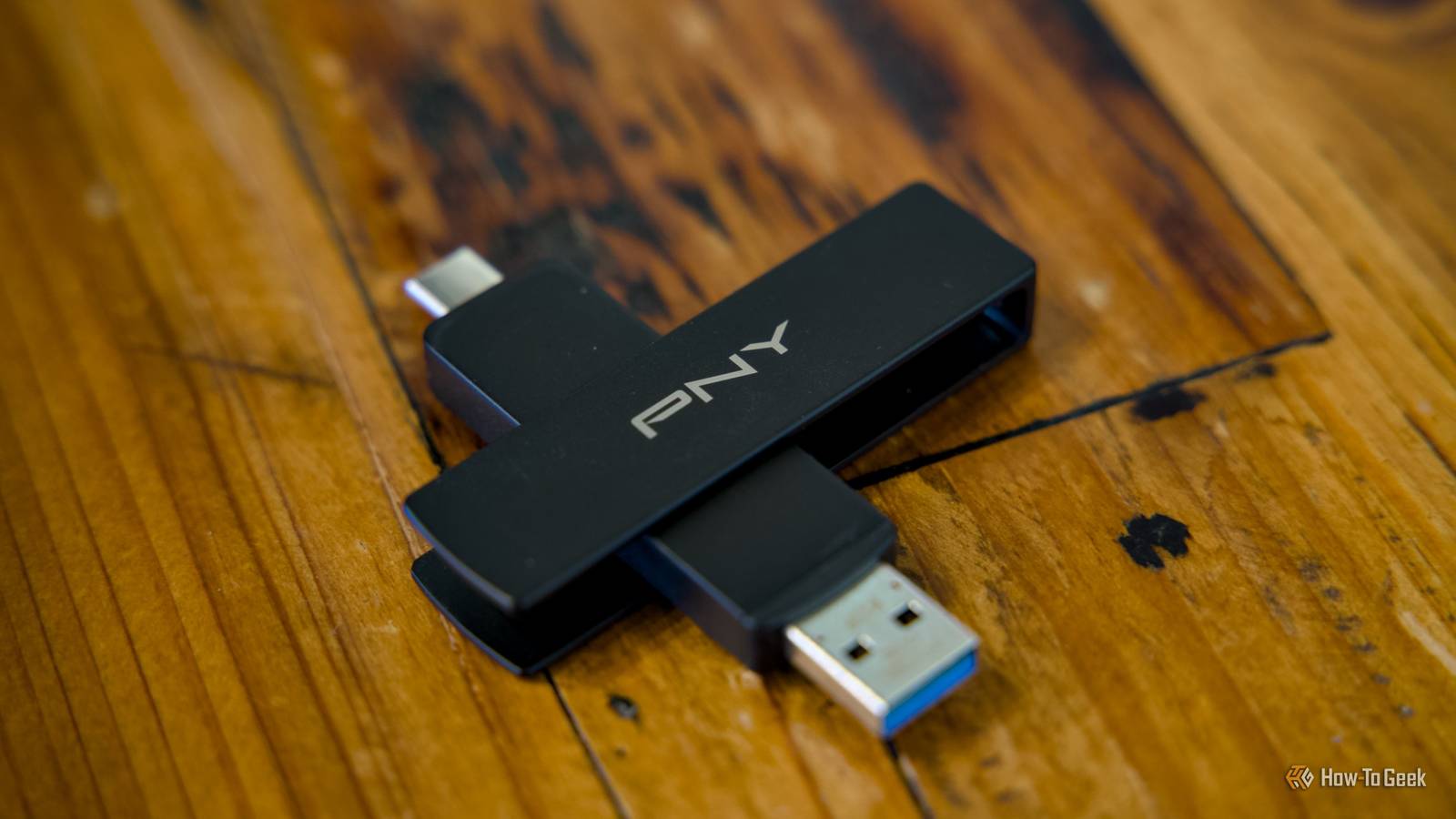
When a relative recently told me that they back up their files on a simple USB stick, I was floored.And yes, it was just the one; no 3-2-1 rule here.And yes, of course, some of those files were important.
This got me thinking about how so many of us probably have done the same thing.I know I've kept documents on various USB sticks, which I've since lost or seen die over time.We've all made that mistake, but let's finally stop making it: USB flash drives are just about the worst thing you could use as a backup destination.
Flash drives aren't designed for long-term storage They're convenient, but not that secure.At a time when SSDs cost a fortune and, well, basically costs a fortune, I totally get cutting some corners with USB flash drives.All things considered, their price per gigabyte isn't that awful ...
yet.But there's a good reason for that, too.They just weren't made for serious backups.
A so-called "serious backup" has one job.It needs to keep your files safe and sound for whatever amount of time it takes between when you store them and when you remember to check in on them.Flash drives aren't the best option for that, though.
Most USB sticks use NAND flash, which stores bits as electrical charge.That charge slowly leaks over time, and the margin for error gets worse with heat and wear from previous writes.Sidenote: That's the same thing that powers SSDs, and it is also the reason why it's not a good idea to just leave your SSD sitting in a drawer for ages.
Obviously, NAND flash can be good for storage, seeing as SSDs do just fine (although some fail even at 100% health).But USB flash drives are optimized for being cheap, not resilient.They're not meant to last for years and years while maintaining perfect data integrity.
They often have basic controllers, limited ECC (error correction), and very little in the way of meaningful health reports.As such, you might not get a big, red warning when your backup is on the verge of being gone forever.When a flash drive fails, it fails in the worst way It's not one of those things that goes out with a whimper.
If there exists a perfect environment to store your data in, USB sticks get to live in the exact opposite.They're plugged in and out frequently, then tossed in a bag or a drawer, and left to rot.And yet, we still ask them to do the most demanding thing possible, which is a big write of various files.
Even when nothing fails on these, the margin for error is still pretty ugly.Many people format sticks as exFAT for convenience, and exFAT and FAT-style filesystems are far less forgiving when something interrupts a write.One brief hiccup and you can end up with a drive that still shows up, but the folder structure is mangled, files have weird sizes, or the directory looks empty even though data is technically there.
Then, there's the fact that cheap USB sticks can get flaky under sustained writes.And they can overheat, throttle, stall, and trigger timeouts.Those things are often having a bad time, and your files are there to share all their problems.
The problem is that if you never verify those files, you can walk away thinking your USB drive is just fine, even though under the hood, it's very much not.Data corruption can creep in without you knowing, and that means you may not be ready with another backup.A real backup plan is a system, not a single device When you need a backup plan for your backup plan.
This is partly why I was so astonished when my relative told me that a USB stick was their entire backup.I was proud in a way, because hey, it's better than nothing, but on the other hand ...how risky.
A real backup plan is a repeatable system that doesn't hope for the best.Instead, it kind of assumes something's bound to go wrong.If your files are important, you have to plan for the worst at all times, unfortunately.
That's why the 3-2-1 backup rule remains relevant.You should keep three copies of your data, on two different kinds of storage, with one copy off-site.That basically means somewhere else than your house, by the way.
Most commonly these days, that'll just be cloud storage.Subscribe to the newsletter for smart backup advice Get practical guidance on avoiding risky backup habits—subscribe to the newsletter to learn safer storage setups, verification checks, and when USB sticks are or aren't appropriate.Ideal for anyone serious about protecting files.
Subscribe By subscribing, you agree to receive newsletter and marketing emails, and accept our Terms of Use and Privacy Policy.You can unsubscribe anytime.Finally, do a spot-check of a few files, especially the important ones.
Don't just copy them over but actually run them and see that everything's fine.Remember that a USB stick left to its own devices may die or lose data, so it's important to repeat these checks every so often.If you insist on using USB flash drives, at least do this I'm not saying "never," I'm just saying "hold on." Look, I get it.
USB flash drives are super convenient.I have more of them than I can count.But don't trust them as if they're a proper external drive.
Use them for convenience, and convenience only; don't even make them something you use for backups.Whether it's an HDD, an external SSD, or a fast internal NVMe, basically anything is better than a USB stick, and that's where your files should live.And if you do take a USB stick outside of your home, encrypt it.
Losing a tiny drive can happen to anyone, but you don't want to have to panic about who finds it and what they'll do with your files (been there, done that).
Read More