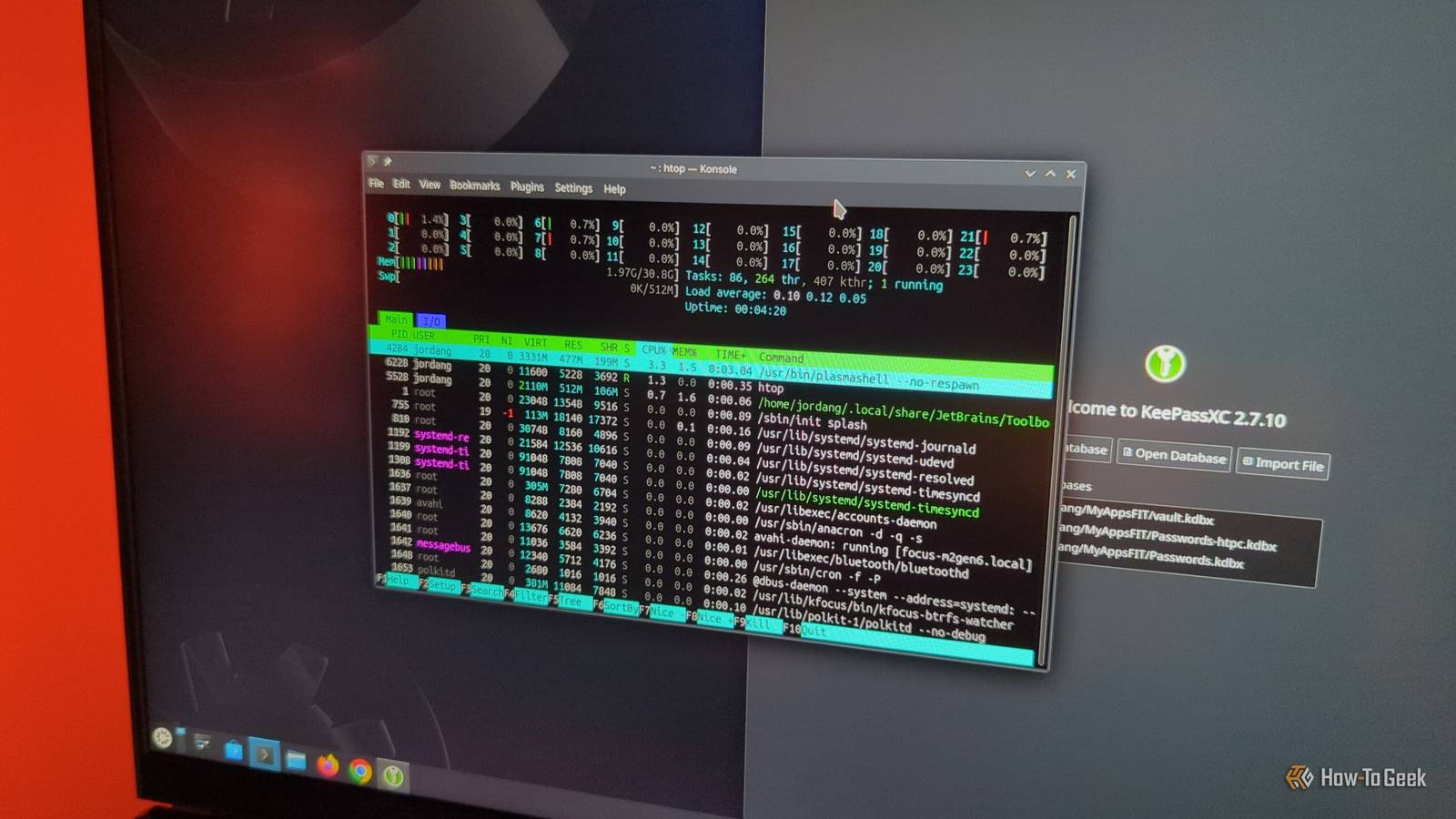
While many people think Linux performs better than Windows, it depends on the distribution.Some of them have system requirements that rival modern versions of Windows.These distros are lean and mean.
They're great for fast modern machines or wringing more use of out of older computers.Tiny Core Linux A tiny distro with big flexibility Tiny Core Linux, or TCL, is a Linux distribution that attempts to be as small as possible.It weighs in at 10MB in its smallest image.
The idea is for it to fit comfortably in RAM and load any required programs into the memory, which is faster than loading from a hard disk or SSD.A minimal version of the system can squeeze into 28MB of RAM, and the minimal processor supported is an Intel 486, so this system can run on some surprisingly old hardware.Unlike some of the other entries in this list, Tiny Core ships with a desktop GUI, FLWM.
The system runs in three modes: the default "Cloud/Internet" mode where it runs off the media and loads itself into the RAM.You can download applications, or "extensions," as TCL calls them, but they'll only be available for the current session.Similar to a standard live distro, it's meant for test-driving the system.
In the "Mount" mode, the applications are downloaded into a designated storage position.The "Copy" mode will let you load certain applications into the RAM.This can be useful for any programs you use frequently.
The disadvantage is that you will have less RAM available. Quiz 8 Questions · Test Your Knowledge Dual booting, Linux, and WSL historyTrivia challenge From GRUB bootloaders to Windows Subsystem for Linux — how well do you know the story of running two worlds on one machine? LinuxWindowsBootloadersWSLHistory Begin 01 / 8 Bootloaders Which bootloader became the most widely used tool for managing dual boot setups between Linux and Windows throughout the 2000s and 2010s? ALILO (Linux Loader)BSyslinuxCGRUB (Grand Unified Bootloader)DrEFInd Correct! GRUB (Grand Unified Bootloader) became the dominant bootloader for Linux systems and the go-to choice for dual boot configurations.It replaced the older LILO and offered a flexible menu system that could detect and chainload Windows installations automatically. Not quite — the answer is GRUB (Grand Unified Bootloader).
While LILO was an earlier popular choice and rEFInd is favored on UEFI/Mac systems, GRUB became the standard dual boot manager for most Linux distributions thanks to its flexibility and broad hardware support. Continue 02 / 8 History What was the name of the early Linux loader that GRUB largely replaced as the preferred dual boot manager for Linux systems? ASYSLINUXBLILOCISOLINUXDGRUB Legacy Correct! LILO, which stands for Linux Loader, was one of the earliest bootloaders used on Linux systems and was the standard before GRUB rose to prominence.LILO had limitations such as needing to be reinstalled after every kernel update, which made GRUB a more convenient successor. Not quite — the answer is LILO (Linux Loader).LILO was widely used in the early Linux era but had notable drawbacks, including the need to rerun the LILO command after any system changes.
GRUB's dynamic configuration made it a far more practical long-term solution. Continue 03 / 8 Linux Which Linux distribution is widely credited as one of the first to make dual booting with Windows accessible to everyday users through a guided graphical installer? ASlackwareBGentooCUbuntuDArch Linux Correct! Ubuntu, first released in 2004, played a massive role in democratizing Linux for regular users.Its graphical installer included partition management tools and automatic GRUB configuration that made setting up a Windows and Linux dual boot far less intimidating than it had been before. Not quite — the answer is Ubuntu.Distributions like Slackware and Gentoo required significant technical knowledge, while Ubuntu's user-friendly installer brought dual booting to a much broader audience after its 2004 debut.
It remains one of the most popular choices for dual boot setups to this day. Continue 04 / 8 Windows The introduction of UEFI Secure Boot with Windows 8 in 2012 created a significant challenge for dual boot users.What was the core issue it caused for Linux installations? AIt prevented Linux from reading NTFS partitionsBIt blocked unsigned bootloaders from running, making many Linux distros unable to bootCIt required Linux to be installed on a separate physical driveDIt disabled USB booting entirely on Windows 8 certified hardware Correct! Secure Boot was designed to prevent malware from loading before the OS, but it also blocked bootloaders that weren't signed by Microsoft.This caused major headaches for dual booters, prompting distros like Ubuntu and Fedora to obtain Microsoft-signed shim bootloaders to remain compatible. Not quite — the answer is that Secure Boot blocked unsigned bootloaders. Because Linux bootloaders weren't signed by Microsoft's key by default, many systems simply refused to boot Linux.
The workaround involved either disabling Secure Boot in UEFI settings or using a Microsoft-signed shim, which major distros eventually adopted. Continue 05 / 8 WSL In which year did Microsoft officially announce and release the first version of Windows Subsystem for Linux (WSL 1)? A2014B2018C2016D2020 Correct! WSL 1 was announced at Microsoft Build 2016 and initially released as a beta feature in Windows 10.It was a groundbreaking move for Microsoft, allowing users to run a Linux-compatible kernel interface and execute ELF binaries directly within Windows without a virtual machine. Not quite — WSL 1 was released in 2016 as part of the Windows 10 Anniversary Update.Microsoft's announcement surprised many in the tech community, as it signaled a dramatic cultural shift in how the company viewed Linux — moving from adversarial to openly collaborative. Continue 06 / 8 WSL What is the key architectural difference between WSL 1 and WSL 2, which Microsoft released in 2019? AWSL 2 uses a translation layer, while WSL 1 uses a real Linux kernelBWSL 2 runs a real Linux kernel inside a lightweight virtual machine, while WSL 1 used a syscall translation layerCWSL 2 requires a separate partition, while WSL 1 ran entirely in RAMDWSL 2 only supports Ubuntu, while WSL 1 supported multiple distributions Correct! WSL 1 translated Linux system calls into Windows NT kernel calls, which was clever but caused compatibility issues with certain software.
WSL 2 switched to running an actual Linux kernel inside a highly optimized Hyper-V virtual machine, dramatically improving compatibility and file system performance. Not quite — the answer is that WSL 2 uses a real Linux kernel in a lightweight VM, while WSL 1 used a syscall translation layer.This architectural change meant WSL 2 could run software like Docker natively, which was impossible in WSL 1 due to the limitations of the translation approach. Continue 07 / 8 WSL Which Microsoft executive is most associated with championing the development of WSL and the company's broader embrace of Linux and open source? ABill GatesBSteve BallmerCSatya NadellaDPaul Allen Correct! Satya Nadella, who became Microsoft's CEO in 2014, is widely credited with steering the company toward open source collaboration and Linux support.His leadership brought projects like WSL, GitHub acquisition, and .NET going open source, a stark contrast to Steve Ballmer's infamous 'Linux is a cancer' remark from 2001. Not quite — the answer is Satya Nadella.
Under his leadership starting in 2014, Microsoft transformed its relationship with Linux and open source dramatically.Steve Ballmer, his predecessor, had famously called Linux 'a cancer,' making Nadella's pivot all the more remarkable in the history of the tech industry. Continue 08 / 8 History What partitioning challenge made dual booting Windows and Linux particularly tricky in the era before UEFI, when systems used the older MBR (Master Boot Record) scheme? AMBR could only store bootloader code for one operating system at a timeBMBR disks were limited to a maximum of four primary partitions, making space for Linux alongside Windows difficultCMBR required all operating systems to be installed on the same partitionDMBR systems could not read the ext4 file system used by Linux Correct! MBR disks supported a maximum of four primary partitions, which was a real constraint when Windows already used several.The common workaround was to create an extended partition containing logical partitions for Linux, which added complexity to the setup process and was a frequent source of confusion for new dual booters. Not quite — the answer is the four primary partition limit of MBR. Windows installations often used two or three primary partitions already, leaving little room.
Linux users typically had to use an extended partition with logical sub-partitions to fit their root, swap, and home partitions alongside Windows, making the process significantly more complicated. See My Score Challenge Complete Your Score / 8 Thanks for playing! Try Again Puppy Linux A cute basket of distros Close Puppy Linux in the 2000s had a unique approach to what was then called a "Live CD." If you had a CD-RW disc, you could set it up to append changes to the system and remaster it.This meant that you could save changes to the system without needing a separate hard drive or USB stick.You can choose from a system based on four distros: Debian, Ubuntu, Slackware, and Void.
The Ubuntu and Slackware versions use Puppy's own .pet package format.Gentoo A fully custom Linux distro Gentoo has been a favorite of serious Linux enthusiasts since its debut in 2002.Gentoo is named after a fast-swimming breed of penguin.
The name implies that Gentoo is a fast distribution and also continues the association of Linux with penguins.Gentoo is famous for shipping all of its packages in source form.While you boot into a base installation environment, the traditional way to install it is to compile the source code.
This includes the kernel (something that most other Linux users don't need to bother with these days) as well as the desktop environment and any other applications.This approach makes it possible to tailor the software to the machine.System-wide settings, known as "USE flags," can tune the software for performance further, at the possible expense of reliability.
These flags also let you enable certain features, such as support for certain programming languages.It's possible to install binary packages, since compiling software from source can be time-consuming for large programs, such as desktop environments or browsers like Firefox.A complete Gentoo system is like a hot-rod car: it's completely custom.
Arch Linux Want performance? You might want to run Arch, by the way Gentoo has had more competition for those who like to customize their Linux systems from Arch Linux."I run Arch btw" has become a meme for someone who has advanced Linux skills.The main advantage of Arch is that you don't have to compile anything.
All of the software comes in binary form.You will need to be comfortable with the command line, since you'll start in a console-based environment.Fortunately, Arch has some of the best documentation you'll find on the web contained in the Arch Wiki.
It's so good that people who don't run Arch will consult it to get information on the more technical parts of Linux.Debian A rock-solid distro made even better with a lighter desktop Debian is a more mainstream distribution.It's known for a conservative approach in its standard stable installation, but "testing" and "unstable" versions are available.
It's been around since 1993, and is one of the oldest Linux distributions still in wide use.The default desktop is GNOME, which is hardly a lightweight environment, but it's possible to install lighter window managers and desktop environments through APT.My go-to is the Xfce desktop, which is small but has enough similarity with standard desktop environments that I feel comfortable using it.
You can install it from the installation menu, but if you already have Debian running, you can install it using this command: sudo apt install xfce4 You can then switch desktops using the login menu.It's the distro that makes the machine fly Linux is a top choice for servers because it offers good performance.On the desktop, the wrong distro or desktop environment can slow down your experience.
These distros will let modern high-performance PCs scream while keeping older machines away from the recycler.
Read More