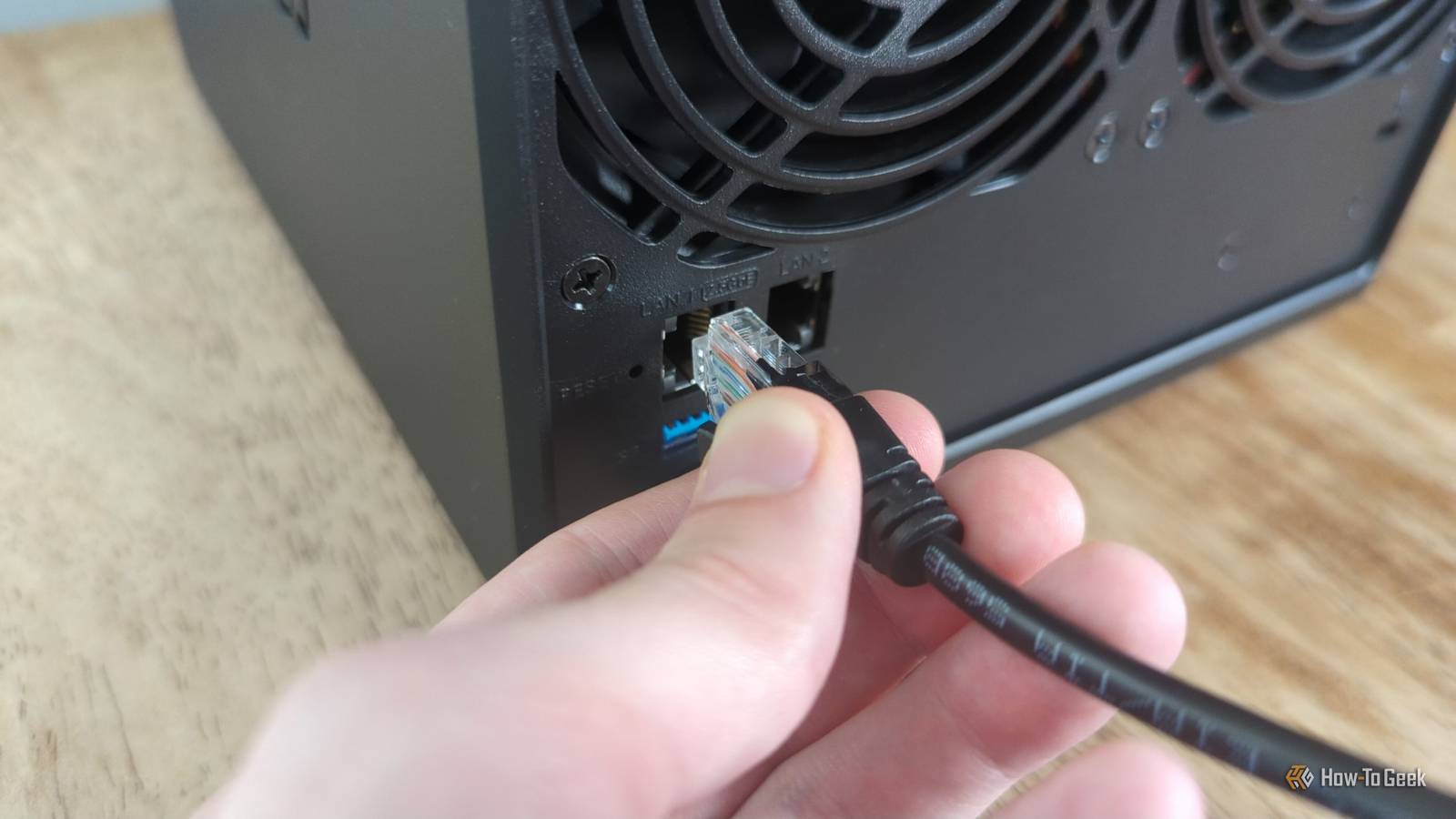
That old Wi-Fi router you've had for 15 years? It's time to replace it.Oh, and that DOCSIS 3.0 cable modem you bought in 2015? Yeah, it's time to replace that, too.Here are five networking devices that are officially too old to be using in 2026.
That old 10/100 Fast Ethernet switch in your closet It's only slowing you down Gigabit Ethernet has been the standard since 1999, and we're now in 2026.That's 27 years.So, if you still have a Fast Ethernet (10/100) switch in your networking rack, closet, or setup, it's time to retire it.
10/100 switches cap transfer speeds at 100Mb/s, which is about 10MB/s.That's 10 times slower than traditional Gigabit Ethernet, which is already on the slow side.So, Fast Ethernet is even slower.
These days, most internet plans are well over 100Mb/s in speed, so you might be paying for fast internet and not getting it on every device in your home.So, before you go about your week, take some time to verify that you don't have any old 10/100 Fast Ethernet switches in your setup.They look almost identical to Gigabit switches, so be sure to look and see what the switch is rated at.
When in doubt, look up the model number—and, if you can't read the model number, there's a good chance it's time to just replace it with a cheap Gigabit switch.TP-Link TL-SG105 5-Port Gigabit Ethernet Switch $15 $20 Save $5 Type Ethernet Switch Connect four devices to a single Ethernet port with TP-Link's simple five-port powered Ethernet switch.$15 at Amazon Expand Collapse DOCSIS 3.0 cable modems It's just too old...
DOCSIS 3.0 cable modems are along the same lines as Fast Ethernet switches—they're just simply too old.Typically, a DOCSIS 3.0 cable modem will get capped at around 340Mb/s to 400Mb/s download speed, and around 20Mb/s to 50Mb/s upload speed.This is pretty slow in terms of modern networking.
In many places, Xfinity, one of America's largest cable internet providers, offers 2Gb/s download and 250Mb/s upload speeds.This is several times faster than what a DOCSIS 3.0 modem can deliver.So, if you're thinking that you're doing a good job by not renting an Xfinity modem and you're still using a DOCSIS 3.0 modem, you're likely hindering your network performance significantly.
It's worth checking what internet speed you're paying for.If it's anything faster than 400Mb/s download and 50Mb/s upload, then it's time to replace that old DOCSIS 3.0 modem.NETGEAR Nighthawk DOCSIS 3.1 Mid/high-Split Cable Modem The Netgear Nighthawk CM3000 is a high-end modem that delivers download speeds reaching as high as 2.5Gbps, followed by 1Gbps of upload speeds.
It works with many leading providers, including Xfinity, Spectrum, and Cox.$300 at Amazon Expand Collapse Your old ISP gateway/modem if it's still Wi-Fi 5 Nobody should be using Wi-Fi 5 still These days, most ISPs offer fairly decent Wi-Fi routers.The thing is, unless you change your internet plan, most ISPs won't actually replace your modem unless you ask.
That means, you might be paying $10 to $12 per month for a modem rental, but you could still be using old technology.I've been to multiple friends' homes where they still had the old Wi-Fi 5 AT&T Fiber modem installed, and I had to tell them to call AT&T to get a new one.I've seen the same with Xfinity.
These ISPs will often give you a new Wi-Fi router/modem combo if you ask for it.It's a simple upgrade that will transform how your home network works.If you're still using a Wi-Fi 5 gateway from your ISP, give them a call.
There's no reason to be paying for a gateway and not getting the latest tech.Any Wi-Fi router that doesn't support WPA3 WPA3 has been the standard for almost a decade now While I recommend replacing the items above from a speed standpoint, a Wi-Fi router that doesn't support WPA3 is a security hole in your network.WPA3 was introduced back in 2018, and it became mandatory for all Wi-Fi devices made in 2020 onward.
So, if you have a device from the last six years, it to have WPA3 on it.What is WPA3? It's the latest technology for wireless security.It's how your devices authenticate with your Wi-Fi router.
So, if you have a router that's still WPA2, and not WPA3, it's a potential security risk inside of your network.Sadly, the only way to get WPA3 is to replace your router with something newer.However, if your router doesn't support WPA3, that means it's nearly a decade old, and it might be time to replace it for other reasons—like it could still be Wi-Fi 5.
UniFi Express 7 Brand UniFi Range 1,750 square feet Wi-Fi Bands 2.4GHz, 5GHz, 6GHz Ethernet Ports 2.5GbE, 10GbE MU-MIMO 2x2 Mesh Network Compatible Yes, UniFi The UniFi Express 7 Wi-Fi router is the perfect way to get started in the UniFi ecosystem.Packing the UniFi network application, this router will handle all of your home networking needs.It can function as a standalone router or an access point, depending on what you need it to do.
It also has both a 2.5GbE port as well as a 10GbE port, depending on how fast of networking you're working with at home.$199 at Unifi $210 at bhphotovideo Expand Collapse Old NAS boxes used as network infrastructure If your NAS hasn't been updated in several years, it's time to move on Your NAS, or attached storage, is actually a bigger deal than you might think it is.If you have an old NAS on your network that hasn't received updates for its operating system in years, then there's a good chance it's running an outdated kernel and possibly software that could be full of security holes in the modern world.
Now, if you want to go the DIY route and your NAS supports it, you can replace the operating system with something more modern and that would solve this problem easily.However, that sometimes requires some tech savviness—and sometimes it's just straight up not possible.So, while the NAS might still technically work, if it hasn't received an update in a time, then it might be time to pick up a new one.
UGREEN NASync DXP2800 GT Brand Ugreen Memory 8GB (Upgradalble to 64GB) Drive Bays 2x 3.5-inch, 2x M.2 NVMe LAN Ports 10GbE The Ugreen DXP2800 GT NAS is the perfect starter system for anyone looking to get started in homelabbing.With two 3.5-inch drive bays and two NVMe slots, this NAS also supports user-upgradable RAM and has 10-gigabit networking.$430 at Ugreen $390 at Amazon Expand Collapse Replacing old networking gear is about more than just gaining new features While replacing old networking gear give you new features, like faster networking capabilities, that's not what it's always about.
In fact, it's rarely about that.Typically, faster networking is just a byproduct of new networking gear.Often, using older networking gear is a straight up security hazard on your network.
So, depending on what old networking gear you have still in use, it might be best to replace it even if it still works.
Read More