An aging laptop does not necessarily need a hardware upgrade to feel faster.Sometimes, changing the operating system can make a noticeable difference, particularly when you are running a machine with an older processor and integrated graphics.Linux distros have different desktop environments, background services, and system requirements, all of which can affect everyday performance.
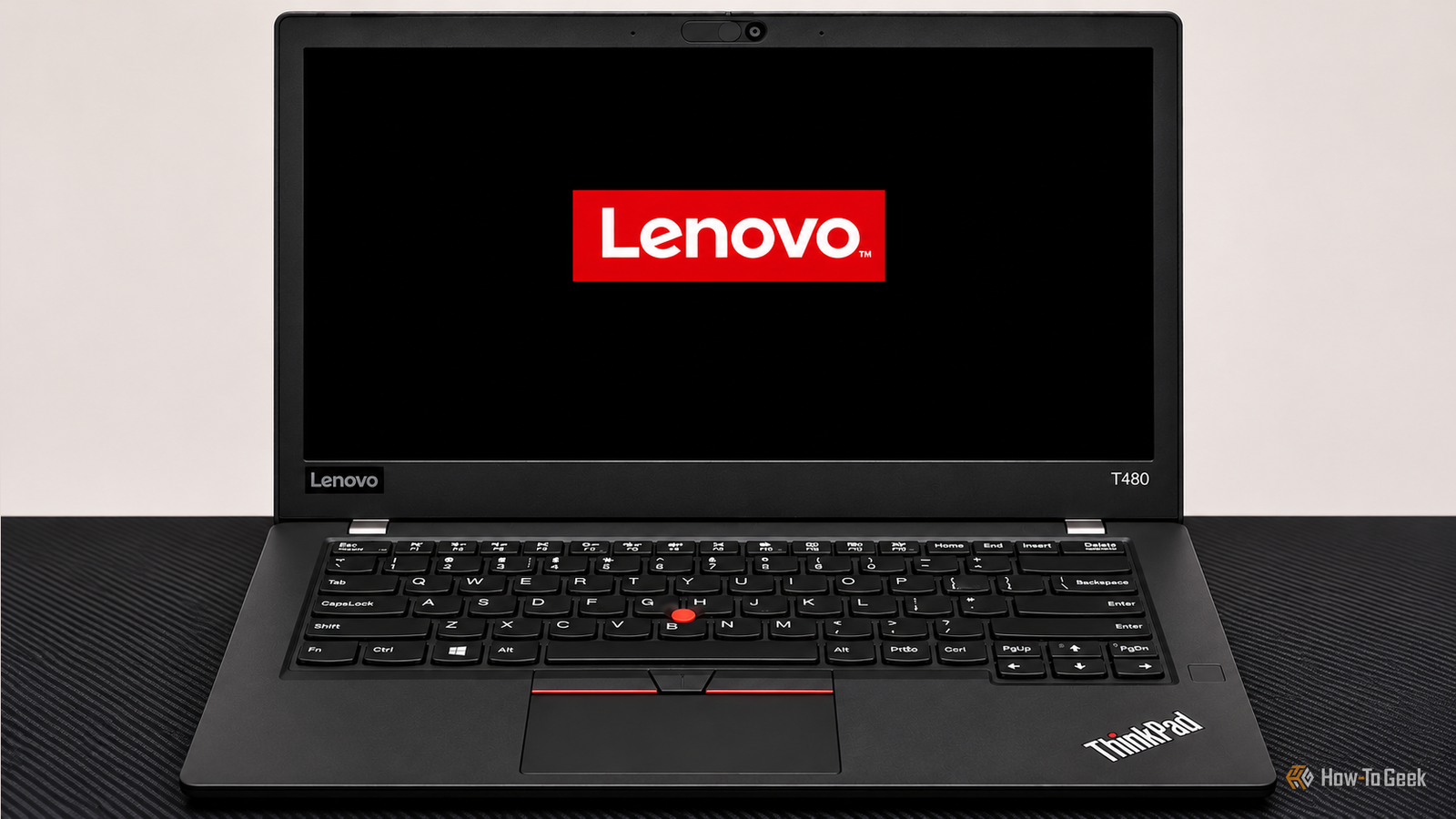
Add How-To Geek on Google Add as Preferred Source Follow on Google Discover I installed three popular Linux distros on an old laptop to see which one handled older hardware best.I compared their idle memory consumption, Firefox startup times, and boot times to find out whether one distro had a clear advantage.The laptop I used for testing The ThinkPad T480 specs Close The Lenovo ThinkPad T480 is often considered one of the most legendary ThinkPads ever made.
Released in 2018, it is now nearly 8 years old, yet it remains a popular recommendation whenever someone asks for an affordable used ThinkPad.It has an excellent keyboard, a Power Bridge dual-battery system (mine only has the external battery), plenty of ports, and a design that is considerably more repairable than most modern laptops.I have the Core i7 model, specifically the i7–8650U configuration with Intel UHD Graphics 620 and no discrete GPU.
Although it was a higher-end processor option for the T480, thermal and power limits prevent it from consistently delivering close to its theoretical performance under sustained workloads.The ThinkPad T480 still works perfectly well for writing, browsing, and light development, but I would not recommend it as a modern workstation for demanding workloads.I see plenty of people in ThinkPad communities and on Reddit recommending it, and I understand the enthusiasm.
If you enjoy upgrading, repairing, and experimenting with older hardware, it remains a great machine.However, I agree with much of the criticism that recommending it as a practical everyday laptop for everyone in 2026 is becoming harder to justify.That does not mean the T480 cannot benefit from a suitable operating system.
I have 16GB of RAM installed, which is enough to run a modern Linux desktop alongside a browser, terminal, and other everyday applications.To find out which Linux distro works best on the ThinkPad T480, I freshly installed Linux Mint 22.3 Zena, Ubuntu 26.04 GNOME, and Fedora 44 GNOME on the same hardware and compared their performance under consistent conditions: Linux Mint used the least RAM at idle Comparing memory consumption The first thing I checked was how much memory each distro consumed after startup.I let each installation settle for five minutes without opening any applications, then checked the RAM consumption.
Distro Idle RAM consumption Linux Mint Cinnamon 1.13 GiB Ubuntu 26.04 1.29 GiB Fedora 44 1.57 GiB Linux Mint came out ahead, consuming just 1.13 GiB of RAM.Ubuntu 26.04 followed at 1.29 GiB, while Fedora used 1.57 GiB.Mint used approximately 160 MiB less memory than Ubuntu and 440 MiB less than Fedora.
That is not a massive difference on a machine with 16GB of RAM, but it is worth considering if you regularly keep several applications open.Related Ubuntu doesn't care enough about desktop users, and Linux Mint is the proof Ubuntu could be doing a ton of stuff better.Posts 30 By Arol Wright Firefox opened fastest on Linux Mint Cold and warm startup times Idle memory consumption only tells part of the story.
I also wanted to see how quickly each distro could launch an application that most people use every day.I used Firefox for this test and measured both cold and warm startup times.A cold start measures the time required to launch Firefox when it is not already running.
A warm start measures subsequent launches when relevant application files and system resources may already be cached.I used Hyperfine to run the tests with Firefox in headless mode, loading a webpage and capturing a screenshot.I kept the testing command consistent across all three installations.
Linux Mint was the fastest in both tests, although the differences were small.Distro Cold start Warm start Linux Mint 1.87 seconds 1.25 seconds Fedora 1.94 seconds 1.28 seconds Ubuntu 2.01 seconds 1.27 seconds Mint launched Firefox in 1.87 seconds, while Fedora took 1.94 seconds.Ubuntu was slightly slower at 2.01 seconds.
The warm-start results were even closer.Mint took 1.25 seconds, Ubuntu took 1.27 seconds, and Fedora took 1.28 seconds.I would not call these differences noticeable during normal use.
All three distros launched Firefox in roughly two seconds or less, which is perfectly reasonable for an older laptop.Still, Mint managed to finish first in both measurements.Linux Mint also booted faster Comparing system startup times Next, I compared how long each distro took to boot.
I used systemd-analyze to check the time spent on firmware initialization, the bootloader, kernel initialization, initrd, and userspace.Here are the results: Boot stage Linux Mint Fedora Ubuntu Firmware 7.269s 7.269s 7.269s Loader 6.024s 6.024s 6.024s Kernel 1.112s 1.169s 1.285s Initrd 4.815s 5.247s 6.142s Userspace 14.480s 16.230s 18.380s Total 33.700s 35.941s 39.100s Linux Mint took 33.7 seconds to boot, making it the fastest of the three.Fedora followed at approximately 35.9 seconds, while Ubuntu took 39.1 seconds.
You might notice that firmware and bootloader times were identical across all three installations.That is because these stages are largely handled by the laptop’s firmware and boot configuration rather than the operating system itself.The more useful comparison is what happens after the kernel starts.
Related Does Linux really run faster than Windows? I tested both to find out Spoiler alert: Tux has wings.Posts 11 By Jordan Gloor Mint spent 14.48 seconds initializing userspace, compared with Fedora’s 16.23 seconds and Ubuntu’s 18.38 seconds.Its initrd initialization was also the quickest of the three.
The results suggest that Mint has a smaller startup workload on my particular installation.However, boot times can vary with firmware settings, bootloader configuration, and background services, so I would not assume the same results on every ThinkPad T480.Linux Mint was the fastest Linux distro for the ThinkPad T480 After testing Linux Mint, Fedora, and Ubuntu on my Lenovo ThinkPad T480, Linux Mint came out on top in every benchmark.
If you are wondering which Linux distro is best for the ThinkPad T480, Mint would be my first recommendation based on these results, but the differences were small enough that I would not rule out either distro based on performance alone.These results also show why there is no universally fast Linux distro for every laptop.Desktop environments, background services, hardware configurations, and installation choices all influence performance.
A different ThinkPad T480 configuration or workload could produce different results.
Read More