If you’re like me, you’ve turned nearly everything in your house into a smart device.Whether it’s through a smart plug, a smart USB adapter, or replacing an appliance with its smart equivalent, almost everything in your home can be controlled remotely or with your voice.Eventually, like me, you reach a point where there is nothing left inside the house to upgrade, and you start thinking of the outdoors.
Personally, I had already made several outdoor devices smarter, but there was one upgrade that proved more useful than I expected: my mailbox.Ever since I made it smart, I can’t imagine going back.Making my mailbox smart Have your mailbox communicate with you Close As of now, there are no smart mailboxes on the market.
There are models with electronic locks and fingerprint readers, but none offer the smart home features I was looking for.Even if those products become available, it would not be surprising if they required constant power or rechargeable batteries.They also would likely be expensive.
Fortunately, there is a much simpler solution: a smart contact sensor.The same type of sensor typically used on doors and windows can also be installed inside your mailbox.For me, I purchased the Meross Smart Window & Door Sensor, which attaches to surfaces with adhesive.
However, I usually go with Meross smart home products as a personal preference, but you can use any door and window sensor you like most that fits your setup.Additionally, the Meross sensor is HomeKit compatible, which is the ecosystem I use for my smart home setup.When setting it all up, the one aspect I had to consider is that the sensor works with HomeKit via a smart hub that comes in the box.
This hub needs to be plugged into power constantly, which I thought would be an issue due to where my outlets are placed.Eve Door and Window Sensor Dimensions (exterior) 0.91"L x 2.05"W x 0.94"H Colors White The Eve contact sensor lets you trigger smart home actions based on the status of your doors and windows.$40 at Eve Expand Collapse Before installing the sensor, I made sure that my Wi-Fi reached the mailbox, since—initially—that’s all I thought I needed.
I live on a tall hill, with the closest indoor outlet inside the garage, several feet away.Not only did I need to worry about whether the Wi-Fi would reach the mailbox, but also whether the connection from the hub to the sensor would reach as well.Luckily, after multiple tests, it did.
As you probably have guessed, this sensor—and the hub—are not meant for outdoor use.I knew the sensor would be covered inside the mailbox, but I did not want to plug the hub outside, hence why I was relieved when the signal still reached from the inside.After I confirmed the connection would reach, I had to decide where to place the sensor in the mailbox so the two pieces could make contact regularly.
Unlike usual doors that close nearly aligned with the doorway, mailboxes are a different beast, especially the one I have.One obstacle I had to get over was that the door to my mailbox overlaps the body of it when it closes.This meant I could not put the tinier part of the sensor on the side wall of the door.
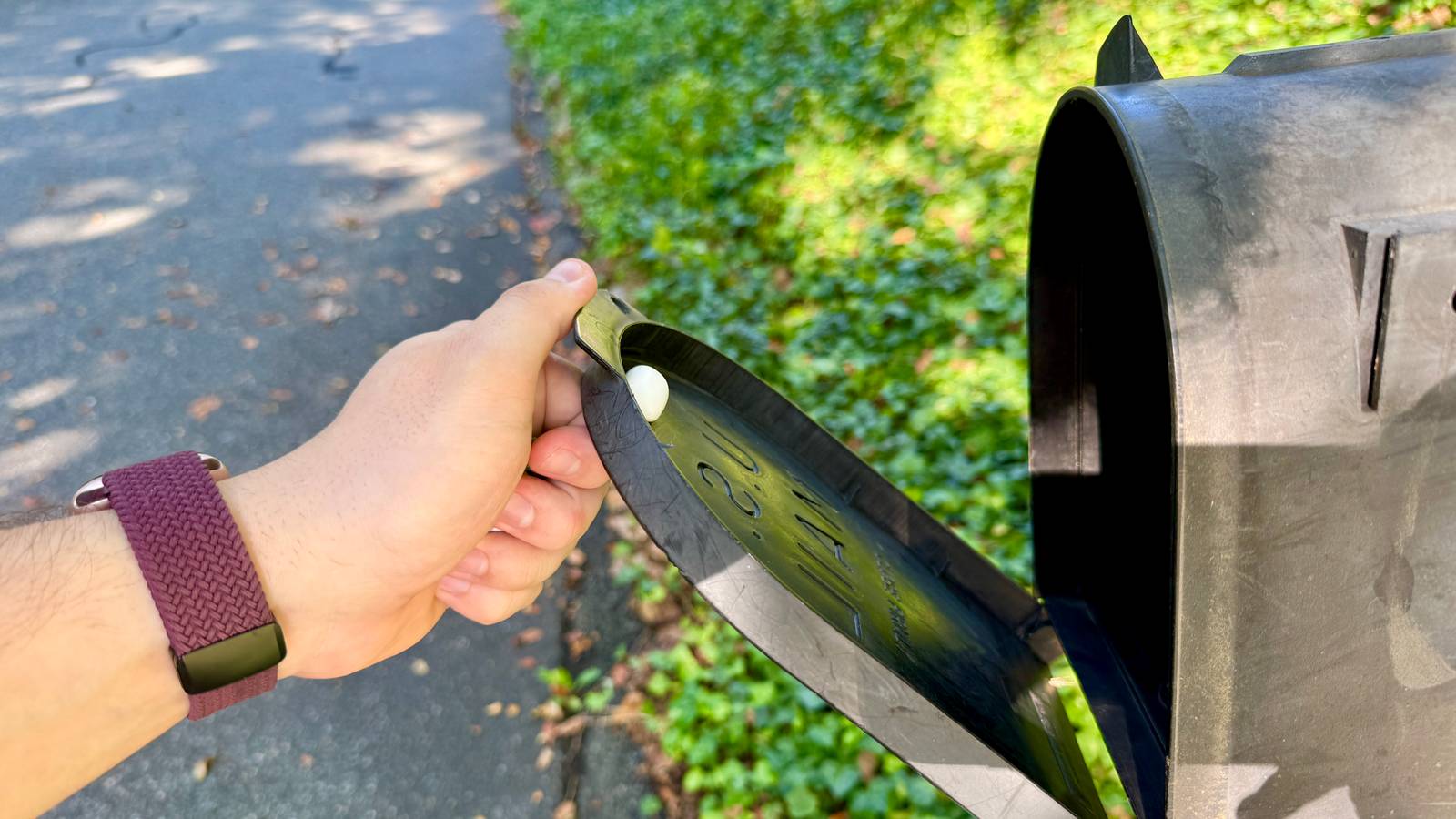
Due to this, I put the smaller piece at the top of the door, with the bigger piece on the roof inside the mailbox.This seemed to work out and allowed both to make contact with one another when closing the door.I will not lie, it does look a little weird, but it works, so I have made peace with it.
In reality, I will not be seeing it that often, so it does not bother me that much.Now, when the mailbox door opens, I get a notification on my phone and other devices letting me know.The same happens when it closes.
No more stalking the mailbox Now I'm notified when the mail comes You might be wondering why you would need a sensor in your mailbox.If anything, you can just check for the mail towards the end of the day.This is the same thought process I was going through when debating whether I should put one in or not.
Yet what made me decide to install one was how fixated I was on getting the mail when something was being delivered—which is a lot of the time.No longer was I waiting by the window looking at the mailbox; now I just wait for the notification.This is especially true when anxiously awaiting a package I am too excited for.
I would also get accustomed to what the mail truck sounded like coming up to my house.However, I would sometimes be tricked by a random car coming down my street.Now I know if it is actually the mail truck because a notification comes through.
This small addition to my mailbox has made the biggest mystery of the day disappear, since I no longer have to wonder if the mail has arrived or if I am just hearing things.You've got mail (notifications) When I started putting my smart home together, the mailbox was not one of the areas on my list to make more intelligent.If anything, it would have been the last area on there to upgrade.
Now that I am far along on my smart home conversion, getting to it was not a big deal.The setup was easy, and the benefits were worthwhile after using it for some time.While this addition may not be essential for everyone, I think of my parents who are getting older when using it.
Going to and from the mailbox is not as easy for them anymore, so being able to get a notification for when the mail arrives is the best solution to this issue.
Read More