Building a smart home can be an expensive business.Some devices, such as cheap Zigbee sensors, can cost just a few bucks, but other devices can run to hundreds of dollars.The good news is that it's often possible to build your own smart home devices, and the total cost can sometimes work out far less than buying a ready-made product.
Build your own Thread border router for just $5 Add Thread to your home for less Thread is a low-power networking protocol specifically designed for smart home devices.Instead of your devices communicating over your Wi-Fi network, supported devices can use a Thread network.Thread is a self-healing mesh network, and powered Thread devices can act as routers, passing data between devices.
Thread devices can't talk directly to your Wi-Fi network, so they need a device called a Thread border router (TBR) that can handle communication between your Thread network and your home network.Some popular smart devices can act as Thread border routers, such as an Apple TV, HomePod mini, Amazon Echo (fourth generation), Google Nest Hub (second generation), and more.If you don't own a suitable device, however, then you won't be able to use Thread in your home.
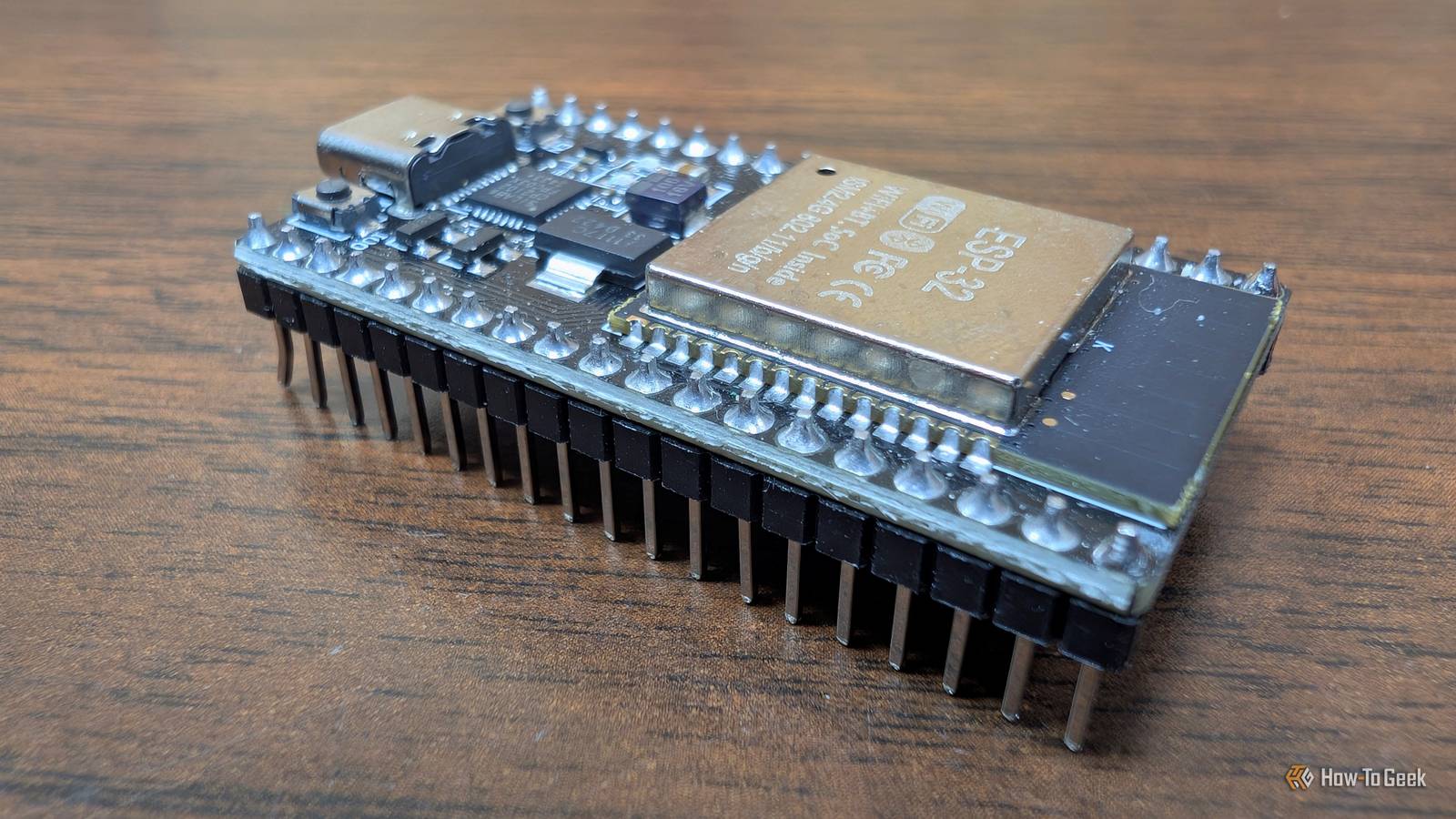
You can solve this problem for just $5.A Home Assistant user posted a project in which they built their own Thread border router using a cheap ESP32 development board.The project uses an ESP32-C6, which includes an IEEE 802.15.4 radio required by Thread.
There are cheaper boards that should be compatible, with many other users in the post comments confirming that they have their Thread border routers working using different hardware.The ESP32 doesn't run the router itself.It handles the wireless communication, while the OpenThread Border Router software runs on the Home Assistant host, which is connected to the ESP32 via USB.
Users have reported successfully commissioning Matter-over-Thread devices using these homemade TBRs.Related 7 Security and Safety Sensors for Your Home Assistant Smart Home Cheap upgrades for peace of mind and more automation options.Posts 3 By Tim Brookes An air quality monitor that doesn't break the bank Track the pollutants in your home Close We all know about the dangers of outdoor pollution, but indoor pollution can also pose significant health risks.
Everyday activities such as cooking and cleaning can increase levels of indoor pollutants without any visible signs.Most of us spend far more time indoors than we do outside, so if your home contains dangerous pollutants, it could be harmful to your health.Air quality monitors can help to keep track of the pollutants in your home by measuring things such as carbon dioxide levels, particulate matter, volatile organic compounds (VOCs), nitrogen oxides, and more.
The problem is that effective air quality monitors can be reasonably expensive.A cheaper alternative is to build your own.One Home Assistant user shared their homemade air quality monitor project on Reddit, which they built around an ESP32-C3 board and a Sensirion SEN66 air quality sensor module.
The design includes an e-paper display that shows the current readings on the screen of the device.The air quality monitor runs ESPHome firmware and measures things including CO2, VOCs, NOx, and particulate matter, as well as temperature and humidity.The creator estimates that building a single unit, including the custom PCB, costs around $100 and sells ready-made versions online for $170.
While this may seem like a lot, commercial products that can measure the same things can easily cost $200 or more.Set up a water monitoring system that can shut off leaks A small price to pay to prevent an expensive catastrophe I have multiple water leak sensors set up around my home.I'd always meant to get around to doing it, but it was only when I experienced a leak, which thankfully didn't cause any real damage, that I finally set them up.
The problem is that while I have an automation that alerts me when a leak is detected by any of the sensors, that's as far as it goes.Once I get the alert, I have to go and turn off the water if I want the leak to stop.If I'm not at home when the alert comes through, the leak could have caused some serious damage by the time I'm able to turn the water off.
You can buy smart water valves that can monitor water flow to try to spot leaks and shut off your water supply remotely, but these aren't cheap, and some rely on cloud services to work.The good news is that it's possible to build your own water monitoring system for less.One Home Assistant user posted their setup on Reddit, which includes four key components.
The first is a cheap Zigbee water shutoff valve that they found on Amazon that can turn off the water remotely.The second was a bunch of Zigbee water leak detectors placed around the home.The third part was to use an ESP32 running the AI-on-the-edge-device software to read a water meter and track flow and water usage, with the final part being a pressure transducer to keep track of the water pressure.
With this setup, the user can measure flow and look for instances where more water is being used than usual, which could indicate a leak or a tap left running, and can automatically shut the water off.An automation also turns off the water at night and monitors the pressure; if it drops significantly in half an hour, the valve stays off in the morning until the problem is resolved.You don't have to pay a premium for your smart home If there's a smart home device that would be useful in your home, but the price is making you wince, you may be able to build something yourself that can do the job for less.
As with the water monitoring setup, you may need to get creative and use multiple devices to replace a specific product, but even then, the total cost may work out cheaper than buying a ready-made device.
Read More