Paperwork used to be annoying, but at least there was an obvious place to put it.You bought a filing cabinet, labeled a few folders, and hoped you could remember where you filed something when you needed it.Today, most of that paperwork is digital.
My wife and I have bills, receipts, records, manuals, and other documents scattered across our PCs, and finding a specific file isn't always as easy as it should be.That's what made this project interesting to me.I already had a mini PC capable of running AI locally, so I wanted to see if I could turn it into something that would search our documents for us.
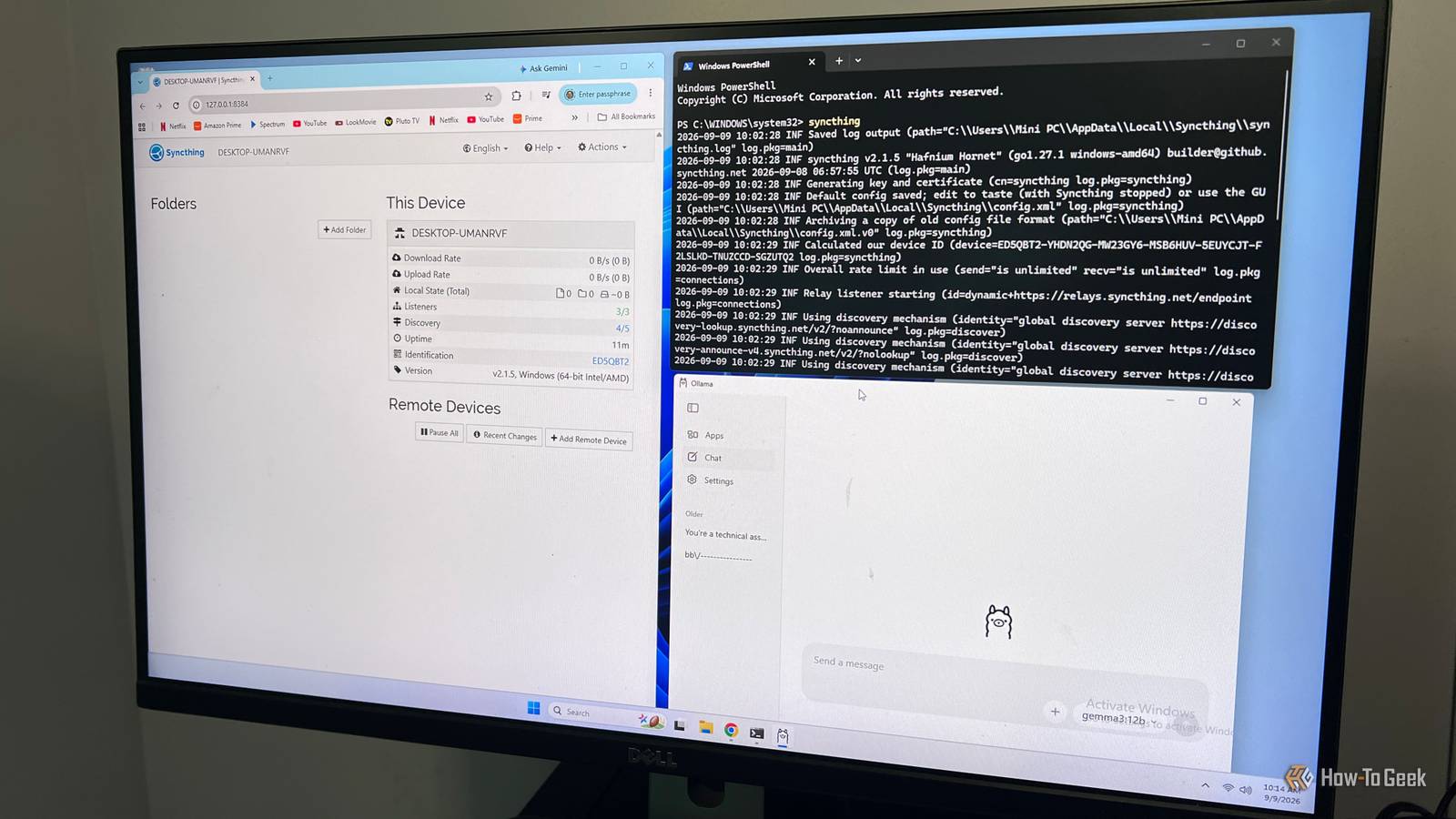
Local AI ended up being only part of the solution.I also needed a way to keep our files synchronized and give both of us a simple way to search them without worrying about filenames or where a particular document was stored.Here are the tools and software I used: Ollama: I used this to run the local AI model.
Gemma 3 12B: This is the model I used to search the documents.Open WebUI: This provided the browser-based interface and private Knowledge Base.OIKB: this watches the AI-Search folder and keeps the Knowledge Base synchronized.
Syncthing: This app synchronizes the AI-Search folder between the household PCs and the mini PC.I used a mini PC as the AI server It had enough hardware to run everything locally The mini PC was central to the whole idea because I wanted the search system running on hardware in my house instead of sending our documents to a cloud AI service.The machine I used runs Windows 11 and has 32GB of RAM, an AMD Ryzen 5 7640HS processor, and Radeon 760M integrated graphics.
It isn't a dedicated AI workstation, but it had enough horsepower to run Ollama and a local model while also handling the other pieces of the system.I started with Gemma 3 12B because the mini PC could run it without any additional hardware.It works, but this is also where I started to see the limits of the setup.
A document search currently takes just under a minute, which is fine for testing but slower than I'd like for something my wife and I will use regularly.I'm planning to try a smaller model next, and the mini PC also gives me the option of adding an external GPU later if I decide the extra speed is worth it.Syncthing keeps our documents available automatically Once the folders are shared, there isn't much to think about Close I was already familiar with Syncthing before starting this project.
I use it to move files between devices on my network, and with Möbius Sync I can even bring my iPhone into the mix, although the experience there is a little different than it is on Windows.For this project, though, I wanted something simpler.My wife and I each have an AI-Search folder in Documents, and Syncthing keeps those folders matched up in the background.
The first time I ever set up Syncthing, I found it a bit of a bear.You have to connect the devices, share the right folder, accept it on the other PC, and make sure both sides are pointing to the folders you actually want.Once that's done, though, it pretty much disappears.
That was exactly what I needed here.My wife doesn't have to upload anything to the mini PC or think about where the AI system is running.She just saves a document into her AI-Search folder, and Syncthing handles getting it over to the mini PC.
Related Don't upload your sensitive files to AI services: 4 free open-source tools that work completely offline No subscriptions required and your data never leaves your computer.Posts 3 By Faisal Rasool This automatic handoff is what makes the rest of the project possible.Open WebUI can only search documents that are available to the system, so keeping that shared folder current matters just as much as the AI model itself.
Syncthing also keeps the files on our own devices rather than putting them in a third-party cloud storage service, which fits the whole point of building this as a private system.It also helps that Syncthing is free, just like the other tools I used for this setup.There are no per-device fees or storage limits to work around.
As long as the devices are connected and Syncthing is running, changes to the folder are picked up automatically.For something I want my wife and me to use without turning document management into another chore, Syncthing worked out great.Open WebUI lets me search everything with normal questions Getting the folder into the knowledge base was not easy While Ollama handles the local AI model, Open WebUI gives me the interface I actually use to talk to it and search my documents.
I created a private Knowledge Base called AI-Search and pointed my workflow at the same folder Syncthing keeps updated on the mini PC.Once everything is working, I can ask something as vague as, "show me the file that talks about my pets," and Gemma can search the indexed documents and return the file that matches what I'm looking for.Making that folder update automatically took some work.
I ended up going down a PowerShell rabbit hole, tracking down API keys, the Knowledge Base ID, and the Open WebUI API calls I needed.To solve this, I set up a PowerShell folder watcher that monitors the AI-Search folder.When Syncthing drops a new file into it, the script detects it, sends it to Open WebUI through its API, and associates it with the AI-Search Knowledge Base.
Open WebUI then extracts and indexes the contents so Gemma can use them when I ask a question.The search works from any device on my network The part I like most is that neither of us has to sit at the mini PC to use it.Because Open WebUI is running on my home network, my wife and I can open it from another PC, tablet, or phone on the network and search the same document collection from there.
That makes the mini PC feel more like a private household service that's always available when we need it.It works, but the speed still needs improvement At this point, I'm officially rolling the system out for my wife and me to use.The biggest thing I still want to improve is the speed.
With Gemma 3 12B running on the mini PC's integrated graphics, a document search takes just under a minute.That's noticeably slower than searching Google or Windows, but I'm not sure it's a deal breaker.We've both spent far more time than that digging through folders trying to figure out where we put a document or what we called it.
When I have more time, I'll probably experiment with some smaller models to see how much I can cut that wait without making the search results noticeably worse.For now, though, I'm going to use what I built and see how it holds up with our actual documents.The setup was challenging, but being able to ask for a document based on what I remember about it instead of where I saved it makes the effort worthwhile.
Read More