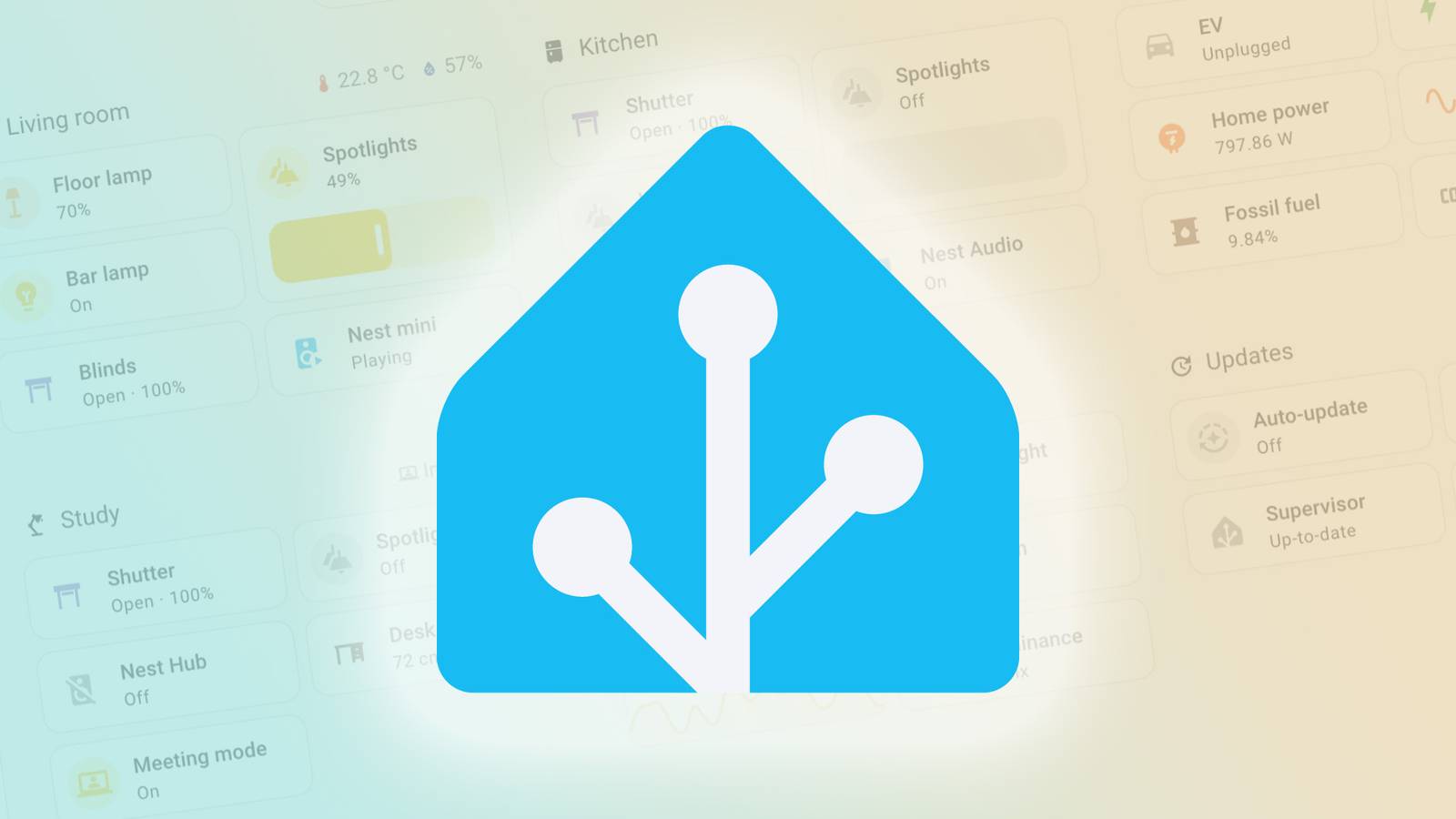
Today's the big day: Home Assistant 2026.2 is now rolling out.It includes a new default Home Dashboard, a redesigned quick search, opt-in data collection for the new device database, and much more.First, the redesigned 'Overview' page has now replaced 'Home Dashboard' interface for all new installations of Home Assistant.
It's a much easier way to check the current status for your lights, climate controls, security cameras, and media devices, and it has been in testing for a few months.If you haven't tried it out the new Overview, you can switch to it from Settings > Dashboards.You can revert to the old interface at any time, but new installations will get the Overview design by default.
This release also adds a new card in the 'For You' section, which displays any new devices Home Assistant has discovered.This release also includes integration with the Open Home Foundation's device database.It aims to be a public database of smart home devices, with searchable information about protocol support, current Home Assistant compatibility, local control options, and much more.
It has already identified "over 10,000 unique devices across more than 260 integrations." There's an early preview dashboard with some of the collected information.Starting with Home Assistant 2026.2, you can help build the database by allowing Home Assistant to periodically upload information about your connected devices, which contains "zero personal data." You have to enable Device analytics from your Home Assistant settings, and it's also still a Labs feature, so you need to enable it from your Labs settings as well.This release also has a new Quick search function, replacing the quick bar.
It's an easy way to find individual devices, run commands, jump to a settings page, or perform other actions.You can open it with the Ctrl+K or Cmd+K keyboard shortcut, or with a customizable gesture on mobile devices.There are some changes to add-ons and integrations as well.
The add-ons are now just called "apps," which represent standalone applications that run alongside Home Assistant, like code editors and media servers.There are also "Integrations" that connect Home Assistant to your devices and services.The panel for managing apps has also been overhauled with better performance.
The blog post explained, "The [name change] comes down to making Home Assistant more approachable for everyone, especially newcomers.For those of us who’ve been in the ecosystem for a while, this distinction is second nature.But we keep seeing new users getting confused, attempting to install add-ons when they need integrations, or vice versa." Subscribe to the newsletter for Home Assistant insights Looking for clear explanations of Home Assistant changes? Subscribe to the newsletter for concise breakdowns, setup tips, and device-compatibility highlights, like the new Overview, device database integration, and Quick search, plus broader smart-home coverage.
Subscribe By subscribing, you agree to receive newsletter and marketing emails, and accept our Terms of Use and Privacy Policy.You can unsubscribe anytime.If you already have Home Assistant, the update should appear in the system dashboard.
You can set up a fresh install with the instructions on the Home Assistant website.Source: Home Assistant
Read More