I'm still a novice Linux user, but the more time I spend with it, the more I like it.What started as a way to keep an older PC useful has turned into something I genuinely enjoy using.Linux feels faster, more flexible, and far less intimidating than I expected, especially now that I've found applications that make the desktop experience feel more complete.
That said, I'm still not a fan of opening the terminal for everyday tasks.I understand why experienced Linux users like it, and I'm not arguing that it doesn't have its place.I just don't want to memorize commands to monitor my PC, manage software, or install an AppImage.
Thanks to these graphical apps, I don't have to.Mission Center gives Linux the Task Manager experience I wanted I can find and stop whatever is slowing down my system Close Coming from Windows, Task Manager is one of those utilities I've always taken for granted.Whenever my PC starts running slowly, I open it, check which application is using too much CPU or memory, and end the process if I need to.
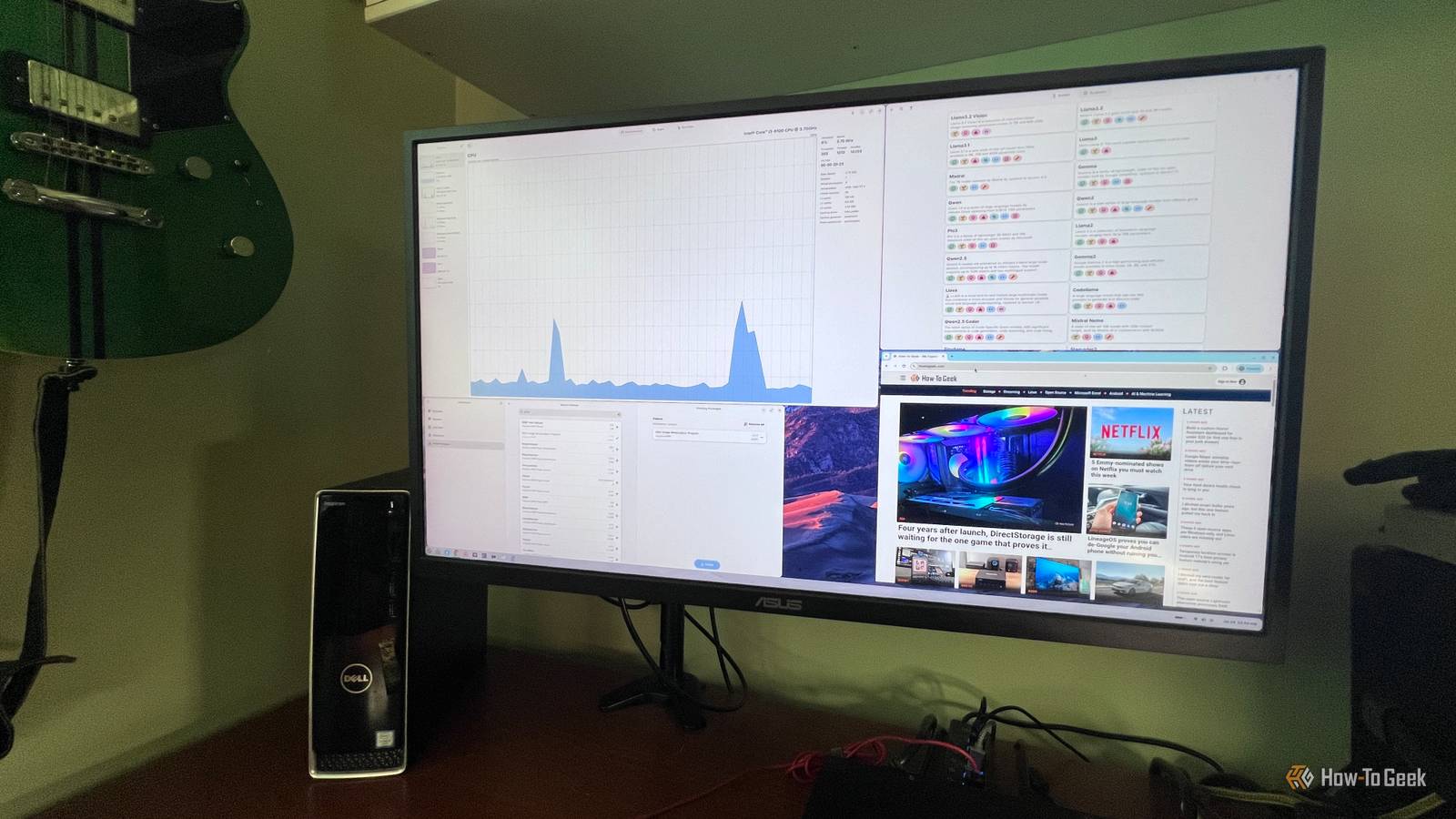
When I started using Linux, the idea of managing system resources from the command line seemed a little intimidating.Mission Center took care of that for me.If my system starts feeling sluggish, I can open it and immediately see how my CPU, memory, disks, network connection, and GPU are being used.
It also breaks resource usage down by app and process, so I can quickly identify the problem and stop whatever is misbehaving.Depending on the hardware, it also gives me details that aren't always as easy to find in Windows Task Manager, including GPU encoder and decoder usage, GPU power consumption, swap memory, disk transfer rates, and fan activity.There's even a compact summary view I can leave open when I want to monitor performance without taking over the screen.
Mission Center makes system monitoring feel familiar instead of turning it into an advanced Linux task.Warehouse makes Flatpak management feel like a normal desktop app I don't need to memorize commands just to manage my software Close One of the first things I noticed after switching to Linux was how often people recommend opening the terminal to manage Flatpaks.These are Linux apps packaged with many of the components they need to run, which makes them easier to install across different distributions.
I'm sure those commands become second nature after a while, but as someone who's still learning Linux, I don't want to stop what I'm doing to look up the right syntax every time I want to manage an application.That's why I've come to appreciate Warehouse.It gives me an easy-to-understand graphical interface for managing the Flatpak apps already installed on my system.
I can browse installed applications, remove software I no longer need, manage user data, and access other Flatpak options without typing a single command.Instead of feeling like I need to learn a long list of commands before I can maintain my PC, I can simply click through the interface and get on with what I was trying to do.It makes Flatpak management feel much more like using the GUI-based tools I'm accustomed to on Windows.
Related Switching From Windows to Linux: A Step-by-Step Migration Guide A distro hopper’s guide to migrating from Windows to Linux.Posts 23 By Dibakar Ghosh Gear Lever makes AppImages feel like installed apps It puts downloaded apps where I expect to find them Close Warehouse handles Flatpaks, but not every Linux app comes in that format.Some Linux apps are downloaded as a single AppImage file instead.
Obsidian, MuseScore Studio, and OpenShot are a few recognizable examples.You can run an AppImage on its own, but it may remain buried in your Downloads folder and never appear in the application menu with the rest of your software.That's where Gear Lever helps.
I used it with the Obsidian AppImage, and it moved the file to a better location, added Obsidian to Zorin OS's application menu, and gave me one place to manage or remove it later.Gear Lever handled that for me.The Linux transition is easier when the terminal is optional The more I use Linux, the more I realize I don't have to choose between learning the operating system and getting things done.
These graphical tools let me handle everyday tasks without stopping to look up commands or figure out the right syntax.That keeps me focused on what I want to accomplish instead of how to accomplish it.For someone making the jump from Windows, that makes a big difference.
Linux already feels faster and more flexible than I expected, and being able to manage software, monitor my system, and use the applications I want through familiar graphical interfaces has made the transition much easier.It lets me learn Linux at my own pace instead of feeling like I have to master the command line before I can get work done.
Read More