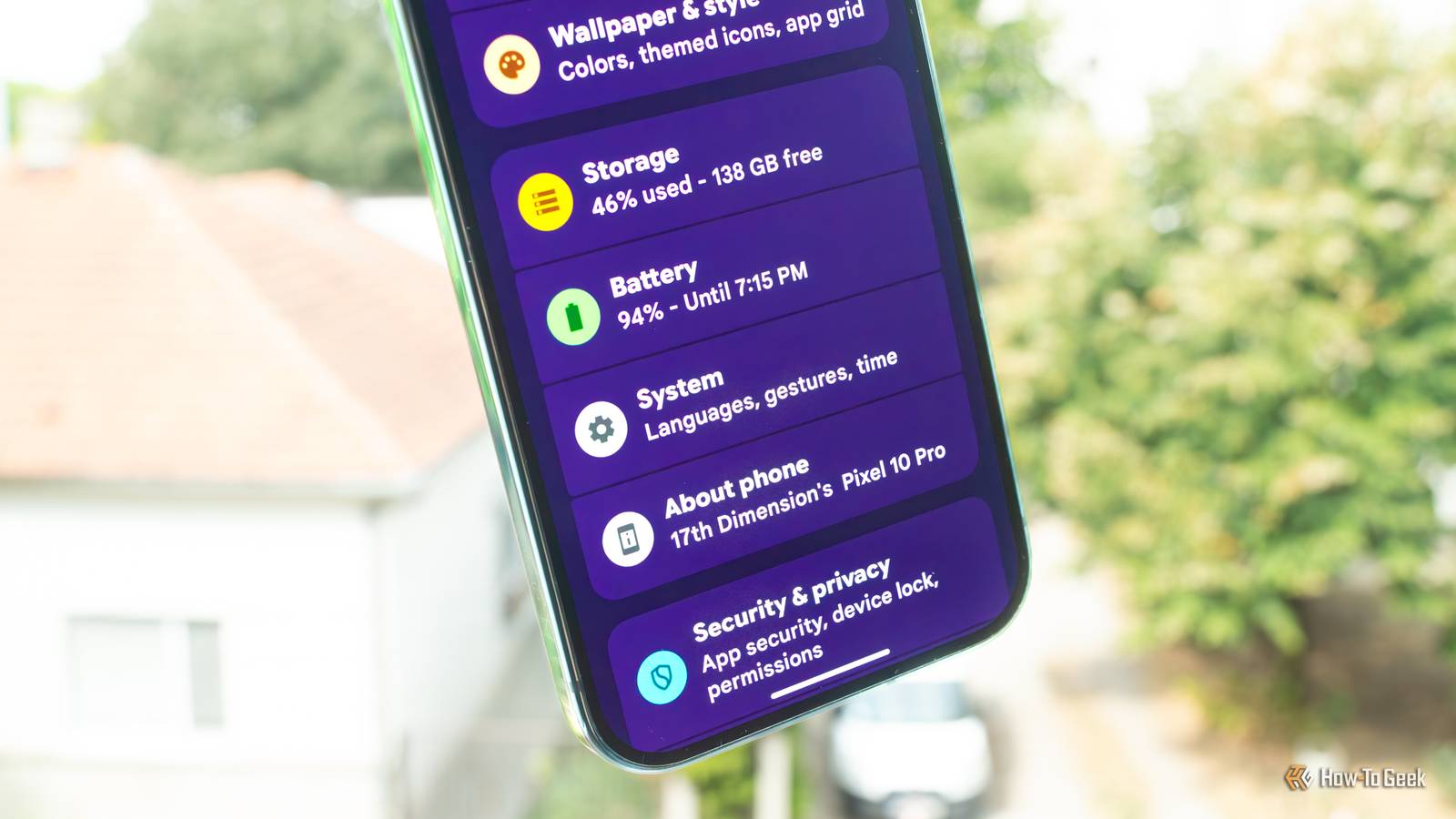
My current phone, a Pixel 10 Pro, is the first phone I've ever owned that packs 256GB of storage space.Almost six months into owning it, I've still got plenty of storage left, and I'm in no hurry to free up space.But when I recently looked up how much storage I could free up on it for a piece I was writing, I discovered that Spotify took up almost 15GB of space.
This wasn't new, but I completely forgot about it after upgrading to the Pixel.I've been deleting Spotify cache for years when in need of more storage But I forgot about it after getting a 256GB phone Just last month, I showed our readers how I reclaim storage on my phone without using "cleaner" apps, and by the end of that exercise, I had clawed back almost 23GB of space.Spotify was hands down the worst offender, with its cache taking up almost 13GB of space.
The thing is, though, that's par for the course for Spotify.I've been deleting the app's cache for years now whenever I urgently need free storage.It all started back when I was rocking a Xiaomi Mi Mix 2, a 64GB device that didn't include an SD card slot.
I'd delete Spotify's cache on that phone at least three or four times a year, and each time, I'd get almost 10GB back.The practice continued with my 128GB Galaxy S21 FE.While I didn't lack free space on the phone right until the final year I owned it, I still continued to delete Spotify's cache a few times a year because the app, once again, would accrue more than 10GB of storage space every single time, and I just couldn't look at it wasting all that real estate.
But when I got a Pixel 10 Pro with its lofty 256GB of internal storage (which isn't that lofty for some of us), I completely forgot about this until I sat down in late August to see just how much storage I could claw back with built-in Android tools.When I listed my apps by size and saw Spotify stuck there like a sore thumb, it all came back to me.The app took up almost 14GB of space on the phone, and after I deleted its cache twice — once inside the app and once through the Settings app — it melted down to less than 1GB! Less than a month later, I went into the Storage menu to see the current state of affairs, and what do you know? There it was, Spotify again, taking up 5.33GB of space.
I immediately deleted the app's cache then and there, and then entered the app to delete its in-app cache, which this time amounted to 4.3GB.After doing all that, the app shrank to 699MB.Close If you have Spotify installed on your phone and need free storage, delete its cache.
I've included screenshots that show you how down below.It will fill back up to multiple gigabytes after a few weeks or months, depending on your music-listening habits and stream quality, but if you need free space right now, this is a quick, easy way to claw back multiple gigabytes without deleting anything important.Close Spotify isn't the only app that can eat up huge amounts of storage Other apps can waste tens of gigabytes of space on your phone, too Spotify isn't the only guilty party here.
Other streaming apps, such as YouTube, YouTube Music, Deezer, and others, can also take up more than 10GB of your phone's storage (and sometimes much more) without you realizing it.The solution is often as simple as clearing their cache and managing your offline library.Sometimes, though, you'll need to reinstall them to free up space.
If you're using one or more streaming apps, you should check just how much space they take up on your phone; you might find a surprisingly large amount of wasted storage you can easily take back.Streaming apps aren't the only ones that can grow to a gargantuan size if left unattended.Social network and chat apps are especially bad in this regard, with WhatsApp being one of the worst offenders.
That app can blow up to tens of gigabytes if left unattended.If you have WhatsApp installed on your phone and are in free-space alarm mode, deleting WhatsApp's cache or user data, disabling auto-saving of images, using the built-in data management tool (Settings > Storage and data > Manage storage), deleting the app and reinstalling it, or flat-out deleting your chats can net you a massive amount of storage.You might lose your chats, but getting tens of gigabytes of storage back can be worth it.
This also holds true for a number of other apps, such as Facebook, Instagram, Telegram, Discord, and some other social network and chat apps.In a nutshell, many Android apps have no regard for your phone's storage space.They'll eat away at it until they balloon to disgustingly large sizes, and while sometimes you can simply delete their cache, other times you'll need to delete user data, uninstall them, or, in the worst case, delete your chats to get that free space back.
You could also try using SD Maid to claw back some of the storage these apps took hostage.It's the only Android cleaner app I recommend using.Related Google Messages is hoarding over 25GB on my phone, and that’s a problem One tiny setting could fix everything.
Posts 10 By Cory Gunther There are other, similarly effective ways to free up storage on Android The crime many Android users commit is keeping apps on their phones that they know they won't use, which can waste gigabytes of storage.I started deleting apps I haven't used in a while years ago, and you should do it as well.Doing so has benefits beyond just freeing up storage space.
If you're paying Google for cloud storage and still keeping tons of photos and videos locally on your phone, you're wasting away all that space since Google Photos allows you to delete all media files that have been backed up to the cloud with just a few taps.Last but not least, check the Screenshots folder on your phone; it might take up a surprisingly large amount of space.
Read More