Are you still logging into your homelab services one by one? This weekend, take the time to set up both Caddy and Authelia (or Tinyauth), and your homelab will be better for it.Then, when you're done with that, deploy Homebox and get organized.You'll thank yourself later.
Create a home inventory system with Homebox and QR codes Don't just know what you have, but know where it's stored If you've never heard of Homebox, it's a home inventory management platform.Essentially, you can add every item that's in your house to it to catalog its location, value, serial number, photos, and so much more.The thing about Homebox is it also supports QR code labels—that's where the simplicity comes in.
We all have that "keepsakes" box in the attic, but what's actually in it? Which Christmas decoration box is the front door mat in? With Homebox and QR code labels, those questions become a thing of the past.Once you have Homebox deployed in your homelab, simply start entering items into the database.Then, assign them a location and assign that to a QR code.
Once you print the QR code out and stick it on the box, you now have a quick and easy way to look up where something belongs.The QR codes work for more than just telling you where to put stuff.If you scan the code with your phone, it tells you what belongs in the box, which is extremely nice.
Homebox also supports a lot of additional features, like multi-user support, a full REST API for integrations and automations, and so much more.If you're constantly looking for where things are in your home, then Homebox might just be the perfect solution for you.Set up single sign-on with Authelia or Tinyauth Forget logging into dozens of services when you can just log in once Have you ever gotten tired of all the login pages in your homelab? I know I have.
I have a login page for Nginx Proxy Manager, Portainer, Sonarr, Radarr, Audiobookshelf, and quite a few other apps.That's where Authelia or Tinyauth come in.You can use either platform to achieve a similar result, so whichever one you go with is up to you.
Essentially, what Authelia or Tinyauth do is sit in front of all your self-hosted services as an authentication layer.Imagine you want to open up services in your homelab for external access, but the authentication of said app is iffy at best.Putting it behind Authelia or Tinyauth solves that problem.
You start by pointing your reverse proxy to the Authelia or Tinyauth instance, and then it handles the redirect after you properly authenticate.So, when you go to access the service through the reverse proxy, the authentication layer checks to see if you're properly authenticated.If not, it then pushes you to a single sign-on page for you to log in.
Once you log in one time, you're logged in for everything.It's very convenient, easy to set up, and definitely is something that should be in every homelab.Simplify your reverse proxy by deploying Caddy No more GUI—everything happens with text files now I use Nginx Proxy Manager and there's no chance of me switching any time soon—I have too many reverse proxy entries to try to do that.
However, if you've not started your reverse proxy journey yet, then Caddy could be the perfect option for you.Instead of the GUI-based interface of Nginx Proxy Manager, Caddy does everything through text files.So, you just have something like this inside of your Caddyfile for each reverse proxy destination you want: photos.example.com { reverse_proxy 192.168.1.50:2283 } This is much simpler than Nginx Proxy Manager's user interface.
I do like how feature-rich Nginx Proxy Manager is, but Caddy is just simpler overall.All it takes is adding a few lines of text and reloading the file, and your new reverse proxy is working perfectly.With Caddy, it's also easy to back up the config file, as it's just a simple text file.
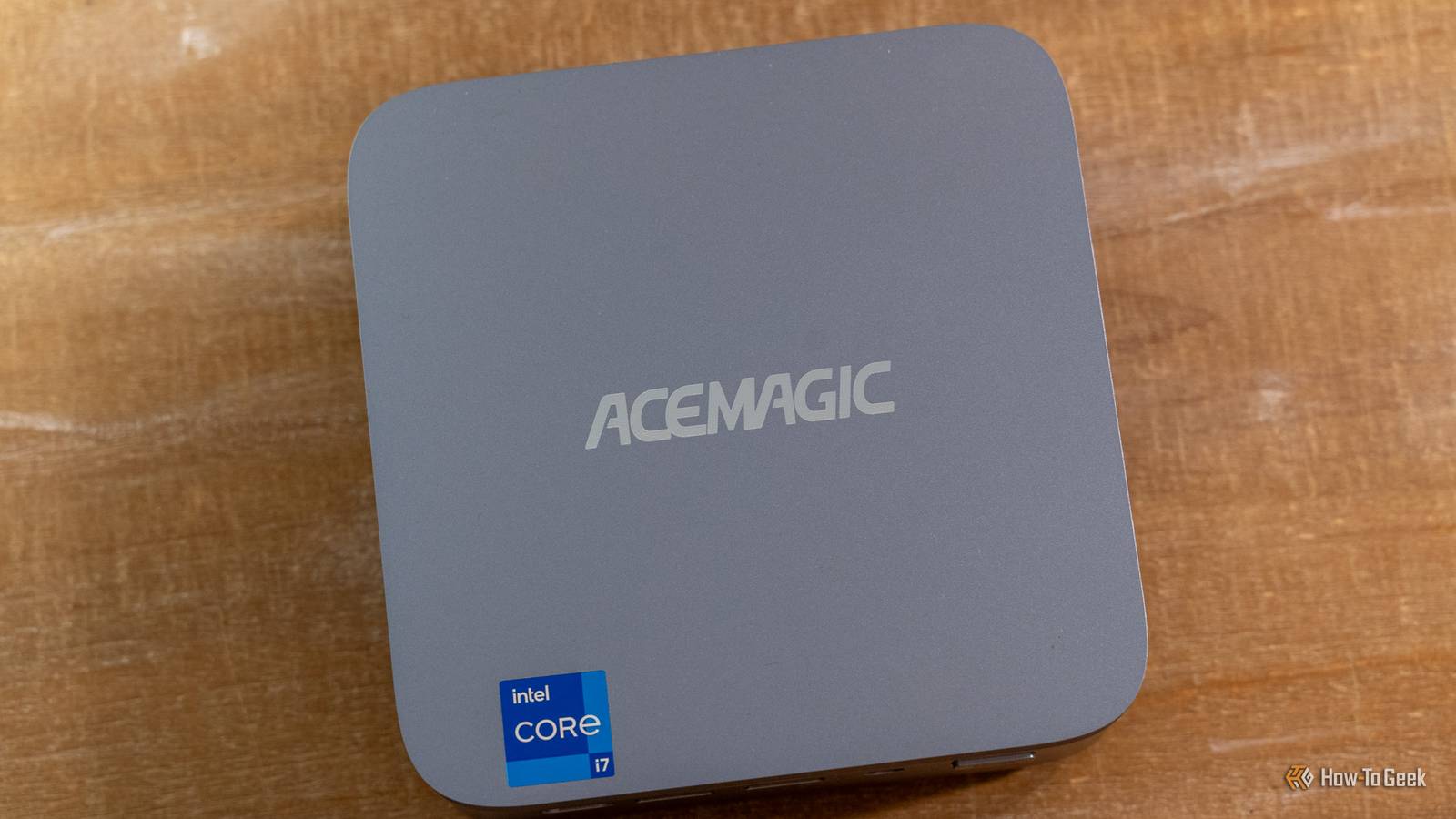
If you self-host your own Git repository, you can even have revision history to keep track of all changes you make—something Nginx Proxy Manager simply doesn't offer.GEEKOM A5 mini PC $395 $439 Save $44 Brand GEEKOM CPU AMD Ryzen 5 7430U Graphics AMD Vega 7 Memory 16GB DDR4 SO-DIMM Storage 512GB NVMe (expandable) The GEEKOM A5 mini PC packs 16GB of user-replaceable RAM, a user-swappable NVMe SSD, plus two other storage slots, giving you plenty of user-upgradability in this compact system.The Ryzen 5 processor packs plenty of power for general tasks, and it's even great at lightweight gaming and CAD work too.
$395 at Amazon $439 at Best Buy $439 at GEEKOM Expand Collapse Your homelab should work for you, not against you All of the projects above make your homelab work you, not against you.What do I mean by that? Well, Homebox helps keep your life organized.Authelia/Tinyauth helps reduce the number of times you have to log into a service.
Caddy makes your reverse proxy journey simple and easy using just a text file.At the end of the day, your homelab should make your life simpler, not more complicated.A lot of times, a homelab is simply a tinkering place, but it can also be a place of simplicity.
So, if you're still banging your head against the wall to try and figure out authentication or reverse proxies, simplify the setup using the above tools and get back to enjoying your homelab again.
Read More