Ditching Google on an Android phone isn't as hard as you might think — until you need directions.Gmail, Search, and even YouTube all have decent replacements, but Google Maps is harder to part ways with.Not many alternatives offer live traffic, accurate business info, and reliable navigation in one app.
Vela Maps is trying to change that.The NewPipe of navigation What is Vela Maps? Vela Maps is a free, open-source navigation app for Android.Its GitHub page describes it as "what NewPipe is to YouTube, for Google Maps." If you're not familiar with NewPipe, it's a popular app that lets you watch YouTube without ads, trackers, or a Google account.
Vela aims to do the same for maps.The app is mainly built for people who run GrapheneOS or other Android ROMs without Google Play Services.For those users, Google Maps either doesn't work at all or barely works.
However, there's no reason you can't use Vela with normal Android software, too.That's what I've been doing.Close Vela is currently in beta, but the feature list is already impressive.
It has the basics like offline maps, route planning, and voice navigation.Turn-by-turn directions include lane guidance and speed alerts, and it supports Android Auto.It also has dark mode, public transit info, saved lists, and even Street View.
There's one big feature you won't find in Google Maps.Vela can pull in data from a community-run DeFlock project to show Flock and other license plate reader cameras on the map.You can even have it favor routes with fewer cameras — as long as the detour isn't too long — and it can warn you when one is ahead.
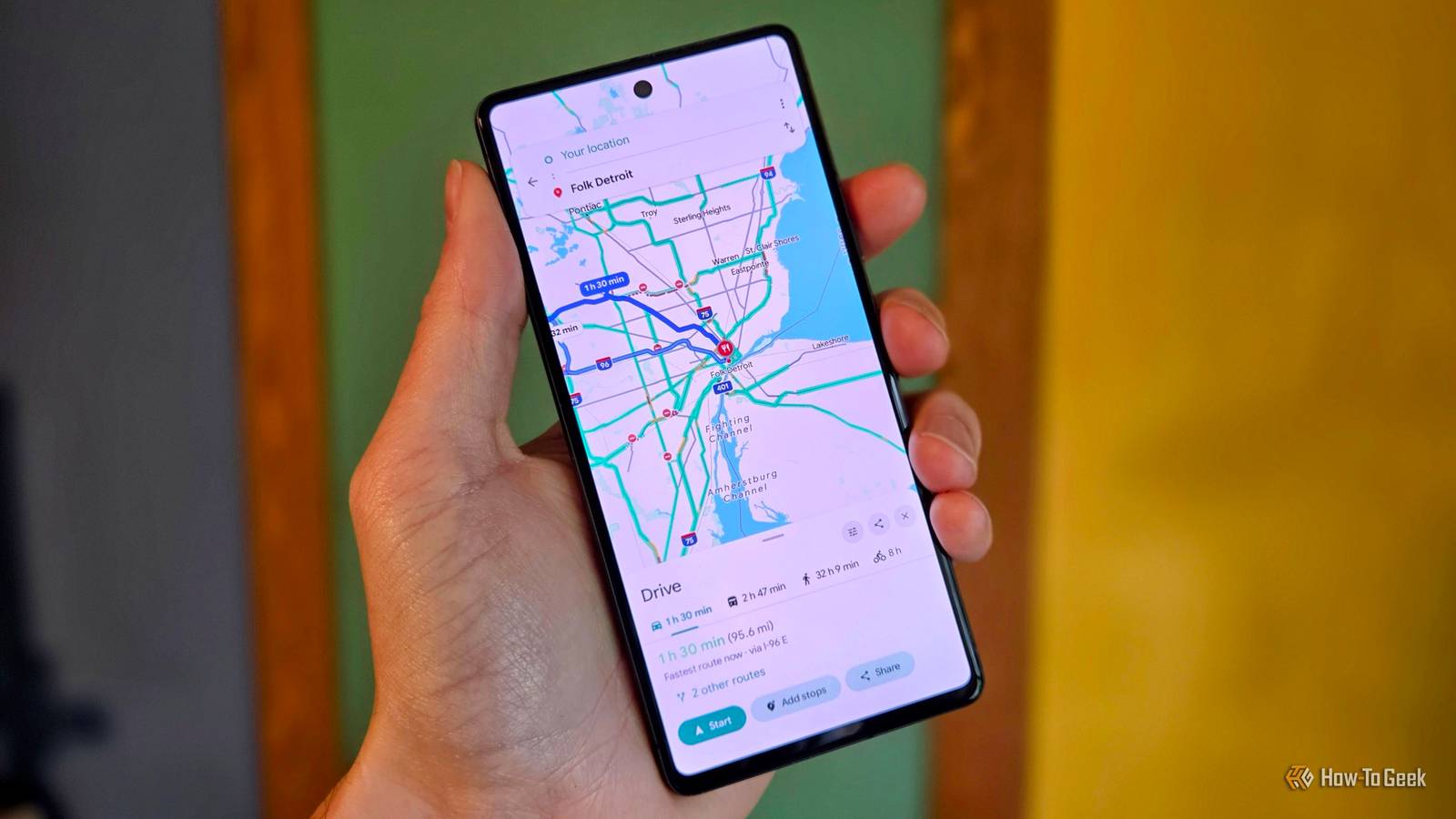
Pretty cool.As much Google as you want Google Maps Lite Vela's base map uses data from a combination of OpenStreetMaps, Overture Maps, and AllThePlaces, so it's more than just a Google Maps skin.It does mimic Google's look, though, and that's a big selling point for me.
Google's familiar colors and Roboto font can be found throughout.I quickly felt at home in Vela in a way that I haven't in other alternatives.The big thing to know about Vera, however, goes more than skin deep.
Vela's accuracy comes from Google.That's what makes Vela different from other "de-Googled" map apps.It still gets some of its best data from Google, but Google doesn't get nearly as much data .
Vela doesn't have its own backend server or accounts.Instead, your phone talks directly to Google's public web endpoints, the same ones the Google Maps website uses.It's essentially the same as using Google Maps in a logged-out incognito window.
Close Search queries can go to Google.Tapping a place can trigger a Google lookup for hours, reviews, and photos.Live traffic and traffic-aware ETAs come from Google.
Some transit data also falls back to Google when open sources have gaps.This means Google can see your IP address, your searches, and the map area you're viewing, but there isn't a Google account or an app key tied to you.You have control over Google's participation It's important to note that you don't have to use any of this Google integration.
You can also fine-tune which things Google is used for.This is presented during the initial setup, and you can make adjustments whenever.Vela also has a setting that completely disables any Google integration (Settings > Privacy > Use Vela without Google).
Turning it on blocks the Google requests entirely, and the app fully relies on open data.There are some trade-offs, of course.You'll lose live traffic, and places won't have as much information, but you'll still get maps, search, and routing.
Close How does it compare to OsmAnd? "Looks like" vs."acts like" Before I discovered Vela, I had been giving OsmAnd Maps a try — I gave it a fair shot, too.I knew I'd keep comparing it to Google Maps, so I tried to get in front of that by making OsmAnd look and feel as close to Google Maps as I could.
This did help, and OsmAnd deserves credit for being customizable enough to allow it.But it was a lot of work, and the result was still a bit clunky.As much as I played around with the layout, it just never felt right.
Search, place pages, and routing all behave the way OsmAnd wants them to, and that's fine, but I couldn't get used to it.The main selling point of OsmAnd is that it was built for offline use first, and it's truly great at that.You can download an entire state in one tap, offline maps never expire, and you get full offline routing for driving, walking, biking, hiking, and even boating.
If offline navigation is your top priority, OsmAnd is still the best choice.Vela has offline maps as well, but it's not a core component of the experience.For me, that's fine — I don't use offline maps very often, anyway.
The familiar feel and slim reliance on Google make it a good compromise.A promising middle ground Vela Maps isn't a perfect Google Maps replacement, and it isn't fully Google-free unless you flip that toggle and accept the downsides.But it's one of the best options I've seen for people like me who are looking to de-Google their lives just a little bit more.
You can download it from GitHub, Obtanium, or its own F-Droid repository.I'm sure privacy purists won't love this approach.All-or-nothing doesn't work for everyone, though.
I'm reminded of the electric bikes debate.There are those who say an electric bike defeats the purpose of biking, but for many people, an electric motor is what enables them to actually use a bike.Vela isn't perfect, but if it helps you de-Google more than you would without it, that's a win.
Read More