You might have seen people on YouTube or Reddit with massive server racks in their homelab and thought, “I’ll never get to that level.” Here’s the thing: you don’t have to have a huge server rack to start homelabbing.In fact, you probably already have everything needed to start it already.Here’s how you can get started with homelabbing for free using hardware you already own.
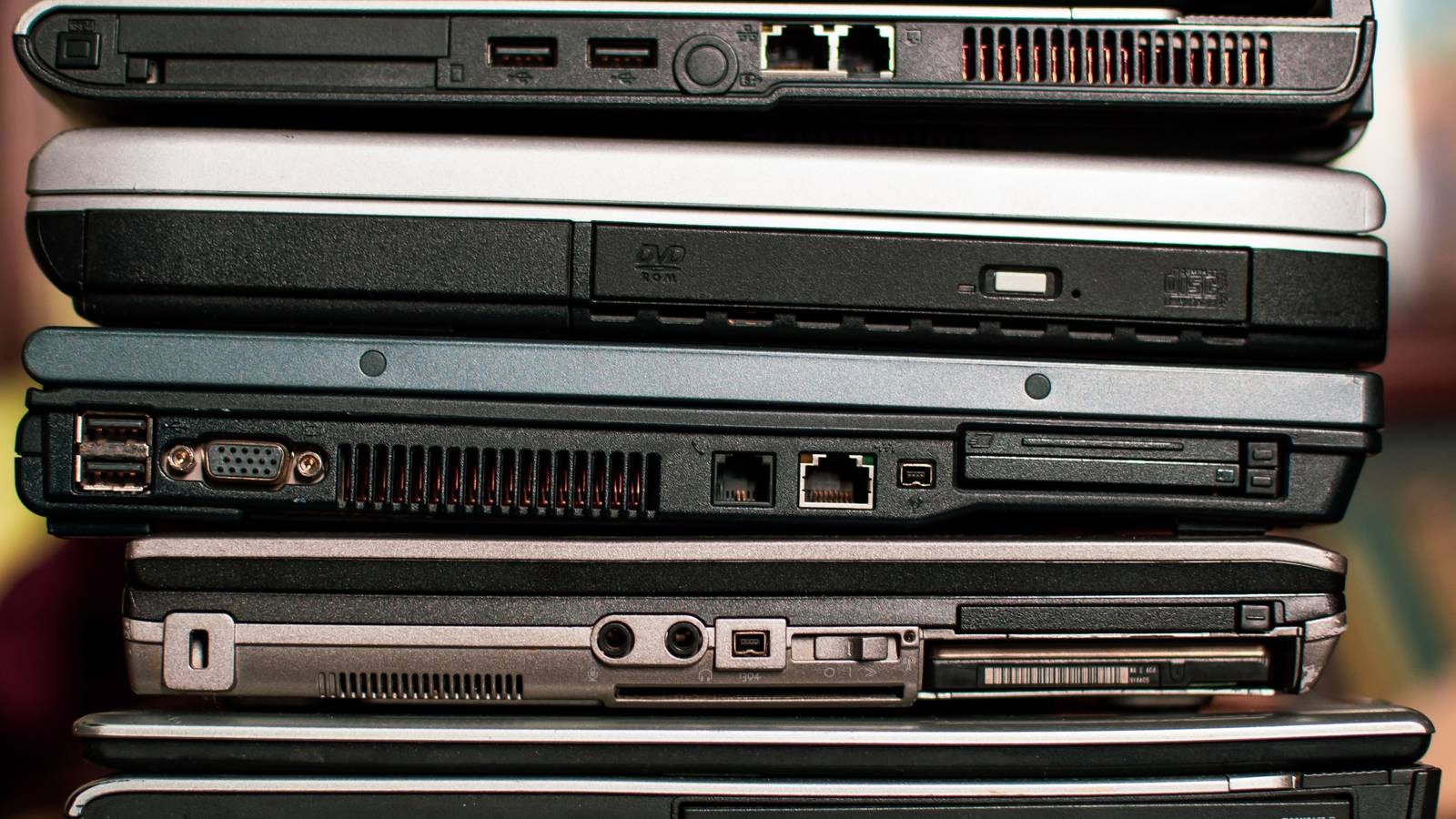
That old laptop (or desktop) sitting in your closet is the perfect homelab starter kit It even has a built-in backup battery! If you have a desktop from the last 10 years, then you have more than what you need to start a homelab without spending a dime.While there are some pretty powerful NAS and homelab servers out there, getting started doesn’t require a ton of horsepower at all.When it comes to starting a homelab, you can really start with just about any hardware you already have.
Most desktops sit idle a majority of the time, meaning there’s plenty of resources for some self-hosted services.Many homelab apps actually take up very little space and even require very little resources to run.For example, you could run several Docker containers on a Raspberry Pi Zero 2 W—which only has 512MB of RAM and a 1GHz processor.
Maybe you don’t have a desktop that you leave on 24/7 to run homelab programs on.But, if you have an old laptop, then you have all you need to start a homelab.Even 10 year old laptops have more processing power than most Raspberry Pi systems, making them an ideal candidate for a homelab starter kit.
Just install Linux (or even leave Windows) and you’ll be ready to go.One benefit of using a laptop as your homelab starter system is it already comes with a built-in battery backup system.You see, homelabs are only as good as their uptime.
If your power blips or you need to relocate a server, having a battery backup is crucial to keep services from going down.Laptops just so happen to have them built-in.Getting started with your homelab is easier then you think All you need is Docker and a lot of patience All you need to do to get started with a homelab, whether it’s a laptop or desktop, is get Docker set up and start installing your favorite containers.
Docker is supported on almost all modern operating systems, making it extremely versatile.If you’re not familiar with Docker, then I’d recommend starting with the Docker Desktop app.It makes launching containers pretty simple and is the best place to start.
The vast majority of homelab software comes pre-packed as Docker containers, making it the ideal platform to get started with.Another option would be to run a virtual machine or two to install software on.A virtual machine would allow you to keep the homelab software segregated from your main computer’s operating system.
This is ideal because, if a piece of software goes rogue or you need to reinstall, you won’t be rising your entire computer’s hard drive or SSD.Lastly, you could just simply install the software right on your main computer operating system.I’d try to avoid this unless necessary, but you definitely can do it.
Plex offers a desktop server client that you can run, for instance.However, most homelab software is designed to be run from within a Docker environment, meaning that’s where I’d recommend starting on your homelab journey.So, what can you actually run on your desktop to get started with your homelab? It’s actually more than you think You might be surprised to find that you can run quite a few things on an old desktop or laptop.
One thing I would definitely consider running is Plex or Jellyfin.While you might not be able to do a ton of transcoding with older hardware, you can absolutely direct play from just about any computer.Subscribe to the newsletter for practical homelab tips Discover practical homelab how-tos—subscribe to the newsletter for setup walkthroughs, lightweight projects, and clear troubleshooting tips that make it easy to repurpose spare laptops or desktops into reliable self-hosted services.
Subscribe By subscribing, you agree to receive newsletter and marketing emails, and accept our Terms of Use and Privacy Policy.You can unsubscribe anytime.Another piece of go-to self-hosted software for me is Home Assistant.
If you’ve not heard of it, Home Assistant will take your smart home to the next level.It offers in-depth automations, allows you to bridge non-HomeKit devices to HomeKit, and gives one centralized dashboard to control all of your smart-home devices.Pi-hole is another go-to for me.
It’s ultra lightweight and offers customizable content blocking at the DNS level.Another favorite container of mine is AudioBookshelf, which allowed me to replace my Audible subscription.It’s basically Plex/Jellyfin but specifically for audiobooks.
You can also self-host websites at home with a spare computer.A normal website—or even WordPress—can run on just about any system.So, if you’re wanting to try out running your own website but don’t want to pay for hosting, then give it a try in your own brand-new homelab!
Read More