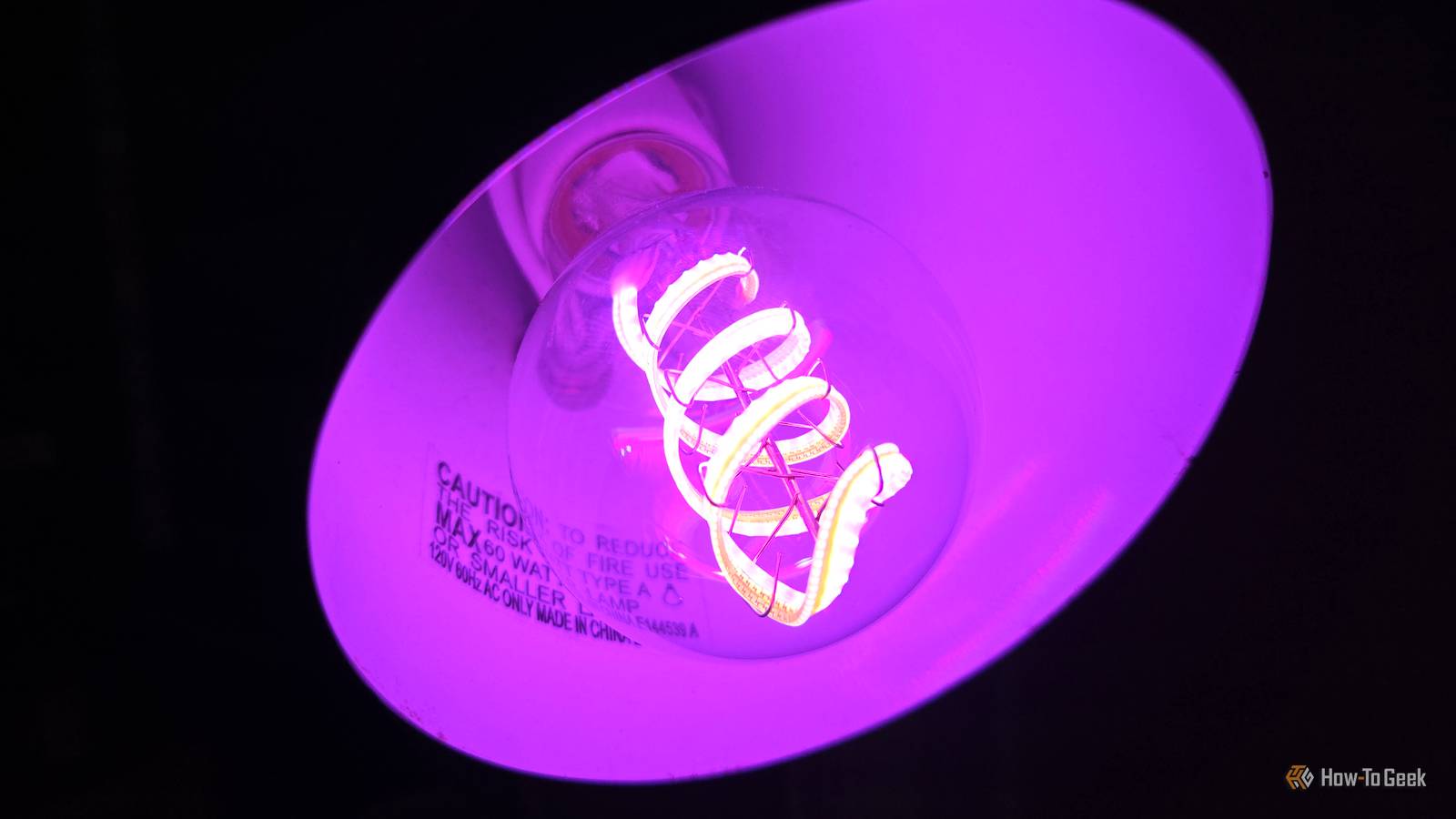
When the smart bulbs around my home would seemingly randomly start acting up, I assumed that the bulbs themselves were the problem.After all, they were a downright menace: showing up as offline, failing to dim when scheduled, or even turning themselves off.So, I replaced them.
That didn't help.The problem persisted.That made me dig deeper, and I quickly realized that the smart bulbs were completely innocent.
My smart bulbs were not actually the problem Although I was quick to blame them I have a bunch of smart bulbs around the house, and for the most part, they do the job.They turn on and off on a schedule, dim when it's time to start feeling cozy and sleepy, and let me be lazy and not get out of bed to turn the lights off.That convenience is exactly why it was super annoying when they started acting up, because once you build little routines around smart lighting, you notice immediately when one piece of the setup starts failing.
Although I was quick to blame the bulbs themselves, that was mostly because, well, those things are just easy to blame.When a regular bulb doesn't work, the problem is obvious.When a smart bulb doesn't work, though, there are a lot of variables that I didn't really give much thought to at first.
It can be the bulb, sure.It could also be the app, the Wi-Fi, the cloud service, the automation platform, or any combination of the above.But watching these problems happen, I quickly realized they weren't as random as I thought.
The failures clustered around the same time, and that was the giveaway.Govee Smart Bulbs $31 $40 Save $9 Colors Multicolor Smart bulbs are a fantastic thing, and they were not to blame in this situation.I love these Govee bulbs for their bright colors.
Connectivity Wi-Fi & Bluetooth $31 at Amazon Expand Collapse Router maintenance can break things every single time It's not a bad thing in itself, but it can cause some serious chaos If a bulb dropped once in a while, I could write it off as just some random nonsense that hits every network occasionally (or a lot, if you have my old ISP).But when several smart home devices misbehave around the same time window, the suspect changes from the device itself to the network, or rather, to router maintenance.Router maintenance sounds like one of those things most of us would rather skip if possible, but it does have its perks.
If your router gives you the option to reboot itself at a set time, optimize Wi-Fi channels, install updates, or otherwise just do some tidying (on the network, mind you) while everyone's sleeping, then why not? In theory, it sounds great, but that was the reason why my bulbs were so erratic.Smart home devices don't know what your router's up to.If the network goes down for a scheduled reboot, every connected device has to deal with that interruption.
Your phone and PC reconnect without a hitch, but a smart bulb might not have that same luck.Related I upgraded to fiber and my Wi-Fi still lagged: How to find the hidden bottlenecks in your home network Your fiber internet is fast, but your home network probably isn't Posts By Monica J.White Smart bulbs don't love tiny interruptions They need things nice and steady Smart bulbs and other IoT devices can be fussy about interruptions.
They don't need you to have a fast fiber connection, but they do need it to be stable.If the router reboots, changes channels, or briefly drops the 2.4GHz network, the bulb has to reconnect, rejoin the app ecosystem, and start listening for commands again.That's where things can get messy.
A bulb is a basic enough device that it might sit there looking offline.It could miss the next scheduled command and wait for you to toggle it again from the app.So, even a small outage might echo throughout the smart home network long after it's done.
How to check whether your router is to blame Follow the timestamps The easiest way to figure this out is to pinpoint whether your smart home disconnects at the same time every night.It's not proof that the router is to blame, but it's a strong sign.Next, check the router admin page or app for anything scheduled around that window, especially automatic reboots, firmware updates, Wi-Fi optimization, channel optimization, or anything else that might make your network go down for a little while.
If you can, check the router logs, too.Not every router makes this easy to do (or useful), though.You're looking for signs that the router restarted or changed wireless channels, but a dropped mesh node is a noteworthy occurrence, too.
The fix was simple, and I didn't have to replace the bulbs All I had to do was fix the network If you're in this boat, the fix is (luckily) simple.The first thing to do is move the maintenance window away from any smart home routines.Open your router's app or admin page, look for settings like scheduled reboot, automatic restart, firmware update schedule, Wi-Fi optimization, or channel optimization, and check when they're set to run.
If that time overlaps with your lights having something on their schedule (such as turning on or off), move it to a time when nothing important is meant to happen.You can also test this before making any permanent changes.Shift the reboot or optimization schedule by a few hours, or temporarily disable it for a night or two, and see whether the problem persists.
Give your smart home devices a stable network A separate IoT lane can do the trick Now that you (and I) sorted out your router/network/maintenance shenanigans, it's time to give those smart home devices a network that's as predictable as possible.If your router supports it, create a separate 2.4GHz network just for smart home devices, connect your bulbs and plugs to that, and leave the name and password alone once everything is working.You can also check whether your router lets you disable band steering, fast roaming, or aggressive mesh optimization for that network, because your smart bulbs don't need to bounce between bands or nodes.
They just need a steady 2.4GHz connection that doesn't keep changing underneath them.Some devices shouldn't depend on Wi-Fi at all With all that said, some devices shouldn't be connected via Wi-Fi at all.Obviously, you can't run an Ethernet cable to a smart bulb, so with those, you just have to accept the risk that they may or may not work at times.
But if a device really needs to work on time every time, such as a porch light or a security light, it might be worth using a smart switch, a hub-based bulb, or something built around Zigbee, Z-Wave, or Thread instead.Wi-Fi is convenient, but the more your smart home depends on timing, the more you want to get rid of those Wi-Fi interruptions entirely.TP-Link Dual-Band BE6500 Gaming Router Supported standards 802.11.be, 802.11ac, 802.11ax, 802.11g, 802.11n Speeds 6500 Megabits Per Second My router wasn't to blame (this time), but if you're in this boat and nothing seems to help, replacing the router might be the only option.
$220 at Amazon Expand Collapse
Read More