When you switch on your 3D printer for the first time, set it up, and load your first spool of filament and get ready to go, you're probably wondering what you should print first.While most people probably want to knock out a Benchy boat because that's basically tradition at this point, I think there are a few items that should be higher on your list of priorities.All of which will make your life much easier.
Print a scraper that won’t damage your build plate Those build plates ain't cheap! Close Sometimes, you have a failed print that's just one or two layers thick, or a print that just won't let go of your build plate because of too much adhesion.In that case, you'll want to print a scraper.Now, with a lot of new printers these days, you'll get a scraper blade and some screws in the box with your machine, and the model file for the rest of the scraper will be on the printer's internal memory, or it will be on an included flash drive.
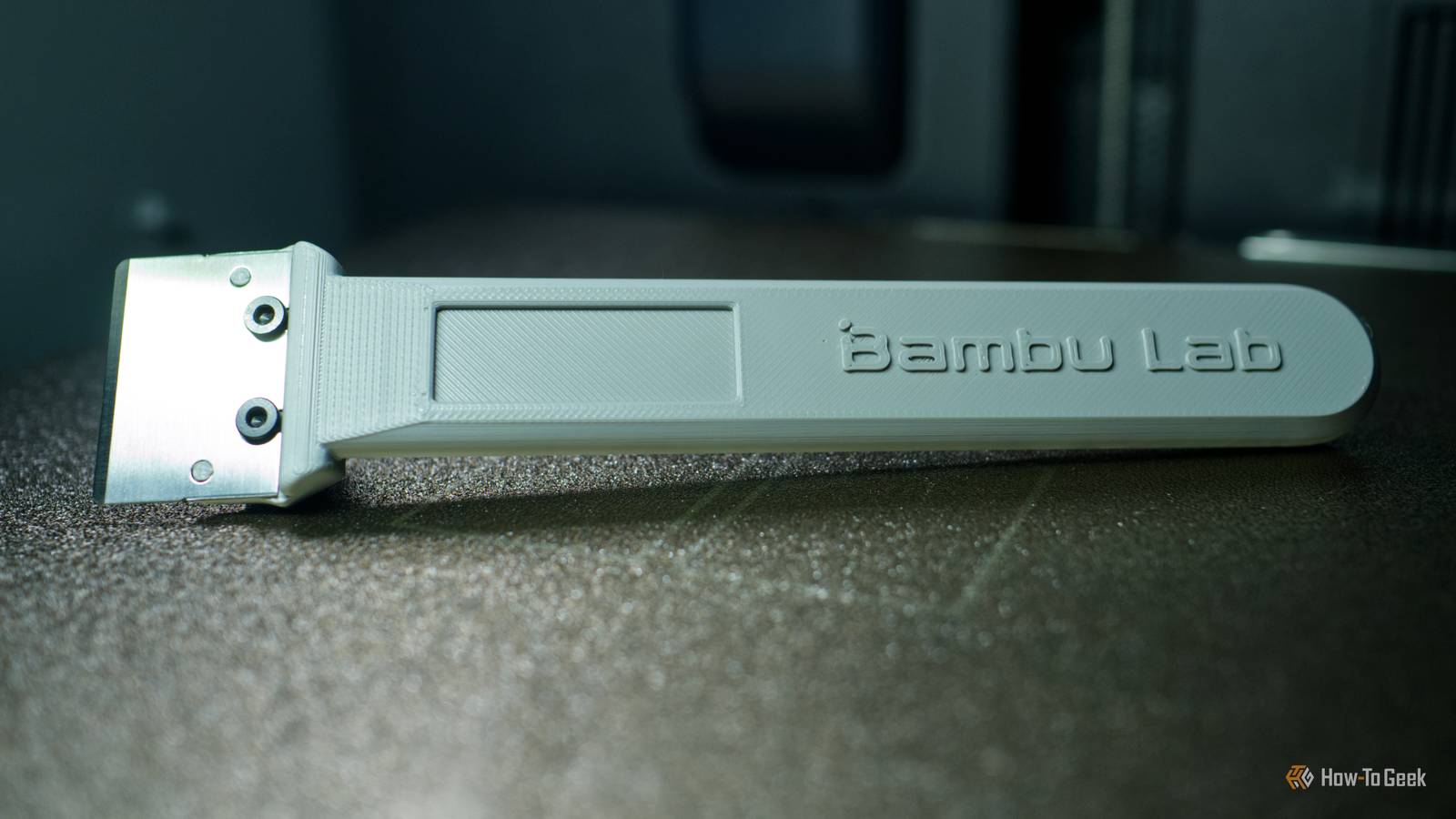
I recommend printing these scrapers right away.The one you see above is from Bambu, and by all accounts it works great.Both of my Elegoo Centauri machines came with a DIY scraper as well, and after printing them out and attaching the blades, these turned out to be some of the best bed scrapers I have ever used.
The angle is perfectly calculated, so if you put them flat against the bed, they'll remove just about any print without damaging the build plate.Much better than a random metal scraper from the shop.You don't have to use a scraper with a metal blade at all either.
You can print a completely-plastic scraper too, and there are lots of great free designs on the net.These scrapers have zero chance of damaging your build plate, and while they wear out quickly, they cost just a few cents and almost no filament to print.Make a filament clip before your first spool turns into a tangled mess\ A tiny lifesaver What you see up there is a filament clip designed by "Walter" and is available on Thingiverse.
This little guy, and many other variations on the same theme, will likely save a crucial print, a decent length of filament, and, quite possibly, your sanity.You see, if you unload a spool of filament and allow the end to go free for just a second, you can end up with a tangle that's not obvious until you're well into your next print and notice that somehow your filament is some strands, and it's not going to work itself out.Usually, this leads to the filament breaking off, and if you're lucky, the worst that happens is a run-out error, but untangling and rewinding the spool can be a major pain that can be completely avoided by having a bunch of these clips printed out before you ever unload your first spool.
Print a nozzle-changing tool that protects your fingers Burn me once, shame on me Changing nozzles isn't something you have to do too often, but when the time comes it can be a real pain in fingers to pull off.A simple socket-style or grip tool makes it easier to hold and turn a hot nozzle without putting your fingers near the heater block.This is obviously going to be quite model specific.
The example in the picture above is for the Prusa CORE One, and the model is provided by Prusa Research itself.This is specifically designed for when you want to change the nozzle only, and not the whole hot end.Either because you want to change nozzle sizes, or your current nozzle is worn out.
You're still going to use a metal tool to unscrew the nozzle itself, but you can use one of these 3D-printed socket tools to hold the hot end in place with your hand without the risk of burning yourself.Print one right away and keep it somewhere safe.You will need it eventually.
That is if someone has designed one for your model of printer.If not, you might have the option to buy a quick-swap nozzle kit from the manufacturer.Print a poop chute bucket Wheee! Modern printers have a chute at the back where waste filament is ejected.
Even if you don't have a multi-material printer, there's likely still a chute if it's one of the new enclosed CoreXY style printers.If your printer has an open space at the back, you can place a bin behind it, but if the rear isn't accessible, then you should look for a "poop chute" model that routes those ejected blobs to a container that you can clean with ease.Print a side-spool holder It's lateral thinking Poop chutes aren't the only handy thing to print if you have a printer shoved in a corner.
Many enclosed printers have the default spool location on the back of the printer, but I find it's usually much easier to work with, and much more space efficient, to have the spool on the side.There's even a good chance that the model for the sidespool holder is included with your printer, as it was with my Creality K1 max.So if you aren't completely down with that rear spool, take a walk on the wild .
Read More