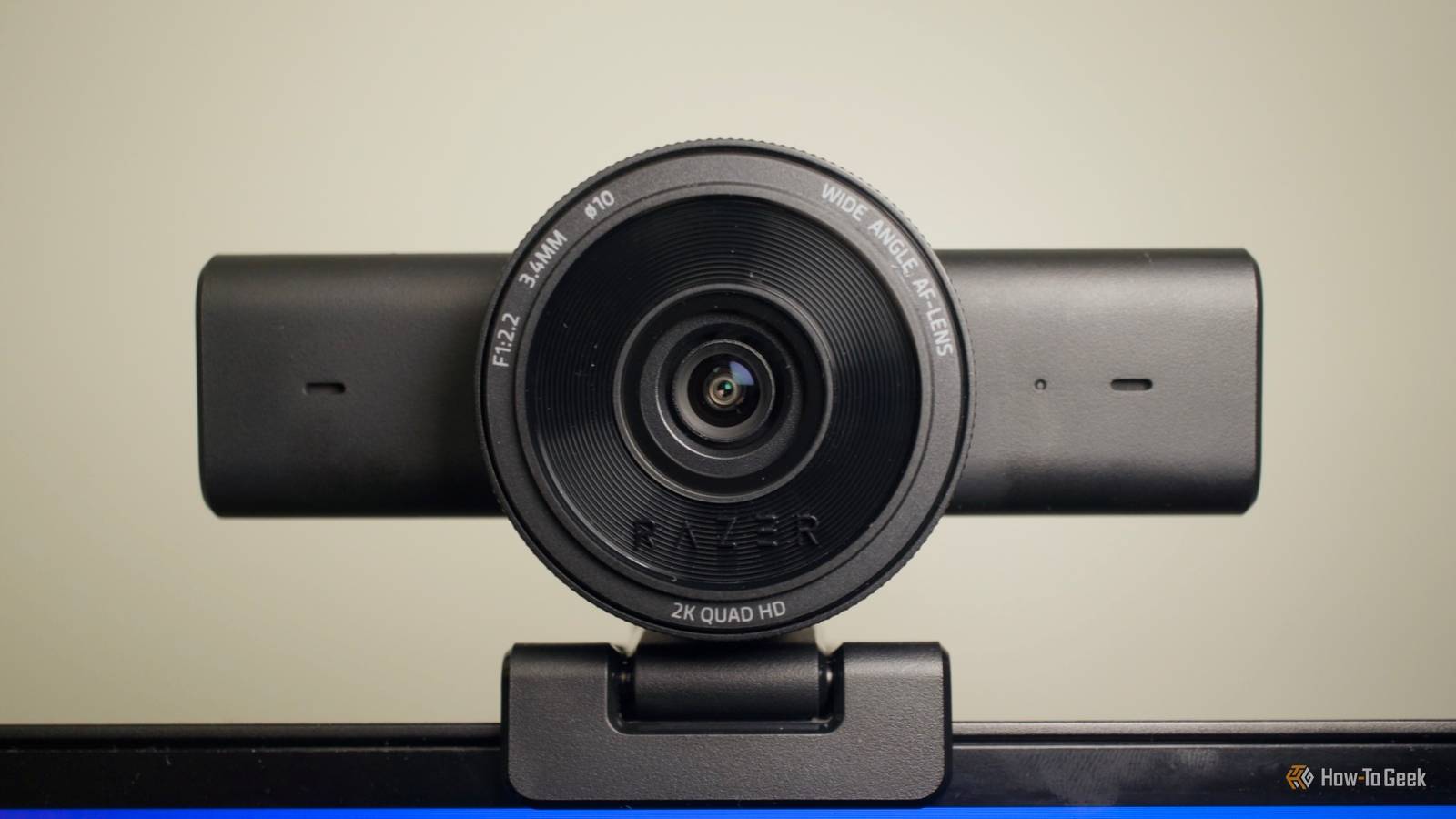
Whether video calls are the bane of your existence or you love them, most people own a webcam.It might be in your laptop; it might be your phone; maybe you have a standalone webcam.If you have a spare one, you have a treasure trove of weird possibilities awaiting you.
A webcam is basically a tiny USB camera your PC already knows how to use, and that means you can use it for all manner of things, from scanning documents to using it as a microscope.Turn it into a document camera Point it at your desk instead of yourself Close One of the easiest things you can do with an old webcam is to let it continue living its best life on your desk, except now, it'll be used for documents.You can use it as a proper scanner-type thing, with a constant connection to your PC for easy file transfers.
Alternatively, it can be helpful as something you point at documents or notes that are sometimes needed for various verification purposes.Mount the webcam above a flat surface, place a receipt, handwritten note, shipping label, or anything else you want underneath, and capture it without dragging out a proper flatbed scanner.Windows' Camera app can even handle document and whiteboard scanning with compatible cameras.
It won't beat a dedicated scanner, and you can also use your phone for similar things, but if you often deal with documents for work, this is easier.You can also use OCR tools to pull the text out of your document once you've scanned it.Related Stop wasting your USB ports—here are 3 hidden tricks most people miss Your USB port can do way more than charge and transfer files Posts 1 By Dibakar Ghosh Mount it over your workbench Record the stuff your normal camera angle misses A spare webcam also makes a surprisingly useful overhead workbench camera.
Mount it above your desk or bench, point it straight down, and you've suddenly got a dedicated angle for things that could use an extra pair of eyes, if not hands.For PC building, it might help you look into all the nooks and crannies of your build.It's not on my list of PC building tools I recommend, because you can make do without it, but hey, if you have one lying around, then why not? It's handy if you use software like OBS, because you can add the webcam as a video source and record it without constantly setting up your phone or moving your camera around.
It doesn't even need to be any good, as all you're looking for is an additional angle, not 4K footage.I presume, at least.I do recommend buying a targeted desk lamp, though, as many webcams aren't particularly good at handling shadows and dark spaces.
Make a super cheap time-lapse camera One frame every few seconds is all you really need Believe it or not, a webcam can be used for some snazzy time-lapse footage, too.Mostly because you can just leave it plugged into your PC for hours on end without worrying about battery life.Point it at anything you like: the view through your window, a 3D printer, a plant, and capture one frame every few seconds or minutes instead of making hours-long recordings of mostly nothing.
You don't need the camera to be fancy for this, either.Software like FFmpeg can handle this by grabbing images from your webcam at whatever interval you choose.OBS can work for it too if you'd prefer to record continuously and speed it up after.
If the webcam lets you, make sure you lock the focus and exposure, because automatic adjustments can create one rather messy recording.Use it as a basic monitoring camera Motion detection makes an old webcam surprisingly decent I guess it's not that surprising that an old webcam can become a security camera, but many people assume webcams aren't good enough for the job.Many are just about good enough, and if the quality produced by your old webcam is a few levels above "potato," you're probably fine.
Your webcam will lack many of the features of a security camera, so it's best to just focus it on one thing and let it handle that one job with no extras.Software like Agent DVR supports ordinary USB webcams and adds useful features like motion detection and configurable detection zones, so that should save you some time when you want to watch the footage back later.Keep in mind that webcams won't have weather resistance or onboard storage, so it's not the best solution ever, but it's a makeshift option that costs exactly $0.
Turn it into a DIY digital microscope This is where sacrificing an old webcam gets fun This is my favorite option on the list, and it's definitely the most fun.It'll take more work than the rest of these, though, so treat it as a passion project and not a quick two-minute job.Some webcams, not all, can be turned into makeshift digital microscopes.
You'd have to open yours up, remove the lens, and reinstall it in reverse.That'll change the optics enough to let the camera focus on tiny objects at very close range, so you can inspect things up close and personal.personal.
Your mileage may vary by a lot here, and I can't guarantee it'll work, but if you're in the mood for a DIY project, there's no harm in trying (other than the potential demise of your webcam).A bad webcam can still be a useful camera I've never had a webcam die on me, so in my experience, most get replaced organically (new laptop = new webcam) or because you want something of better quality.In the case of the latter, it's fine if your old camera is pretty awful.
It'll still have some use, as none of these projects really require superb image quality.Related I finally set up my old phone as a dedicated dashcam, and it works better than a $200 Garmin Upgrade your driving safety with this unexpected choice: using your old phone as a dashcam, outperforming expensive options.Posts 41 By Nate Pangaro
Read More