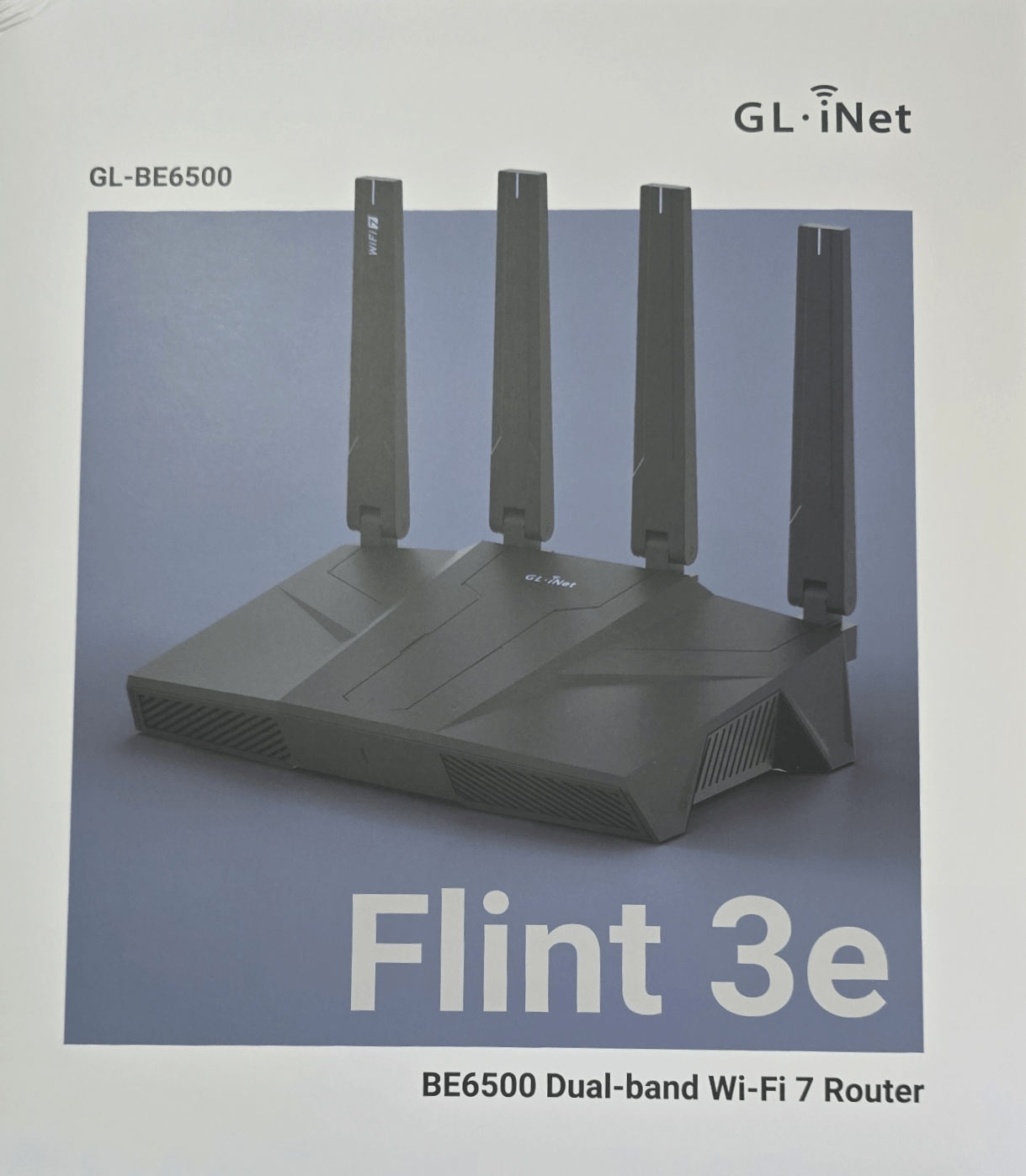
Through various communication and courier errors it has taken some time for my Flint 3e router to arrive but here it is at last.I have a pair of Flint routers (the originals) which offer WiFi 6 and I can definitely vouch that they have better range than WiFi 5 – I’ve now disconnected my last WiFi 5 router – I could only find one sensor that would not work with WiFi 6 (regular readers may recall that Aqara owned up that the FP2 sensor would not work on WiFi 6 – near the bottom of this blog entry) so I guess the challenge now is to see if any sensors fail to work with WiFi 7 as per the Flint 3e.I’m certainly excited to try out the new router which looks remarkably like it’s predecessors.
In the box – router, power adaptor, ethernet cable, user manual (but as with all GL-iNet kit I expect there will be a TON of info online as well).You get both EU and UK mains adaptors, a short ethernet lead for testing and a 12v power supply.There is a GL-iNet app available on the Apple and Google Playstores but I’m more than happy with their web interface – simple but powerful and for the more experienced/masochistic, there is below the pretty interface, easy access to OpenWrt and hence the LUCI interface.
These days I rarely go down to that level as the GL-iNet interface is both powerful and friendly.So, out of the box, router WAN connector plugged into my network, power supply connected….2 new access points have appeared on my PC – GL-BE6500-81a and GL-BE6500-81a-5G I’ve hooked up the PC to the second of the two… got to use the password printed on the underside of the router (I preferred it when they defaulted to GOODLIFE – now I have to get off my seat to check) and now I see a setup page magically appear in my browser… asking for a new admin password.
Done.And now it wants me to set up WiFi..Oh this is new – I’m also given the option to set up 160Mhz dynamic bandwidth for better signal coverage !!! Ok I’ll have that.
and just like that – hooked into the familiar GL-iNet user interface.Interestingly – the firmware is v4.8.4 and up to date.My original Flint says that IT is up to date on v4.8.3 Under ADVANCED… “Modify advanced settings with LuCI – install now”..
I’ve no immediate use for it but I may as well have that.Done.And what a difference – the 5G signal coming into my office around several rock wall corners is LOVELY.
More later….
Read More