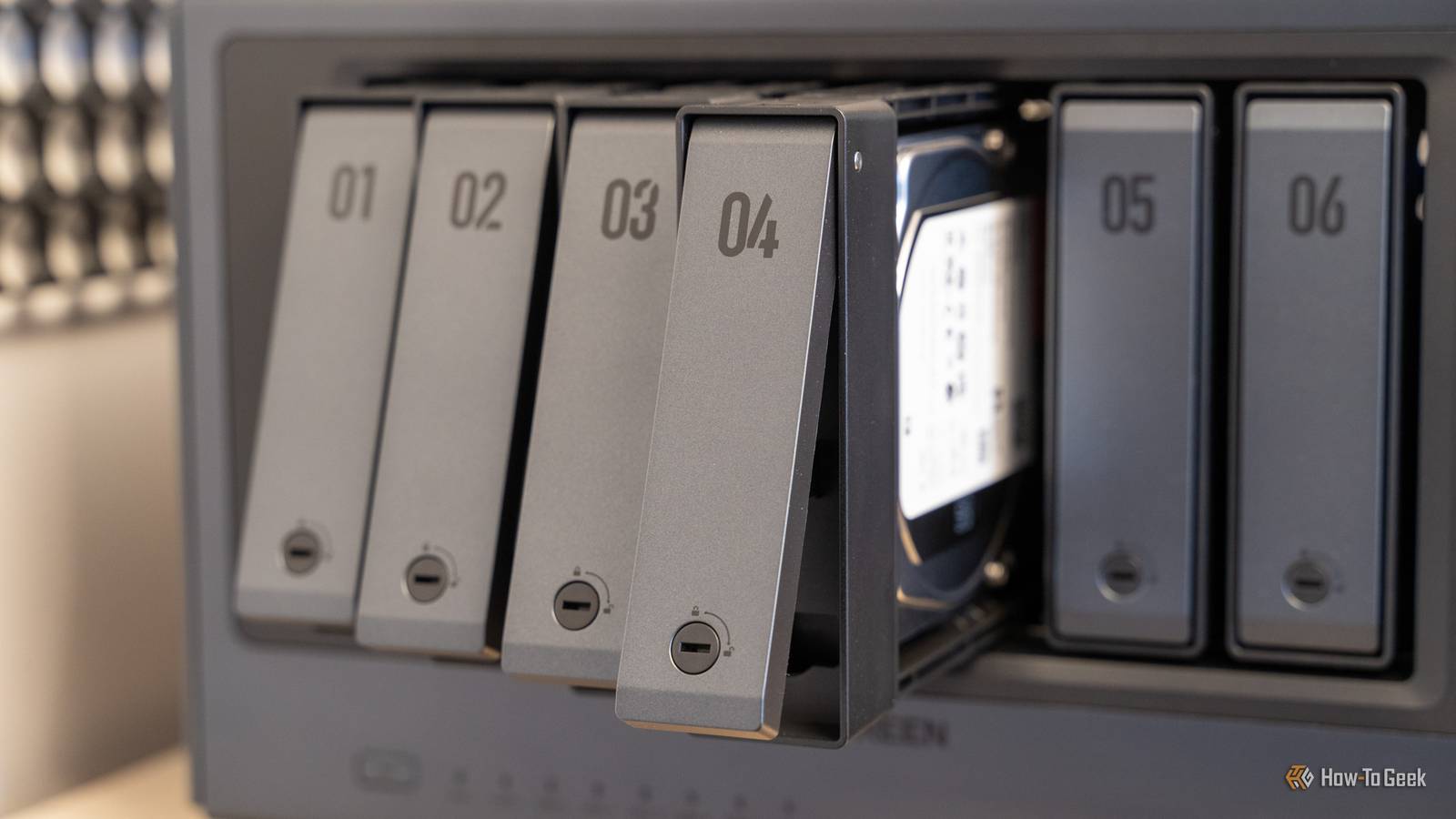
A NAS is a great way to host a few services and back up your files, but you shouldn't rely on one device to protect you against file loss.I have two separate NASes on my network that do two very different things: One serves as a daily driver, the other is "cold storage" that only receives periodic backups.It spends most of its time off and only wakes up twice a month to create a copy of my important files from my main NAS and my desktop.
Unfortunately, it also suffers from a serious problem: it almost ran out of space.Ultimately, that was my fault.The backup approach I took was very simple and didn't automatically skip files that hadn't been updated or were redundant, so I wound up with an awful take on a versioning system that just wasted copious amounts of space.
If you're running into a similar problem, there are a few ways to address the problem without spending more.Why an archive NAS fills up faster than it should Duplicates and duplicates and duplicates are a problem Close The problem is that your archival NAS (or archive setup in general) may be storing your data duplicatively rather than efficiently.For example, if you have a photo library that lives on your desktop, syncs to a main NAS, and exists inside a phone backup, a simple archive setup could save all three copies.
When you run biweekly full copies, each run writes a mostly-identical copy of the previous two weeks' data.Your storage demand grows aggressively while the actual amount of new data is relatively small.I quickly found that I'd filled up a 4TB drive in my NAS with mostly redundant files.
There are a few easy tweaks, like rsync --link-dest, that can help with deduplication from the same source, but they won't help if you're accidentally syncing duplicates from different sources, which was my problem.It also doesn't help if you rename or rearrange files and folders, since those will be "different" in the eyes of the tool.WD Red Pro NAS Hard Drive Storage Capacity 2 - 26TB Workload 550TB/yr Suitable for NAS Western Digital's Red Pro NAS hard drives come in sizes from 2TB to 26TB.
$360 at Amazon Expand Collapse Deduplicate your backups with an app It automatically ensures nothing is duplicated One of the easiest ways to handle the problem is by using a specialized app that handles deduplication by itself.These tools split files into variable-sized chunks based on content rather than fixed offsets.If a specific chunk of data appears in your desktop copy, your NAS copy, and your phone backup, the tool stores it only once.
There are a ton of options that can do this, but some prominent ones include Borg, restic, Kopia, or Duplicacy, all of which are excellent choices.However, my go-to is Borg and I've always had a good run with it.The benefit of this approach is that your deduplication can handle renames, rearrangements, and edits.
For example, if you insert a single byte at the beginning of a file, the tool will still recognize that the of the chunk is identical.That sounds obvious, but not every approach to deduplication is that reliable.In some, a single shifted byte can cause everything after that byte to not match anymore, which revives your duplication problem in an even more pernicious form.
These programs also tend to be pretty friendly towards systems with low to moderate amounts of RAM and will work on pretty much any file system.Related Turbine noise and head crashes: The physical limits that killed the 15,000 RPM hard drive Why hard drives maxed out at 7,200 RPM: The engineering nightmare of spinning platters faster Posts 3 By Arol Wright The ZFS filesystem has a dedup built-in If you're already using it, it is worth a try If you prefer to handle this at the filesystem level, OpenZFS now has a "fast dedup." This includes a deduplication table log and zpool ddtprune to clear undesired entries.ZFS's fast deduplication is intriguing, but it isn't without drawbacks.
You should plan for roughly 1 GB of RAM (or SSD storage) per TB of unique data for the deduplication to be safe, which can be a problem on some NAS units.If that table spills over to spinning disks, your system performance will be truly abysmal.You can often get away with less RAM than that; it is just a safe rule of thumb.
Deduplication won't solve every storage problem It is important to keep deduplication separate mentally from If your NAS is full of large files, deduplication won't help–you'll need compression instead.Before you go through the trouble of setting up a deduplicating setup, confirm that it is worth the time and resource overhead, if you opt for the ZFS option.You also have to remember that a chunked backup can't be just be opened in File Explorer or whatever your Linux file manager is.
You have to manage it through the , which makes it doubly important to confirm that your backups are healthy and working as intended.Be sure to run the integrity checks from the app you choose, and don't treat a redundant NAS as a full replacement for a robust 3-2-1 backup strategy.
Read More