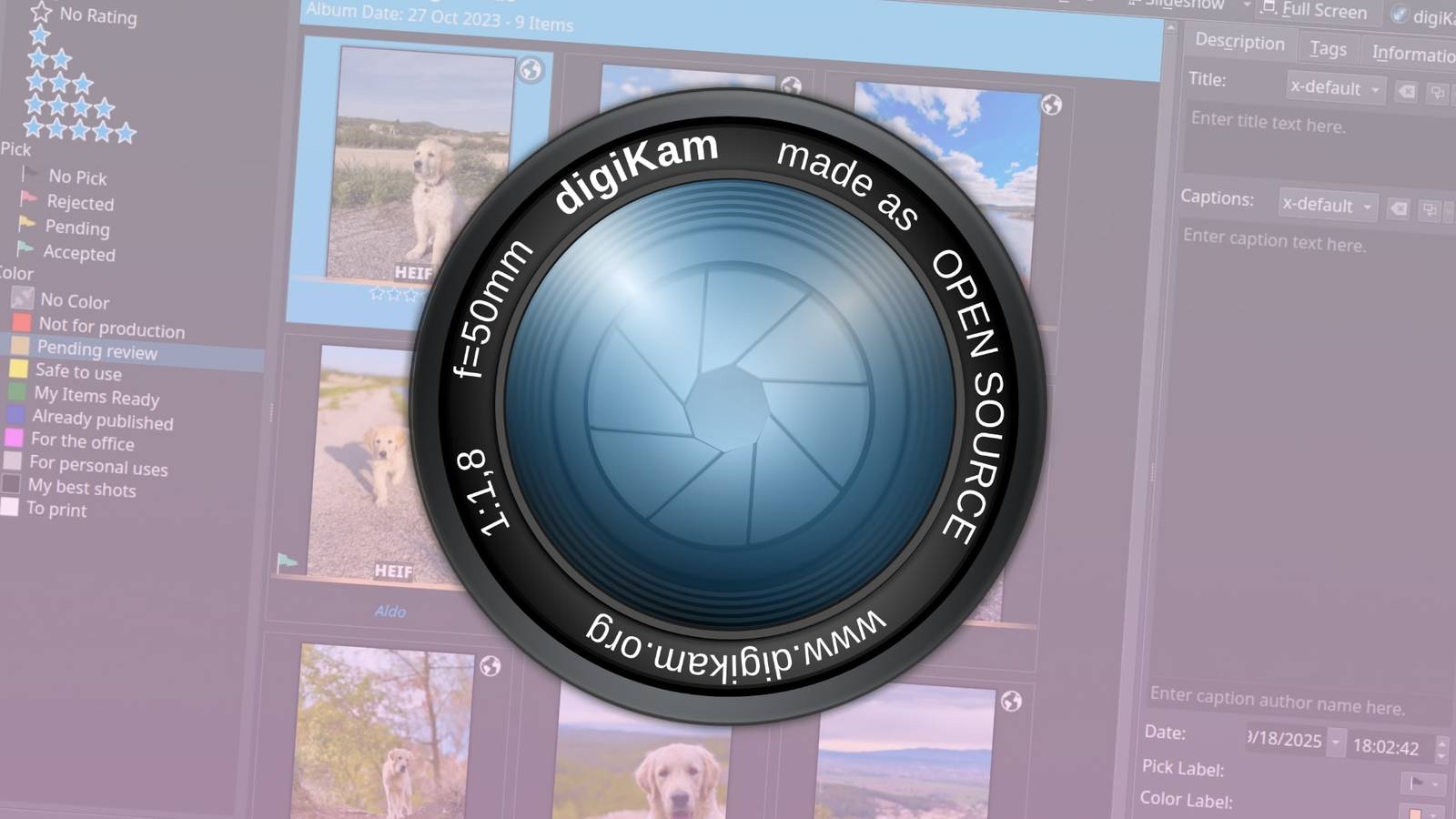
KDE digiKam is now available as a major release for the free and open-source photo management software.It’s now an even better alternative to Adobe Lightroom, with expanded camera support, interface updates, and a pile of bug fixes.First, digiKam is now using Qt 6.10.1 on macOS and the Linux AppImage builds, and QT 6.9.1 with KDE Frameworks 6.20 on Windows systems.
That brings many performance, security, and compatibility improvements to digiKam, so if you tried it in the past and ran into bugs or design issues, this would be a good time to try it again.It’s also now using newer versions of FFmpeg (7.1.x), HEIF, ExifTool, and Exiv2 across all platforms.Many more camera models are now fully supported with RAW images, across Canon, Nikon, Panasonic, Sony, and other manufacturers.
More DNG format images from phones should also now work as expected, as well as images from DJI and Skydio drones.The full list is below.New camera models supported in digiKam 9.0 Canon: EOS R1, R5 Mark II, R5 C, R6 Mark II, R8, R50, R100, Ra Fujifilm: X-T50, GFX 100S II, GFX100-II, X-T5, X-S20, X-H2, X-H2S Hasselblad: CFV-50c, CFV-100c, X2D-100c Leica: Q3 43, D-Lux8, SL3, Q3, M11 Monochrom Nikon: Z6-III, Z f, Z30, Z8 (standard compression only) Olympus/OM System: OM-1 Mark II, TG-7, OM-5 Panasonic: GH7, S9, DC-G9 II, DC-ZS200D / ZS220D, DC-TZ200D / TZ202D / TZ220D, DC-S5-II, DC-GH6 Pentax: KF, K III Monochrome Sony: ZV-E10M2, UMC-R10C, A9-III, ILX-LR1, A7C-II, A7CR, ILCE-6700, ZV-1M2, ZV-E1, ILCE-7RM5 (A7R-V), ILME-FX30, A1 Multiple DJI and Skydio drones Multiple smartphones with DNG format recorded You can also now customize the date format used across digiKam, including seconds, and color label names are now editable from the left sidebar when you double-click the text.
When setting up ignored directories, you can now use regular expression wildcards for more flexible rules.There’s also a new button for copying all of a photos’ properties as text to the clipboard, and another button or opening the image in the system file manager.There are some updates to the app’s main views as well.
The Trash View now saves your column positions and sizes, and in the Icon View and Table View, clicking on the GPS icon now opens the Geolocation tab in the sidebar.The interface for file copy and transfer has been “completely rewritten for better usability and clarity.” The digiKam 9.0 update includes many more small changes, like a Survey tool for reviewing items more efficiently, more search options, bulk editing of geolocation coordinates, stability improvements for Wayland and Windows 11, and updates to grouped items.There’s a lot to get excited about in this release.
Subscribe to the newsletter for photo-software updates The newsletter offers focused coverage of photo-software updates, camera RAW support, interface changes, and compatibility notes.Ideal for photographers seeking a dependable source of photo-app news, camera compatibility, and technical context.Get Updates By subscribing, you agree to receive newsletter and marketing emails, and accept our Terms of Use and Privacy Policy.
You can unsubscribe anytime.You can download digiKam from the official website for Linux, Windows, and macOS.If you’re on a a Linux distribution, the update should be in your system’s software repositories shortly, if you don’t want to use the AppImage package.
Source: DigiKam Blog
Read More