Samsung Galaxy phones are packed with exclusive features, controls, and a slew of pre-installed apps.So many, in fact, that they're sometimes all categorized as bloatware.It's easy to ignore the dozens of apps on your phone right out of the box, but many of Samsung's apps are great alternatives to Google's.
Over the years, I've realized that most of Samsung's pre-installed apps are pretty excellent, but sometimes I forget to use them.You probably do too, which is why adding them to my home screen made all the difference.And I'm talking about more than just Samsung's web browser or keyboard.
From taking notes to boosting productivity, here are the overlooked Samsung apps you'll love.Samsung Reminder The ultimate to-do app Close Most Android owners just default to whatever Google offers, and that's usually fine.A prime example is Google Tasks, which is a perfectly acceptable and competent, not to mention third-party options on the Play Store.
But if you have a Samsung Galaxy, you don't need any of that.I wish I had discovered Samsung Reminder years ago, considering I've been buying Galaxy phones for over a decade.But for whatever reason, I didn't try it until last year.
It's amazing, has a better UI, pairs well with One UI and Samsung Calendar, and can even work offline.One of my favorite features is the option to put different types of reminders front and center, right at the top, and that includes location-based or schedule-based reminders.Again, the user interface is great, very clean, and there are templates you can use, too, making things even easier.
I also like how it can use the Edge panels.If you haven't tried it yet, or always default to Tasks, trust me, give Samsung Reminder a try.I had to put it on my home screen to remind myself to use it instead of just asking Google Assistant or Gemini, which defaults to Tasks.
Once you get into the habit, you'll love it.Samsung Flow Sync your phone, tablet, and PC together One of Apple's biggest strengths is the ecosystem, and it's something Google is still struggling to match.Android already has a great ecosystem that all works together, and it's called Samsung Galaxy.
If you want to access or mirror your phone to a PC, there are countless ways to do so.However, having one app that can sync, mirror, and communicate with all your devices is pretty important, and that's where Samsung Flow comes in to save the day.For example, Flow offers full-screen mirroring and control, works wired or wirelessly, and doesn't have a file size limit, unlike Phone Link, for sharing files quickly between devices.
Send and receive messages from your PC, share files, and so much more.Apple's continuity features are great, and you can have them on your Galaxy with this app.Samsung Notes It's better than you think Close You probably use Google Keep for quick notes, but if you have a Galaxy phone or tablet, don't sleep on Samsung Notes.
It's an absolutely fantastic note-taking app that works with typing, stylus input, or voice-to-text, and just has so many solid features perfect for Galaxy phones that once you start using it, it's hard to use anything else.Once you go a little more than surface-deep, you'll find out that Notes is great for foldables, amazing if you have an S-Pen stylus, not to mention it's full of features like word processing, uploading PDFs with annotations, or even taking notes and drawing images and letting AI categorize and fix everything for you.Related Why Samsung Notes replaced almost all of my office tools Office work isn't what it used to be.
Posts 3 By Bertel King More importantly, you can create folders for specific types of notes, which helps with organization, rather than a huge wall of notes like Google Keep.You can upload all sorts of things, export in any format you'd ever need, voice bookmarks, audio sync and transcribe, cross-device sync, and more.Again, it's better than you think.
Samsung My Files My go-to file manager Close Last but certainly not least, I have to mention Samsung's My Files app.Most Android users are fairly familiar with file manager apps, especially power users, and the app on your phone is more than enough for just about everyone.The My Files app on your Galaxy phone is perfect for finding files, viewing downloaded images or PDFs, and scanning built-in storage, an SD card, and cloud storage.
And for my power users, did you know you can even access servers (FTP and SFTP) and network drives from your phone by adding them to My Files? Yeah, it's pretty great.Samsung's My Files app works well with large file types and PDFs, works seamlessly with Secure Folder (another underrated app), and becomes even better when you're using Samsung DeX.It offers advanced, desktop-class file management capabilities that go far beyond a basic mobile downloads folder.
The deep search function is great, and the results it recalls are better than those of alternatives.It has a built-in media or music player, and hidden features under Labs in settings.Lately, I haven't found a reason to download or use anything else.
Samsung's hidden gems These days, our phones are full of features, both old and new, AI goodies, and stuff everywhere.Sometimes, it's easy to forget about those hidden gems or everyday items we all use.Combine that with old routines or familiarity with other apps, and you might be missing out on some hidden gems on your phone.
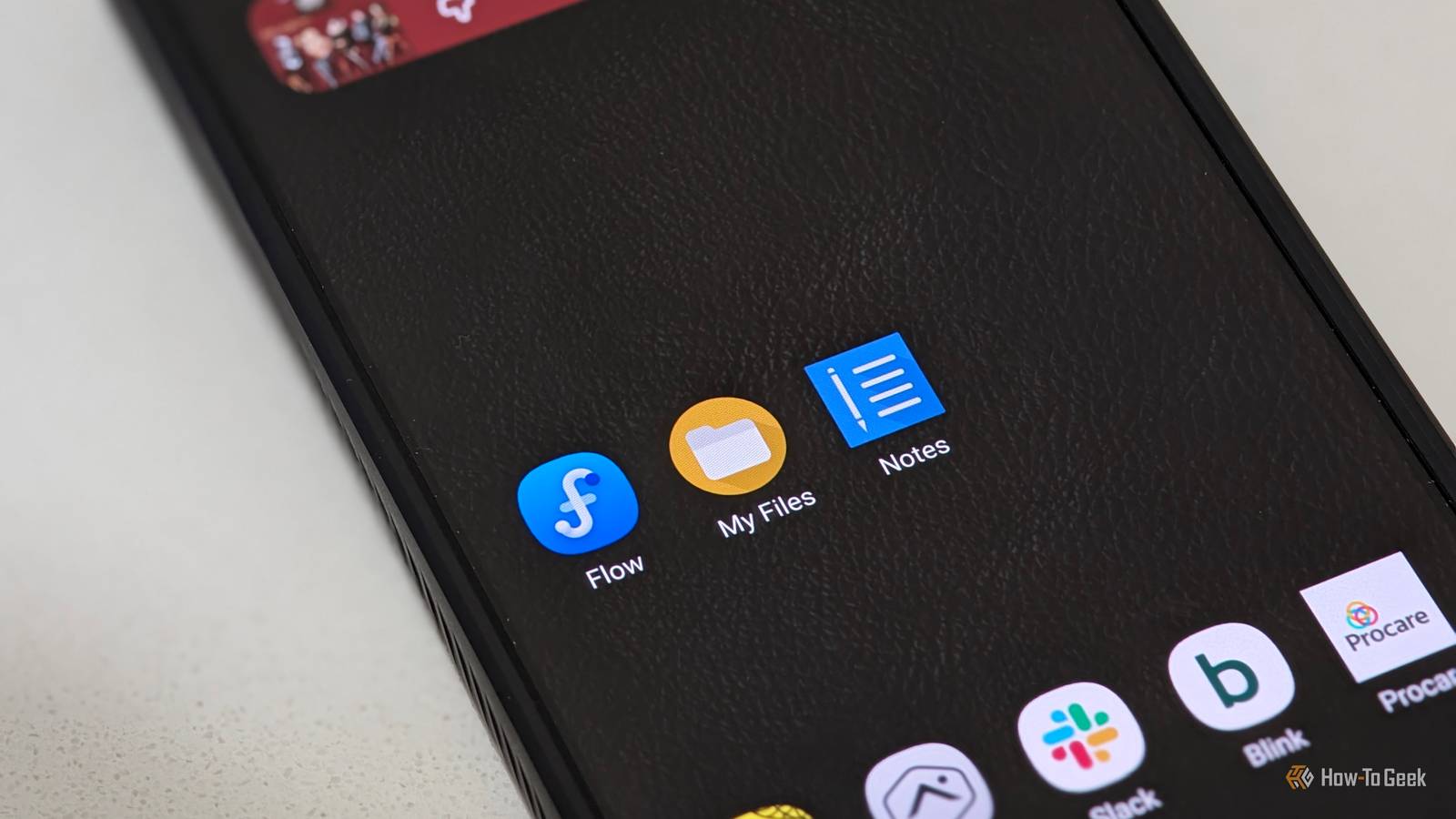
I know about most of them, but I was still too scatterbrained to use them constantly.That's why I put all of these, along with others like Samsung Internet and Secure Folder, right on my home screen.Now, I don't forget to use these excellent, yet often-overlooked apps.
Related I changed one Samsung Galaxy setting, and notifications make sense again It's that easy, friends.Posts 8 By Cory Gunther
Read More