Every few years, Windows will throw out a new operating system that makes it harder to use your old computer.The new OS decides what runs in the background, what gets sent to its maker, and what shows up on your desktop without you asking.Most people just accept that as the cost of using a PC, but you don't have to.
Add How-To Geek on Google Add as Preferred Source Follow on Google Discover I've spent enough time with both Windows 11 and Linux to see that this cost isn't the same everywhere.Out of the box, Linux handles a few things way better than Windows does.Linux stays light while idle Your desktop environment decides how heavy it feels When you boot a clean Windows 11 install, the OS starts launching things in the background right away.
Windows Defender is scanning, telemetry is being collected, search indexing is running, the widgets feed is pulling in data, and Edge is updating itself behind your back.Microsoft says Windows 11 needs at least 4 GB of RAM, but a fresh install can use up a big chunk of that just sitting idle.The OS alone eats 30 to 40 GB of storage before you've installed a single app, and background services keep the CPU busy at 1 to 4% doing nothing useful.
That doesn't leave much room to actually do anything on a machine with modest specs.Luckily, Linux seems like it was built for exactly this.You pick a desktop environment, and that mostly decides how heavy the system feels.
Lightweight options like Xfce tend to sit around 350 to 500 MB of RAM with basically no CPU activity and a total footprint under 10 GB.KDE Plasma, which is fully featured with hardware-accelerated compositing, sits between 600 MB and 900 MB.Even GNOME, the default on Ubuntu and Fedora, usually lands a little over 1 GB at idle.
Services you don't need can be disabled or left out entirely.You decide what runs in the background.Linux doesn't watch what you do Windows 11 collects data from the first boot Windows 11 collects data about your system by default, and you can opt into more sharing.
The first, Required Diagnostic Data, runs constantly and sends things like your CPU model, RAM and storage specs, firmware details, OS build version, and network characteristics back to Microsoft.If you turn on Optional Diagnostic Data, the collection goes much further.It includes how often you use apps, how long they run, full memory crash dumps that could contain personal file contents, typing samples for data collection, and your browsing history in Edge, including specific URLs, search queries, and page titles.
Most Linux distributions collect nothing at all by default, and the ones that do ask you first.You get a clean installation with no profiling, no ads, and no tracking traffic going to corporate servers.You can change almost anything on Linux Windows 11 has the shell baked in On Linux, the desktop is more customizable than Windows 11.
You have the display server, either X11 or Wayland.On top of that sits the window manager, which controls how windows look and act.You can use something like GNOME's Mutter or KDE's KWin if you want a full-featured composited desktop, or you can swap in a tiling window manager like i3 or Sway if you want keyboard-driven layouts with no floating windows at all.
You can install and switch between many options without reinstalling Linux but replacing some parts may require you to do a bit more of the setup.Windows 11 has the shell baked in.Explorer.exe handles the taskbar, the Start menu, and the desktop.
Microsoft has added a few options to Windows 11, but it still isn't as customizable as Linux.The taskbar is locked to the bottom of the screen, and the registry entries that used to let you move it are gone.Accent colors and light or dark mode are about as far as built-in customization goes.
Linux is free from the start Windows 11 charges you for each machine Close Windows 11 is a commercial product, and Windows always has been.You're licensing it, not buying it, and that license covers one machine.If you're building a PC or upgrading older hardware, a retail copy of Windows 11 Home runs $139, while Pro is $200.
That license is tied to your hardware through Microsoft's activation system, and if you swap out a motherboard, you may lose activation and need a new license.If your un an unactivated copy, you'll get a persistent desktop watermark and locked personalization settings.Linux costs nothing.
Major distributions like Ubuntu, Debian, Fedora, and Linux Mint are free to download, install, and use on as many machines as you want.This works because of the GPL and similar open source licenses, which give you the right to run, modify, and share the software.There are no product keys or anything like that.
So you're basically comparing free versus paid.Your Linux desktop comes without ads Windows 11 fills your screen with promotions Windows 11 treats parts of the desktop like ad space, and it seems to get worse every year.The Start menu has a "Recommended" pane that shows suggested content and sponsored app pins.
Fresh installs often come with pinned shortcuts and downloaded stubs for third-party apps like streaming services, social networks, and casual games that were put there without you asking.The lock screen defaults to Windows Spotlight, which puts marketing copy and promotional links over rotating background photos.The Widgets panel is an MSN news feed full of clickbait and ads.
The Settings app regularly nags you to link a Microsoft account, buy OneDrive storage, subscribe to Microsoft 365, or sign up for Game Pass.Linux desktop environments don't do any of this.Most Linux distributions have no interest in turning your screen into a billboard, and they probably never will.
Linux lets you use older hardware Windows 11 locks out capable machines Windows 11 introduced hard hardware requirements that cut off a lot of otherwise perfectly capable machines.To install it, you need a TPM 2.0 chip, UEFI with Secure Boot, and a CPU on Microsoft's approved list.That list generally excludes many older Intel and AMD processors but it does have exceptions.
Still, unless you meet those exceptions, you're out of luck.Linux doesn't have an approved CPU list or anything of the sort.You just install a distro that works on your machine.
You shouldn't have to throw out a computer just because it fails a hardware checklist.Linux is great if you can switch over Linux isn't the right fit for everyone.Some games, creative apps, and workplace tools still run better on Windows, and learning a new system takes time that not everyone has.
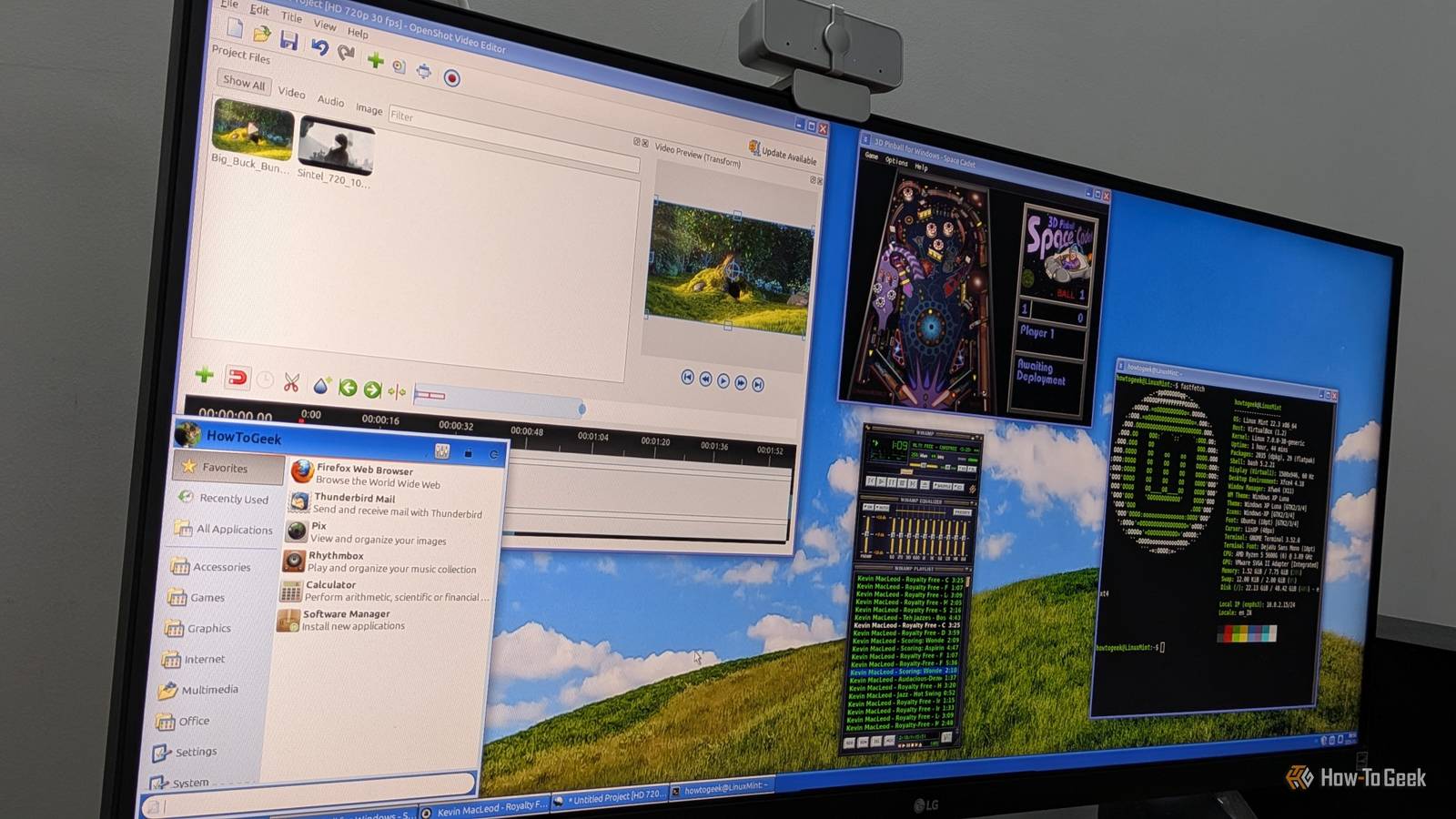
But if your machine is aging, your budget is tight, or you're just tired of Microsoft, Linux is worth a shot.You can try it without risking anything, since most distributions run from a USB drive before you install them.Linux Mint Operating system Linux Mint Ease of use Beginner-friendly Ad presence None App availability Free for all Linux Mint is a free, open-source OS for computers that is an alternative to Windows and macOS.
See at Linux Mint Expand Collapse
Read More