Cloud storage feels like the obvious choice for backing up important data.It’s cheap (and even free up to a point), convenient, and simple to set up.However, being stuck choosing between deleting files or paying for more space never feels great.
Combined with wanting more privacy and control over my data, I eventually decided to move my backups to local storage.This change came with its own advantages and trade-offs, which I didn’t fully appreciate until I started digging into it.Here are a few things I learned through the process.
Escaping subscription fees comes with a steep upfront cost Storage costs add up faster than expected One of the main reasons anyone switches to local backups is to ditch a monthly subscription fee for a cloud-based service.However, it’s easy to underestimate just how high the upfront storage costs can be.A Google One Premium subscription gives you 2TB of cloud storage for $9.99/month, but the real value changes if you subscribe to a Google AI plan.
Google AI Pro includes access to Gemini Pro and 5TB of cloud storage for a $19.99/month subscription price.In contrast, a portable 2TB hard drive costs around $120, while a 5TB drive costs around $190, meaning you’re effectively paying about a year of cloud storage upfront just to get the drive.Quiz 8 Questions · Test Your KnowledgeCloud storage and self-hostingTrivia challengeFrom Dropbox to your own home server — how well do you really know where your files live?CloudSelf-HostingProtocolsSecuritySoftwareBegin 01 / 8CloudWhich company launched the first widely popular consumer cloud storage service, debuting in 2007?AGoogle DriveBMicrosoft OneDriveCDropboxDBoxCorrect! Dropbox launched in 2007 and is widely credited with popularizing consumer cloud storage.
Its simple file-syncing model set the template that almost every competitor would follow for years.Not quite — the answer is Dropbox, which launched in 2007.Google Drive didn't arrive until 2012, and OneDrive (then called SkyDrive) only became prominent around the same time.Continue 02 / 8Self-HostingNextcloud is best described as which type of software?AA proprietary cloud backup tool made by MicrosoftBAn open-source, self-hosted file sync and collaboration platformCA paid enterprise storage service with no self-hosting optionDA Linux kernel module for managing network-attached storageCorrect! Nextcloud is a free, open-source platform you install on your own server to get Dropbox-like features without relying on a third party.It supports file sync, calendars, contacts, and hundreds of community apps.Not quite — Nextcloud is an open-source, self-hosted platform.
It was actually forked from ownCloud in 2016 by founder Frank Karlitschek and has since become one of the most popular self-hosting projects in the world.Continue 03 / 8ProtocolsWhich protocol does Nextcloud and many other self-hosted storage tools use to sync files between a server and client devices?AFTPBSFTPCWebDAVDSMBCorrect! WebDAV (Web Distributed Authoring and Versioning) is an HTTP extension that allows clients to read and write files on remote servers, making it a natural fit for cloud-style file sync applications.Not quite — the answer is WebDAV.While FTP, SFTP, and SMB are all valid file-transfer protocols, WebDAV is the standard used by Nextcloud, ownCloud, and many other web-based storage platforms because it runs over standard HTTP/HTTPS.Continue 04 / 8SecurityWhat does end-to-end encryption (E2EE) mean in the context of cloud storage?AFiles are encrypted only while being uploaded over the internetBThe storage provider encrypts files on their servers using their own keysCFiles are encrypted on the user's device and the provider never holds the decryption keysDFiles are encrypted after being downloaded to the user's local machineCorrect! With true E2EE, encryption and decryption happen on the user's device, so the cloud provider stores only ciphertext and cannot read your files even if compelled to.Services like Proton Drive and Tresorit are known for this approach.Not quite — E2EE means files are encrypted on your device before they ever leave it, so the provider only ever sees unreadable ciphertext.
This is different from standard server-side encryption, where the provider holds the keys and could theoretically access your data.Continue 05 / 8Self-HostingWhat is a NAS, commonly used in home self-hosting setups?ANetwork Access Software — an app that tunnels into cloud servicesBNetwork-Attached Storage — a dedicated device that shares drives over a local networkCNode Authentication Server — a service that manages login credentialsDNative Archive System — a compression format for large file backupsCorrect! A NAS (Network-Attached Storage) device connects to your home router and makes its hard drives accessible to every device on the network.Popular brands include Synology, QNAP, and Western Digital, and many run apps like Plex or Nextcloud.Not quite — NAS stands for Network-Attached Storage.It is a purpose-built box with one or more hard drives that plugs into your router, letting all devices on your network access shared storage without needing a full PC running 24/7.Continue 06 / 8CloudWhich cloud storage service is natively built into macOS and iOS, deeply integrated with Apple's ecosystem?AiCloud DriveBOneDriveCGoogle OneDDropboxCorrect! iCloud Drive is Apple's built-in cloud storage service, tightly integrated into macOS, iOS, and iPadOS.
It handles desktop and document folder sync, app data, photos, and more, all within Apple's walled garden.Not quite — the answer is iCloud Drive.While OneDrive, Google One, and Dropbox all have iOS and macOS apps, iCloud Drive is the service Apple built directly into its operating systems, making it the default for most Apple users.Continue 07 / 8SoftwareWhich open-source media server software is frequently self-hosted to stream a personal video and music library to any device?AVLCBKodiCJellyfinDHandbrakeCorrect! Jellyfin is a fully free and open-source media server that you host on your own hardware.It streams your personal library of movies, TV, and music to browsers, apps, and smart TVs — with no subscription or tracking involved.Not quite — the answer is Jellyfin.
VLC and Handbrake are local playback and transcoding tools, while Kodi is a media center app rather than a server.Jellyfin (and its proprietary cousin Plex) are specifically designed to serve media over a network.Continue 08 / 8SecurityWhen self-hosting a service and exposing it to the internet, which tool is most commonly recommended to securely provide remote HTTPS access without opening router ports directly?ATelnetBA reverse proxy such as Nginx Proxy Manager or CaddyCWindows Remote Desktop (RDP)DAn FTP server with password loginCorrect! A reverse proxy like Nginx Proxy Manager or Caddy sits in front of your self-hosted apps, handles SSL/TLS certificates automatically, and routes traffic securely.This avoids exposing individual app ports directly and centralizes access control.Not quite — the standard answer is a reverse proxy such as Nginx Proxy Manager or Caddy.
Telnet is unencrypted and obsolete, RDP exposes the whole desktop and is a common attack target, and plain FTP lacks encryption, making all three poor choices for secure remote access.See My Score Challenge CompleteYour Score/ 8Thanks for playing!Try Again Internal HDDs are a bit cheaper, but I’m looking at portable drives here because they match the mobility of cloud storage more closely.This also doesn’t account for electricity or operational costs if you’re running a drive inside an always-on home server, which itself costs money to build or maintain.The point is, you can save money by switching to local storage, but you need to be prepared for a higher upfront cost—especially if you’re planning to build a full home server setup.
Seagate Portable External Hard Drive Storage Capacity 1TB, 2TB, 4TB, 5TB Brand Seagate The Seagate Portable 2TB External Hard Drive is a compact USB 3.0 drive that makes storing and accessing files on Windows, Mac, PlayStation, or Xbox easy.Just plug it in and drag and drop your content for quick backups on the go.$120 at Amazon Expand Collapse You become your own IT department Maintenance and troubleshooting fall on you Cloud storage is popular because it’s intuitive to use.
It’s a set-and-forget solution because everything has already been handled by the service provider.However, when you start storing files locally, you suddenly become the sole person responsible for your backups, and if something goes wrong, there’s no support team to rescue you (apart from AI chatbots trying to help you fix the problem, of course).Whether you’re storing files on a drive or a server, you have to manage and schedule backups, figure out your storage layout (like which RAID configuration to use), monitor drive health, deal with occasional drive failures, maintain backup tools, fix network issues, update software, and so on.
And if you're using a server, you have to be especially careful because a single wrong command line could cost you all your data.Simply put, your backups become a manageable but ongoing responsibility that you simply don’t have when using the cloud.Related How I back up my Windows desktop to my NAS automatically Automatic, reliable, and completely free—yes please.
Posts By Patrick Campanale A single drive is not a backup Redundancy is essential, not optional It doesn’t matter if you’re running an internal or external drive, SSD or HDD, or if it’s in a server—if you’re using a single storage drive to store your backups, your data is in danger.Without any other copies to rely on, you’ve essentially created a single point of failure, and if something happens to that HDD or SSD, your data is gone.Using it as cold storage isn’t entirely safe either.
A RAID configuration that adds parity or mirroring is significantly safer, but it still isn’t completely foolproof—if something happens to your server, like somebody spilling water on it, you’re still facing a hard time recovering all that data.Cloud solutions don’t have this problem because they store multiple copies of your data in different locations.It’s extremely unlikely to lose your data in the cloud.
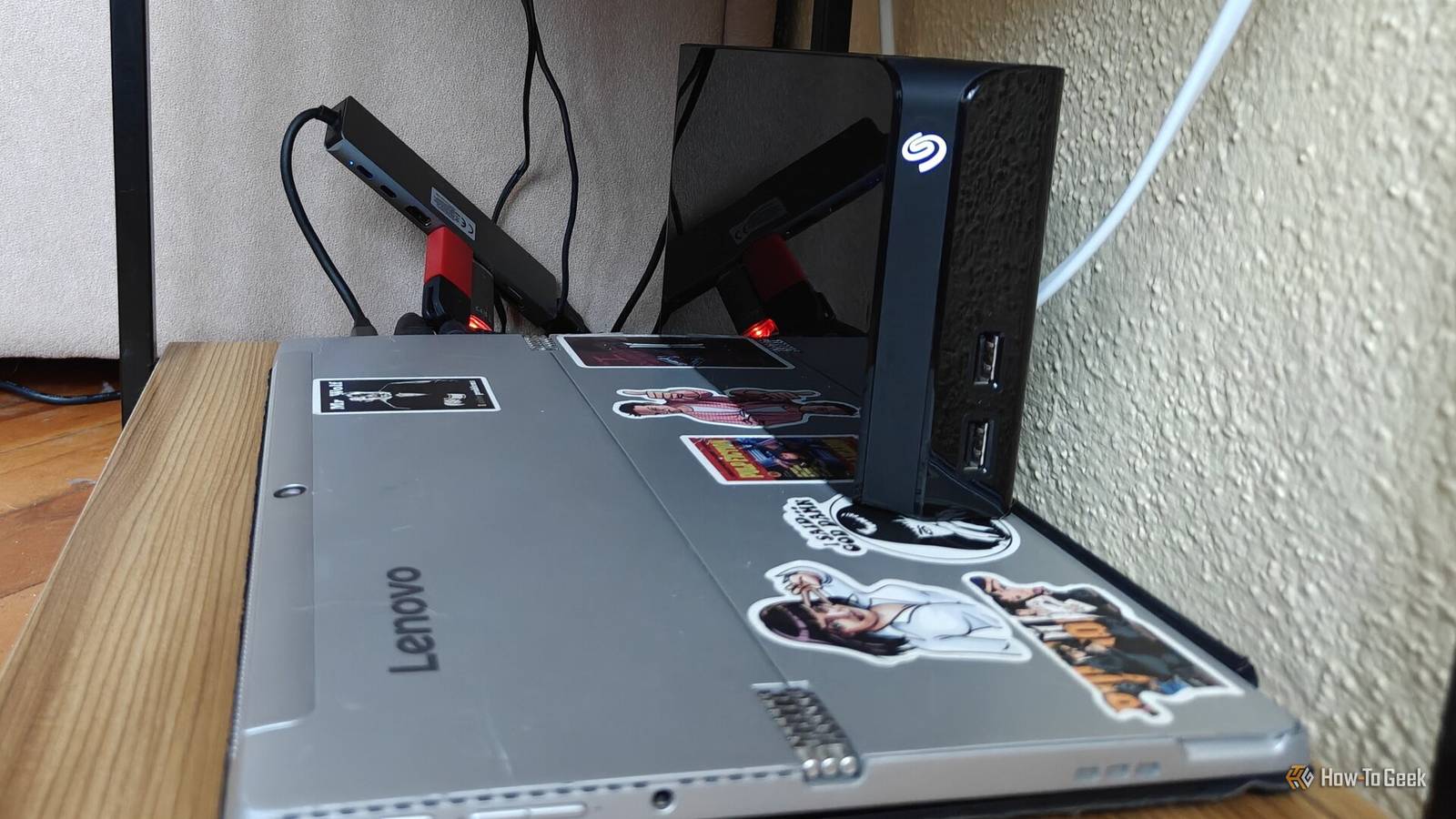
So, if you want your data to be safe, you need to take a similar approach by storing multiple copies across different devices in multiple locations.I even use USB flash drives to add redundancy to my backups.File organization doesn’t take care of itself Your folders won’t organize themselves While backup tools like Syncthing and Duplicati make it significantly easier to back up your data and sync it between your various devices, and Immich can do a fantastic job of organizing your images, you’ll still inevitably have to do some manual folder organization as well.
If you don’t, you won’t really know where your files are stored, and even if you do, you’ll have a much harder time finding exactly what you’re looking for.Admittedly, low-organization services like Google Drive also require manual organization, but the difference is that cloud services provide AI-powered search with advanced filters that make it easy to find whatever you’re looking for, even if your backups are messy.Local access is fast and secure, but remote access is lost Convenience takes a hit Whether you’re using an internal or external drive, or a NAS connected via Ethernet, you’re likely getting file transfer speeds that are several times faster than your internet connection.
I only have a download speed of 200Mbit/s (25MB/s) and an upload speed of 15Mbit/s (1.875MB/s), so switching to Gigabit Ethernet has been a massive upgrade when backing up large amounts of data from my PC to my NAS.Join the newsletter for smarter backup strategies Subscribe to the newsletter for hands-on guidance: practical advice on local vs.cloud backups, redundancy strategies, hardware trade-offs, and hybrid setups to help you plan costs and protect your data.
Get Updates By subscribing, you agree to receive newsletter and marketing emails, and accept our Terms of Use and Privacy Policy.You can unsubscribe anytime.Internal and external hard drives can reach transfer speeds of around 100MB/s, which is already far faster than a typical budget internet connection, but if you want real speed that puts cloud storage to shame, SSDs take it even further.
However, the downside of keeping your backups local is that you lose access when you’re not home.While you can expose your NAS or PC to the internet to enable remote access, it also makes your data more vulnerable to attacks, even if you take all the necessary precautions.You also won’t get anywhere near the same transfer speeds you get on your local network.
I don’t personally need access to my backups outside my network, but for people who are always on the move, this can be a deal-breaker that pushes them back toward the cloud—which is generally safer than trying to expose your own system to the internet.Related Please stop exposing your NAS to the internet (do this instead) Internet access is sometimes necessary, but make sure you're staying safe.Posts 1 By Monica J.
White The best setup is a hybrid approach While local backups are a great option if you prioritize privacy and want to avoid recurring subscription costs, they're not perfect.I still keep copies of my most important files that don't take up a lot of space, like my documents and important work files, in the cloud so I can always access them and avoid the risk of losing them.If you move your backups to local storage, I suggest following a similar approach.
Related I tried to ditch cloud storage for self-hosting.Three drives and a mini PC later, I gave up There are time sucks, and then there are time sucks.Posts 23 By Bertel King
Read More