Most subscription apps are genuinely useful, but after a while the monthly fees add up to a number that's hard to ignore when you realize half of what you're paying for is syncing your own data back to you.Each app solves a real problem, and you have to keep paying for it every month.But you can get a lot of the same features in Obsidian for free.
You can replace Todoist with the Tasks plugin You won't get push notifications on your phone The Tasks community plugin is open source.It grabs plain Markdown checkboxes sitting all over your Obsidian vault and pulls them into a single searchable task list.Nothing leaves your machine.
It reads every note in your vault, finds your tasks on its own, and keeps track of due dates, scheduled dates, start dates, completion dates, priorities, and repeat rules.Those details get written straight into the note line with emojis or Dataview-style tags.An hourglass emoji means a scheduled date, a calendar emoji means a due date, and a repeat arrow plus plain words show how often something comes back.
Since all of it sits right in the text file, your tasks still read like normal Markdown, and you're not locked into any one app's format.You can drop a query block into a dashboard or a "Today" note that grabs every unfinished task due today or earlier, sorted your way and grouped by project.Check off a task in one of those query views, and it updates the actual Markdown file right away.
Your tasks also stay next to the meeting notes or project plans they came from instead of sitting in a separate app with no context.And it saves you the $5 a month for Todoist Pro, which works out to about $60 a year.Keep in mind that the Tasks plugin only runs when Obsidian is open, so you won't get push notifications like you would from a cloud app.
You'd need to set up something else for that.Adding tasks on your phone or typing them in plain language is also clunkier than it is in Todoist's mobile apps.And since it all lives in a local vault that only you use, you can't share task lists or assign tasks to other people.
It just isn't made for teams.make.md does a lot of what Notion does for free Large vaults will eventually slow down your computer Close The make.md plugin puts Notion-style visual organization and database views right inside your local Obsidian vault.It adds folder-based Spaces so you can move around your workspace visually.
You also get database views like tables, Kanban boards, calendars, and galleries, plus inline editing that lets you preview and nest notes.Notion keeps everything in proprietary cloud databases, but make.md keeps your data in standard files.Note properties like status, priority, and dates get written into the YAML or JSON frontmatter at the top of each file, so other Obsidian tools and plain text editors can read them too.
To keep your notes clean, make.md stores layout settings separately.Column widths, filter rules, sort order, board groupings, and relational links all live in dedicated local database files inside hidden .space folders in your vault.Everything works offline, loads fast, and costs nothing.
Notion's paid plans run $10 to $24 per user per month.Also, your notes and frontmatter stay completely intact even if you remove the plugin.On the other hand, you can't edit with other people in real time, set permissions, or publish your pages to the web.
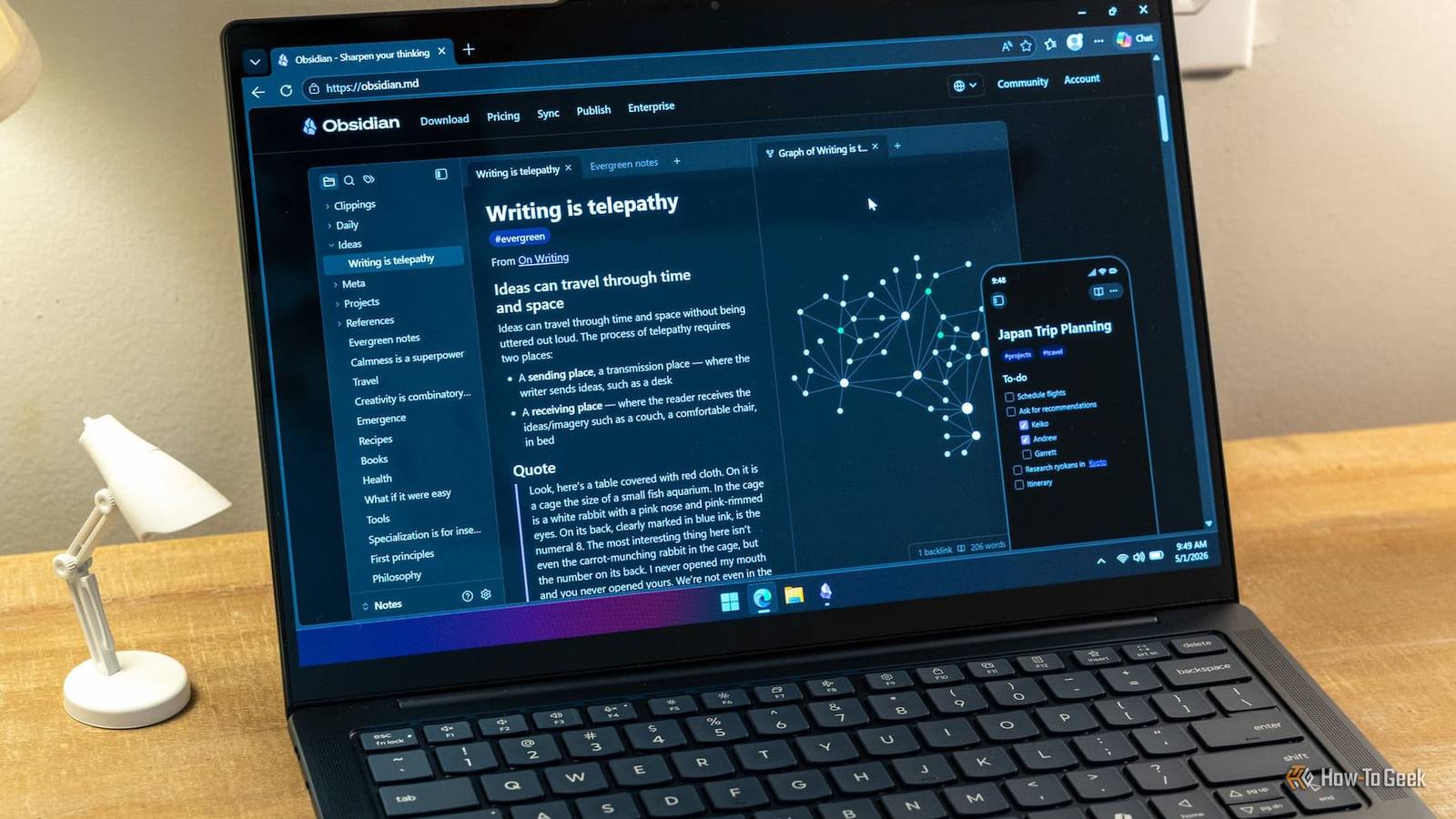
Performance can drag in large vaults because complex database views have to read frontmatter from thousands of files locally instead of pulling from a cloud server.Canvas and backlinks can replace Roam Research You have to add all your block references by hand To replace Roam, you pair Obsidian's linking tools with the Canvas workspace.Obsidian links your ideas together with standard wikilinks, automatic backlinks, and block references that use anchors like [[Note#^block-id]].
Canvas then lets you lay out notes, text cards, images, and web links on an endless visual workspace.Canvas doesn't lock your layouts into a cloud format.It saves everything as JSON files using the open Canvas Specification, so your idea maps don't depend on any one app.
This works quite differently from Roam.Roam runs on a graph database where everything is a block with its own unique ID, and there's no traditional file structure.Pages are just containers for nested blocks.
Switching to Obsidian can save you $15 a month or $165 a year without losing the ability to build a connected knowledge graph.Also, since Obsidian notes are just flat files on your drive, everything runs fast, and you won't run into the lag or sync problems that large Roam graphs can have.The catch is that Obsidian is built around pages, not blocks.
In Roam, every bullet point is its own item that you can reference, embed, or search for anywhere.If you rely a lot on embedding blocks in Roam, Obsidian will feel a little clunkier.In return, you own all your data and get a visual canvas.
Daily Notes is a great replacement for expensive journaling apps You need to type in your own weather and location data Obsidian's daily journaling setup centers on the core Daily Notes plugin, which makes one dated Markdown file per day from a template you set up.You can define folder paths and file names with date tokens so entries land in organized folders by year and month automatically.Most people build on this by adding the Calendar plugin for visual date navigation in the sidebar and the Periodic Notes plugin for weekly, monthly, quarterly, and annual reviews.
Since your journal lives in the same vault as everything else, it just becomes part of how you take notes instead of a separate chore.Entries can link straight to project pages, meeting notes, and task lists, and backlinks and search make it easy to find old entries later.Your journal is saved as plain Markdown files in regular folders, so you'll be able to open it on any computer decades from now.
This replaces paid journaling apps like Day One, which costs around $50 to $75 a year.You also don't have to worry about losing your writing if a service shuts down or raises its prices.Just remember that plain text files on your hard drive aren't encrypted, while Day One turns on end-to-end encryption by default and stores the keys in your device's keychain.
Obsidian also won't log your location, weather, step count, or activity on its own the way Day One does, so you'd have to add all of that by hand or set up custom scripts.Obsidian could be the right answer If you replace your subscriptions with local plugins, you'll give up push notifications, real-time collaboration, automatic encryption, and the polished mobile apps you get with dedicated services.If any of those things matter to you daily, some of these swaps will feel like a downgrade.
But if you're mostly tired of paying every month to get to files that are yours anyway, Obsidian can do a lot more than you'd think.
Read More