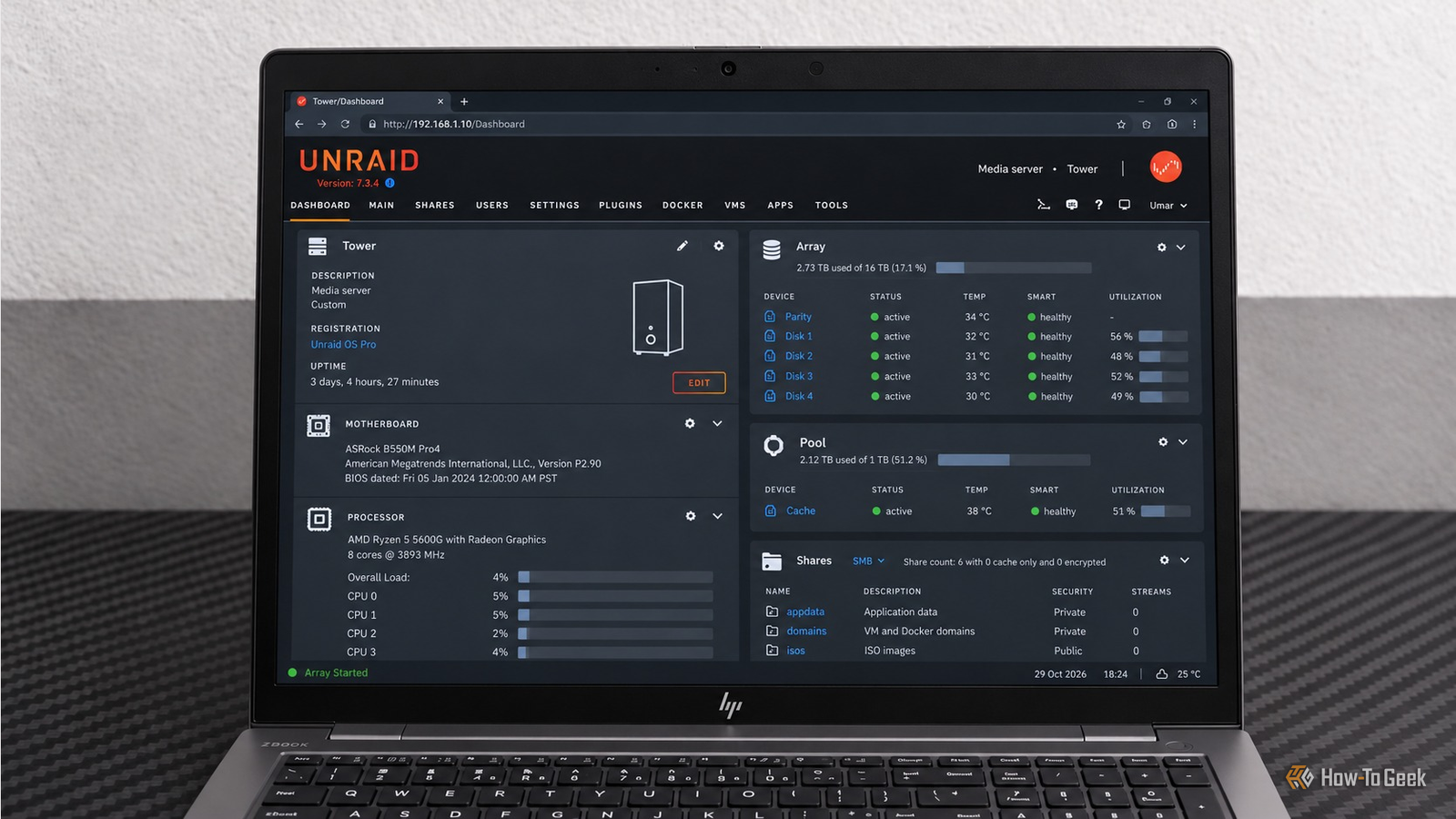
Running Unraid gives you plenty of ways to expand your home server beyond file storage and media streaming.Every month, new apps show up in the Community Applications catalog, bringing new ways to use your server.Add How-To Geek on Google Add as Preferred Source Follow on Google Discover These five apps were added to Community Applications this month.
They cover everything from editing videos in a browser to setting up S3-compatible storage, but each is worth checking out if you want to get more out of your home server.FilmCraft: edit videos in your browser A browser-based video editor for your home server Close FilmCraft is a video editor you can access through your browser.It runs inside a Selkies web desktop, so you can open the editor from another computer without installing a VNC client or a video editing application locally.
Its interface looks a lot like Premiere Pro, with source, clip, and program monitors, media bins, a multitrack timeline, and customizable keyboard shortcuts.You get three-point editing, trimming tools, color grading with scopes, keyframed effects, audio mixing with loudness meters, and tools for adding titles and captions.It also supports formats and codecs such as H.264, ProRes, HEVC decoding, and AV1 decoding.
FilmCraft is still in alpha, so expect some limitations.Large video files can take a while to process because color grading and exports rely on the CPU, and rendering uses software rendering through Mesa.You cannot open Premiere Pro .prproj projects directly, although you can import sequences through FCP7 XML, AAF, or OpenTimelineIO.
Prunerr: keep your Plex library under control Reclaim storage from media nobody watches If you have been running Plex for a few years, there is a good chance your library contains movies and TV shows nobody has watched in ages.I know how easy it is to keep downloading media because you might watch it someday, only to discover that your storage pool is filling up with forgotten files.Prunerr helps you clean up that library by applying rules to your media collection.
For example, you could flag movies that have gone unwatched for six months and occupy more than 20 GB of storage.It can read viewing history from Plex or Tautulli, remove media through Sonarr and Radarr, and send notifications through Discord.A dashboard also tracks how much space you reclaim over time.
The deletion queue is particularly useful because flagged media can wait for your approval before removal.You can review the proposed cleanup before anything gets deleted, which is reassuring when your library contains movies or shows you would rather keep.I would start with conservative cleanup rules and review the deletion queue regularly.
There is little point in reclaiming 500 GB if the process accidentally removes a series you were saving for later.Once you are comfortable with the rules, you can gradually automate more of the cleanup and spend less time figuring out which files to delete.Related Stop buying hard drives for Plex: How I reclaimed 7TB for free Your Plex library is bloated—this automated tool saved me 7TB.
Posts 18 By Patrick Campanale OpenChamber: host your AI coding workspace Access coding agents from any browser on your network If you use AI coding agents, OpenChamber provides a browser-based workspace for running and reviewing coding tasks (web-based UI for OpenCode).You can access it from another computer on your network instead of keeping everything tied to a terminal session on your main workstation.OpenChamber supports password protection through a launch flag.
Configure it before making the interface accessible beyond your local network, and review the available remote-access options before enabling any tunnels.You should also check which directories the application can access, particularly if your server stores personal files alongside development projects.OpenChamber can be really useful if you regularly work with coding agents and want to check on a task from another machine without returning to your desktop.
You could keep your development workspace on the server and access it from a laptop whenever you need to review progress.Clewis Free Games Claimer: claim free games automatically Build a gaming backlog without checking every store I have a habit of claiming free games even when I know perfectly well that I probably will not play them anytime soon.If you are anything like me, your Epic Games Store library probably contains games you claimed years ago and have yet to launch.
The real annoyance is remembering to claim them before a giveaway expires, particularly when several stores run promotions at the same time.Clewis Free Games Claimer automates claiming free games from the Epic Games Store, Amazon Prime Gaming, and GOG.You provide the required store credentials through environment variables, and the container template supports two-factor authentication through an OTP key.
In my experience, the Epic Games Store integration does not work particularly well because of CAPTCHA challenges that can prevent the container from claiming games automatically.Prime Gaming and GOG seem to be less affected, so I would check the logs after each run to make sure the claims go through.I think this is a fun little project if you collect free games across multiple stores.
Your server can handle the repetitive work while you get on with something else, and you can keep building that backlog without checking every storefront manually.Related Your NAS isn't just for file storage—here are 7 homelab projects to try this weekend Your NAS is way more powerful than you think Posts 2 By Patrick Campanale JuiceFS: provide S3-compatible storage from your server Give your applications an object storage endpoint S3-compatible storage is useful for more than cloud deployments.Backup tools, self-hosted applications, and custom scripts often support the S3 API, and JuiceFS lets you experiment with an object-storage endpoint on your home network.
JuiceFS separates file metadata from file contents.Metadata is stored in a database, while file data is kept in an object store.The unRAID template runs the JuiceFS S3 gateway, allowing compatible applications and scripts on your network to read and write data through an S3-compatible interface.
I would start with JuiceFS if I had an application that required S3-compatible storage and wanted to test the integration locally before committing to a larger deployment.Just remember that providing an S3 endpoint does not automatically give you off-site backups, redundancy, or protection against accidental deletion.Those depend on your underlying storage configuration and backup strategy.
Related 7 open-source apps that will help you cancel your pricey subscriptions Sometimes the best option is free.Posts 6 By Tim Brookes Which unRAID app should you install first? The best choice depends on what you want your home server to do.Personally, I would start with whichever app solves a problem I already have rather than install all five just because they are available.
Every additional service brings configuration, updates, storage requirements, and another thing to troubleshoot when something breaks.Pick one, get it working properly, and see whether it earns a permanent place on your server.
Read More