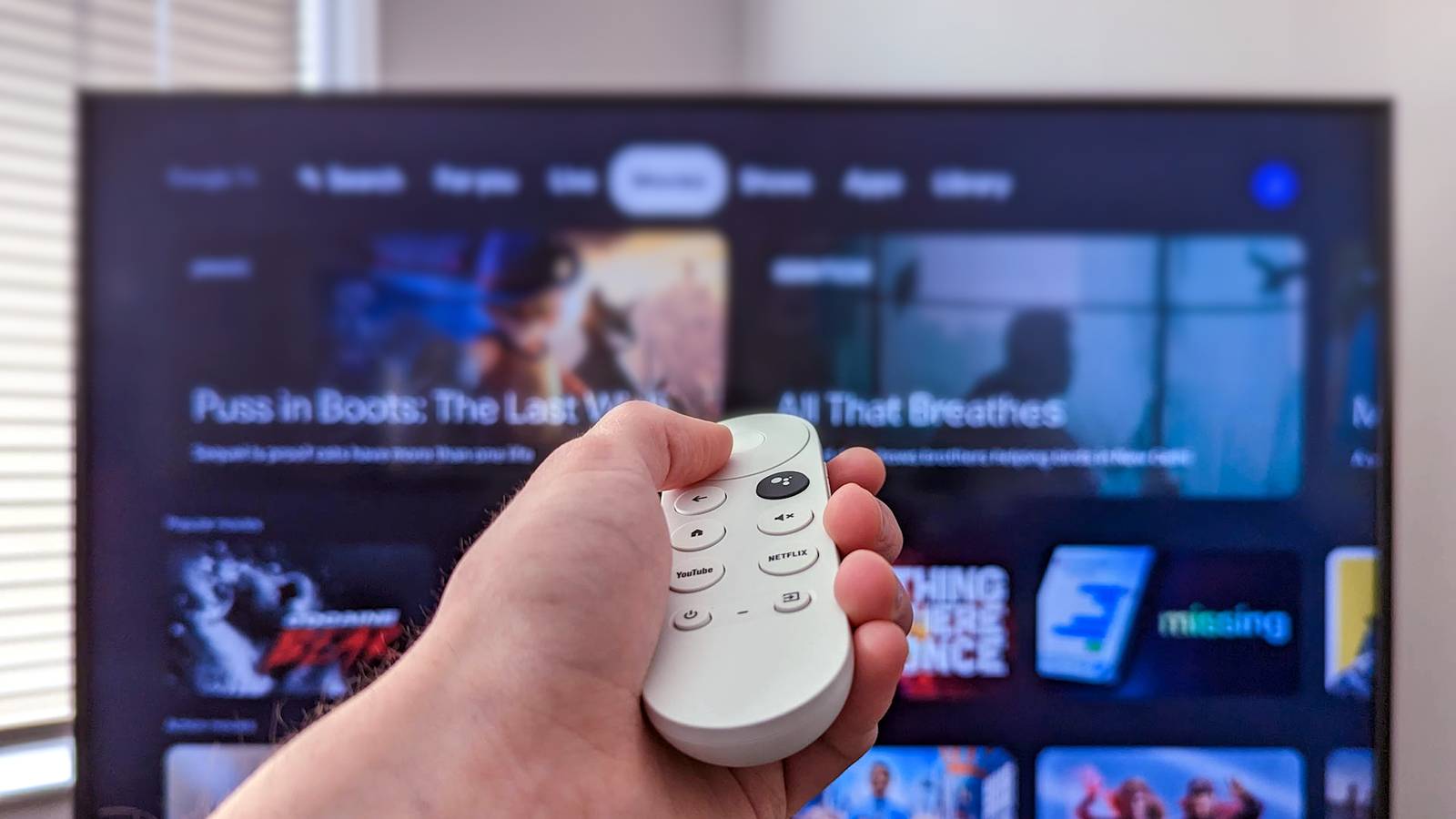
Google TV (built on the Android TV platform) is an extremely popular smart TV operating system, available on a wide range of TVs from various brands.Google TV has a lot to offer, but a common problem is all the bloatware and pre-installed apps, which is why one of my first steps is to purge anything I can.So, here are some of the apps I uninstall on every Google or Android TV.
Fun fact: Google TV is technically the most popular smart TV operating system, accounting for nearly 25% of global TV shipments, and we all know how it goes.You mount that shiny new TCL or Hisense 75-inch TV to the wall, fire it up, then notice a ton of apps and streaming services you'll probably never use taking up precious space.Keep in mind that some apps, such as the manufacturer-added app bundles on your TV, might not be removable without additional tools.
That said, let's start cleaning up that TV.TV web browsers Do we really need to check Facebook from the TV? Your smart TV doesn't come with a traditional web browser like Google Chrome, but most do include a browser with remote-control navigation, and they're almost usable.While there are some genuinely useful reasons someone would want to use a web browser on a smart TV, for most people, this is an app you'll never use.
Prime examples include HiBrowser from Hisense and BrowseHere on TCL TVs, to name a few.Do we really need to browse the web, open X/Twitter, or scroll Facebook on the TV? No, not really.As a result, the first thing I do is navigate to any built-in Google TV browser, long-press the select button on my remote, and head to the Play Store to uninstall it.
Your TV doesn't have as much space as your phone, so every app will use up crucial space you'll eventually need.News and weather apps on your TV No thanks, I'll get my news elsewhere Another app that always seems to come bundled on all my Google TVs is a dedicated news aggregator like Haystack or NewsON.Sure, it's nice to launch a dedicated app for news or local weather, but I already get all that from traditional live TV streaming services like YouTube TV or Sling TV, not to mention my phone.
A news app for your TV seems a bit redundant, but if you don't have a live TV streaming service, I guess it could come in handy for someone who truly cut the cord.If you don't need it, tap uninstall, you'll be glad you did.YouTube TV Free trial 5 days Probably the most recognizable brand name among live TV streaming services, YouTube TV is the best way to watch movies, live TV, sports, and more. Get YouTube TV Expand Collapse Streaming apps you don't subscribe to If you don't pay for it, don't leave it on your TV Most smart TVs come with several essential streaming apps pre-installed to make life easier.
That, or you'll be able to select a few during the initial setup, and it'll download them for you.For example, almost every TV will have Netflix, YouTube, YouTube TV, and often big names like Prime Video or Disney+ already installed.Do you need all of those apps on your TV? Do you pay for that many streaming services? I don't, so there's no reason to clutter up my home screen and waste space, which is why I uninstall them all.
I've never had Paramount+, so that always gets deleted, and the same goes for Peacock and whatever HBO is calling itself these days.I don't need Amazon Music on my TV either, so I uninstalled it.Free ad-supported TV or movie apps I'm talking about Pluto TV, Tubi, and more Money is tight these days, I get it, and not everyone wants to spend $83 per month for YouTube TV.
As a result, many consumers turn to free ad-supported streaming television (FAST) services.Some of the most popular options are Tubi, Pluto TV, Amazon Freevee, Crunchyroll, or even Sling TV Freestream.These applications let you watch a bunch of older movies and TV shows completely free, as long as you're OK with being interrupted by a ton of ads.
Don't get me wrong, some of these are absolutely great or offer content not available anywhere else, even on Netflix.So they're certainly beneficial in some instances.However, personally, I've never really needed to use one of these, even though every Google TV I own comes with at least one or two pre-installed on the TV.
If you don't plan on using it either, go ahead and hit that uninstall button.You can always download it (or others) again later.How to remove stubborn apps on Google TV Ditch the bloatware Your Google TV probably has apps you never asked for or installed, yet you can't get rid of them.
The manufacturer bundles some of them, and they can't be uninstalled from the Play Store.Thankfully, you're not completely stuck with them.You can sideload a 3rd-party app manager for your Android or Google TV, like ADB TV: App Manager, and use it to purge all those unwanted apps and bundled bloatware.
This process isn't for the faint of heart, but it is doable.First, enable the hidden Developer Options tool on your TV, then install the app manager.To start, head to Settings > System > About, then scroll down to Android TV OS Build.
Next, press the OK button six or seven times.Once you see the "You're now a developer!" message, you're all set.From here, you'll need to search for and enable USB Debugging.
And now, download the ADB TV app on your Google TV and head to Settings > Apps > Special app access > Usage access.Finally, switch the toggle next to ADB TV on, so the app can see everything on your TV system, including bloatware.Related I started unplugging my smart TV once a week, and it runs smoother than ever One tiny habit that makes a huge difference.
Posts 4 By Cory Gunther You'll want to exercise caution here, and only uninstall apps that the TV doesn't need, or you could bork things and cause a bunch of problems.Only uninstall apps you know are safe to remove, like streaming services, web browsers, music players, and things of that nature.Enjoy a better Google TV As you can see, bloatware comes in many forms, whether that's FAST streaming apps, news, web browsers, or other things you'll probably never use on your smart TV.
All the junk varies from brand to brand, too.Go ahead and ditch anything you don't need or want, and you'll have more space for the apps you actually want to install.Your TV will probably perform better, too, thanks to the additional space.
Read More