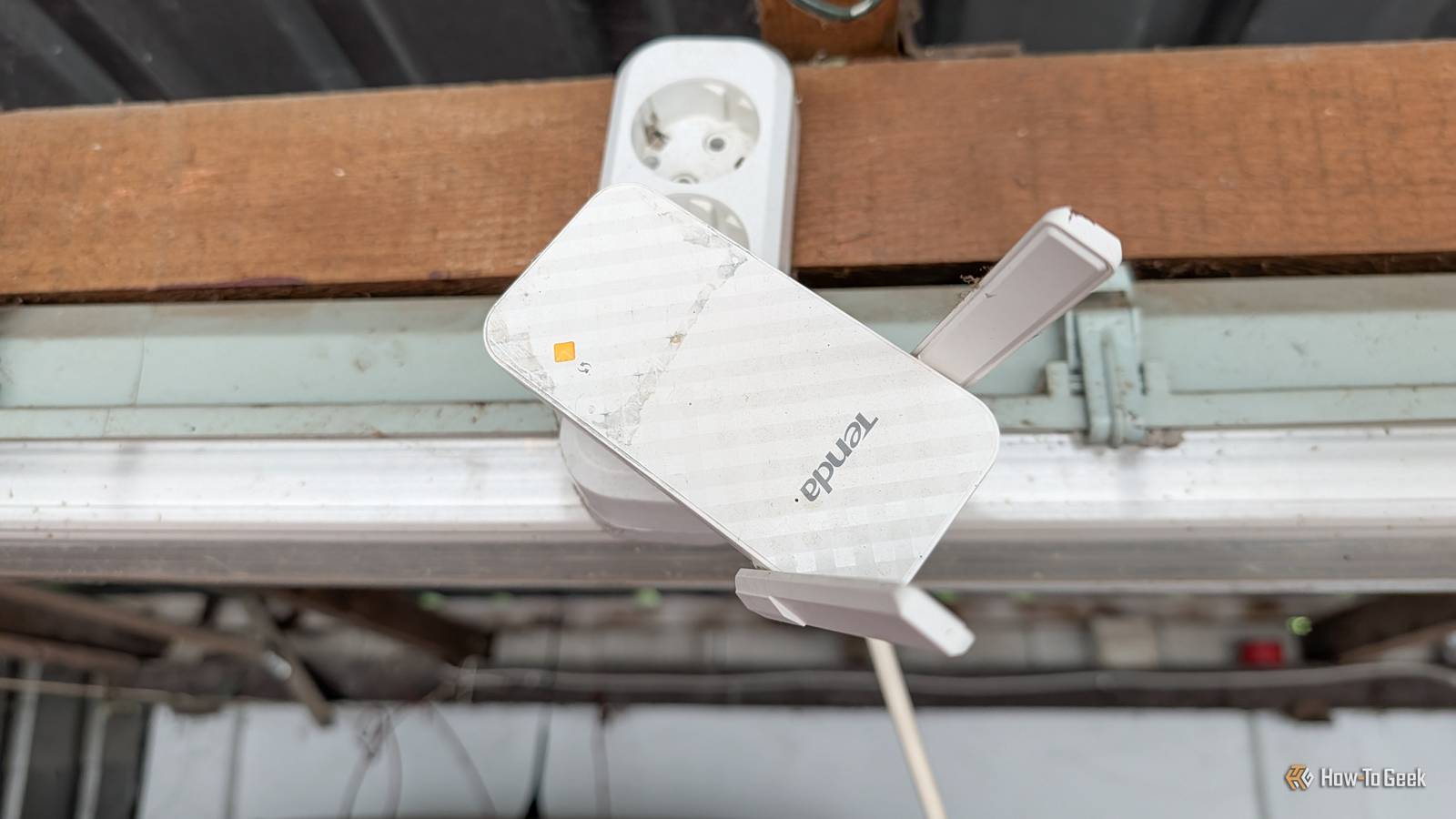
Lots of people use Wi-Fi extenders, but is that truly the right thing to do? It's the easy way, that's for sure, but whether it's the right way is debatable.Sure, you'll get some extra bars on your connection if all goes well, but those bars can be misleading.Access points tackle similar problems very differently, and only one of the two has a bad reputation.
A Wi-Fi extender can't repeat a signal it can barely receive More bars at your desk don't tell you what happens upstream Close I'm sure I'm not the first person to tell you that Wi-Fi extenders don't get a whole lot of love in the networking world.I've gone as far as to say they can ruin your entire network, and I stand by that.However, it's easy to misunderstand why they get such a terrible rep, and to make sense of it, let's talk about how they work.
Extenders don't just create a fresh connection out of thin air (that'd be something).They have to connect back to your existing router over Wi-Fi, and then they rebroadcast that connection farther away.This means you have two (somewhat fallible) entirely wireless links to worry about: the one between your router and the extender, and the one between the extender and your device(s).
Talk about having many points of failure.This whole setup can be misleading.As I said, you may have a lot of "bars" on your Wi-Fi, but that doesn't mean the connection itself will see any improvement.
One device may show a strong connection because it's right by the extender, but that doesn't say antyhing about how good the connection between the router and the extender is to begin with.If the extender is hanging onto a weak, noisy signal, then that's still the connection your signal has to squeeze through, so those full bars can be super misleading.Related I stopped rebooting my router to fix Wi-Fi, and these 7 tricks worked instead Rebooting your router won't fix your Wi-Fi: 7 tricks that actually work Posts 2 By Monica J.
White Every wireless hop has to share the air The extender has to receive your traffic and then send it again Let's assume for a second that the extender's connection to the router is fine.Not outstanding, but fine.That still doesn't mean perfection, because you're still adding another wireless hop.
The extender has to receive your traffic from one side and then send it again on the other, and that's a recipe for disaster on Wi-Fi, which already has to share airtime between all the devices using the channel.Every extra hop essentially means even more airtime gets spent moving the exact same data around.Makes you wonder what it is you're really improving with this.
That's why extenders can end up hurting throughput more than they're helping, especially if they're older or more budget-oriented.They're receiving and retransmitting on the same radio or channel.The newer stuff, with dual- or tri-band Wi-Fi 7, can soften that penalty with extra radios or better backhaul options.
That doesn't fix the problem, though.An access point brings the network to the dead zone Ethernet does the heavy lifting first Now that we've gone over why extenders are, let's say, not ideal, let's talk about why access points are often better.Instead of taking an already wireless connection and asking it to double down, access points get their connection to the rest of your network over Ethernet first.
That means the cable does the heavy lifting and handles the stability, and Wi-Fi only has to handle the final stretch between the access point and whatever devices you're using it for.It's a great way to eliminate dead zones while maintaining network stability.That shakes up the entire equation.
You can place the access point where the bad coverage actually is instead of needing to compromise and place an extender somewhere roughly in the middle and hope for the best.The distance between the router and the access point is dictated by the length of your cable, and as long as the cable isn't too long, it should stay nice and steady the whole way through.Extenders aren't useless, but they're the compromise Sometimes running Ethernet is the harder problem Although I've just spent a few hundred words ranting about Wi-Fi extenders, they're not exactly useless.
I just don't believe they're a good way to spend your time and/or money when better alternatives exist.However, Ethernet isn't always viable.If you can't rely on a wired access point because of your floor plan or other logistics-related issues, then that's that, and a Wi-Fi extender may be better than nothing.
The key is to understand that it's a choice between convenience and something that actually works well.Don't expect miracles from your extender and you might grow to like it.If you can run a cable, stop repeating Wi-Fi With all that said, if Ethernet doesn't sound like a complete nightmare to arrange around the house, it is going to be the better option.
You'll be removing the weakest link of the extender setup and replacing it with something known to be stable and reliable.There's nothing to lose here in terms of performance; the question is whether it'll work with your particular setup.Amazon eero PoE 6, ceiling/wall-mountable dual-band Wi-Fi 6 access point | PoE-powered | AC adapter not included If you want a reliable access point, you can't go wrong with Amazon's eero brand.
$300 at amazon Expand Collapse
Read More