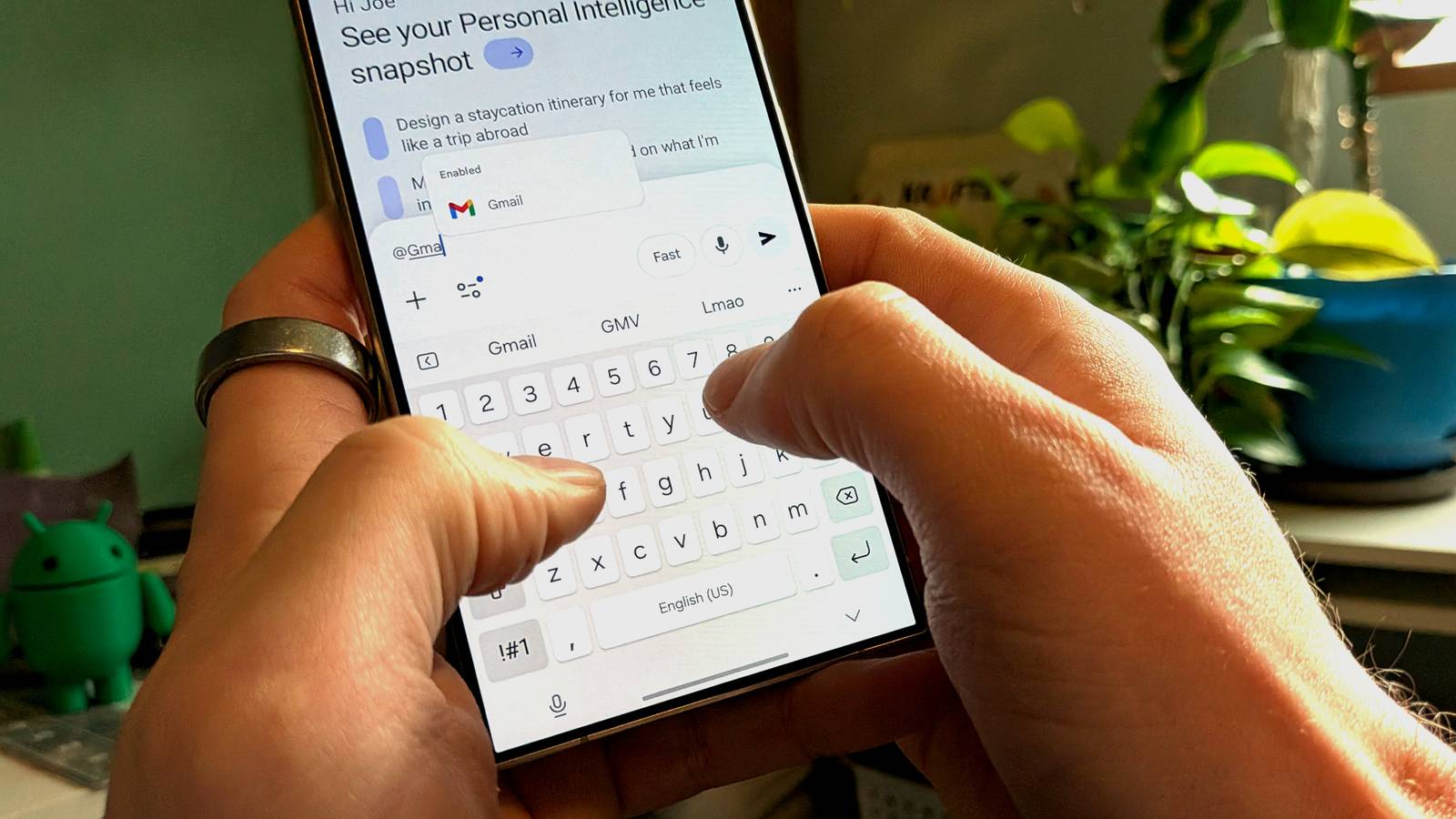
For weeks, Gemini sat on my phone doing very little.Then I turned on its extensions, and suddenly it stopped being a chatbot and started being the thing that actually runs my day.Now that you just got that "Google Assistant is being retired" email, you might as well take full advantage of its replacement, too.
What extensions am I using? The apps I let Gemini talk to Close I started small, enabling Gemini's connections to Google apps I already relied on daily: Gmail, Calendar, Maps, and Keep.Within a day, I added Spotify and WhatsApp, since those are the two apps I open most outside Google's own ecosystem.Each extension works the same way.
You toggle it on in Gemini's settings, grant the relevant permissions, and from that point on, you can reference the app by name in a prompt, and Gemini pulls live data from it instead of guessing.What surprised me, really, was how little friction there was in setup.I expected a bunch of OAuth screens and app-switching to completely disrupt my whole experience, but most of it happened in-line, inside the Gemini app itself.
Gmail and Calendar were the fastest to configure since they're first-party, and Spotify took maybe an extra ten seconds to authorize.WhatsApp was the only one that felt slightly clunky, requiring a companion login step similar to WhatsApp Web.I've since added Google Tasks and YouTube Music to the mix, mostly out of curiosity, but Gmail, Calendar, and Maps are the three I use constantly.
Spotify comes in third, mainly for hands-free control in the car.I use WhatsApp less than I expected, though when I do need it, the ability to summarize a long group thread without opening the app is genuinely useful.None of this required a new phone or a specific Android skin.
Gemini's extensions work the same whether you're on a Pixel or a Samsung device, as long as the Gemini app itself is set as your assistant.How are they improving my workflow? Fewer app switches, more finished tasks The actual change in my day-to-day came from how much app-switching disappeared.Before, checking my morning schedule meant opening Calendar, then Gmail to see if anything had shifted overnight, then Maps to check the commute.
Now I ask Gemini once, and it cross-references all three without me touching another icon.That single change probably saves me a few minutes every morning, which sounds small until you add it up over a month.The bigger shift has been with tasks that used to require actual thinking about which app to open first.
If someone emails me an address, I used to copy it, switch to Maps, paste it, and check the drive time.Now I just ask Gemini to check the commute based on that email, and it handles the lookup itself.The same goes for turning a text conversation into a calendar event, or asking whether a Spotify playlist I saved months ago still exists.
There's also a quieter benefit I didn't expect: fewer notifications competing for my attention.Instead of getting a Calendar reminder, a Gmail alert, and a Maps traffic warning separately, I can ask Gemini for a single rundown before I leave the house.It doesn't eliminate the underlying complexity of managing five apps, but it collapses the interface down to one conversation, which has made my phone feel noticeably less noisy.
Recently, I added Gemini's Spark agentic feature into the mix, so I can even automate some of this.I have, for one, a running daily task that tells me all upcoming work deadlines and pending tasks, as well as other important emails I might have missed.The Maps integration in particular changed how I plan errands.
I can describe three stops in plain language and get a reasonable route back, without manually building a multi-stop trip in the Maps app itself.I need to tweak stuff here and there sometimes, but it works.Should you try them? Who actually benefits from this setup Gemini's extensions aren't a universal upgrade, and I don't think everyone needs to rush out and enable all of them.
If your phone use is mostly texting and browsing, you probably won't notice much difference, since the value comes specifically from juggling multiple apps that hold pieces of the same task.The people who benefit most are the ones already living across Gmail, Calendar, Maps, and a messaging app, where information constantly needs to move between them.I'd also point out that this only makes sense if you're comfortable with Gemini reading into these apps in the first place.
The permissions are real, and Gemini is genuinely pulling live data from your inbox and messages when asked.If that gives you pause, it's worth sticking to the extensions you're most comfortable with, rather than enabling everything at once the way I did.For anyone on the fence, I'd suggest starting with just Calendar and Maps.
Those two alone cover a huge portion of the daily friction most people deal with, and they don't involve anything as sensitive as email or private messages.If that combination proves useful, adding Gmail or a messaging app later is a natural next step rather than a leap of faith.One connected assistant, far less app switching Turning on Gemini's extensions didn't reinvent my phone, but it quietly removed the busywork of switching between apps.
For anyone juggling Gmail, Calendar, and Maps daily, it's a small change with an outsized effect.
Read More