I've been a gamer for as long as I can remember.Over the years, I’ve owned several arcade cabinets, and even built my own.While I do like today's modern games, I really enjoy the nostalgia and simplicity of older arcade and console games.
My job always has me trying new software and applications, so when I came across RetroBat, it seemed right up my alley.Add How-To Geek on Google Add as Preferred Source Follow on Google Discover RetroBat v8.3 is a free Windows application that brings game ports and emulators together in a retro arcade-style interface.I wanted to see if it was worth adding to my collection.
I tested several features of the application, including the installation, controller configuration, and built-in homebrew games.The whole process was easier than I expected.Getting RetroBat up and running was surprisingly easy A straightforward installation, with one unexpected hiccup Close Getting RetroBat installed was a cinch.
I just downloaded the installer and followed the setup wizard like I would with any other Windows application.The installer even helped me download some necessary components like DirectX.The thing I liked right away about it was that I didn’t have to install or set up any emulators just to get the frontend running.
I really expected to have to do more tinkering with settings, like I’ve had to do with other frontends.Once I had RetroBat installed, I ran into one hiccup that took me a moment to figure out.The computer I was using had three monitors, and RetroBat seemed to have trouble choosing one because the screen would go dark and then pop in and then go dark again.
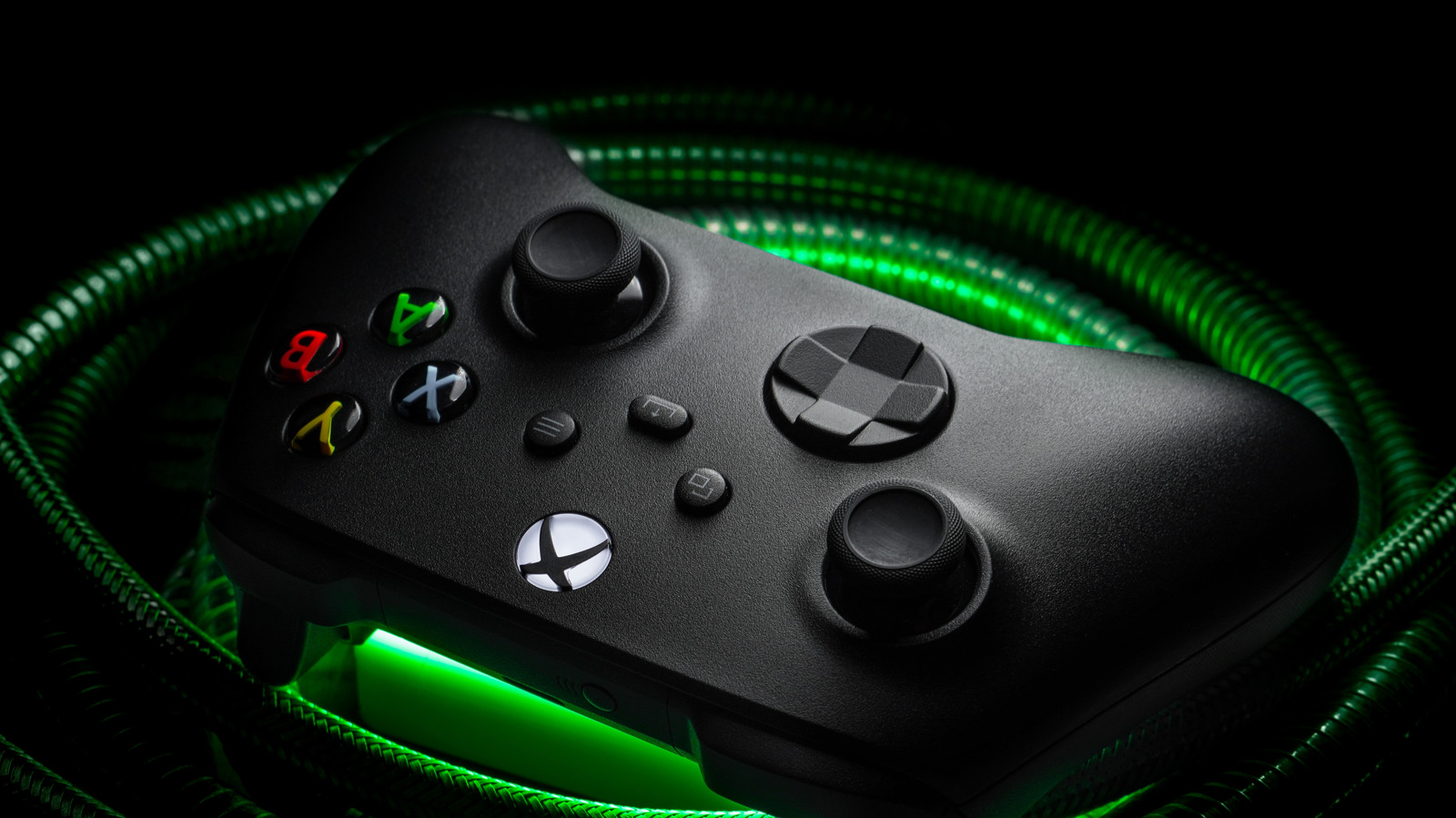
I disconnected the two additional monitors and restarted the program.After that, it worked just as expected.Next, I connected my Xbox One controller via Bluetooth to my Windows PC and RetroBat immediately recognized it without me having to configure anything.
Now I was able to navigate the menus and start looking for some homebrew games to try out.Note: I limited my testing to homebrew games available under licenses that allow their use.While emulators themselves are generally legal, downloading or distributing any copyrighted games likely violates copyright law.
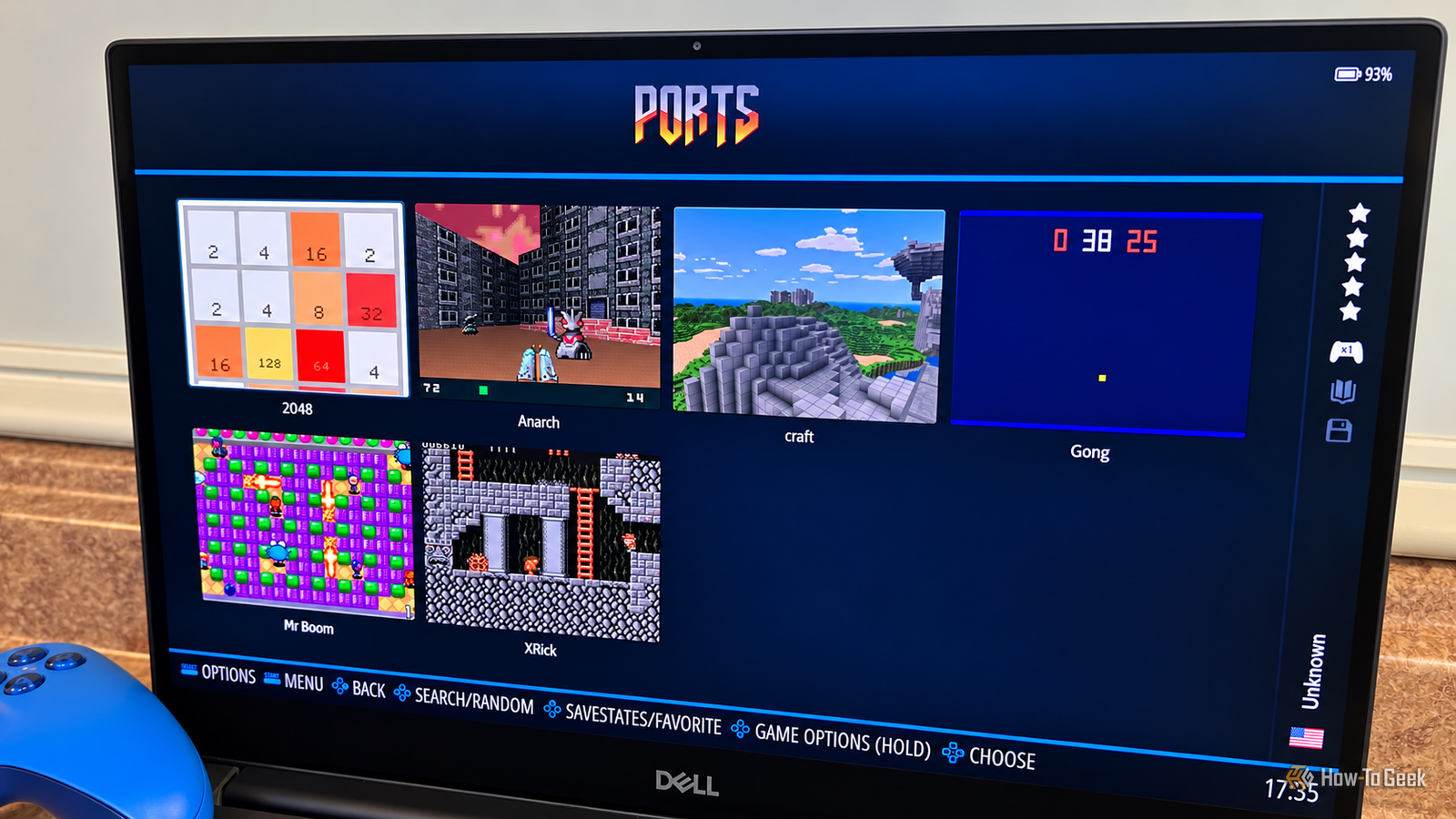
Owning an original copy of the game doesn't mean you can also download the ROM from the internet.I didn't need to download questionable ROMs to start playing RetroBat includes a handful of free homebrew games Of course, RetroBat doesn’t come with any commercial game ROMs, so you'll need to supply your own legally obtained games if you want to build a larger collection.That said, it does include a small selection of free homebrew games.
Initially, I couldn’t find them anywhere.I knew the names of several of the games included, but they weren’t showing up in Ports or anywhere else in the interface.First, I dug into the RetroBat folder in Windows and found the homebrew ROMs just where they were supposed to be.
After some more looking around, I went back into the interface and found the option to refresh the game list.Once that was done, the homebrew games finally appeared in Ports.Mr.
Boom brings back classic multiplayer gaming Mr.Boom is a Bomberman-style arcade game that was originally developed by Remdy Software.The game is pretty basic.
You move through a maze, strategically placing bombs to destroy obstacles or kill opponents, all while trying not to blow yourself up.It supports up to eight players, for those who enjoy some retro multiplayer action.It definitely has a throwback vibe that reminds me of games like Dig Dug and Congo Bongo.
Overall, I had fun playing it.It’s not something I’m going to spend hours playing, but it’s a nice distraction during my lunch break.Anarch, a throwback to classic first-person shooters Anarch was developed by Miloslav Cíž, also known as drummyfish.
It’s a retro-style first-person shooter that has a similar look and feel to Doom, a game I spent way too much time playing when I was younger.Overall, the game worked well for me, and I enjoyed playing.Yes, it's basic, but I can jump right in and start playing without waiting for a massive file to download or having to install another game on my Xbox.
I’ll definitely play it some more.RetroBat has earned a spot in my next arcade build Ultimately, the collection of free games isn't enough reason to install RetroBat by itself.But I was able to start playing without downloading any commercial ROMs or spending hours getting all the settings right.
What I found the most impressive was how easy it was to get things set up and working.In my previous arcade builds, I’ve used LaunchBox.Getting it all perfectly set up took some time.
I’d rather spend my time playing games than setting them up or waiting for files to download.In my next build, I’m going to give RetroBat a try.
Read More