How often do you play local media files on your PC? These days, most of what we watch comes from a cloud server viewed through a web browser.Even if you have your own media, you're probably watching it using a self-hosting solution like Plex, Jellyfin, or Emby.But I find myself opening local video files on my Windows PC more often than you'd think, and I've always been partial to VLC over the built-in Windows Media Player.
Lately, however, I've been feeling like VLC is overkill for my needs, now that I'm no longer watching 90% of my videos from a USB drive connected to my PC.But, I think I've found an app that's a decent middle ground between both: Screenbox.VLC is brilliant, but it has become a multimedia toolbox Jack-of-all-codecs VLC has been my go-to player for years.
It used to be Media Player Classic, but that involved downloading codec packs (remember those) and when VLC landed, all my videos, regardless of format, just worked.In fact, I don't think I have ever encountered a video file that failed to play on VLC.It's why I use it on my phone too, where someone is more likely to send me something weird.
But these days I feel like VLC is something I should only bust out when I need all the options, controls, and features it has.If I just want to watch the odd clip now and then, it's overkill.Windows Media Player goes too far in the opposite direction The bare minimum The bundled Windows Media Player app has the opposite problem.
It's quite minimal and integrates well with Windows.However, it's got very little going on under the hood.Apart from the fact that I have run into playback issues with some videos, it just doesn't have as many playback options and doesn't play ball with subtitled videos I've tried either.
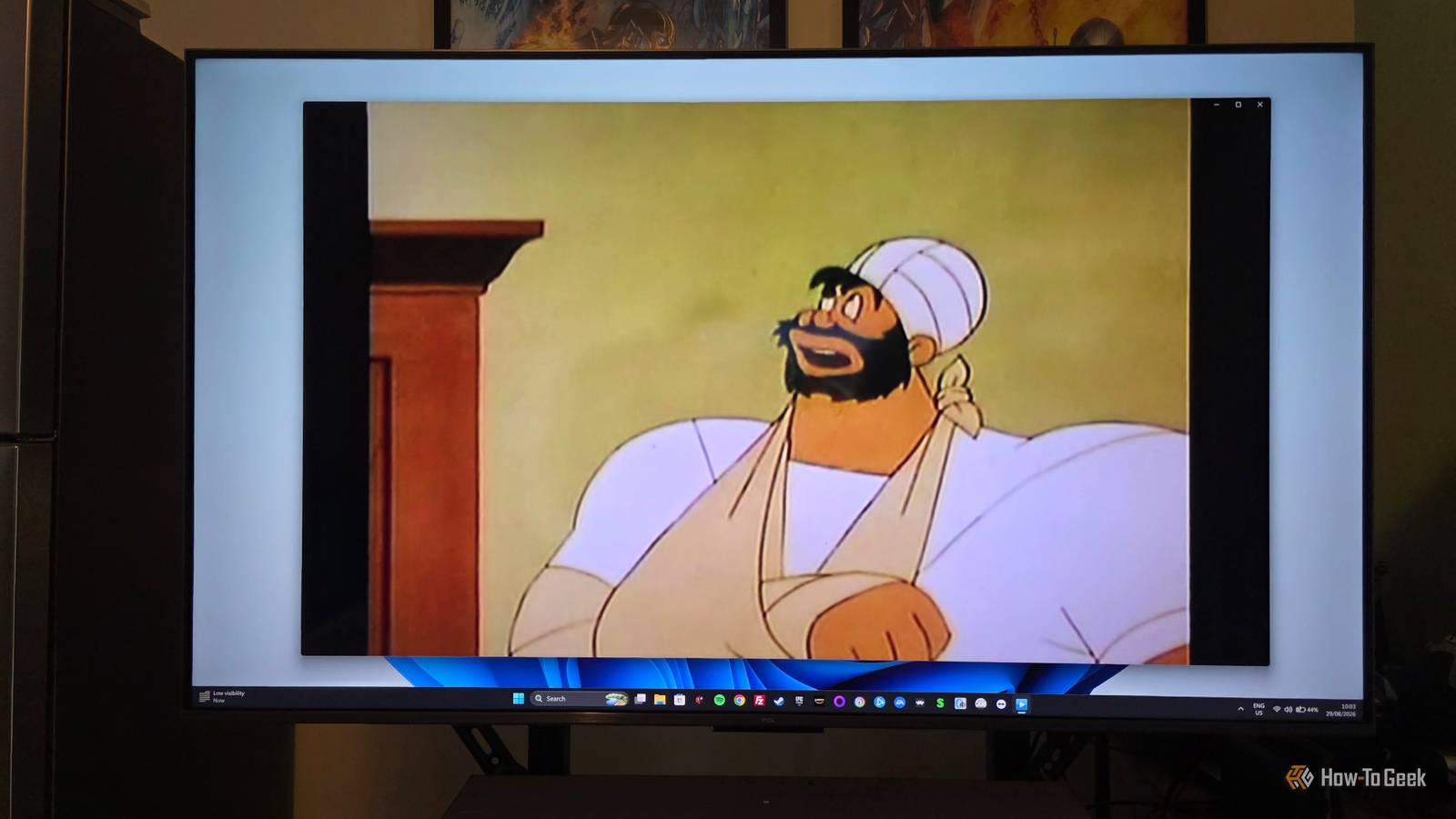
Basically, whether it's just my perception or not, Windows Media Player just doesn't instill that confidence in me that it will handle whatever I can throw at it.Screenbox puts a modern interface over VLC’s playback engine Not too hot and not too cold Close Then we have Screenbox, which seems to be the result of someone spying on my exact complaints about both the other apps.It's an open-source media player built on LibVLCSharp.
That's the VLC media engine, which means we've got the same robust media playback under the hood as vanilla VLC.So what does Screenbox bring to the table compared to VLC? Well, it offers a more modernized, Windows-native interface.It pares down VLCs Swiss Army knife approach and gives you something more lightweight.
At least when it comes to using it.It's also well-supported.You can use it on Windows 10, Windows 11, and even on Xbox via UWP.
Screenbox supports touch and gesture control on Windows tablet devices too, though I have not tried this for myself.The result is an open-source media player that doesn't really look and feel like FOSS software.Which in this case is positive in my book.
It keeps the VLC features I actually use The baby remains, the bathwater is gone Apart from supporting all the same media that VLC does, because it has the same media engine under the hood, Screenbox also handles subtitles, alternate audio tracks, and all the other more esoteric things you might want to do just the same as VLC does.I can't just dismiss it as a slick reskin though, because it also makes genuinely positive changes to the UI and exposes the settings that most people would care about, while hiding the conversion, capture, transcoding, filter, and diagnostic functions available in VLC.Which is fine because few people ever even use them.
Unlike VLC, Screenbox has a home screen, but it's not trying to be Plex or Jellyfin.Again, it's a decent balance for a media player app.It's not too bare bones or too stuffed with information.
If you don't want to touch the settings, you don't have to, but if you dig into them, you can see genuine thought has been put into what should be included.I particularly like that I can activate Super Resolution upscaling, which is something I usually only get in my browser after switching it on in my GPU's software.Screenbox doesn’t replace VLC completely — and that’s the point I'm not getting rid of VLC because I will absolutely need it at some point, I'm sure.
The goal of Screenbox isn't to be a replacement for VLC, but to fill a niche between the two extremes of the VLC player and the Windows Media Player.One is for the hardcore AV nerd, and the other for someone that can't tell AVI from AV1.Considering that I don't really watch that many local files on my PC anymore, having a slightly more streamlined version of VLC with a more modern look and extra creature comforts feels like the right choice for my new default.
Read More