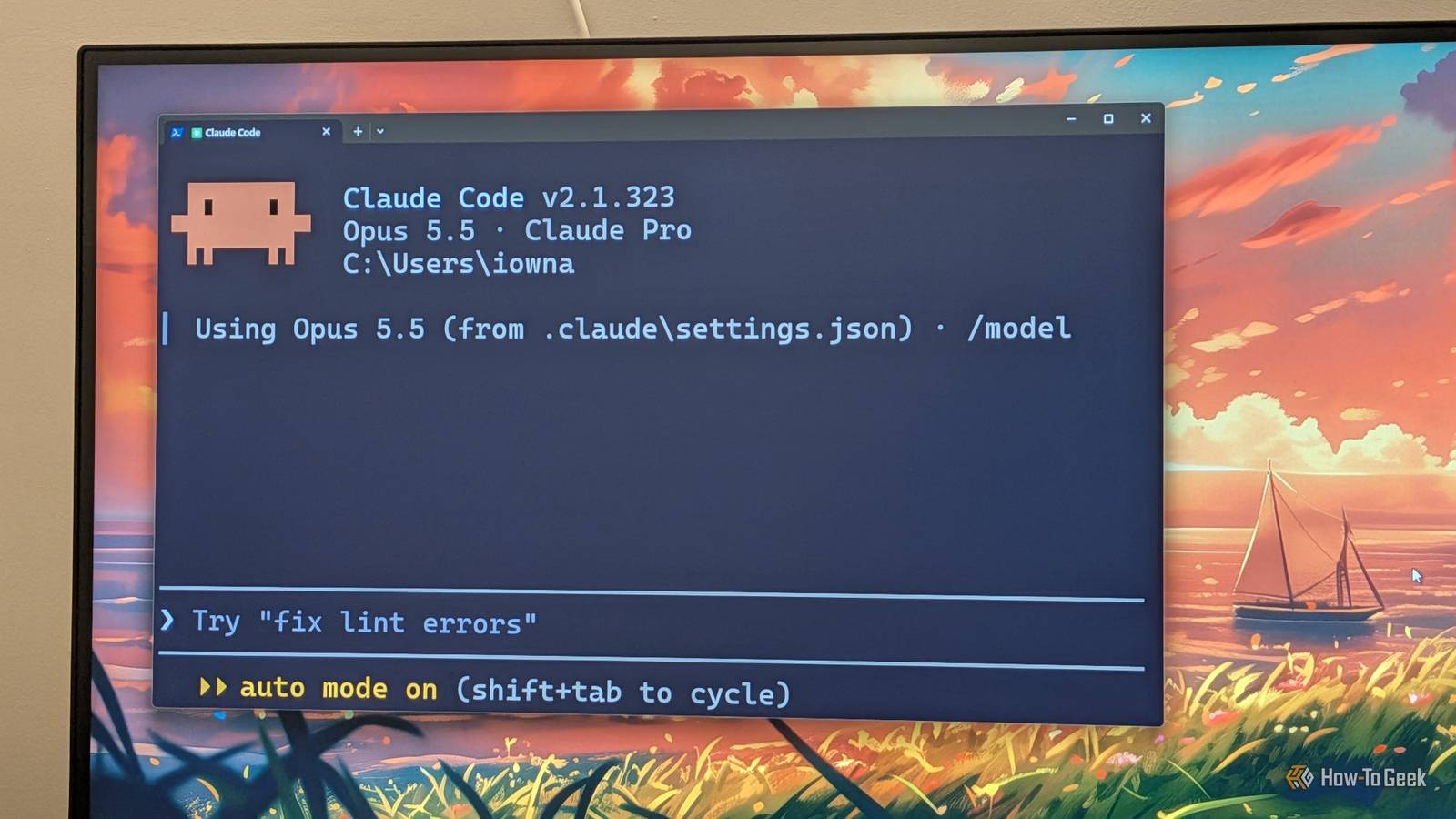
Vibe coding is all the rage right now.Everyone seems to be using Claude (or ChatGPT) to build alternatives to their expensive software subscriptions.And while that’s a legitimate and powerful way to get value out of your Claude subscription, I feel it’s overshadowing another feature that’s equally useful, if not more so: Computer Use.
Add How-To Geek on Google Add as Preferred Source Follow on Google Discover When Computer Use first launched, it was pretty buggy and unreliable.It got overshadowed by more powerful features like MCP servers, which still let you use Claude to control other apps.However, at the time of writing, Computer Use is fast, accurate, and genuinely useful when paired with a capable model like Opus 5.5 or Sonnet 5.5.
It’s currently my go-to method for interacting with apps that have poor or no API support.I also like the fact that Computer Use lets me actually Claude interact with an app in real time, whereas with an MCP server, I'm simply left with the result and no idea how Claude got there.In fact, here are three ways I've started using Computer Use to streamline my life and work.
Explore new software without the steep learning curve Skip the tutorial grind and start making things from day one I know I can't be the only one with a long list of powerful apps and software I've always wanted to learn but never got around to actually doing.For me, that app is Blender.I'm a major film buff, and I've always flirted with the idea of making an independent animated movie.
Blender puts an entire virtual production studio at your fingertips.You can use it to create characters, configure camera placement and lighting, and exercise incredibly granular control over every scene.However, the biggest hurdle keeping me from getting started was the learning curve.
After a full day of work, I rarely have the energy to sit through hours of tutorials.Not to mention, most training videos feel too basic and unmotivating, especially compared to the grand ideas I have swirling around in my head.I probably sound like Ralph Macchio right now, and I'm aware that learning the basics is important.
But I need my tutorials to be relevant to what I'm building, or else the distracted child in me loses focus.Close Now, I could've potentially hired a personal tutor to make the learning experience more personalized, but I didn't have that kind of money.Fortunately, I do have $20 to spare, and Claude does the job remarkably well with Computer Use.
I can simply launch Blender, tell Claude what I want to accomplish, watch it do the work in real time, and learn how to perform those specific tasks myself.This has been one of the most empowering experiences for me personally, right up there with discovering vibe coding for the first time.I'm not talking about using Claude to make everything for me.
I'm using it as a hands-on tutor, letting it demonstrate things so I can understand how the software works and eventually do them myself.You can also pair Computer Use with Anthropic's Learn skill to get better results.Related I tested 100 Claude skills so you don't have to—here are the 6 that actually matter There are over 1.5 million Claude skills.
I tested more than 100 to find the best ones.Turns out, most users only need these six.Posts 3 By Dibakar Ghosh Turn Claude into a personal tutorial creator Get step-by-step guides built around exactly what you’re trying to do Close On the topic of learning new software, you've probably asked Claude for instructions on how to do something in a specific app, only to find that the menu items it tells you to click don't actually exist.
This mostly happens because Claude is drawing on outdated training data or online tutorials that no longer reflect the current version of an application.However, you can easily solve this problem using Computer Use.With direct access to the software, Claude can actually the available menu items and click through the interface to figure out the exact sequence of steps needed to achieve your desired result.
In fact, you can take this a step further by asking Claude to screenshot the important steps, annotate them with arrows and text, and put everything together into a document.The result is a thorough guide you can refer to (or share with your friends) whenever you need a refresher on how to perform that specific task.This basically means you no longer have to look up blog posts or YouTube tutorials to figure out how to use a specific piece of software.
You can simply ask Claude and get a hyper-personalized tutorial built around exactly what you're trying to accomplish.Related I transformed Claude into the ultimate coding tutor that tracks my progress (Prompt included) I built a coding tutor that won't let me cheat my way through it.Here's the prompt.
Posts By Dibakar Ghosh Help migrate to better, modern software Breaking up with your old software just got a lot less messy Close Let's say you're tired of paying for Microsoft Office every month and want to switch to LibreOffice.You might've heard that you can customize LibreOffice to look and behave like Microsoft Office, so everything feels familiar, and you can hit the ground running after making the switch.However, actually transforming the FOSS app to match your existing workflow can be an absolute chore and easily eat up an entire Saturday afternoon.
You can face similar challenges when switching from Premiere Pro to DaVinci Resolve, or from Photoshop to GIMP or Affinity Photo.I recently faced something similar when I was testing Capacities and Trilium as alternatives to Notion and Obsidian.I had to migrate all my notes to properly test these apps and use them exclusively for a week or two before writing my reviews.
And while both have built-in import functionality, it's not perfect and can often break your existing notes.This is another area where I found Claude's Computer Use immensely useful.Claude already knew how I used Notion and Obsidian in my day-to-day life.
I simply had to open the apps and ask it to examine my notes and how they were organized, then recreate the same experience in the alternative apps.If some features didn't have direct equivalents, I asked Claude to find the closest alternatives and use them to recreate the overall experience.Within an hour, I had both apps set up perfectly for my everyday workflow.
Related Claude + Obsidian: The cheat code for building a second brain that actually sticks Building a second brain has never been easier.Posts By Dibakar Ghosh A few limitations of Computer Use and how I work around them As you can see, Computer Use is powerful, but it's still not perfect.While it can interact with desktop apps, it can't directly interact with web apps through a browser.
However, you can bridge that gap by installing the Claude extension for Google Chrome (it needs to be Chrome, not another Chromium-based browser), which gives Claude access to the web apps you open in the browser.Computer Use also can't interact with apps that require administrative privileges, but in my opinion, that's a good thing.While I haven't run into any issues or mishaps using Computer Use, there's still a nonzero chance that something could go wrong.
To work around this limitation, your best bet is to capture screenshots, share them with Claude, and ask for instructions on what to do next.It's not the most seamless workaround, but it's also rare that you'll need to interact with software requiring administrative privileges.
Read More