Keeping a hard drive on a drawer is probably the most common approach to storing files over the long term.A lot of people don't do it properly, though, to the point I've actually discouraged this practice previously.If you're going to do it, though, make sure to do it right.
Quarterly power-ups are important One of the most pervasive myths in data archival is the idea that a hard drive sitting on a shelf, completely disconnected from electricity, is in a state of suspended animation where degradation stops.This really couldn't be further from the truth.Mechanical hard drives are complex electromechanical devices designed to be in motion, and leaving them dormant for extended periods can accelerate their failure.
And I'm not talking just about bit rot, which I've covered before.One of the primary concerns with long-term cold storage is the condition of the mechanical components, specifically the spindle motor and the bearings.Modern hard drives typically utilize fluid dynamic bearings, which rely on a thin layer of oil to minimize friction and stabilize the platters as they spin.
When a drive sits cold for years, this lubricant can begin to dry out, degrade, or settle unevenly.If the lubricant becomes too viscous or gums up, the motor may struggle to reach the necessary rotational speed when you finally apply power, leading to a failure to boot or immediate physical damage.So even if your data is there, you can't get to it.
Furthermore, mechanical components are not the only point of failure; the printed circuit board controlling the drive is also vulnerable.Capacitors on the logic board can degrade over time, changing their electrical capacitance and potentially failing to regulate power correctly when the drive is eventually turned on.To mitigate these risks, a quarterly power-up schedule is the gold standard for cold storage maintenance.
This does not require you to format the drive or perform write-heavy operations.Simply plugging the drive in, allowing it to spin up to its operating speed, and leaving it powered on for thirty to sixty minutes allows the lubricants to redistribute evenly across the bearings and brings the internal components up to operating temperature.This routine "exercise" ensures that the mechanical parts remain lubricated and free-moving, significantly reducing the likelihood of the drive seizing up due to stiction or lubricant failure.
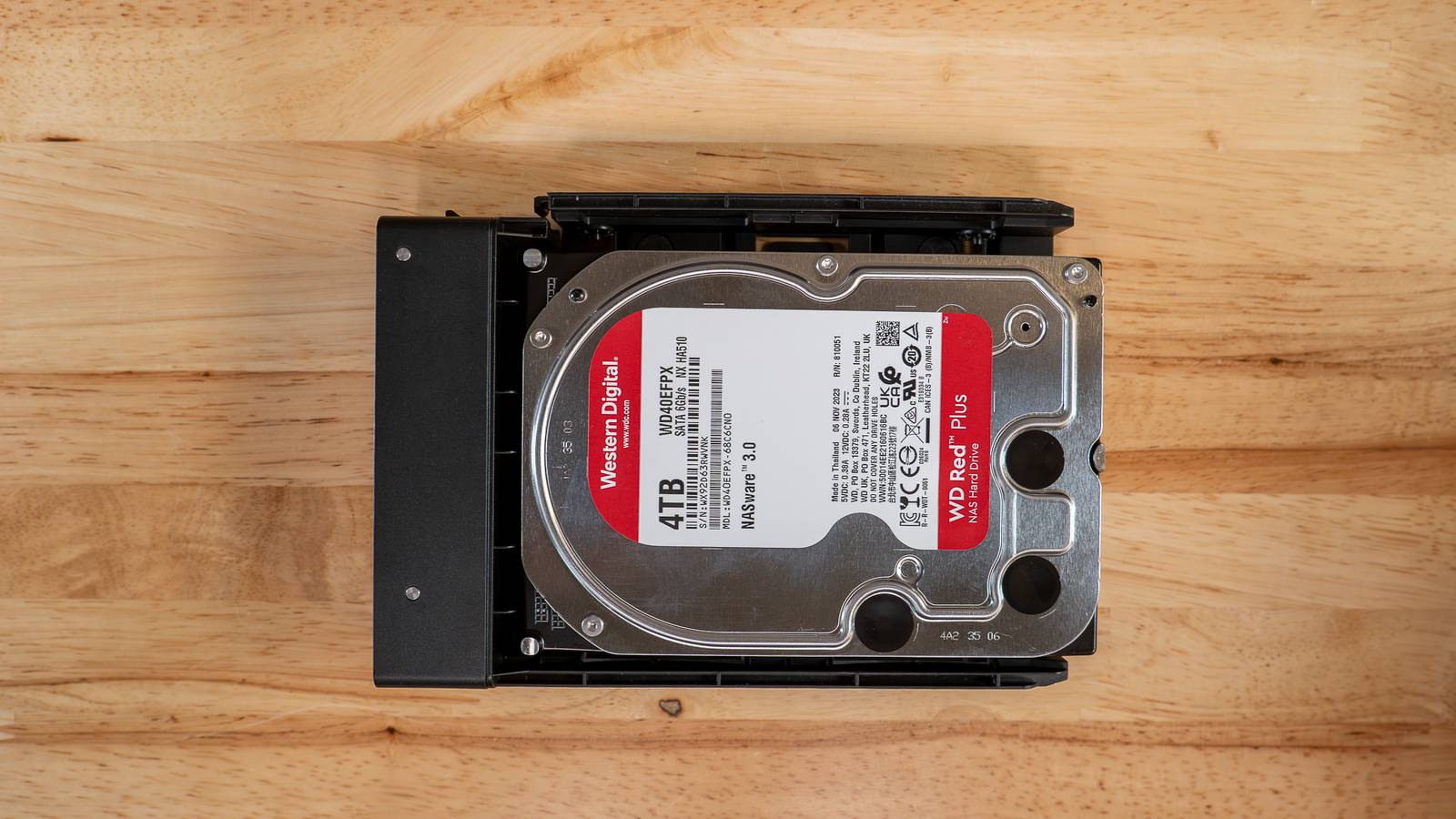
WD Red Plus 2TB HDD Storage Capacity 2TB Brand Western Digital The WD Red Plus hard drive line is designed specifically for NAS usage.This means the drive is build to withstand 24/7/365 usage, with up to a 180 TB per year workload rate.You'll also get a 3-year warranty with the purchase of WD's Red Plus drive lineup.
Spindle speed 5400 RPM Workload 180 TB per year Cache 64MB Suitable for NAS Warranty 3-year Price $80 $80 at Amazon Expand Collapse Do the occasional SMART test While powering up your drives keeps the mechanical fluids moving, it does not tell you anything about the actual integrity of the data or the health of the storage sectors.To truly understand the condition of a cold storage drive, you must look beyond whether it spins up and listen to what the drive is telling you through its firmware.This is achieved through the Self-Monitoring, Analysis, and Reporting Technology, universally known as S.M.A.R.T.
Every modern hard drive contains a built-in monitoring system that tracks various vital statistics and error rates during operation.However, because cold storage drives are rarely connected to a computer, the operating system never gets a chance to query these attributes and warn you of impending doom.Therefore, during your maintenance power-ups, it is crucial to execute a software-based interrogation of the drive’s health status.
You should utilize a diagnostic utility to read the raw data attributes stored on the drive’s controller.You are looking specifically for critical warning signs that often precede total failure, such as the Reallocated Sector Count, which indicates the drive has found bad spots on the platter and moved data to a reserve area.Other critical metrics include the Current Pending Sector Count and the Spin Retry Count.
The latter is particularly relevant for cold storage, as it indicates the motor had trouble reaching full speed on the first attempt, a classic symptom of the mechanical issues caused by long dormancy.Reading these values takes only seconds, but it provides a factual, data-driven assessment of reliability.If any of these critical values are non-zero or rising, the drive is no longer safe for archival purposes, regardless of how well it seems to be running at that moment.
Relying on this data allows you to migrate your data to a new drive before the hardware suffers a catastrophic, unrecoverable mechanical collapse.Know where to store your drives Finally, the physical environment in which a cold drive resides is just as critical as the maintenance schedule you keep.Many users make the mistake of treating hard drives like books or tools, tossing them into a drawer or stacking them in a closet without protection.
However, bare hard drives are exposed electronic components that are highly sensitive to environmental variables, specifically static electricity, moisture, and physical shock.The first line of defense must always be an anti-static bag.The printed circuit board on the bottom of the drive contains sensitive chips that can be fried by a single electrostatic discharge from your hand or the surface it rests on.
Keeping the drive sealed in an ESD-shielded bag protects the electronics from these invisible, fatal shocks.How-To Geek Report: Subscribe and never miss what matters Unlock your tech-savvy potential and master the digital world with How-To Geek.Subscribe By subscribing, you agree to receive newsletter and marketing emails, and accept our Terms of Use and Privacy Policy.
You can unsubscribe anytime.Humidity and temperature fluctuations are also silent killers of archived media.If a drive is stored in a location that cycles between hot and cold, such as an attic or a garage, condensation can form inside the drive or on the contacts.
This moisture can lead to corrosion on the circuit board or even internal humidity that degrades the magnetic media over time.Ideally, drives should be stored in a climate-controlled room with stable temperatures and low relative humidity.Furthermore, because these are high-precision mechanical devices, physical isolation is necessary.
Storing drives in a dedicated, padded hard drive storage case or a box with non-conductive foam inserts prevents them from knocking against each other.This padding protects the drive from accidental drops and vibrations that could misalign the read/write heads even when the drive is powered off.By following these tips, you greatly increase your chances of being able to keep that drive for years.
Read More