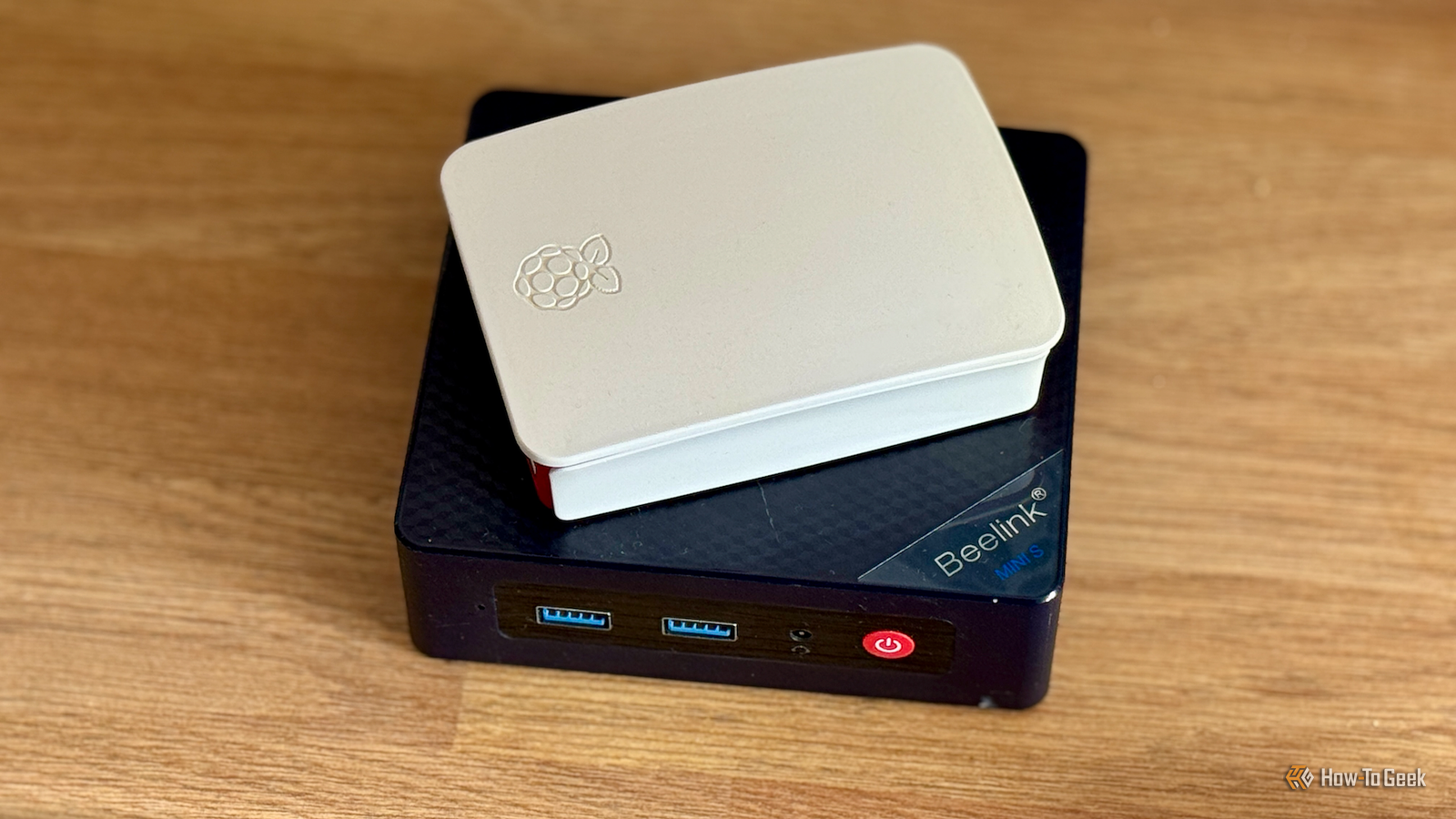
A Raspberry Pi is a great way to get started in the world of self-hosting.Some models are still relatively inexpensive; they use very little power, and you can run a surprising number of self-hosted services.Some services, such as Pi-hole, can run well on a Raspberry Pi indefinitely, but there are other services that can soon grow beyond what the single-board computer can handle.
Plex and Jellyfin Direct play works, but transcoding is limited Close Plex and Jellyfin are both useful ways to free yourself from the increasing costs and spiraling number of streaming services.These self-hosted services allow you to stream your own media from a local hard drive and watch it on supported devices such as your phone, tablet, or smart TV.You can run Plex and Jellyfin on a Raspberry Pi, and if the devices that you're streaming to support the video and audio formats in your media collection, these clients can play your media directly without needing it to be converted to a different format.
In these circumstances, the Raspberry Pi is simply serving the files, and everything will work relatively smoothly.The problem comes when the audio or video needs to be re-encoded.If you're trying to watch a movie on your phone that uses an unsupported codec, requires subtitle burn-in, or needs a lower-bitrate stream, your server has to convert the file on the fly in a process known as transcoding.
A Raspberry Pi has limited hardware transcoding support, so most of the heavy processing falls onto the CPU.This isn't fast enough to keep up, and playback can start to stutter or buffer, or even fail completely, so at this point, it's best to move on to a device that supports proper hardware transcoding.Even an inexpensive mini PC with Intel Quick Sync hardware acceleration can do the job.
Immich It's all good until you start to upload your entire phone Immich is a self-hosted photo and video backup service that works in a similar way to cloud-based apps such as iCloud and Google Photos.You can back up your photos and videos to local storage and access them through apps on your phone or computer.Unlike iCloud or Google Photos, you don't have to worry about all of your photos and videos ending up on third-party servers on the other side of the planet.
You can run Immich on a Raspberry Pi with a reasonable amount of RAM, and when you test it with a few files or a small folder, it will work well.Things start to go wrong when you try to back up the thousands of photos and videos from your smartphone.The initial import can involve generating thousands of thumbnails, transcoding videos, indexing metadata, using facial recognition to identify different people in your photos, and building search databases.
These background jobs are CPU-intensive and can take hours or even days depending on the size of your library.Immich recommends disabling some machine learning features or reducing job concurrency if you're using a Raspberry Pi to reduce the demands on the hardware.If you want to keep using Immich, at some point you're likely to want to upgrade to a more capable device.
Related 5 Proxmox services that turn your PC into a self-hosted powerhouse Self-host all the things.Posts 1 By Adam Davidson Nextcloud Syncing files can be painfully slow While Immich is focused on photos and videos, Nextcloud is designed to allow you to back up all of your files and folders.It's similar to cloud-based services such as Google Drive and Dropbox, but all your files are stored locally.
With a reasonable number of small files and documents, Nextcloud can run fine on a Raspberry Pi.The issues come when you want to use it to back up all your files.When you start syncing hundreds of gigabytes of data from several different devices, things start to seriously drag.
Nextcloud can start to feel sluggish as synchronization takes longer, preview generation slows down, and multiple users try to access the same data.When the service becomes more frustrating than helpful, it's time to upgrade to better hardware.Home Assistant A Pi is fine for a basic smart home setup Before the RAM crisis caused the cost of many Raspberry Pi models to skyrocket, the Raspberry Pi was one of the most common recommendations for people looking to start using Home Assistant.
This free and open-source home automation software gives you far more compatibility and flexibility than options such as Alexa and Google Home, and it has a strong focus on privacy and local control.My first Home Assistant server was a Raspberry Pi 3B+, and I used this device for a couple of years without any significant issues.For a basic smart home that doesn't have a huge number of smart devices and isn't running any taxing add-ons, a Raspberry Pi can do the job well.
Eventually, however, I wanted to start adding more intensive features such as camera systems like Scrypted and Frigate, and a voice assistant pipeline.The number of devices in my smart home also grew.It reached the point where the Raspberry Pi was slowing me down, so I upgraded to a mini PC and have been running Home Assistant on there ever since.
Ollama You can run models, but they can soon become frustrating AI chatbots are great, but having every prompt you type and every file you upload end up on third-party servers isn't always ideal.Using local LLMs gives you the convenience of AI tools with the privacy of self-hosting.You can run some small local LLMs on a Raspberry Pi using a service such as Ollama.
Even smaller models can do specific jobs well given enough time.The problem comes when you need a speedy response.On a Raspberry Pi, even fairly small models can respond slowly compared to running the same models on modern mini PCs.
Large models may exceed the limited memory or can fit but are just too slow to be of any use.If you want to continue using local LLMs, you're likely to want to upgrade to more powerful hardware, ideally with supported GPU acceleration.A Raspberry Pi is a solid introduction to self-hosting If you want to try self-hosting, a Raspberry Pi can be a good way to start.
You can try out many popular self-hosted services, and a lot of them can run well for basic setups.The chances are high that at some point, you're going to outgrow what your Raspberry Pi can handle.
Read More