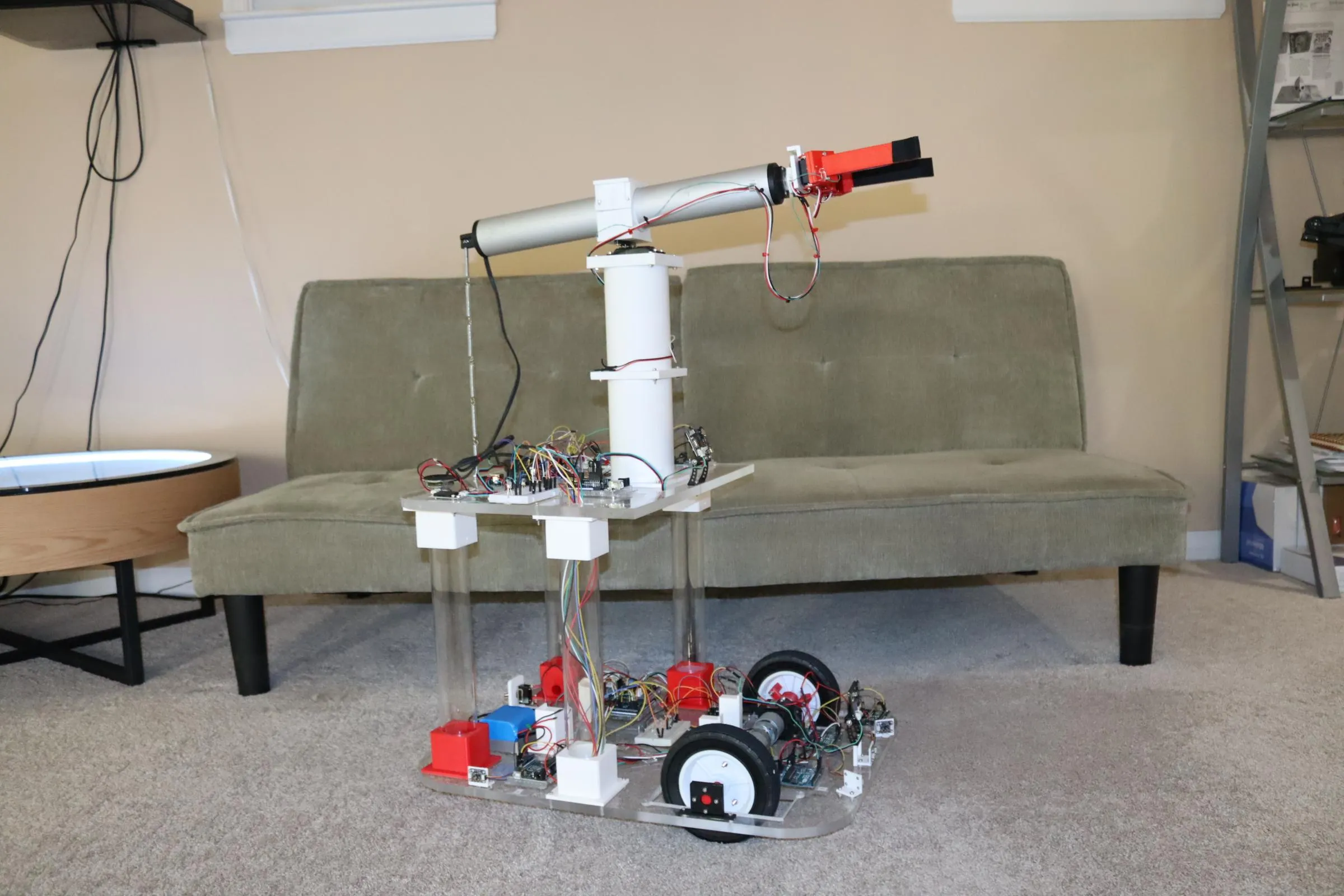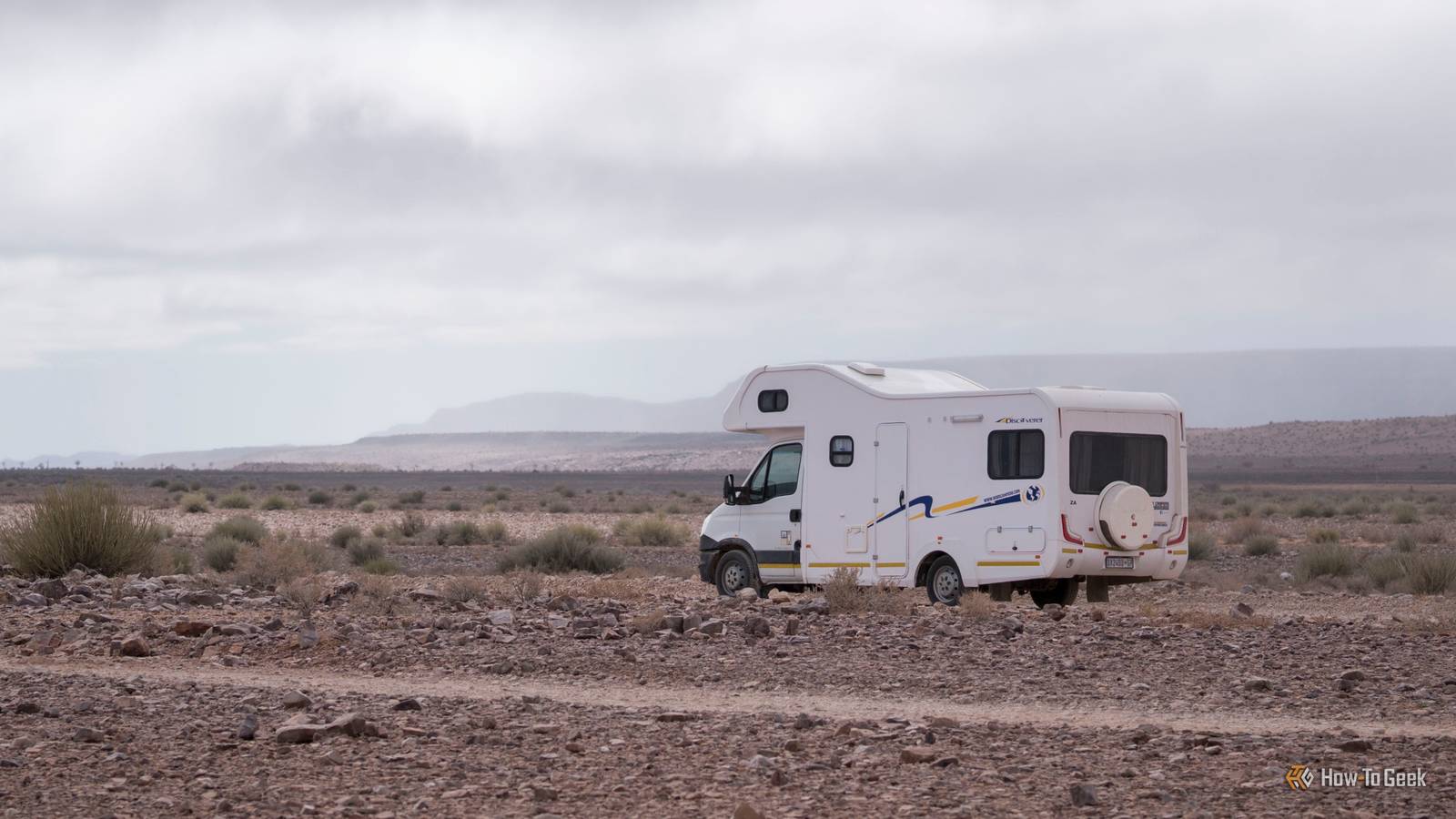
If you’re not content with only powering your smart home with Home Assistant, you might be interested to learn that the platform has a few other tricks up its sleeve that expand its sphere of utility.Here are some usual places you might want to invest in a second (or third) Home Assistant server and a set of connected accessories to go along with it.RVs, caravans, and touring 4WDs What is a campervan, caravan, or touring off-road vehicle if not a home away from home? Adding a small, low-power Home Assistant server to your next getaway is easy with a Home Assistant Green or Raspberry Pi (it’ll technically run on a Pi Zero 2 W if you try hard enough).
With a mobile Home Assistant setup sorted, you’ll probably want to add power monitoring equipment like battery and solar solutions so that you can gather, display, and act on the data.Automations that notify you or even cut power under certain conditions could help you better manage a limited supply.On top of this, you can extract data from your vehicle’s OBD-II port using a WiCAN ESP32 reader, a software solution like Torque, or the obd2-mqtt integration for Home Assistant.
This will log and provide quick access to useful vehicle information like fuel level, battery voltage, driven distance, and more.Set up a system of summaries and notifications to stay abreast of problems on your travels.Many smart home sensors can also be useful in a mobile home environment, including contact sensors on doors and windows to let you know if you’ve left anything open, smart lighting, ESP32-powered LED strips, water leak sensors, and more.
Home Assistant Green Dimensions (exterior) 4.41"L x 4.41"W x 1.26"H Weight 12 Ounces Home Assistant Green is a pre-built hub directly from the Home Assistant team.It's a plug-and-play solution that comes with everything you need to set up Home Assistant in your home without needing to install the software yourself. $179 at Amazon Expand Collapse Offices and coworking environments Home Assistant could be useful in an office, with a few caveats.First, it should probably be office (or only done with the express permission of whoever is in charge).
Second, you’ll probably want to have any coworkers on board and enthusiastic to avoid any uneasiness or resentment.Many office environments could often benefit from having automations that control lighting, heating, and cooling when nobody is around.When I look at the city skyline at night, I see floors of office buildings lit up.
Air conditioners whir constantly.Automating these on a schedule in Home Assistant is relatively simple by linking a compatible smart controller, and could save a lot of money.Presence detection via mmWave sensors or Bluetooth proxies could also be used in conjunction to avoid turning the lights off on anyone working late.
Bluetooth in particular gives a quick run-down of who’s in the office, even if they’ve stepped out for a coffee.Just make sure everyone is happy about that feature.Connected lighting can be used to signal announcements for whole-office announcements (even for those who live all day in their headphones).
Speakers can be used to deliver whole-office announcements.You can also add computers to Home Assistant, for a whole range of useful triggers and benefits.Community gardens and allotments I have Home Assistant in my backyard by virtue of the fact that my mesh and Wi-Fi networks just about reach.
But if you have a separate community garden or allotment that you frequent, it too could benefit from a bit of smart home automation.The two issues you might have to overcome are a lack of power and a network (including the internet).One solution could be using Raspberry Pi 4 as a server (since it consumes much less power than the Raspberry Pi 5) with an add-on like Hassio-Access-Point.
You’ll want a solar setup and a battery to keep the server running.Ideally, this would be housed in a shed or another weatherproof environment where it’s not likely to be stolen or damaged.With an established mesh network like Zigbee, you can control lights for entertaining or set up a whole smart watering system to keep your veggies, herbs, and other plants alive when you’re not able to be there.
A camera or two on your server lets you create a timelapse of your progress (using an integration like Mjpeg Timelapse), while presence detection can keep note of how long you’ve actually spent tending to it.You could even use HA’s built-in calendar and reminders to generate summaries of what needs to be done week on week using actionable notifications to manage a shared list of tasks, or gather and log data from a small weather station or simple outdoor temperature and humidity sensors.The key here is to stick to a single mesh network, like Zigbee, to keep power consumption low.
Workshops and sheds If your workshop is close enough to your home, you might just want to expand your existing Home Assistant network and not worry about a second server.Alternatively, you could keep things separate with a dedicated server to control the usual things like lights based on time, presence, and voice commands.Subscribe for practical Home Assistant ideas beyond home Get the newsletter for deeper coverage of Home Assistant use cases — practical projects, device recommendations, and troubleshooting for RVs, workshops, offices, and outdoor setups.
Subscribe to keep exploring hands-on ideas.Get Updates By subscribing, you agree to receive newsletter and marketing emails, and accept our Terms of Use and Privacy Policy.You can unsubscribe anytime.
Security is a big deal in a workshop, where you might have hundreds or thousands of dollars’ worth of tools.You could set up a series of motion or presence-activated lighting solutions, sirens for after-hours, cameras for deterring and catching thieves in the act, and mobile notifications when something is detected.In the colder months, you could use Home Assistant to pre-heat your workshop by turning on a heater before you arrive, or to ventilate a hot space with fans and AC based on sensor readings.
Air quality is another concern, with one of the most useful 3D printer automations I’ve seen being a relay that turns on an in-line ventilation fan whenever the printer is completing a job.Bambu Lab P2S Build Volume 256x256x256mm Printing Speed 600mm/s Brand Bambu Lab Max Hot End Temp 300C Max Bed Temp 110C Nozzle Hardened 0.4mm The Bambu Labs P2S 3D printer is ready to go out of the box and can have you printing within 15 minutes.It features up to 20-color printing with the AMS unit, has an upgraded built-in camera for remote monitoring and time lapses, and has an enclosed body for printing even high-temperature filament.
Expand Collapse Bambu Labs A1 mini 3D Printer Build Volume 180x180x180 Printing Speed 500mm/s The Bambu Lab A1 mini 3D printer is ready to go out of the box and can have you printing within 30 minutes.Offering full-auto calibration, this compact 3D printer features a 180mm build volume and is compatible with the AMS Lite for multi-color printing.It also features built-in vibration and flow-rate calibration, which are typically features only found on more premium printers.
$299 at Bambu Lab Expand Collapse Connecting your 3D printer to Home Assistant is a gift that keeps on giving, and could work well in a workshop environment.Throw in a decent air quality monitor to get alerts when concerning levels of particulate matter or volatile compounds are detected, and Home Assistant can help prevent headaches (or worse).Make sure you use heavy-duty switches or relays for any equipment that produces a high power load (over 10A).
Vibration sensors can be a safe alternative to detecting power flow in these sorts of machines.Though a little unorthodox, these scenarios demonstrate just how useful Home Assistant’s feature set can be.Though there are other ways to achieve some of these automations (like Node-RED), Home Assistant still remains one of the easiest and most versatile tools for the job, even if it is overkill for some of them.
Read More