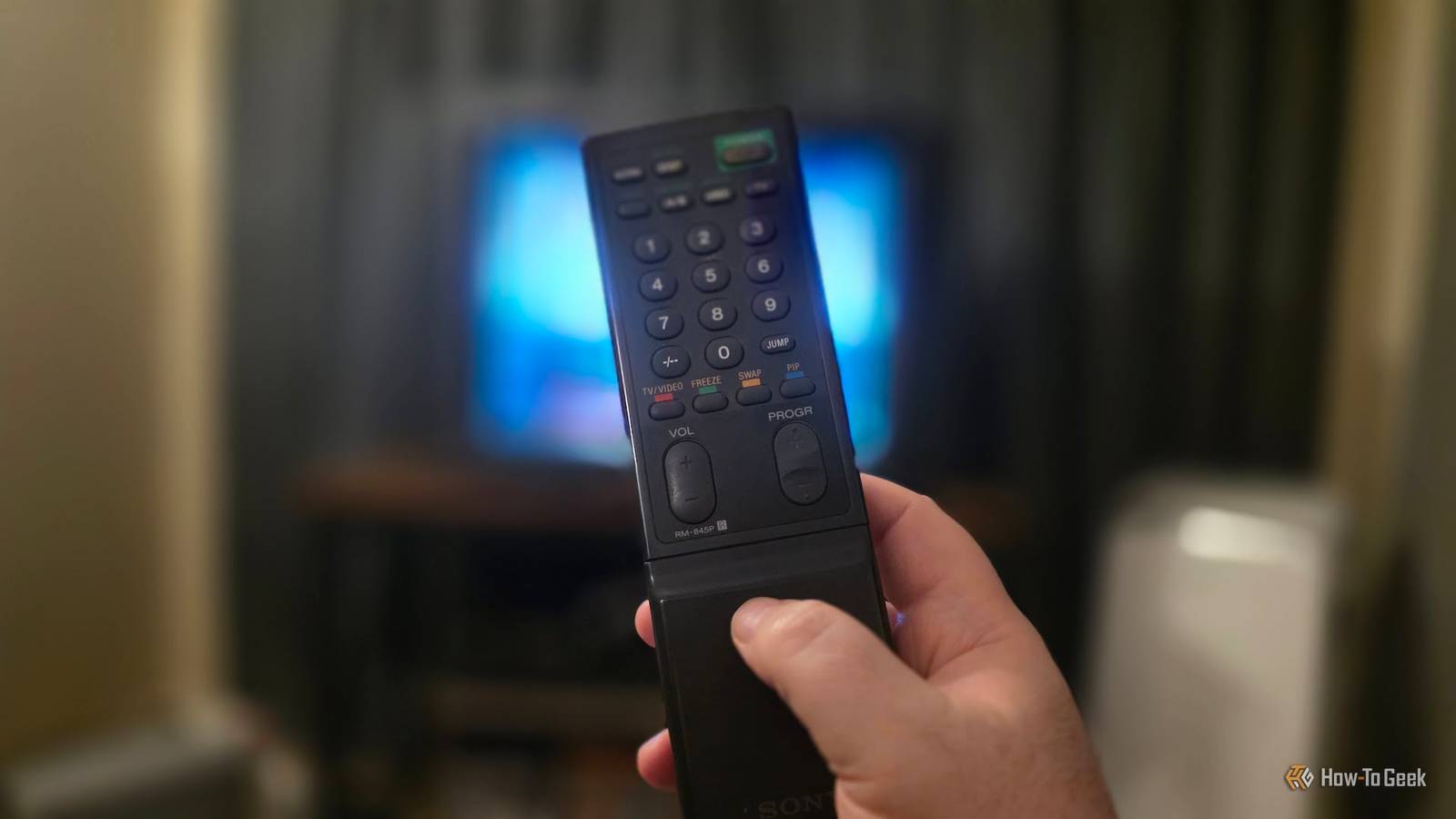
Maybe the invention of the remote control wasn't the best idea when it comes to our collective waistlines, but you can't beat the convenience of controlling your TV from the couch! The thing is, after decades of TVs with remotes, you've probably got a few orphaned ones lying around.So do you junk them, or can they still be useful? Control an ESP32 with an IR remote A whole new meaning for "universal remote" The ESP32 is quickly replacing the Raspberry Pi as the DIY tinkerer's computer board of choice.It's a cheap, versatile device that can do a wide range of things, with plenty of beginner-friendly projects you can try.
It's no wonder they're flying off the shelves.Close As this tutorial from the Programming Electronics Academy shows, you can use an IR receiver with an ESP32 and then program it to do specific things when it receives IR codes from your old remote.You can also check out this DIY TechRush video, which shows you how to control any device with an ESP32 IR receiver.
The best part is that you don't even have to modify your remote in any way.You can just use whatever code the remote is already sending and decide what the ESP32 will do when it receives that code.As long as there aren't any other IR devices that respond to those codes around, there should be no problems.
Control a Raspberry Pi media center We're coming full circle here I use a Raspberry Pi 4 Model B as a media center PC for my 34-inch Sony CRT TV.To control my media center software, I use a $10 Air Mouse.Not the exact model I linked you to there, but something very similar.
It's great because you can type in text searches and generally get around any UI meant for a mouse and keyboard.However, if you really like an old remote you already own, you can buy a $25 FLIRC Universal Remote Receiver instead.You need to use the companion software to program the receiver so that the Raspberry Pi (or any other device that takes USB input) knows what to do, but it's a neat way to save a good, comfortable remote from the trash.
Raspberry Pi 5 Brand Raspberry Pi Storage 8GB It's only recommended for tech-savvy users, but the Raspberry Pi 5 is a tinkerer's dream.Cheap, highly customizable, and with great onboard specs, it's a solid base for your next mini PC.CPU Cortex A7 Memory 8GB Operating System Raspbian Ports 4 USB-A $220 at Amazon Expand Collapse Turn your PC on and off Cool idea, but should you? Now, I don't know if this is one that I'd actually recommend anyone actually do, but one intrepid DIYer named Tim Hepner put out instructions on making a Universal IR Remote Power Switch for PC.
Basically, this project connects your PC's power switch to a remote control, and pressing the corresponding button on your remote will have the same effect as pressing the power button on your computer.What happens when it's pressed depends on your OS settings.If the button is set to make the computer sleep, then it will sleep.
If it's set to shut down, then it will do that.In Tim's instructions, you need an IR receiver, a drill to make a hole in your PC case, and then you need to replace the power switch connection on your motherboard with the IR module wires.He also shows how to hook up the IR module to your PSU so that it gets power too.
Then you need to program the module for the remote you have, and there you go.Obviously, a big TV remote with many buttons is sort of wasted as a glorified remote power switch, but it is cool, and you don't have to use a TV remote, of course.Again, I don't think anyone should actually do this these days, but maybe one of you out there has some weird project for which this is the perfect solution.
Make a keyboard macro pad Who needs 101 keys? This one is brought to you by Amal Mathew, who posted an Instructables project that shows us how to take any IR remote—TV remotes included—and associate its IR codes with specific keypresses.Amal's take on this project requires an Arduino Pro Micro and a Leonardo because, apparently, the chipset these use can look like a mouse or keyboard to the host system.Connect an IR receiver to the Arduino, connect the Arduino to a USB cable, and plug the cable into a PC.
Then install the indicated IR library software, and use the provided code from the page for the Arduino.You can check out Amal's video to see it all in action, and once your computer sees the remote as just another USB keyboard, you can use it to trigger any keypress to control your computer or apps.If none of these strike your fancy, you can always use the battery compartment to stash stuff you don't want anyone to see or fill that compartment with lead shot or some other heavy substance.
It can then be a literal paperweight.
Read More