Mini PCs are often touted as the go-to device for a first-time homelabber.They sip power compared to a desktop while offering plenty of performance for self-hosted apps.However, many mini PCs are surprisingly expensive, especially for someone just dipping their toes into the hobby.
What if you could get most of the benefits of a mini PC for a fraction of the cost by buying a laptop with a broken screen instead? A broken display can make good hardware ridiculously cheap The math works in your favor Close The display is one of the core selling points of a laptop—without it, the laptop would be little more than a mini PC with a built-in keyboard.Once the display gets busted, replacement costs can often exceed $200 to $300.If it's a three- or four-year-old laptop, the cost of the replacement part and labor can "total" the device in the eyes of the owner, prompting them to upgrade to the latest model instead of sinking money into an "old" laptop.
However, for a homelabber, this is a real gold nugget of an opportunity.A laptop that's lost most of its value to depreciation and a broken display could still be harboring a powerful modern CPU with an abundance of RAM and a solid amount of storage.It even has a battery that can act like a UPS to keep the server running during a brownout or brief power outage.
Just like a mini PC, it's got basically everything you need to turn it into a headless home server.Apart from the initial setup, you won't ever need the display for it to work, as you can simply access it from your other PC instead.Of course, if you've got a laptop with a broken screen lying around, you could just use that instead.
That's what I did—I turned a worthless laptop from 2016 that had been sitting unused for 2 years into my first and current home server, and it turned out to be the best project I ever did.Your home server might be hiding in a junk pile It's easier to find a laptop with a broken display than you think The great thing about laptops is their abundance.Laptops are bought and sold in the millions globally every year, so you can get a surprisingly good deal on a laptop that's just a few years old.
A device that was $1,500 when new can be easily found for less than $300 because somebody got clumsy and shattered the screen—but under the hood, it remains a capable and fully functional computer.On top of local private sellers, there's no shortage of repair shops, salvage wholesalers, e-waste recyclers, and refurbishers that you could potentially source a laptop with a broken screen from.Places like Facebook Marketplace and eBay are fantastic, but don't miss out on local garage sales, ask around, or check local repair shops to see if they have anything they want to sell at a reasonable price.
However, it's worth pointing out that there are a few major caveats when looking at listings for broken laptops.Many sellers will take out some or all of the valuable internals of a broken laptop, such as the SSD, RAM, and even the mainboard in some instances, leaving you with nothing more than the empty shell.Surprisingly, a missing battery isn't a dealbreaker because many laptops can run using just the charger (that's how I run mine), but do some research on that specific model before committing.
So, if you find a deal that sounds too good to be true, read the description carefully and message the seller with some basic questions before placing an order.Oh, and don't forget to ask if the original charger is included.Getting it running is easier than you might think You only really need the screen once Installing your preferred Linux server distro on a laptop with a non-functional display can seem intimidating at first, but I found firsthand that it's surprisingly straightforward.
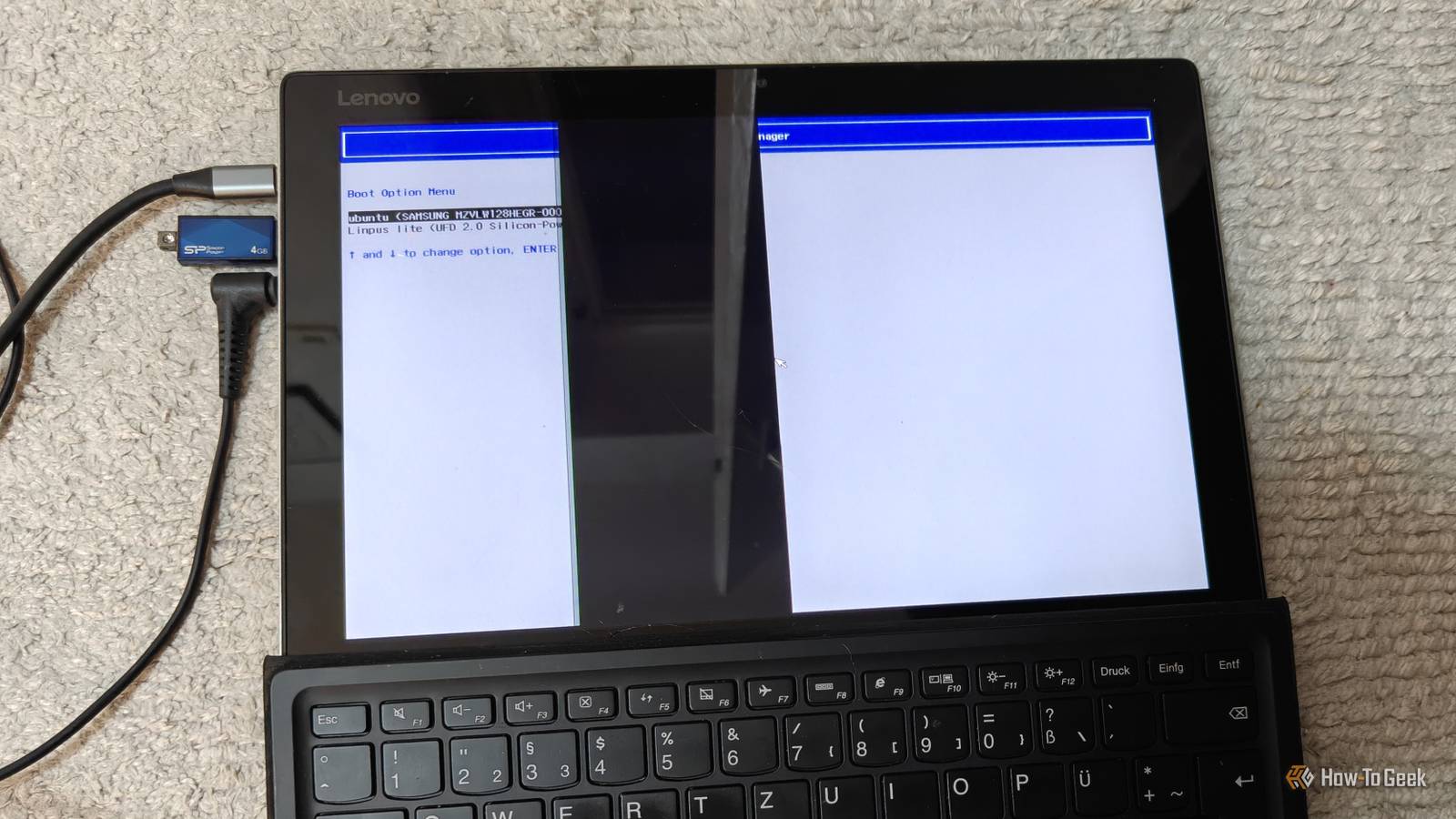
If the laptop has an HDMI or DisplayPort output, you can use that to connect it to your computer monitor or perhaps your living room TV.If that's missing, you can use a cheap USB-C-to-HDMI adapter or a hub with the necessary interface.Anker USB C to HDMI Adapter $13 $17 Save $4 Brand Anker Connect your MacBook, Dell XPS, Samsung Galaxy, or even iPad Pro to a display with HDMI input using this handy adapter.
Input USB-C $17 at Anker $13 at Amazon Expand Collapse Likewise, if the laptop doesn't have Ethernet, you should get a USB-to-Ethernet adapter to get a faster, more stable wired connection.If none of those options work, you can still install the OS using another computer by removing the SSD and setting everything up before putting it back in the laptop, although this requires a bit more preparation.Once you get the laptop running as a headless server that you manage from your other PC, you can tuck it away and never have to access it again except to turn it on if it shuts down.
Mini PCs still have some advantages over laptops More room to grow While a laptop with a shattered screen can be an absolutely incredible server and offer incredible value for your money, it's still worth pointing out that a proper mini PC may be the better choice for a DIY homelab (arguably better than an old desktop).The biggest advantage is that mini PCs are designed with expansion in mind, whereas laptops are optimized for portability.Many mini PCs have more than one M.2 storage slot, and some even have a 2.5-inch drive bay that lets you install an internal hard drive or SSD.
RAM is often upgradeable as well.Some gaming and business laptops also offer storage and RAM expandability, but many other models have soldered RAM and perhaps a single upgradeable NVMe slot.If you want to use a laptop as a NAS or media server, you'll likely have to supplement it with external storage drives.
Cooling is another area where many mini PCs will have an edge.While this varies, and some laptops are overbuilt in the cooling department, mini PCs have more room for larger heatsinks and fans, which can make it easier to dissipate heat during sustained workloads.I/O is another area where mini PCs typically have an edge.
You'll often get wired Ethernet (frequently 2.5GbE instead of the typical 1GbE), multiple display outputs, and plenty of USB ports without needing dongles or adapters.Start with the hardware you can get for cheap If you're curious about self-hosting apps, building a NAS or media server, or just want to add a node to your existing homelab, a laptop with a broken display can offer incredible value for money.You can find relatively new models with capable Intel Core i7 CPUs for just a few hundred bucks, but if you want to spend even less, you can probably find an older model for cheap or even free by asking friends and relatives if they have one they no longer need.
You'd be surprised by the answer.Related I built a NAS from a $70 broken laptop—here's why it beats a dedicated enclosure A broken laptop is the best $70 NAS host device you can buy Posts 4 By Ismar Hrnjicevic
Read More