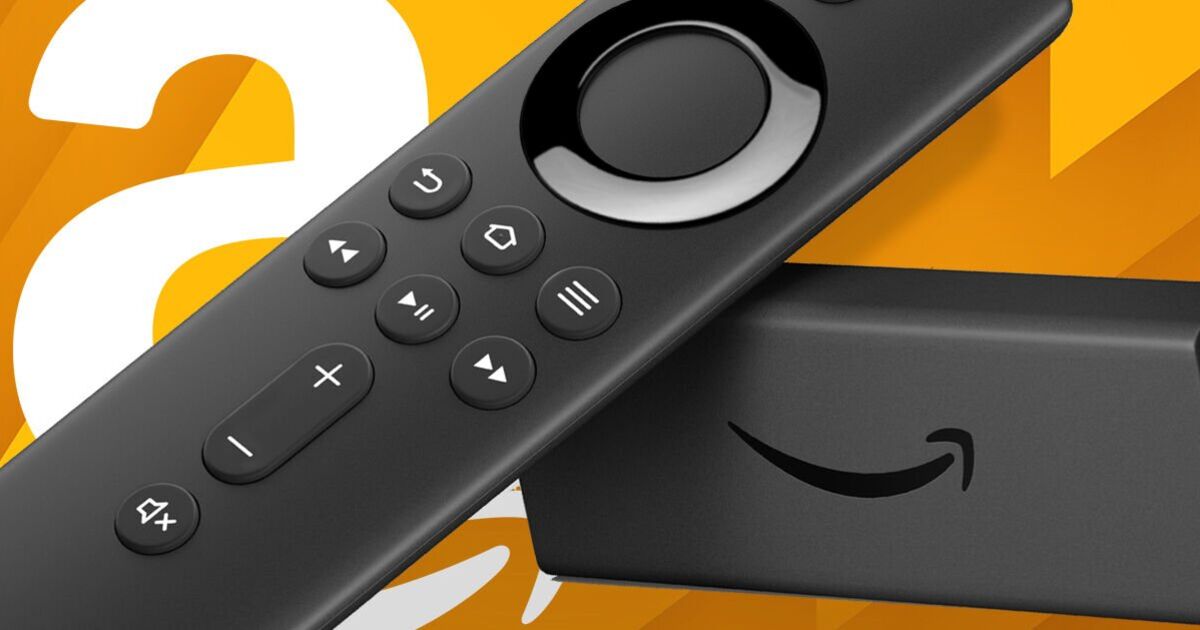
If you own a Fire TV Stick you might want to give it a quick reboot.Amazon has just confirmed the rollout out of a major free update for these streaming devices which includes a redesigned experience that promises to be cleaner, faster, and easier to navigate.The fully refreshed interface has been designed to help those with one of these gadgets plugged into their TVs find content more quickly.
That's thanks to improved organisation and new categories for movies, TV shows, news, live programming, and sports across supported services.Read more: Police warn millions of UK households over illegal streaming devices crackdown Read more: New Fire TV Stick launches this month with big upgrades at a lower price Tech news, reviews and latest gadgets plus selected offers and competitions Subscribe Invalid emailWe use your sign-up to provide content in ways you've consented to and to improve our understanding of you.This may include adverts from us and 3rd parties based on our understanding.
You can unsubscribe at any time.Read our Privacy PolicyAmazon has also introduced several new features, including the ability to pin more favourite apps directly to the home screen.A simplified menu system has been added, and holding down the Home button now opens the Shortcut Panel instantly without interrupting whatever you’re watching.
Article continues below ADVERTISEMENTOne of the biggest highlights of the update is a reported performance boost of up to 30 percent, making Fire TV devices feel faster and more responsive.With a busy summer of football ahead, users will also gain access to a dedicated football hub that shows upcoming fixtures and links directly to live matches through local streaming providers.The new Fire TV experience is currently rolling out to the newest Fire TV Stick HD and Amazon Ember Artline devices.Additional models, including the Fire TV Stick 4K Max, are expected to receive the update soon.Article continues below ADVERTISEMENTJeremy Clarkson stars in Amazon Fire TV stick trailer Amazon said it plans to bring the new experience to more Fire TV devices in the future and advised users to watch for further announcements on compatibility.
Article continues below ADVERTISEMENTSo how do you get this boost?If you own a supported device and can't see any changes yet, Amazon recommends restarting things as this will show whether your device has recieved the upgrade.To do this, simply head to Settings > My Fire TV > RestartOnce the device has restarted, check again for the new interface.If the update still hasn’t appeared, Amazon says there’s no need for concern—it is being released gradually and should arrive automatically over the coming weeks.
Read More